
The app, screen by screen
212 pictures of the Melupia app, in the order of the app. Tap a picture to see it large; use the buttons or the arrow keys for the next one.
Getting started 21
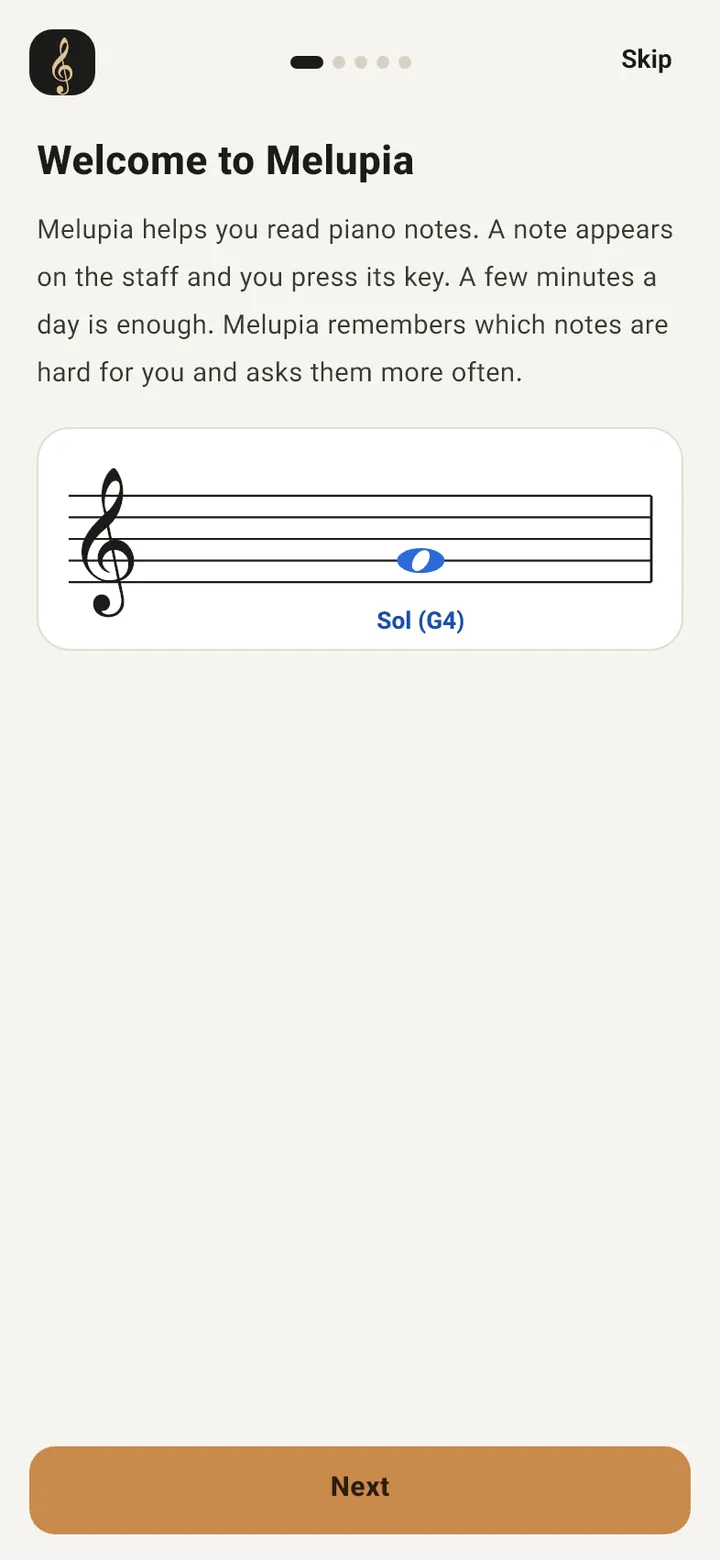 First-run guide: welcome
 First-run guide: kinds of practice
 First-run guide: songs and progress
 First-run guide: phone or digital piano
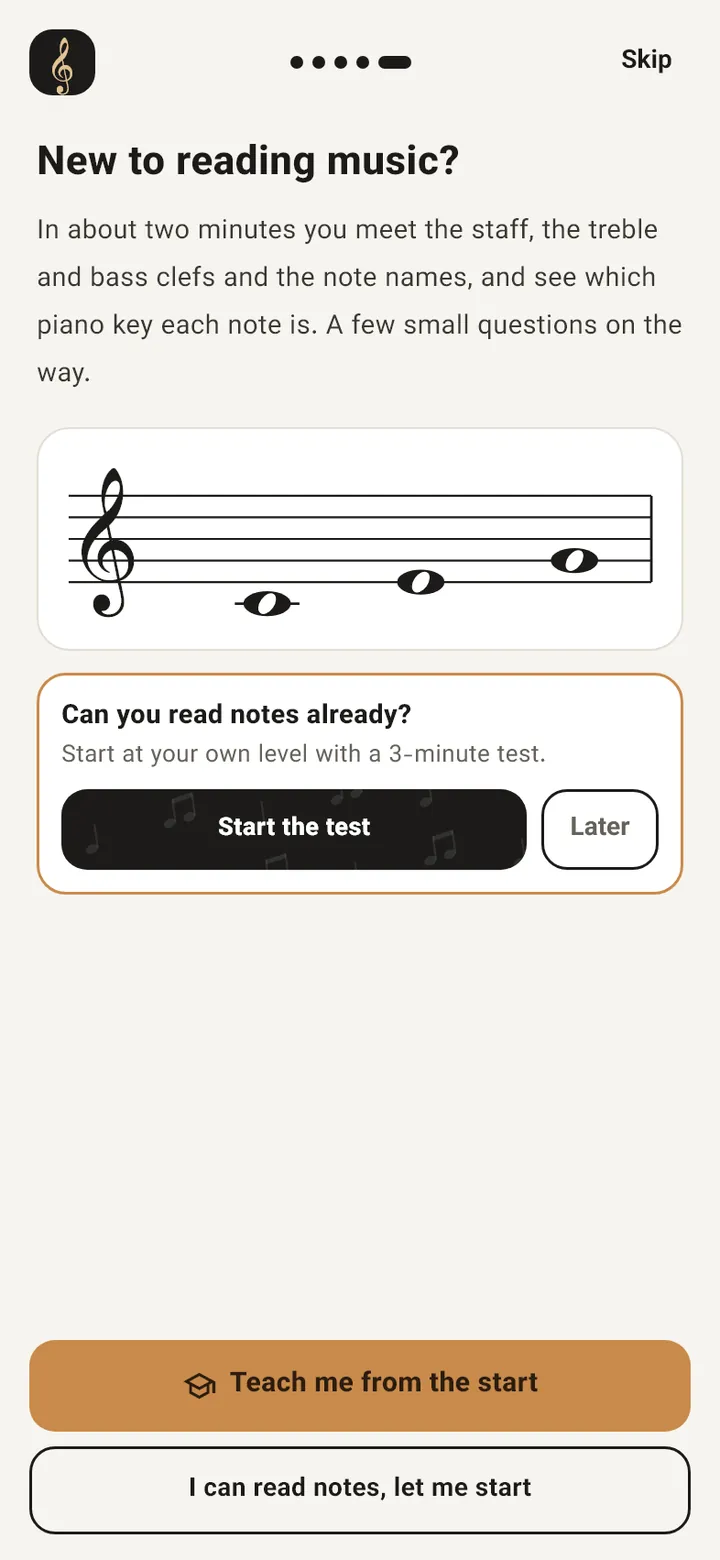 First-run guide: new to reading music, or a placement test
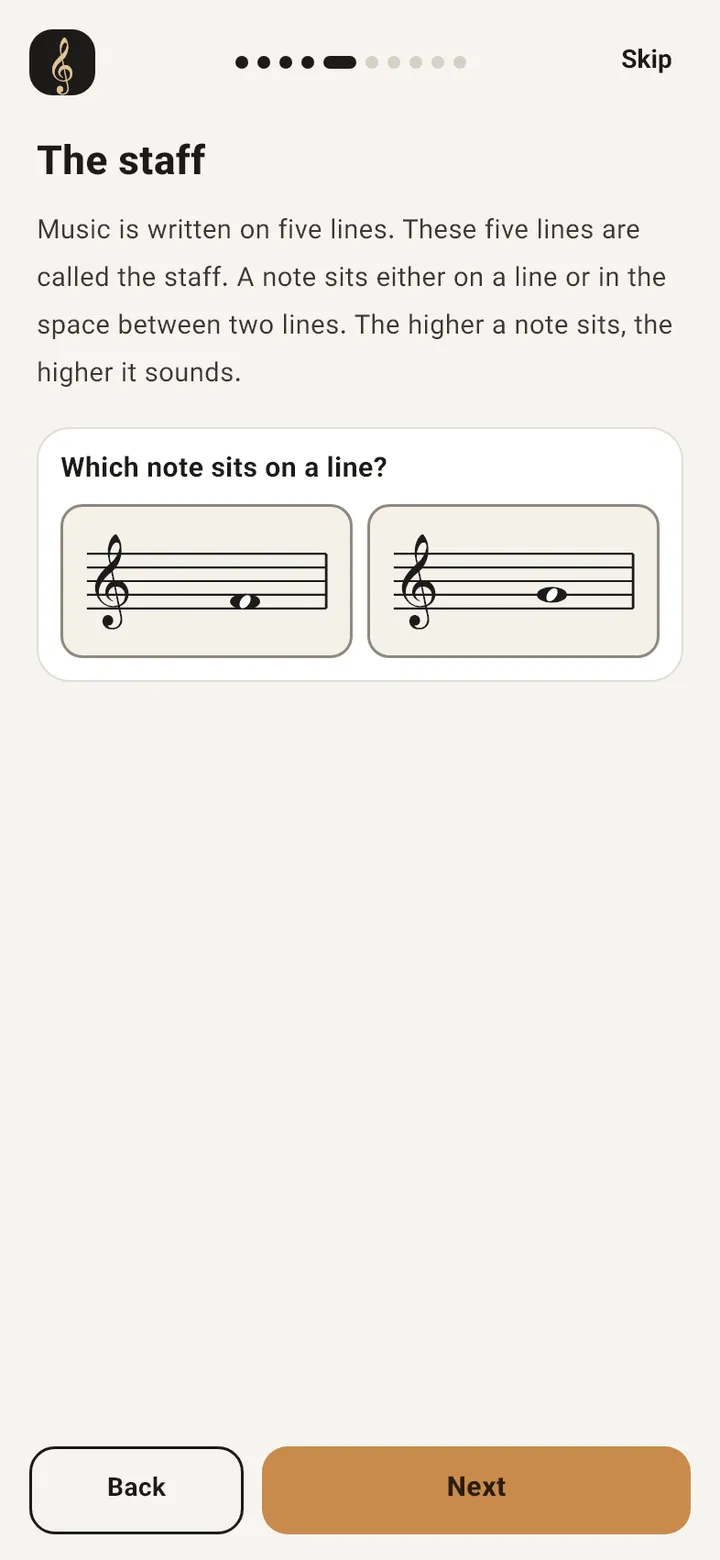 Music basics: the staff
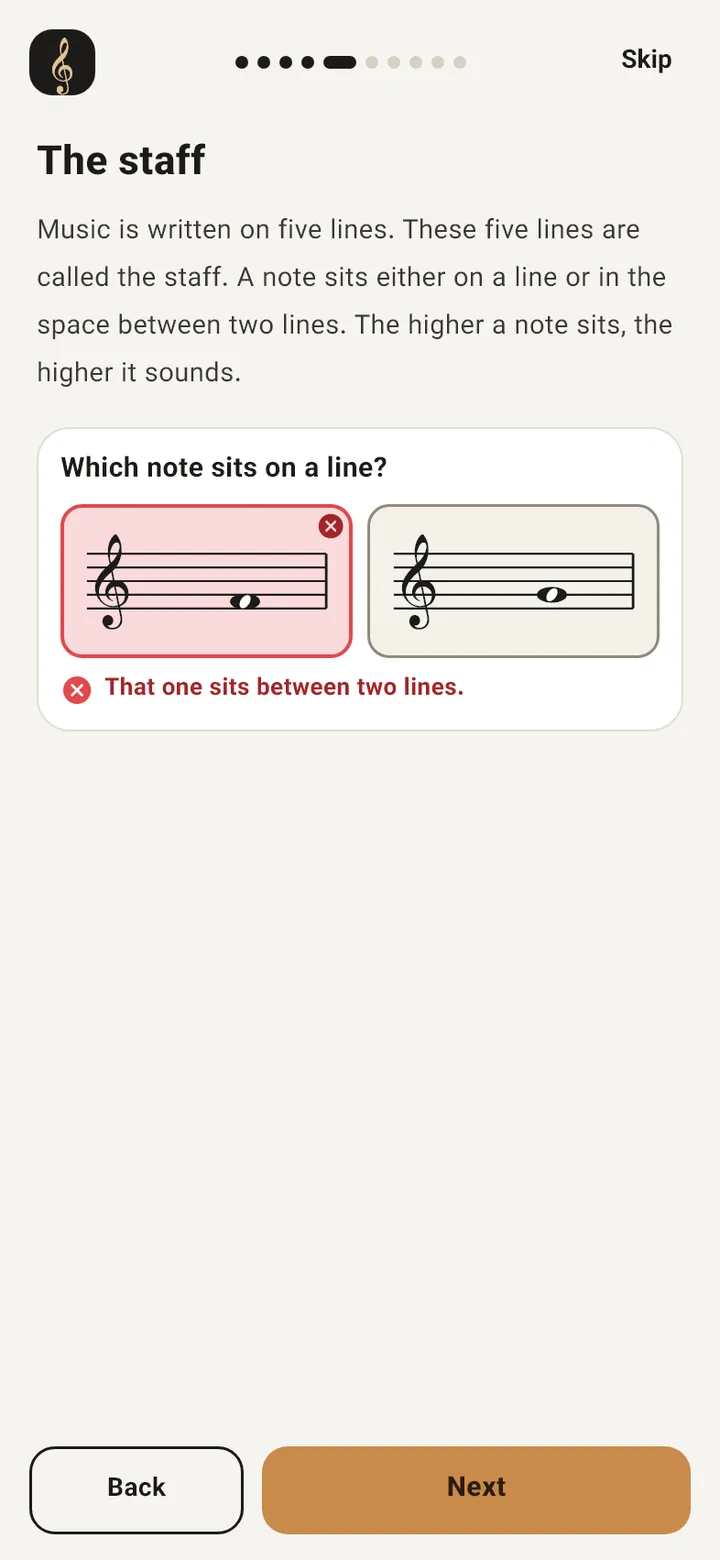 Music basics: the staff: a wrong answer
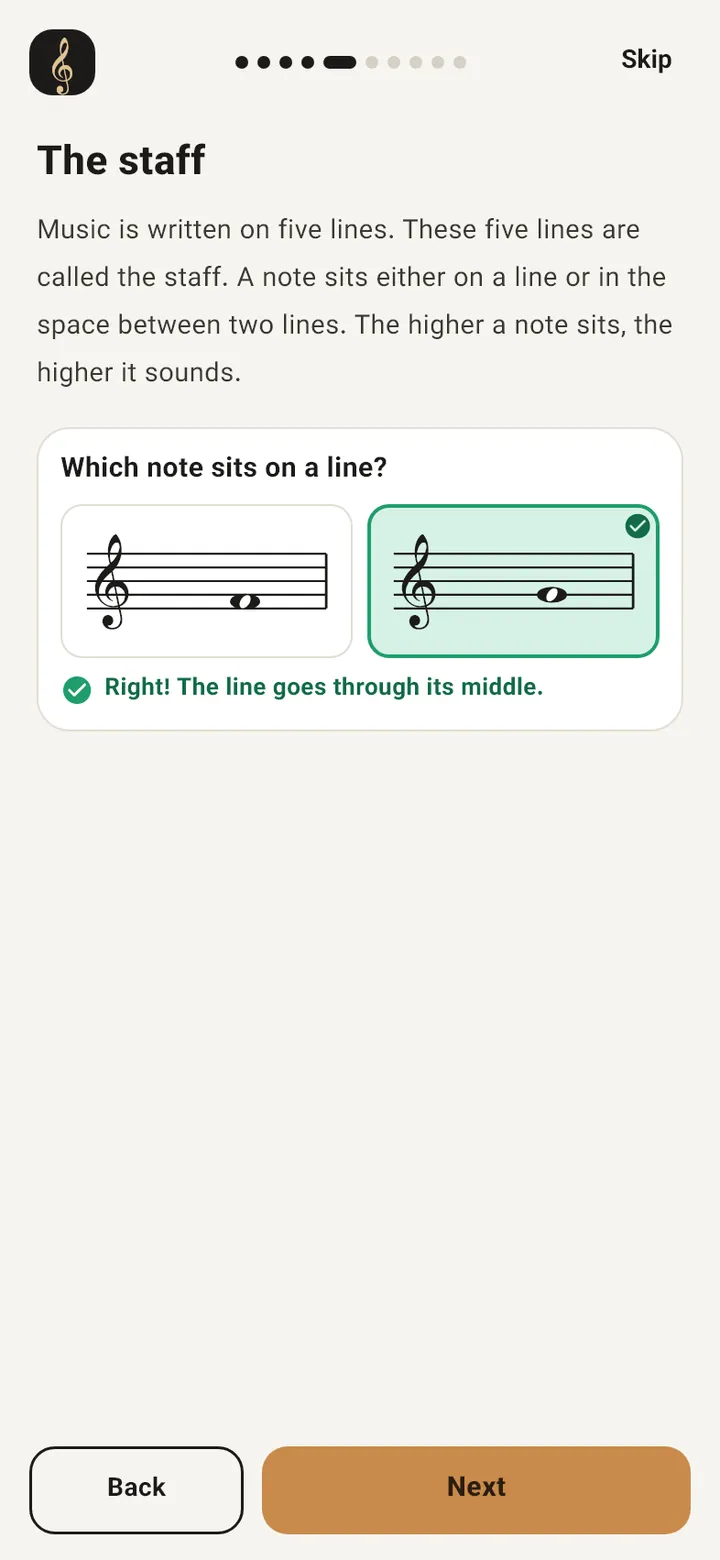 Music basics: the staff: the right answer
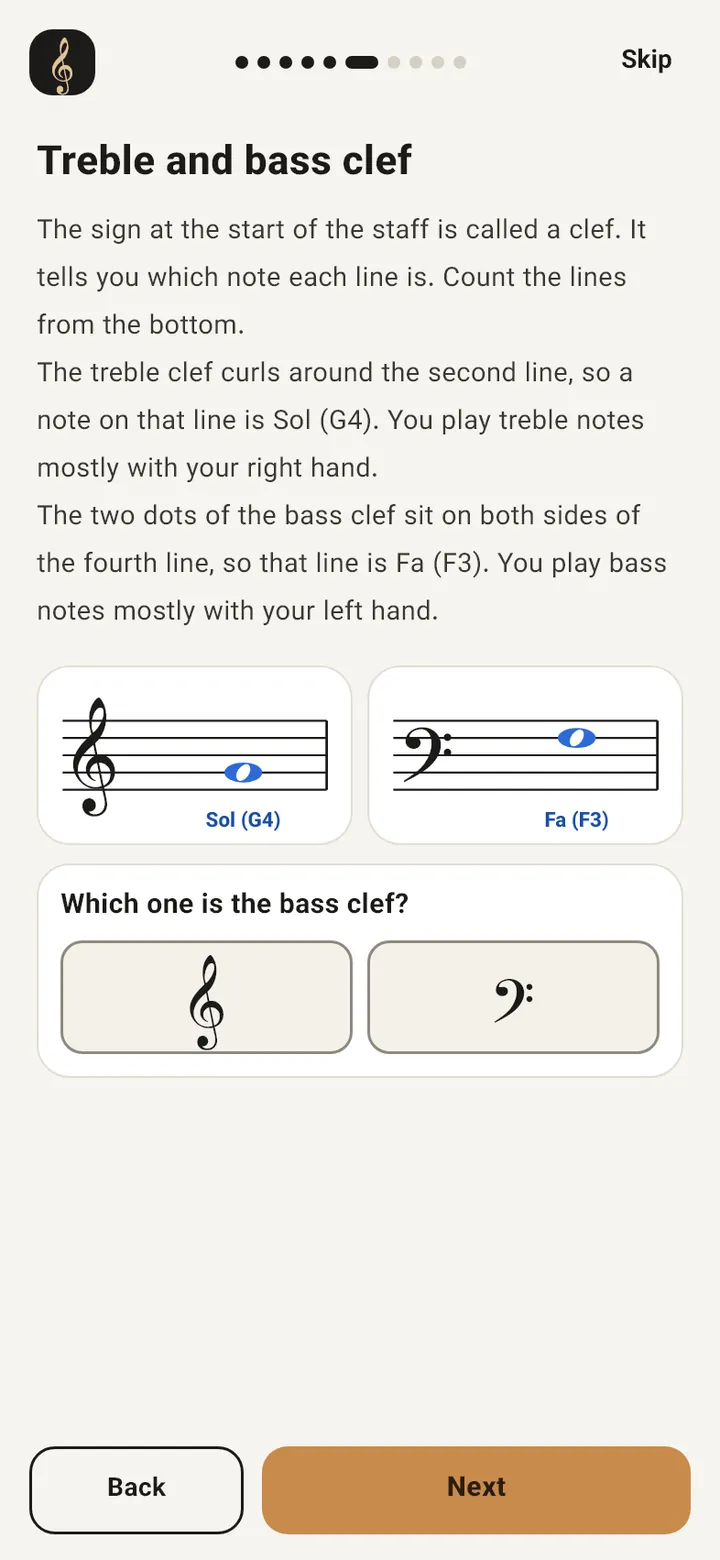 Music basics: treble and bass clef
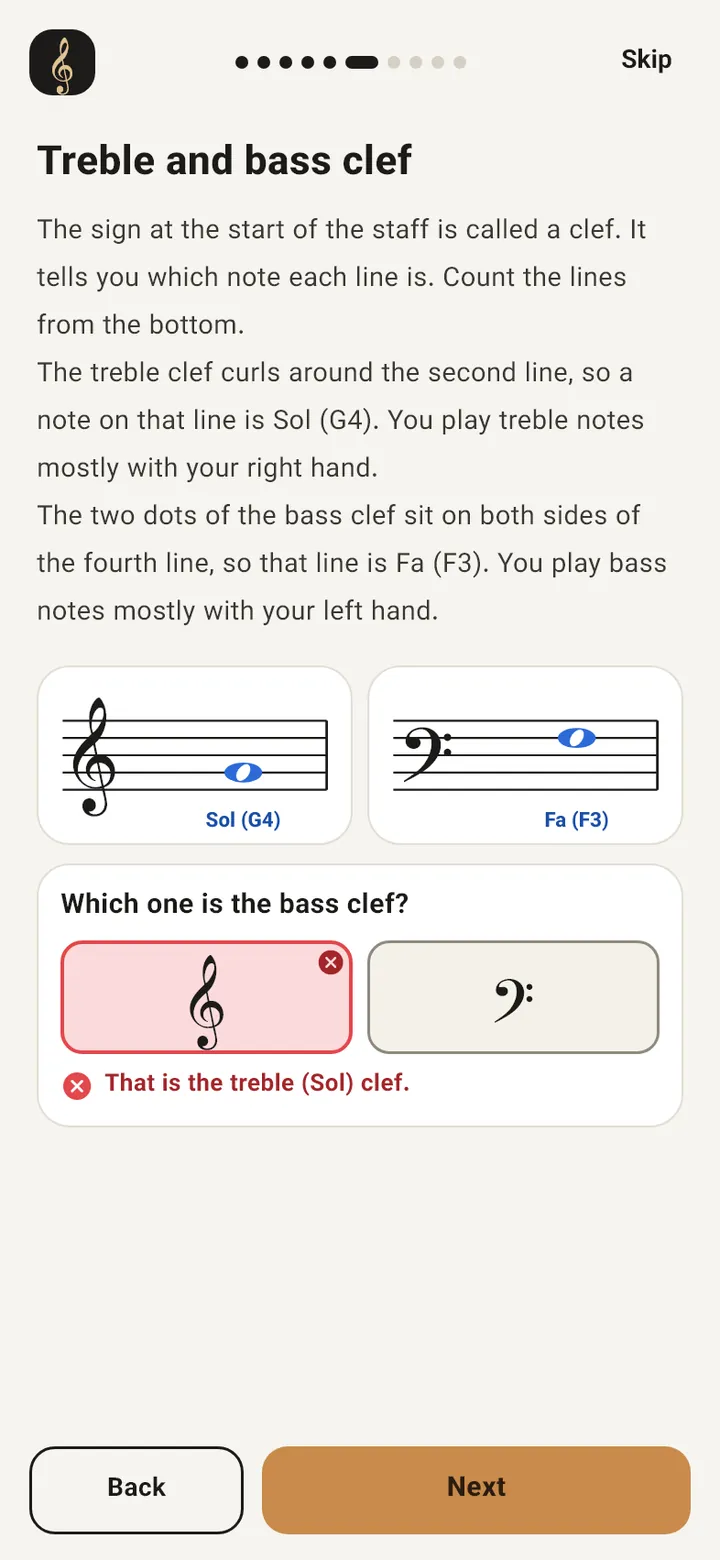 Music basics: treble and bass clef: a wrong answer
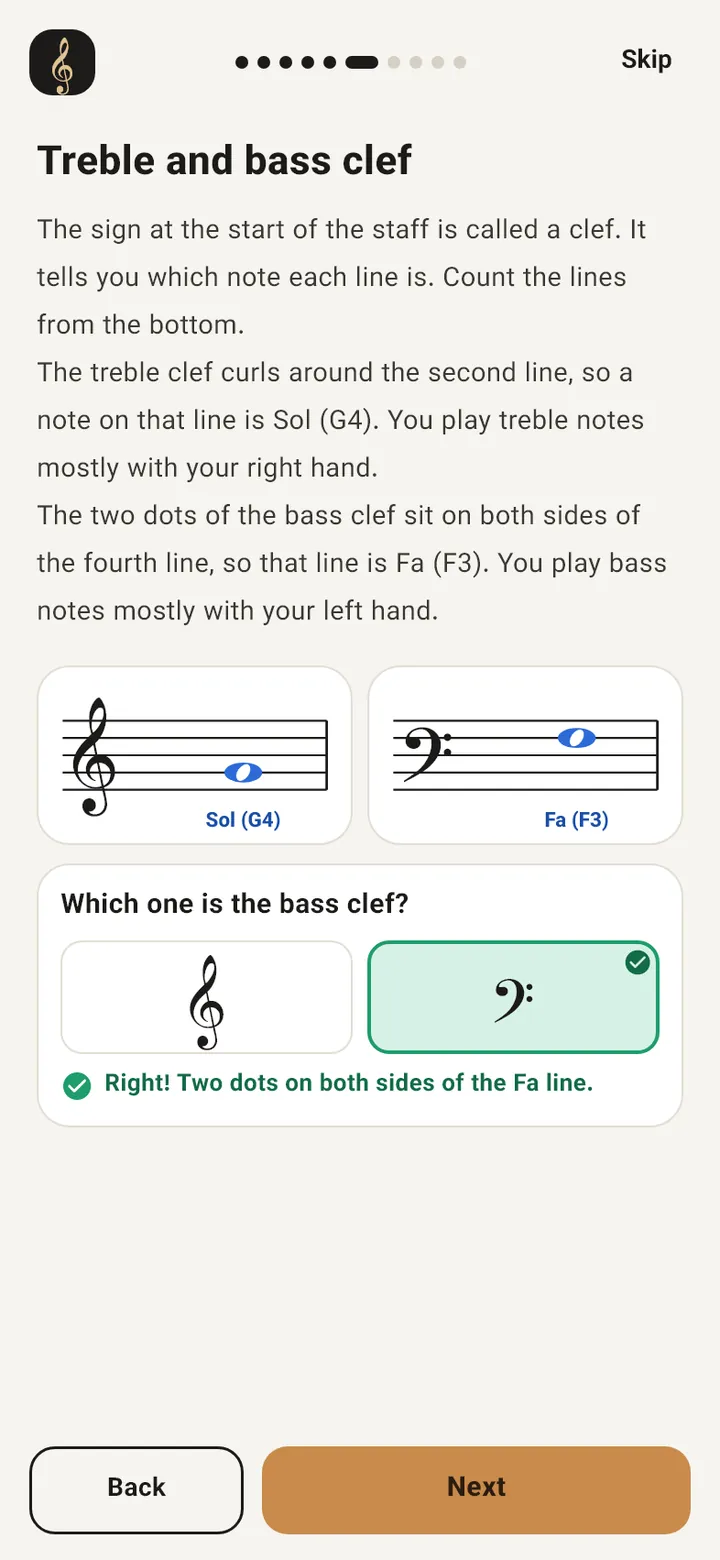 Music basics: treble and bass clef: the right answer
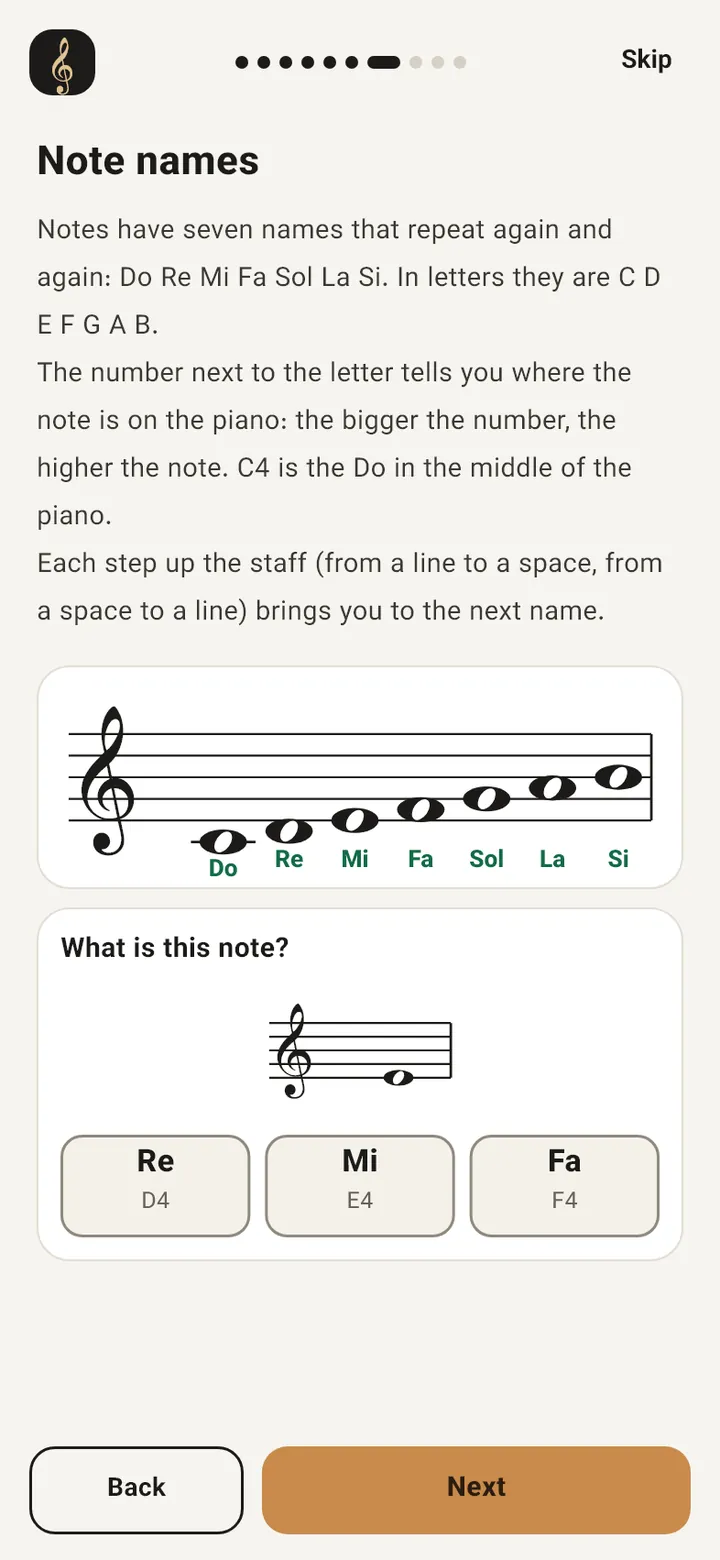 Music basics: note names
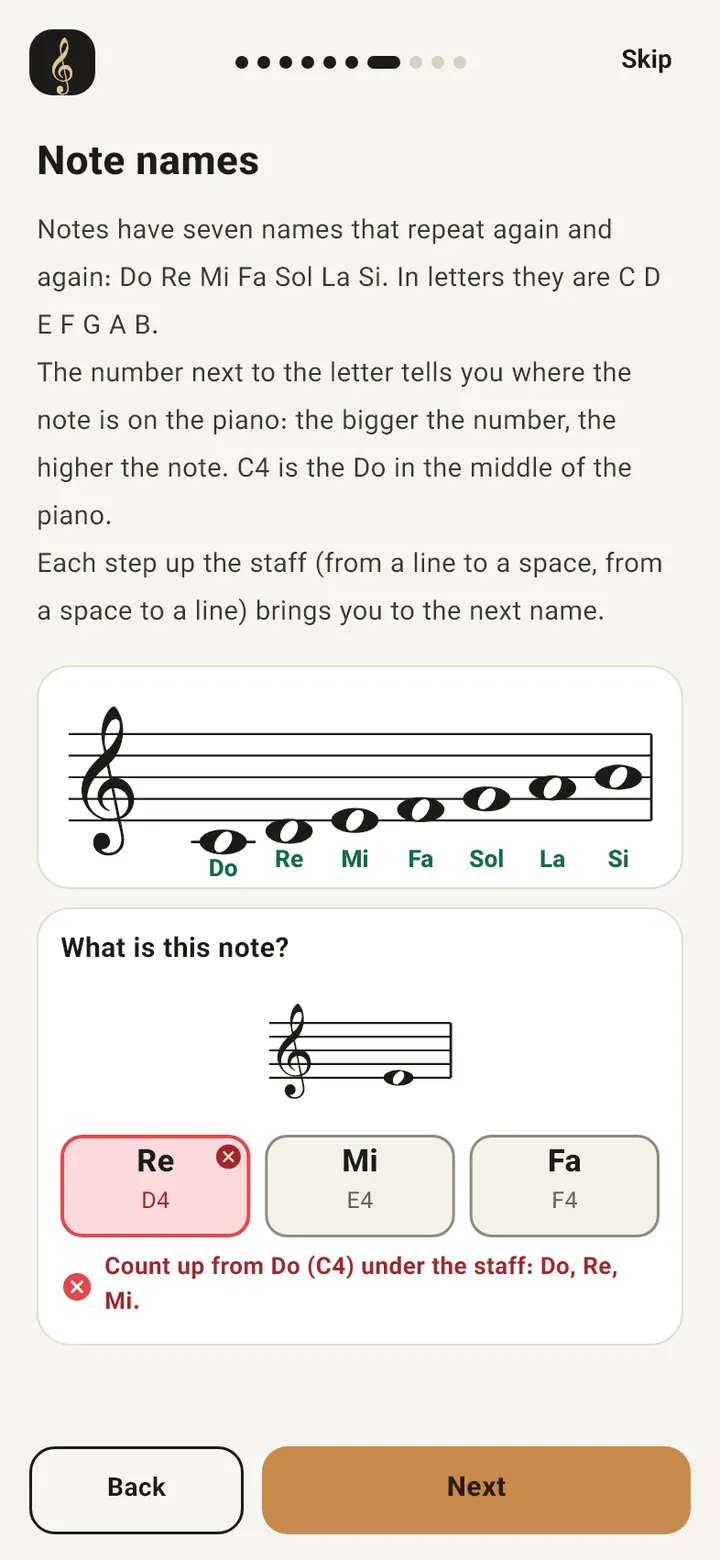 Music basics: note names: a wrong answer
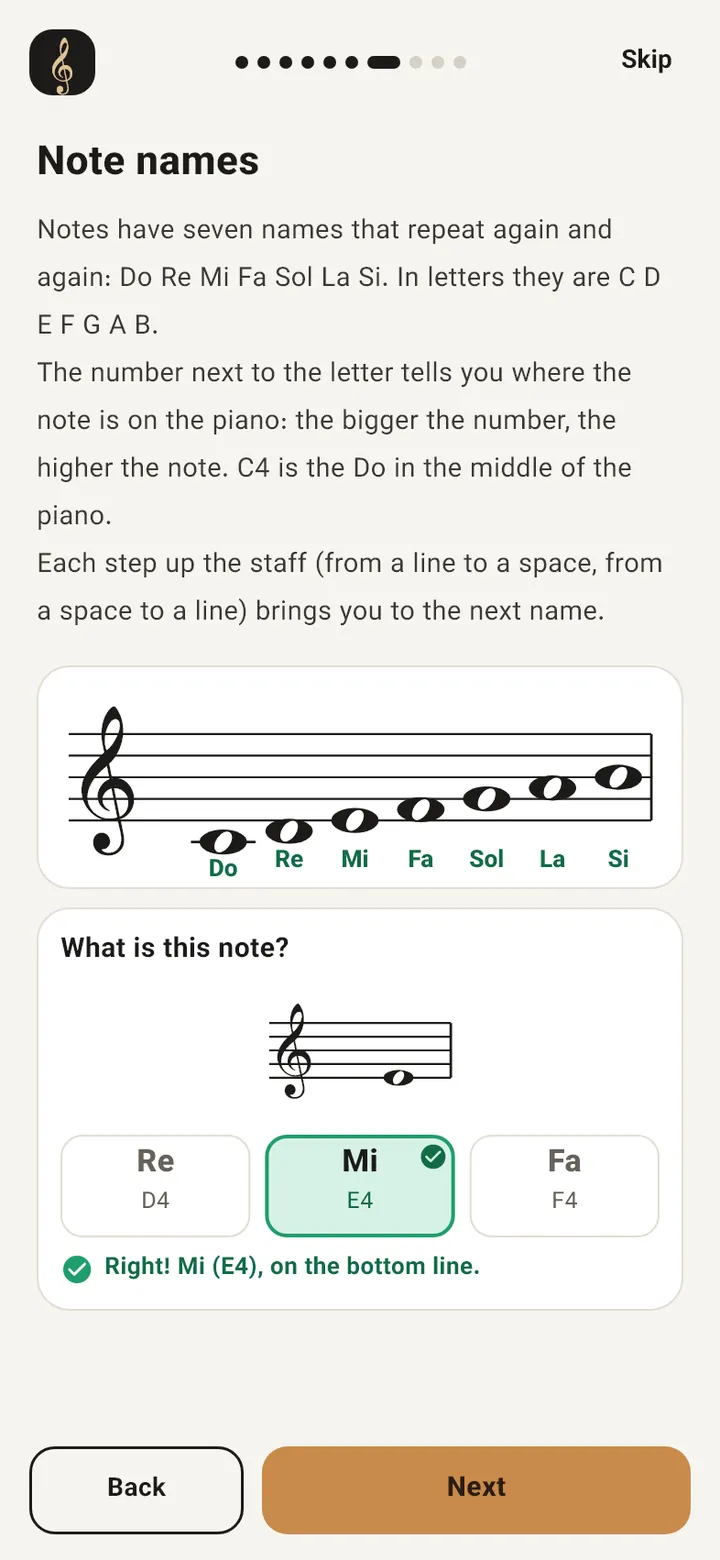 Music basics: note names: the right answer
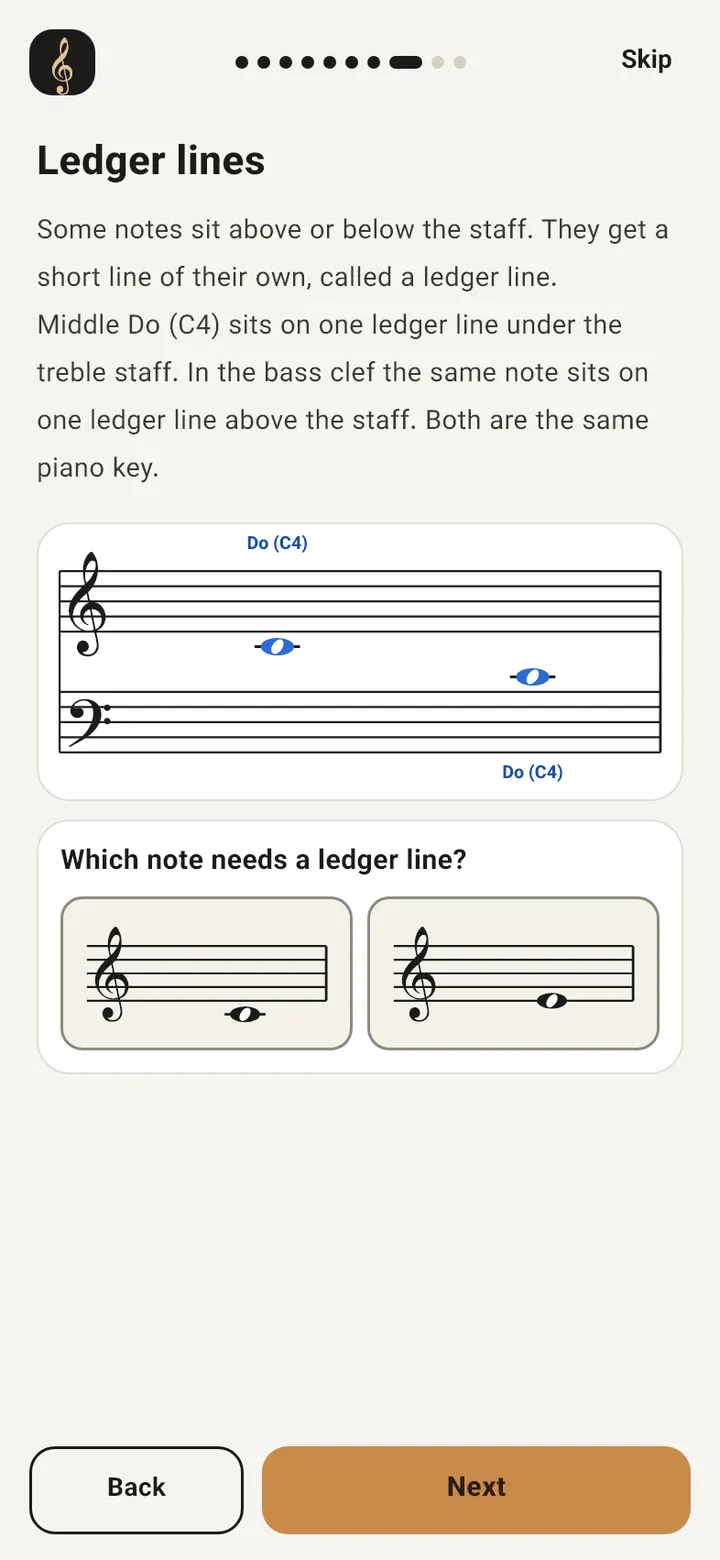 Music basics: ledger lines
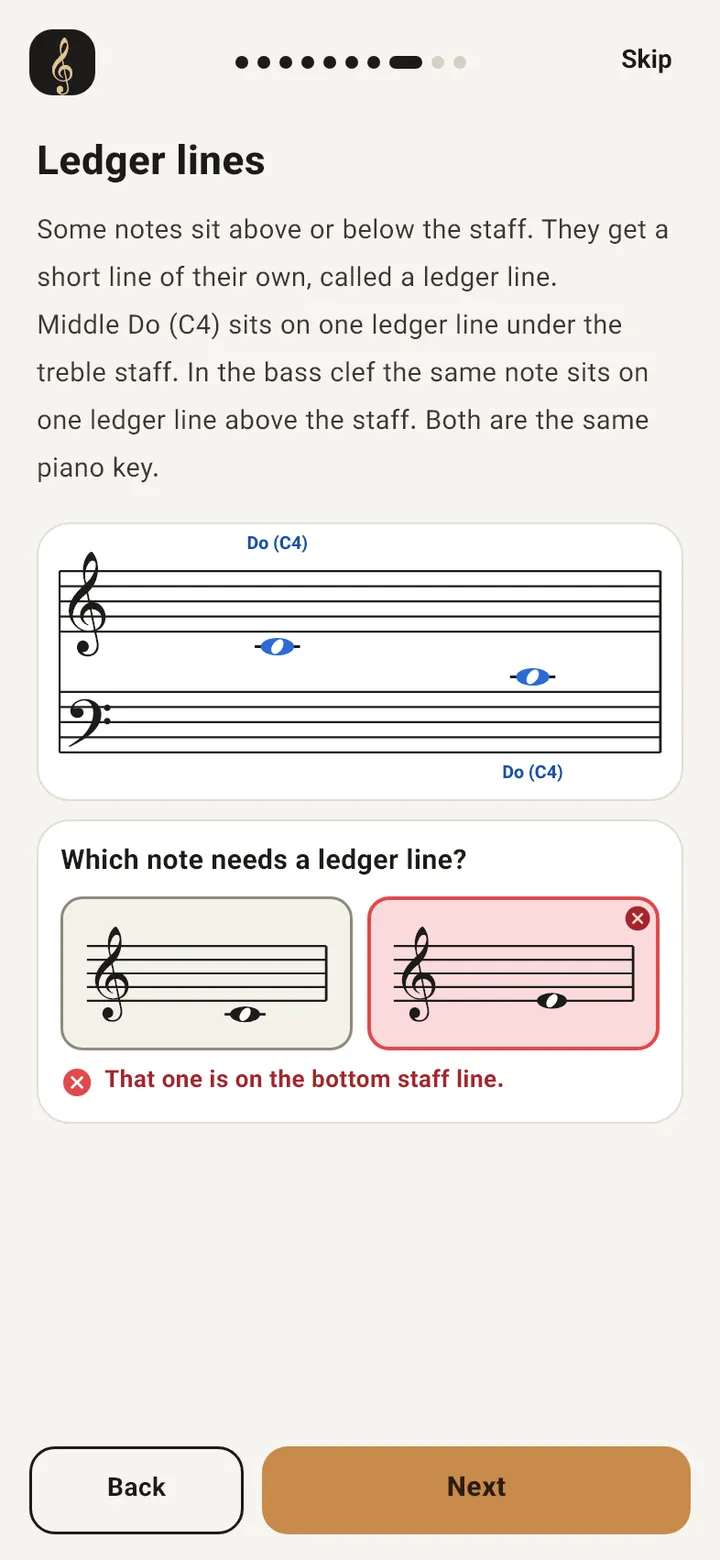 Music basics: ledger lines: a wrong answer
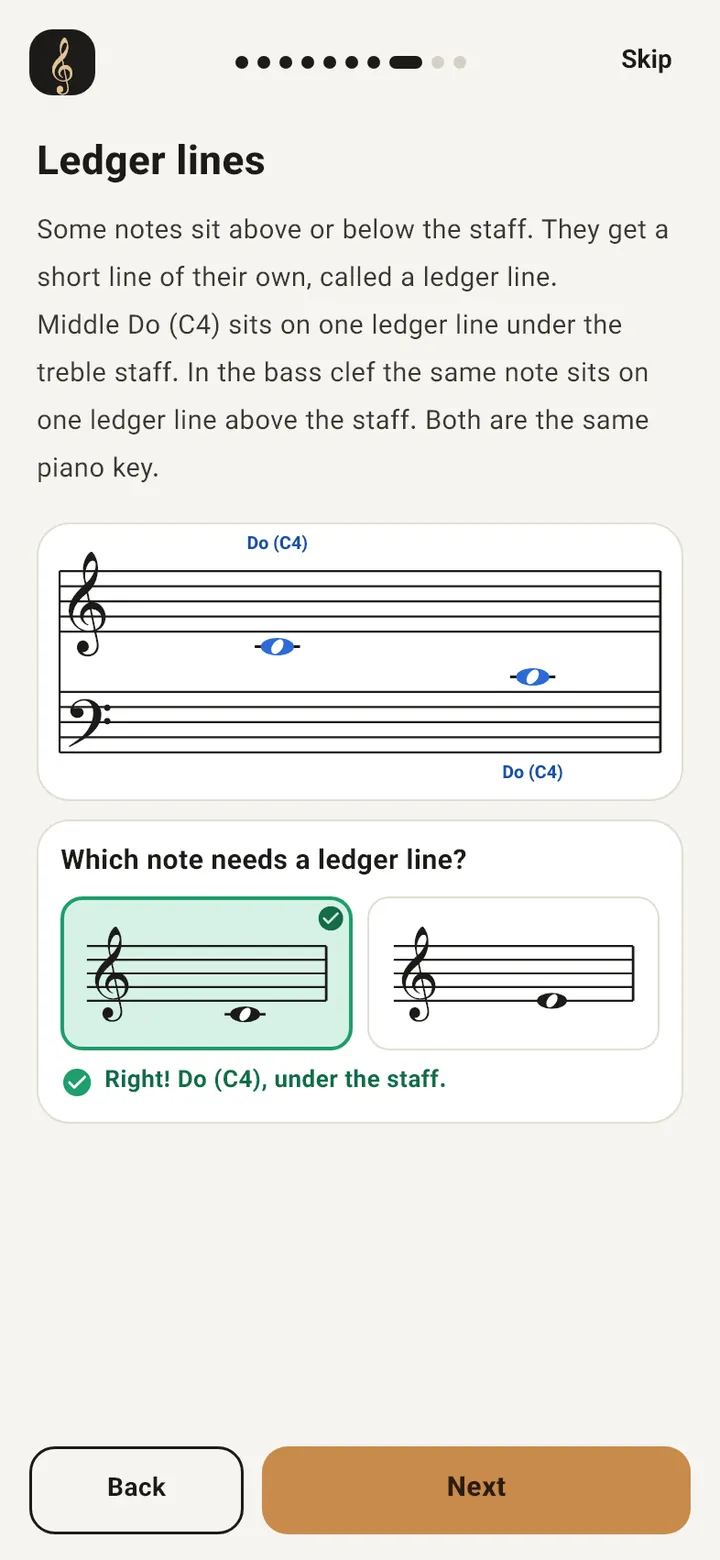 Music basics: ledger lines: the right answer
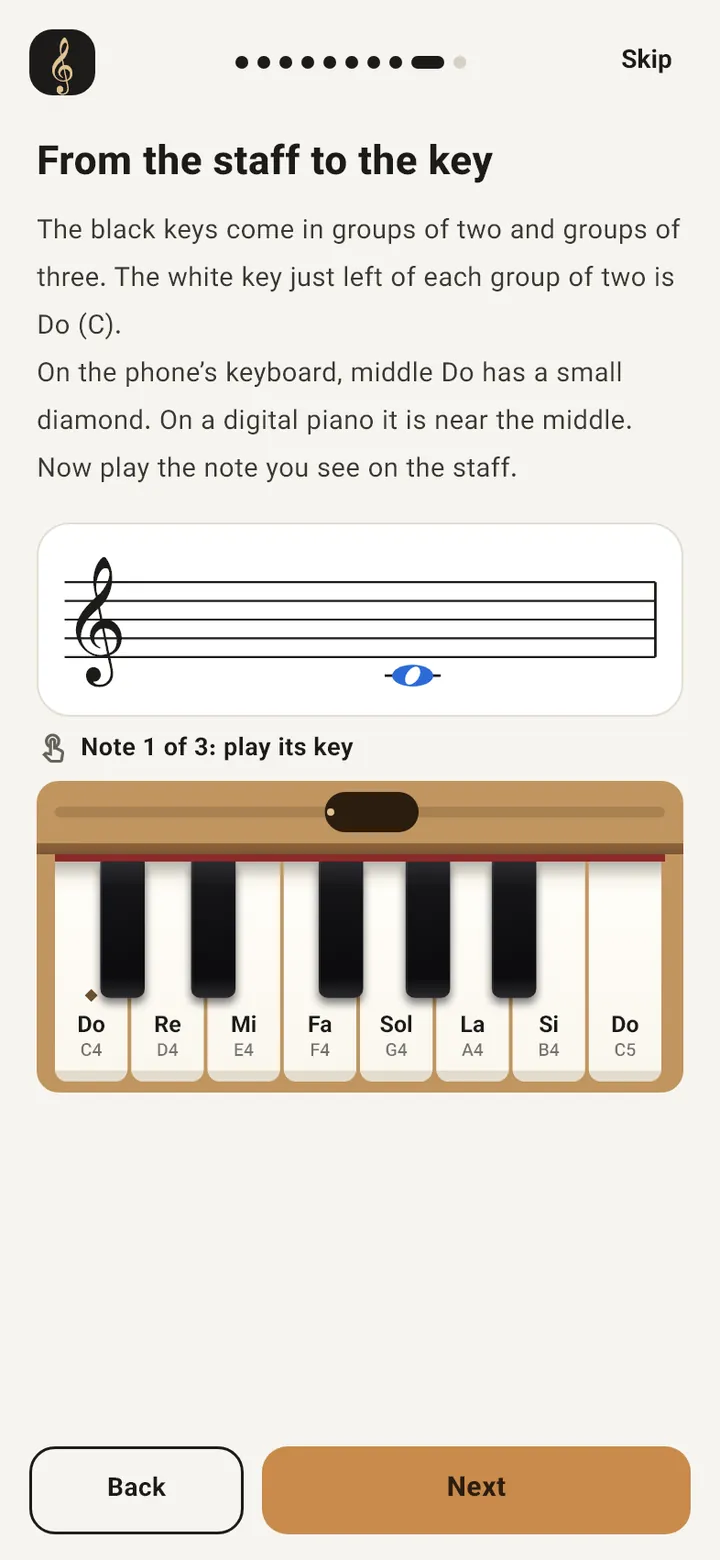 Music basics: from the staff to the key
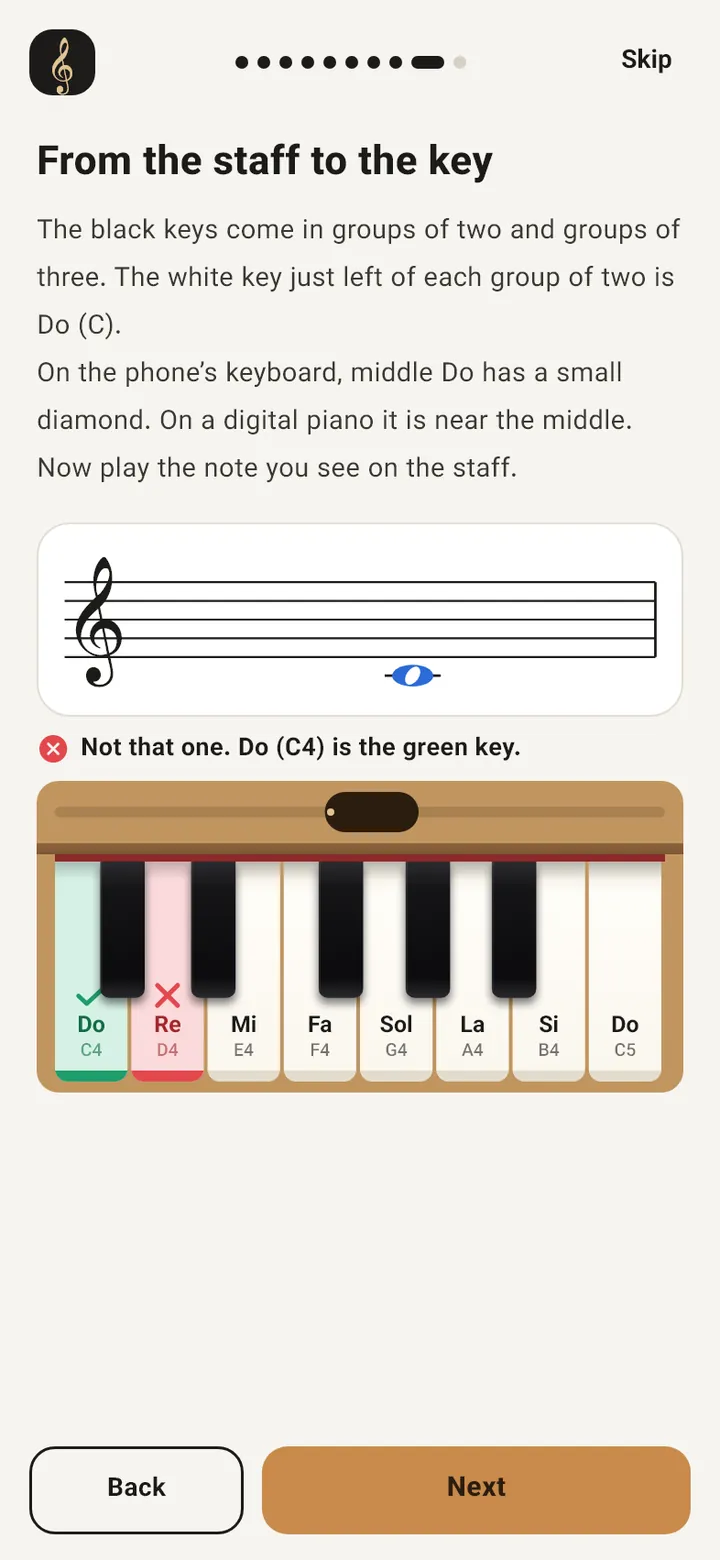 Music basics: from the staff to the key: a wrong key, the right one in green
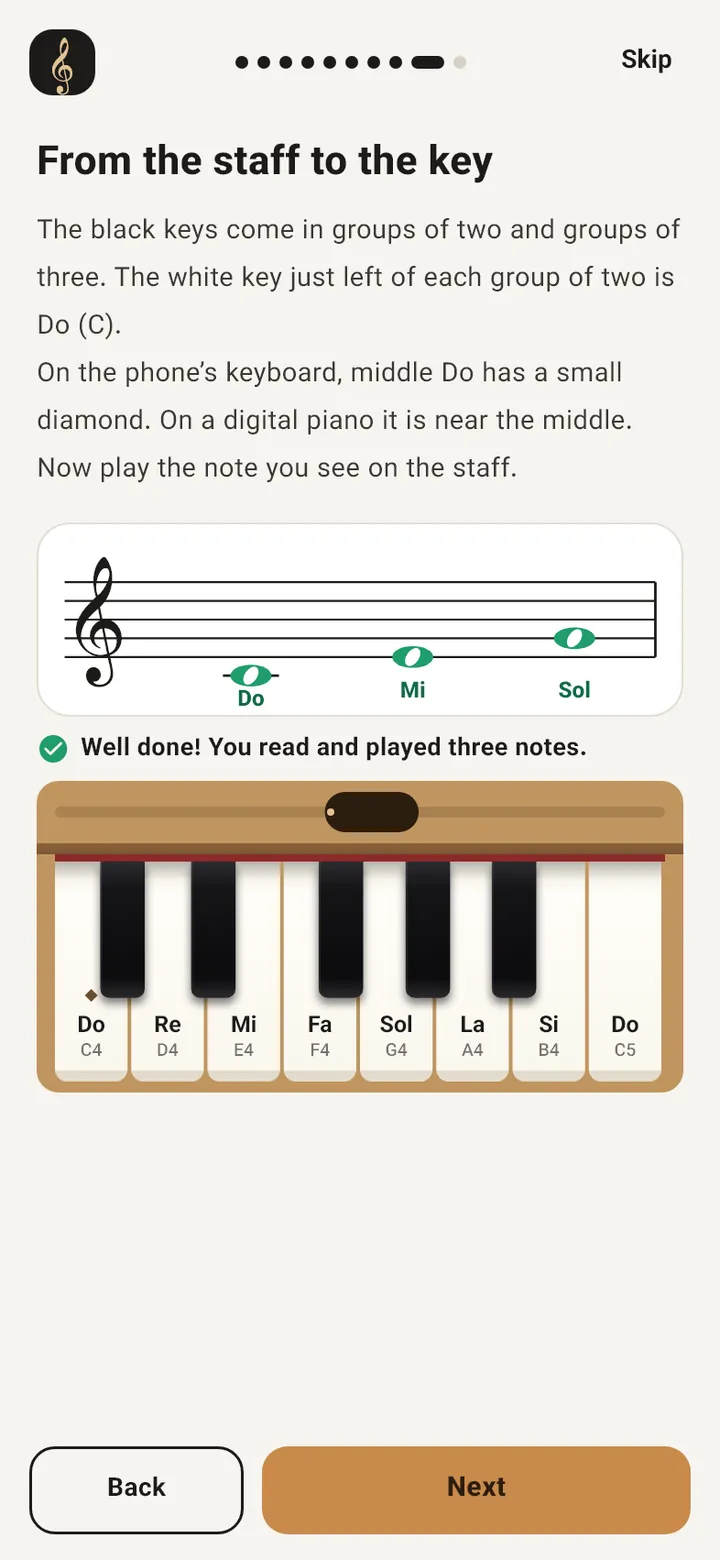 Music basics: from the staff to the key: all three notes played
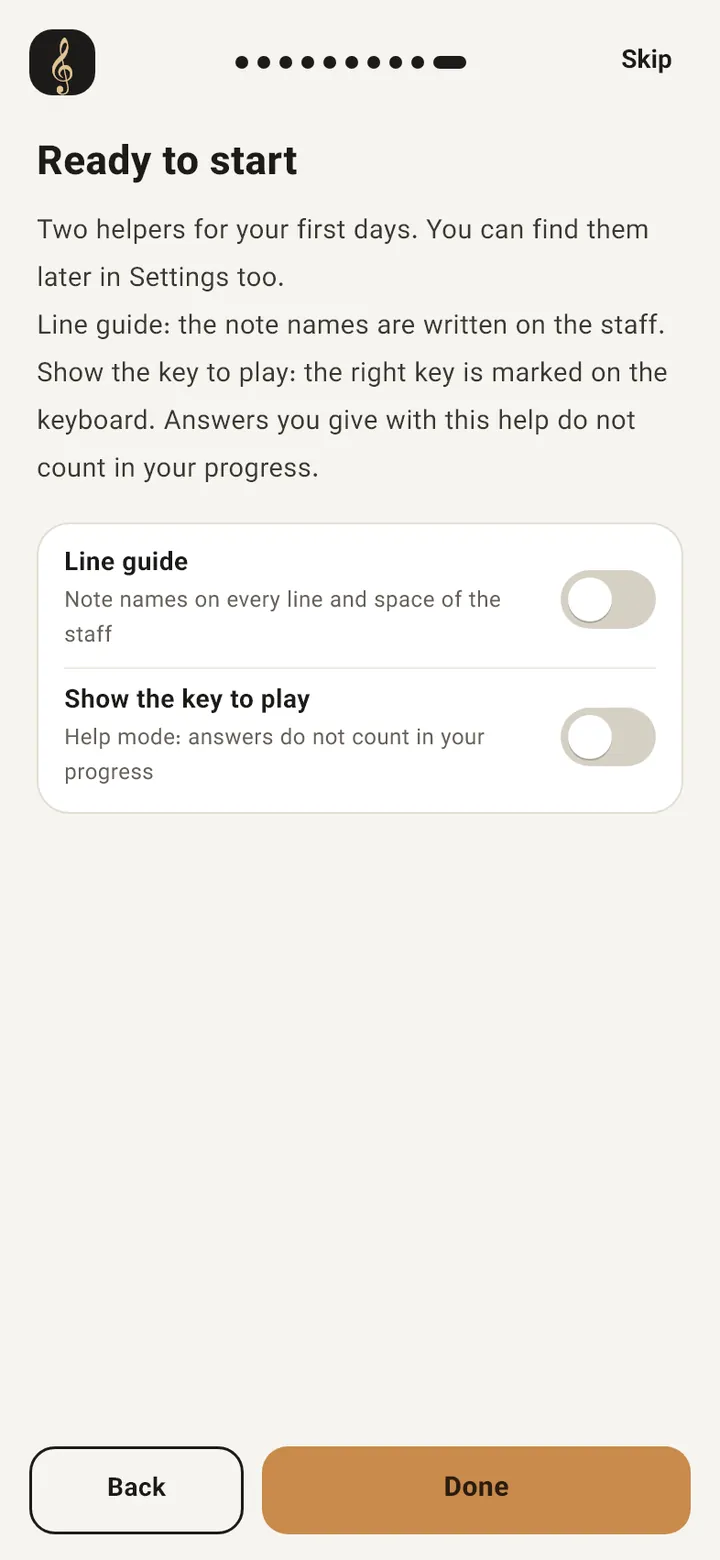 Music basics: ready, with two helpers
Today 14
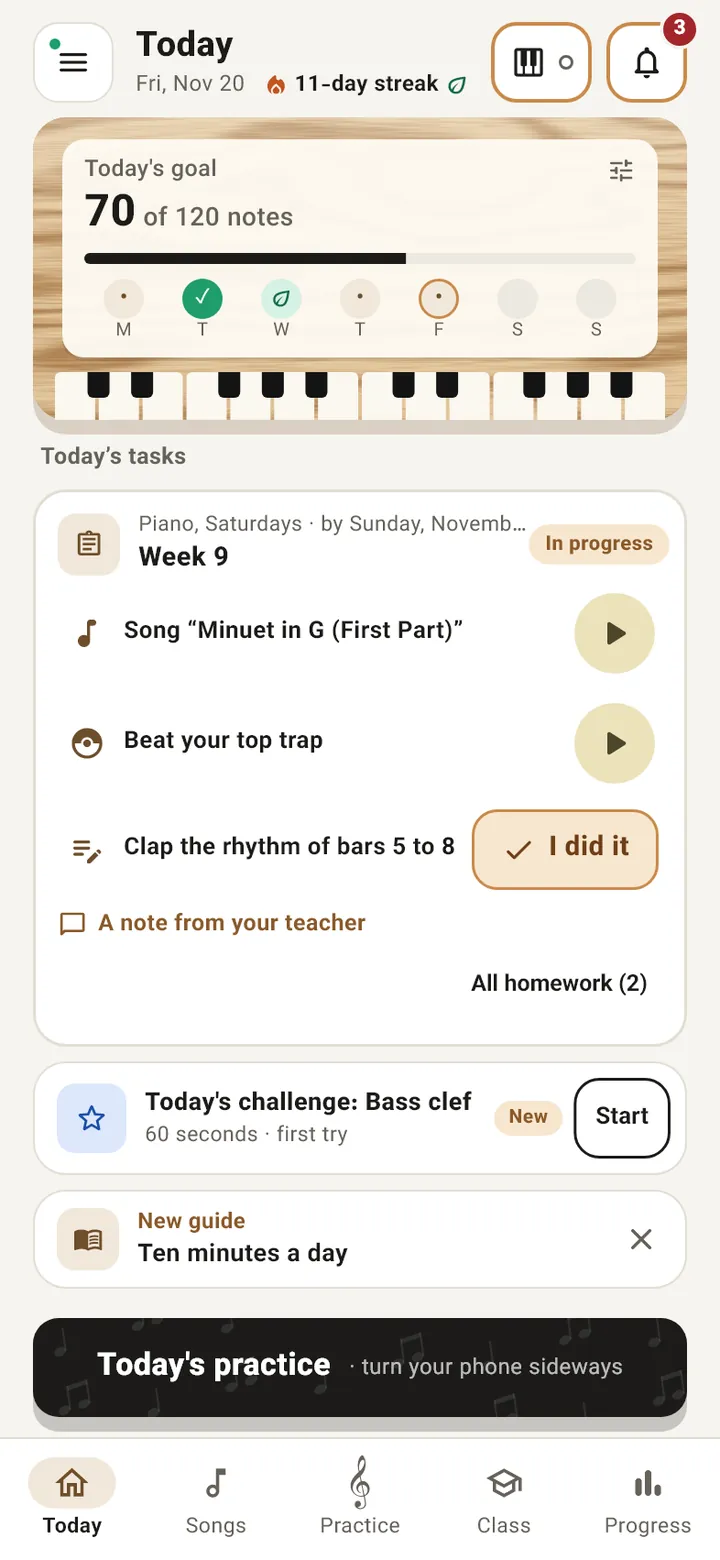 Today: goal and week, homework, daily challenge, a new guide
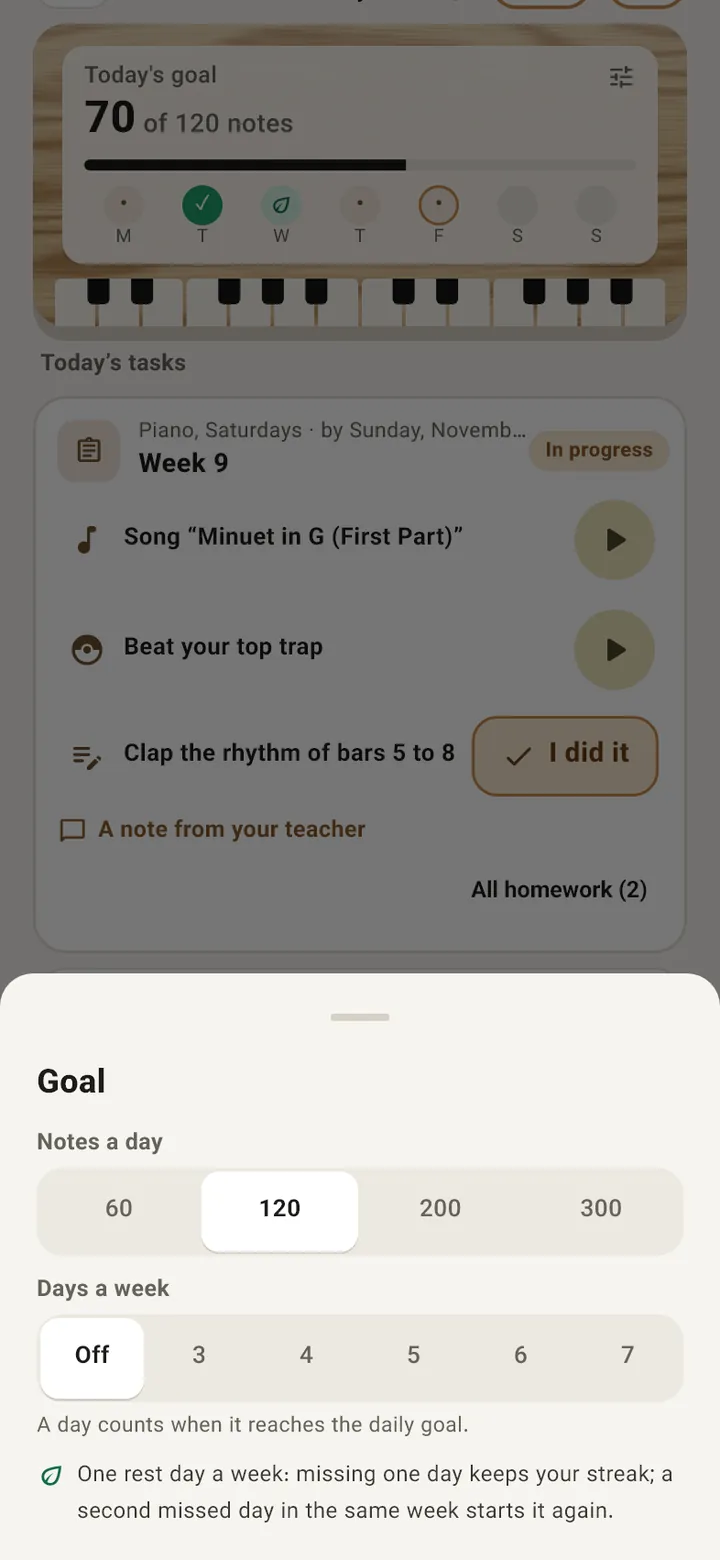 Today: the goal sheet (daily notes, days a week, rest day)
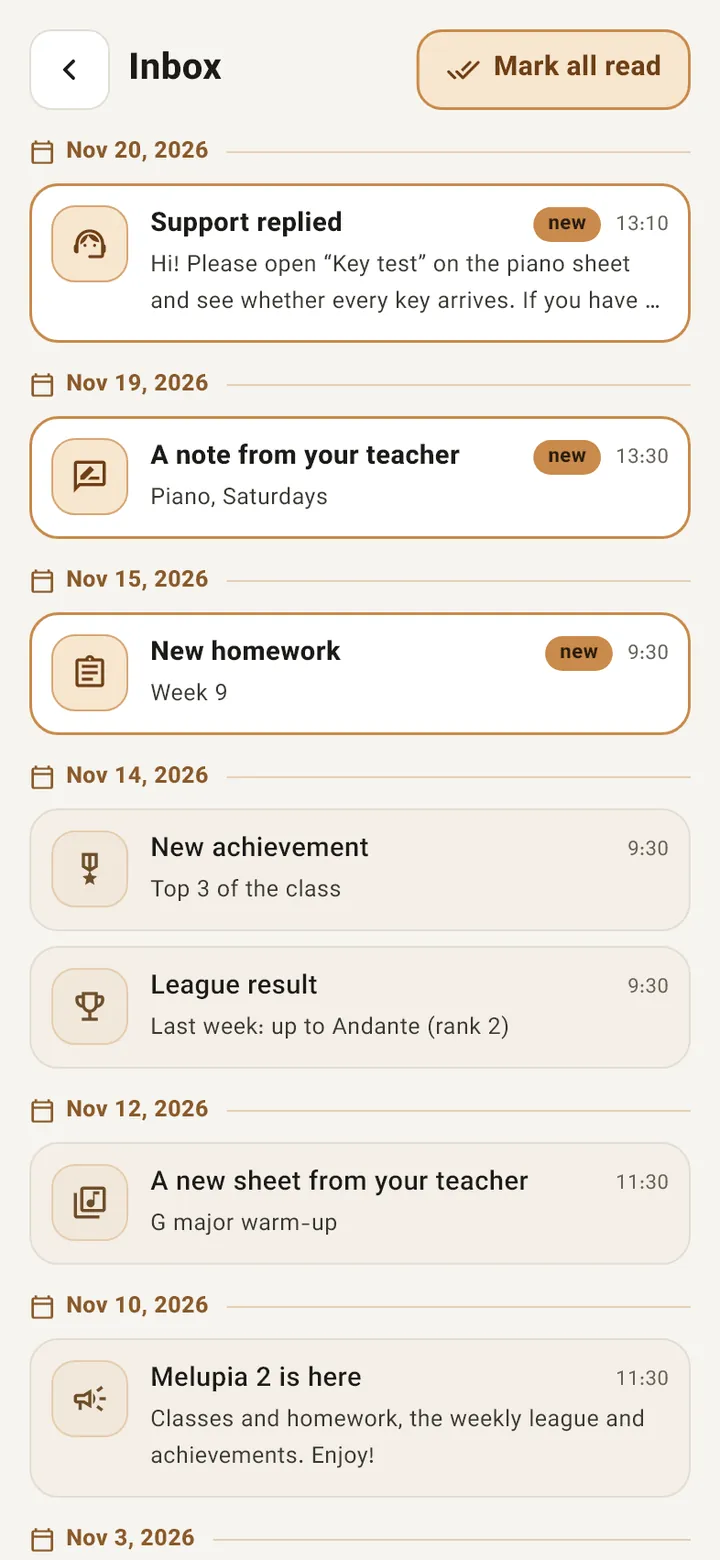 The bell: homework, the teacher’s note, results, support reply
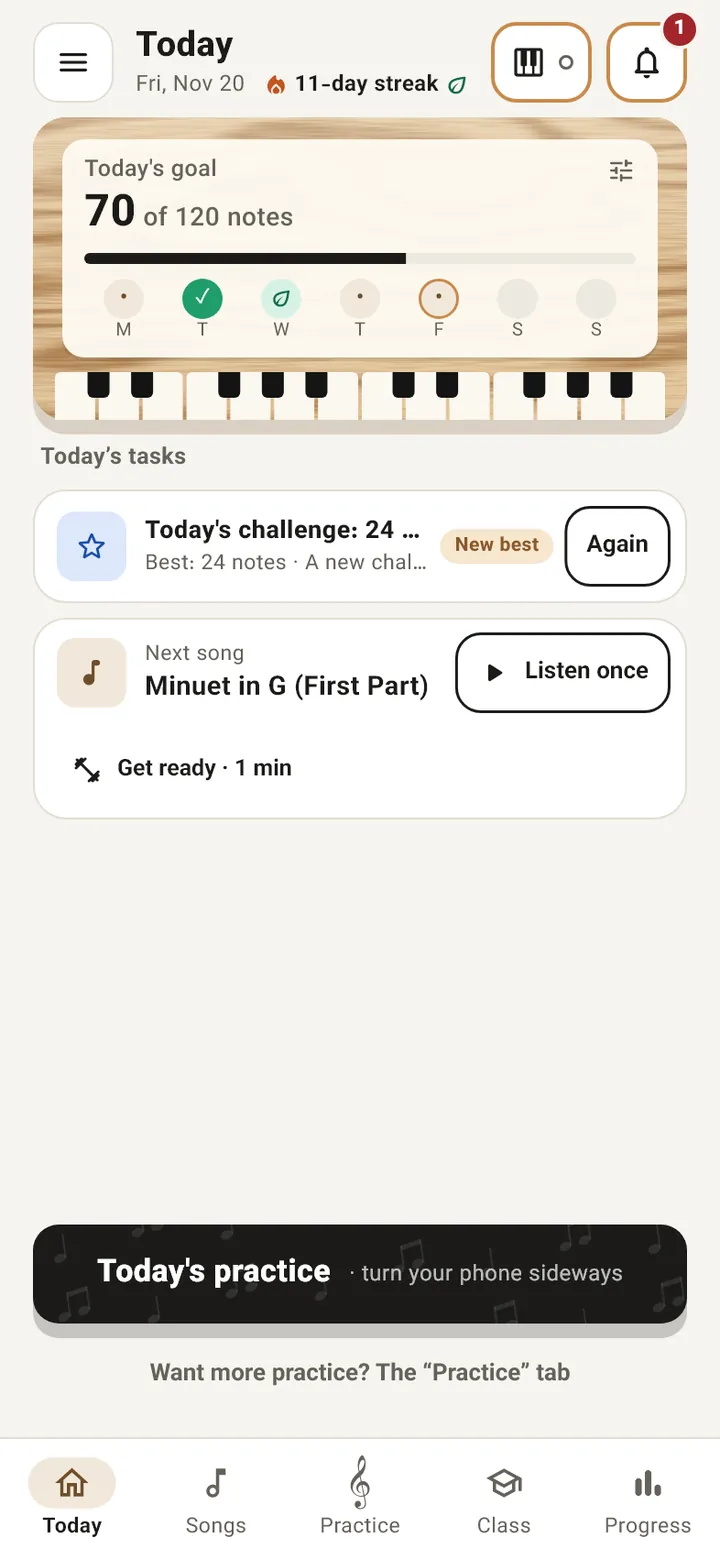 Today: the challenge’s record and the next song to play
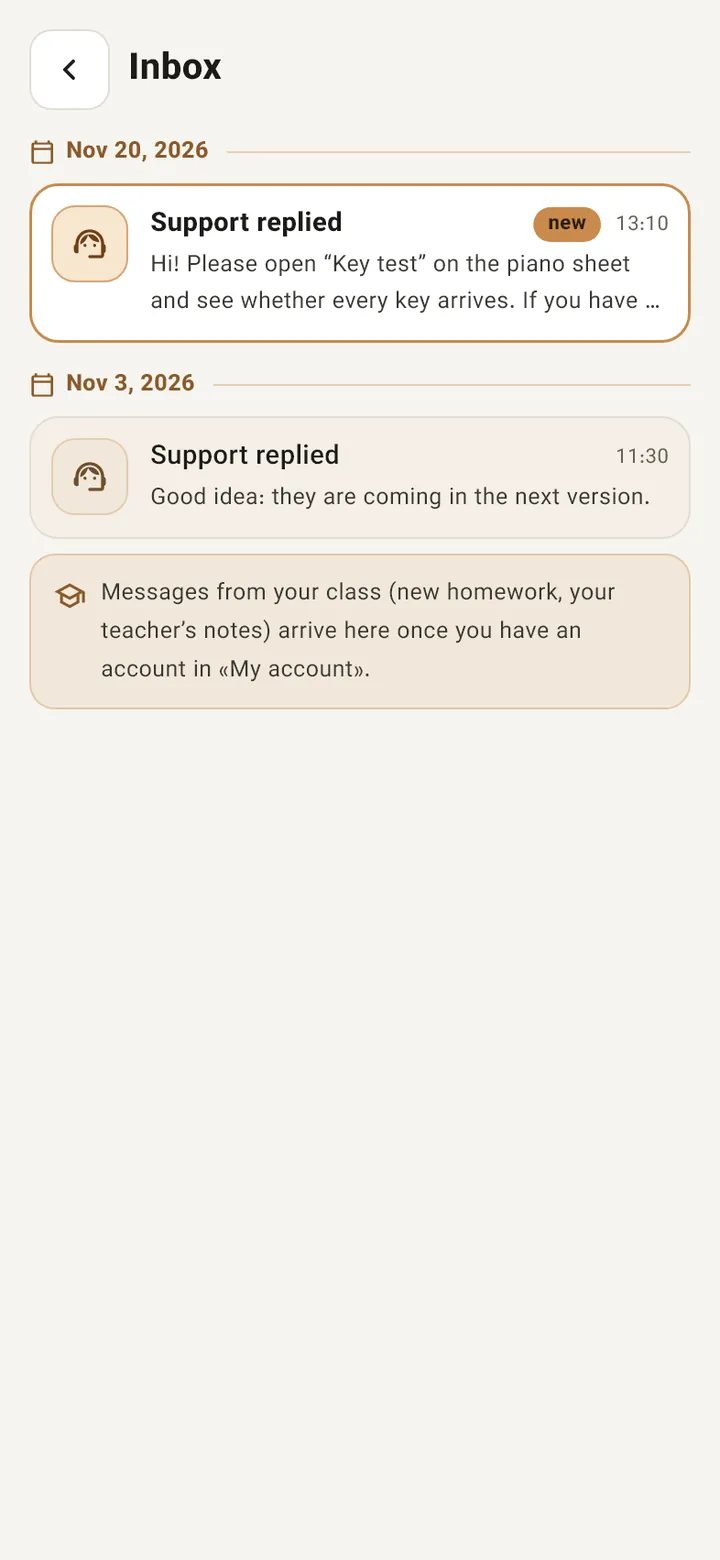 The bell without an account: support replies only
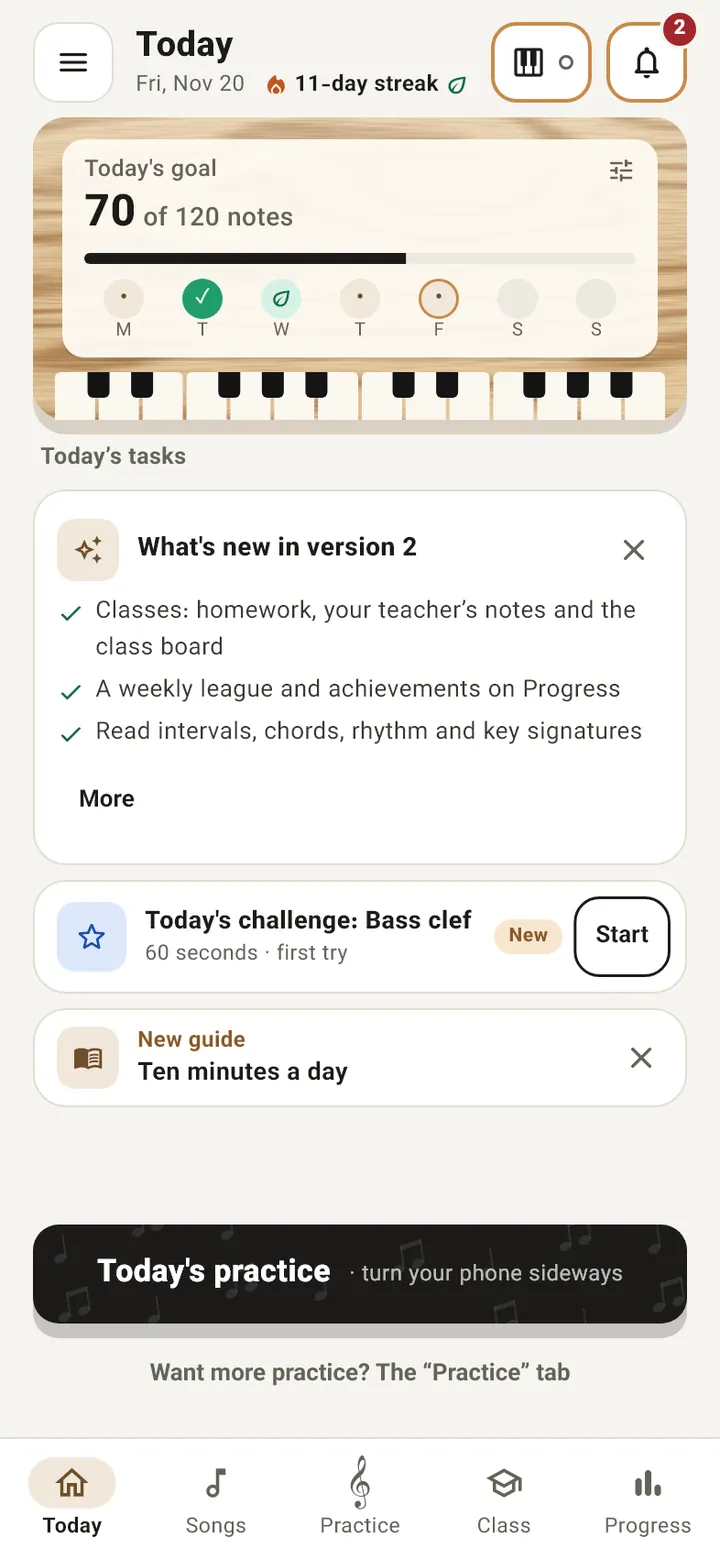 Today after the update: what’s new in 2.0.1
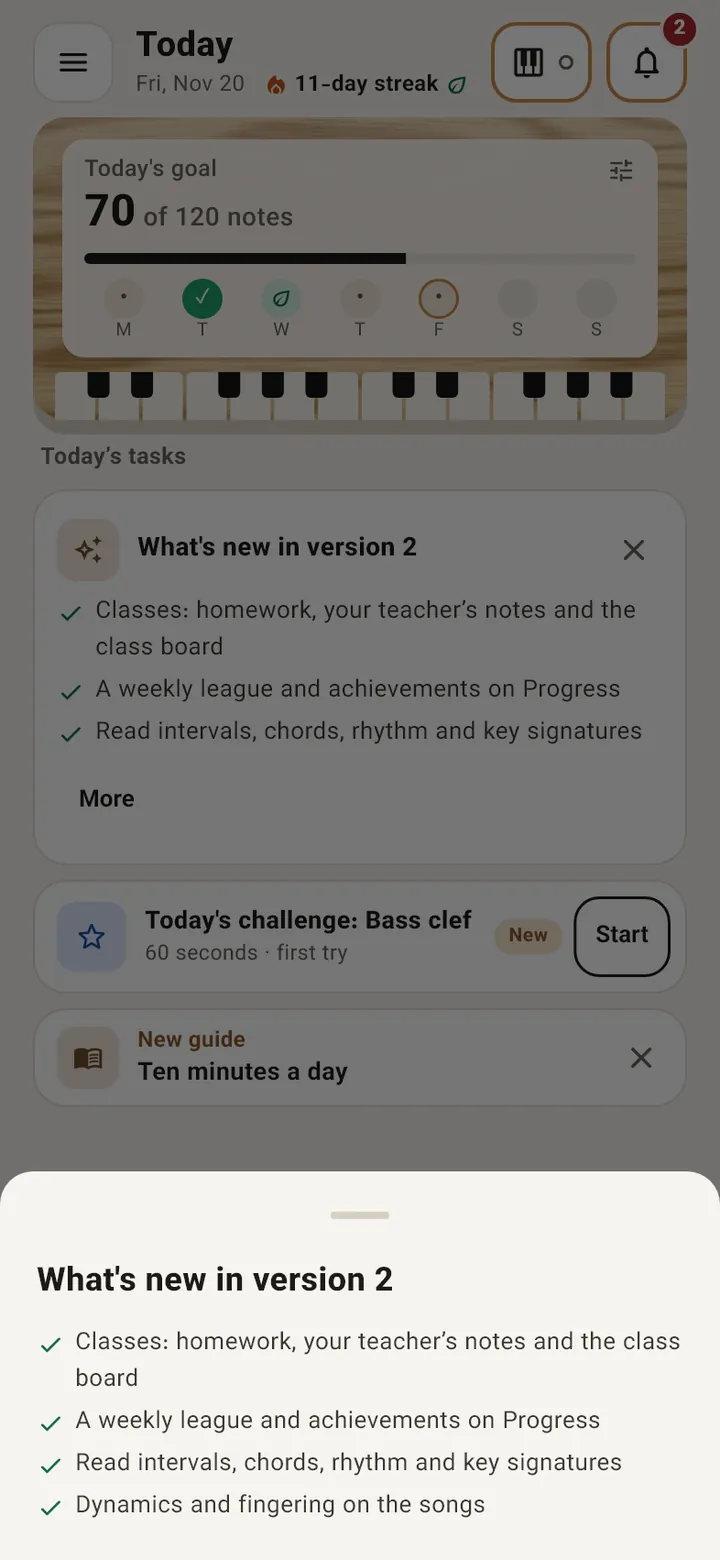 What’s new: every line of this version
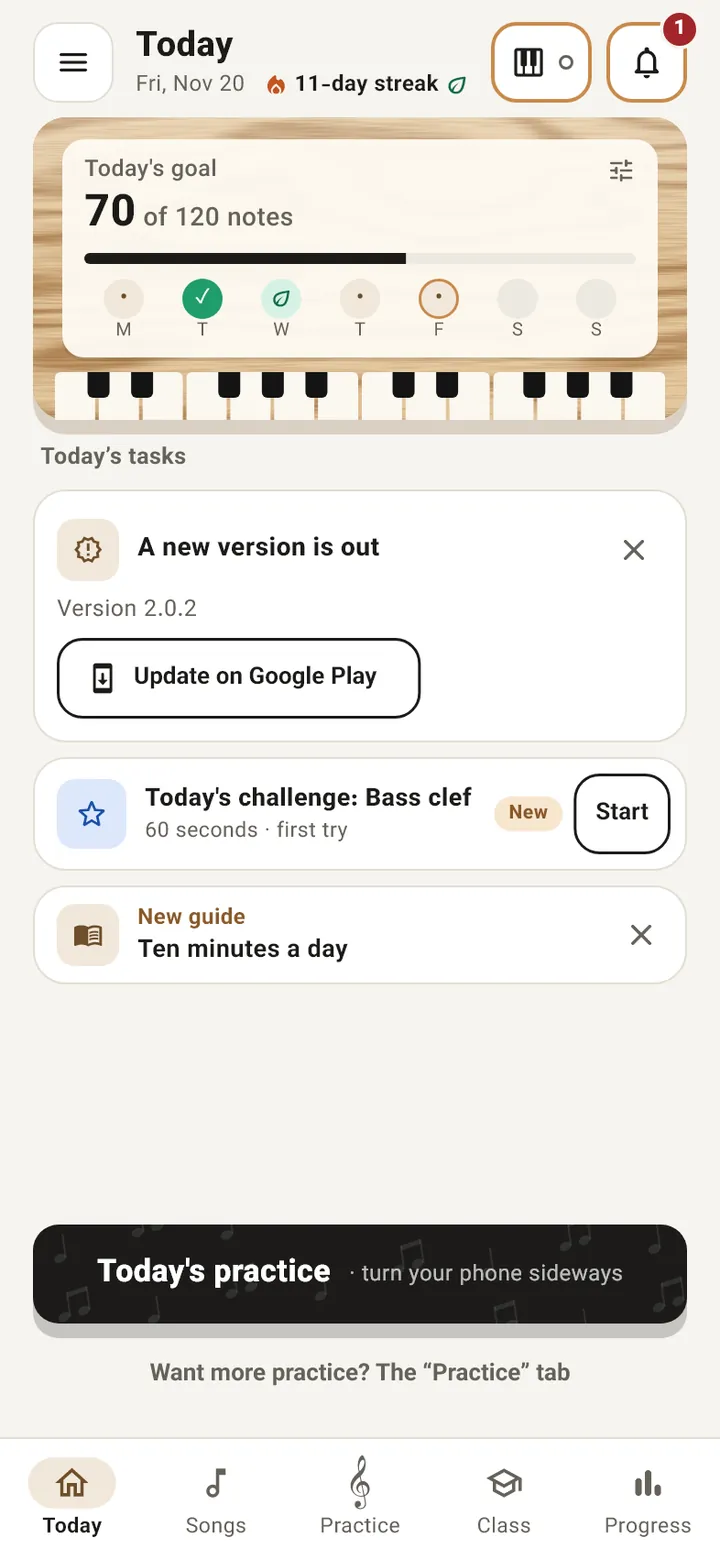 Today: a newer version is in the store
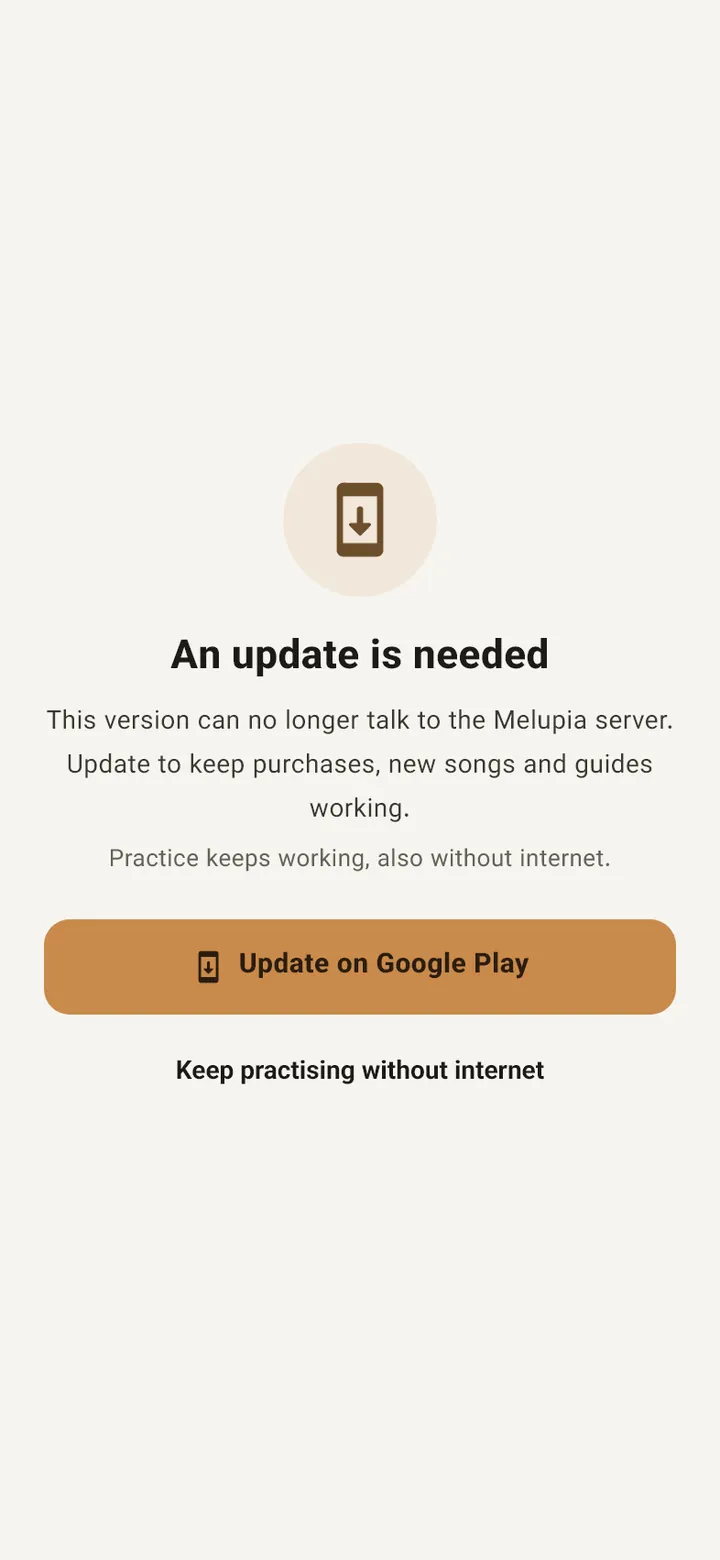 Update required: practice goes on, purchases wait
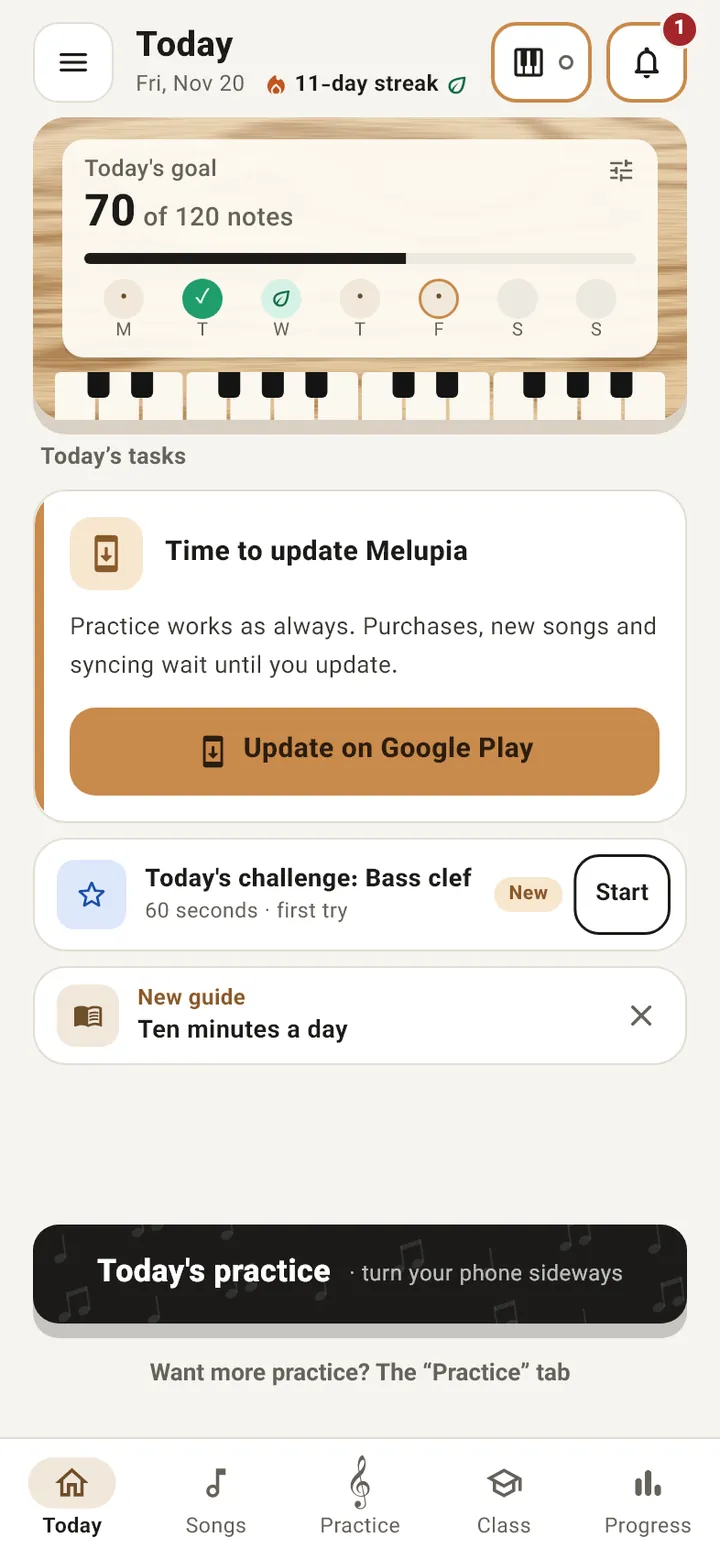 Today with the update reminder on top
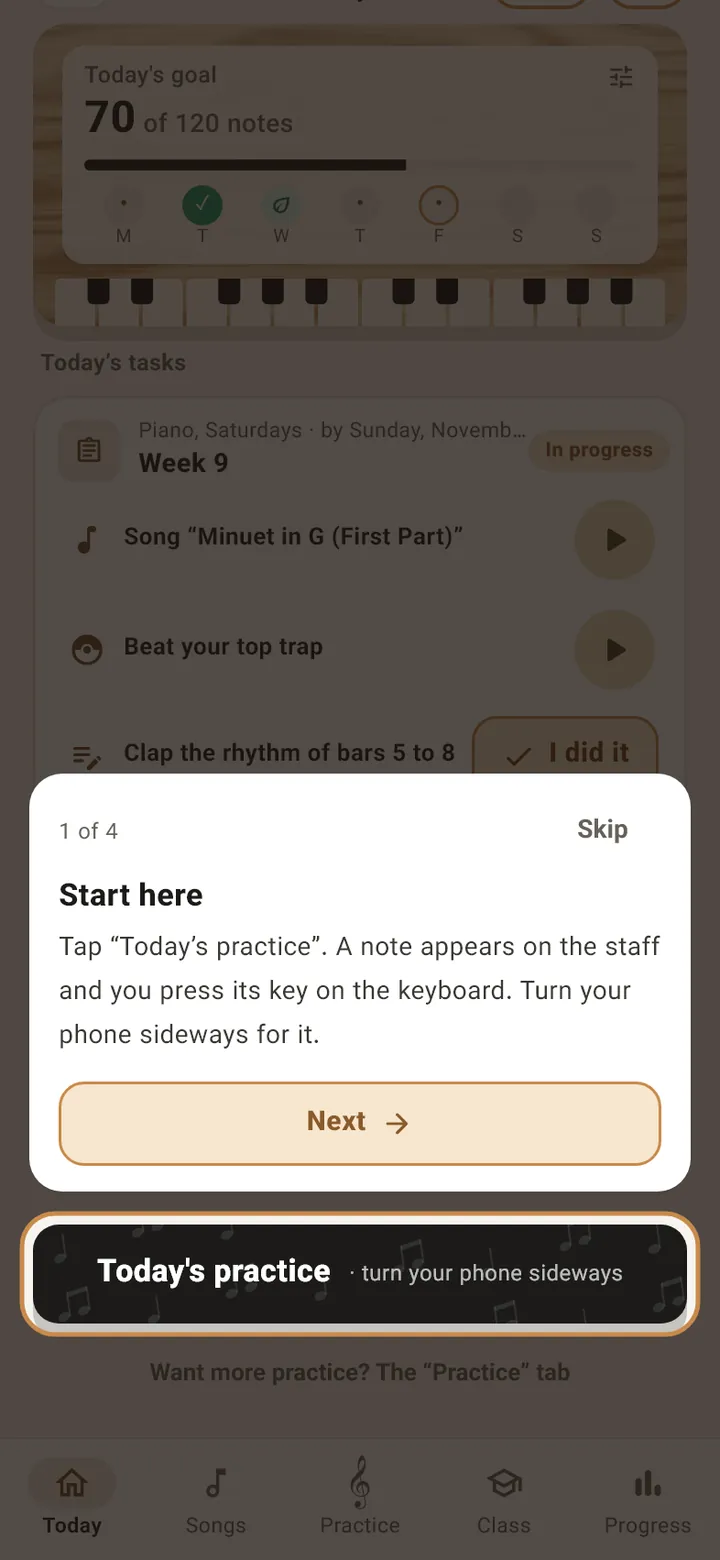 First-run tour of Today, step 1
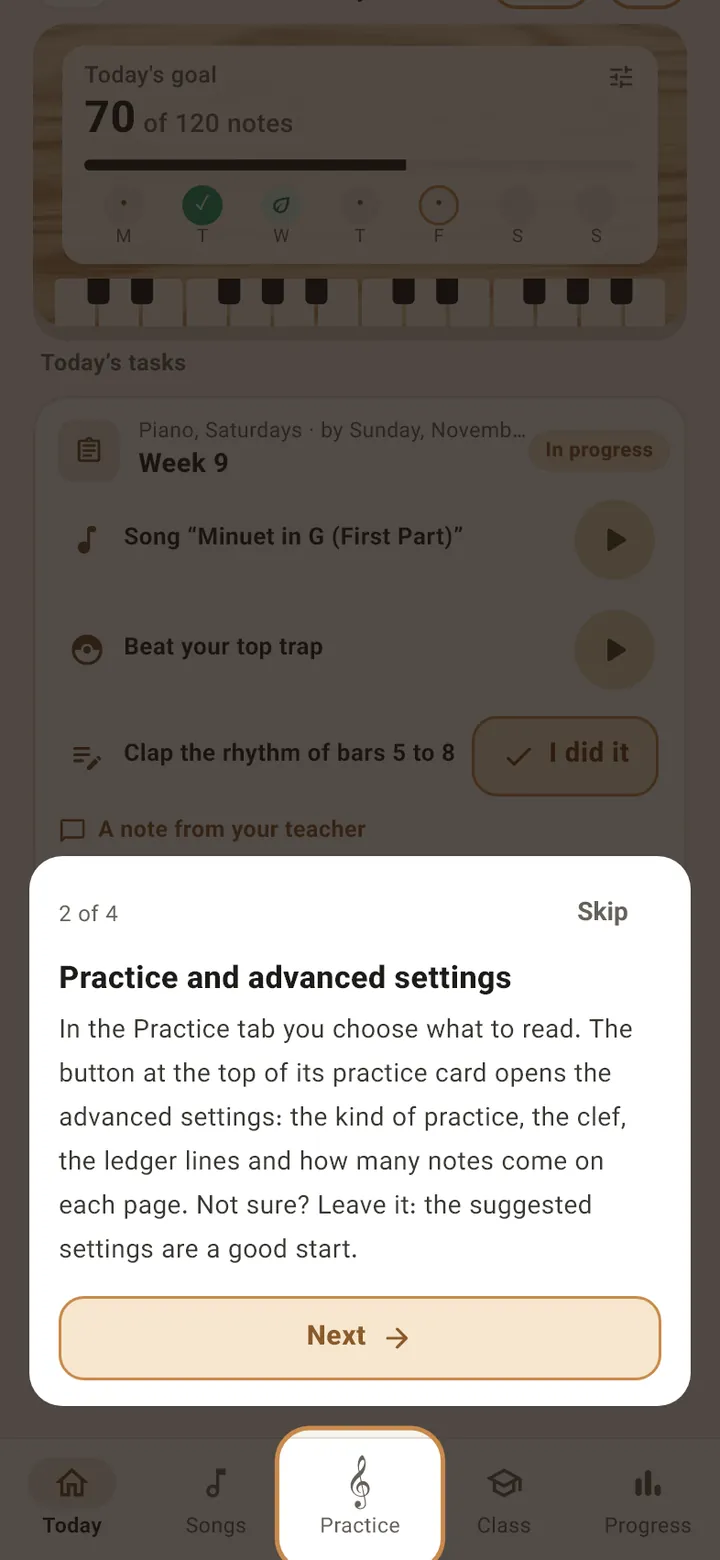 First-run tour of Today, step 2
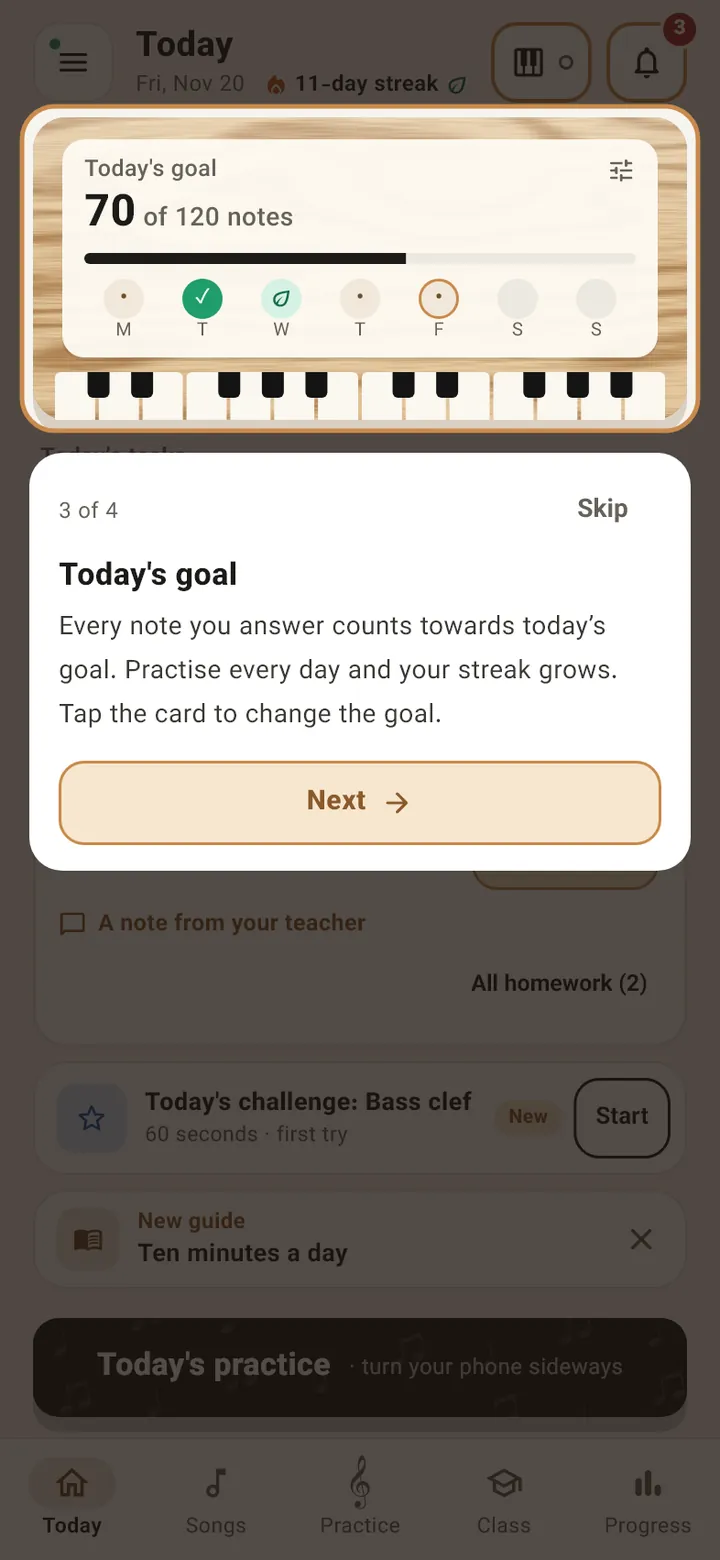 First-run tour of Today, step 3
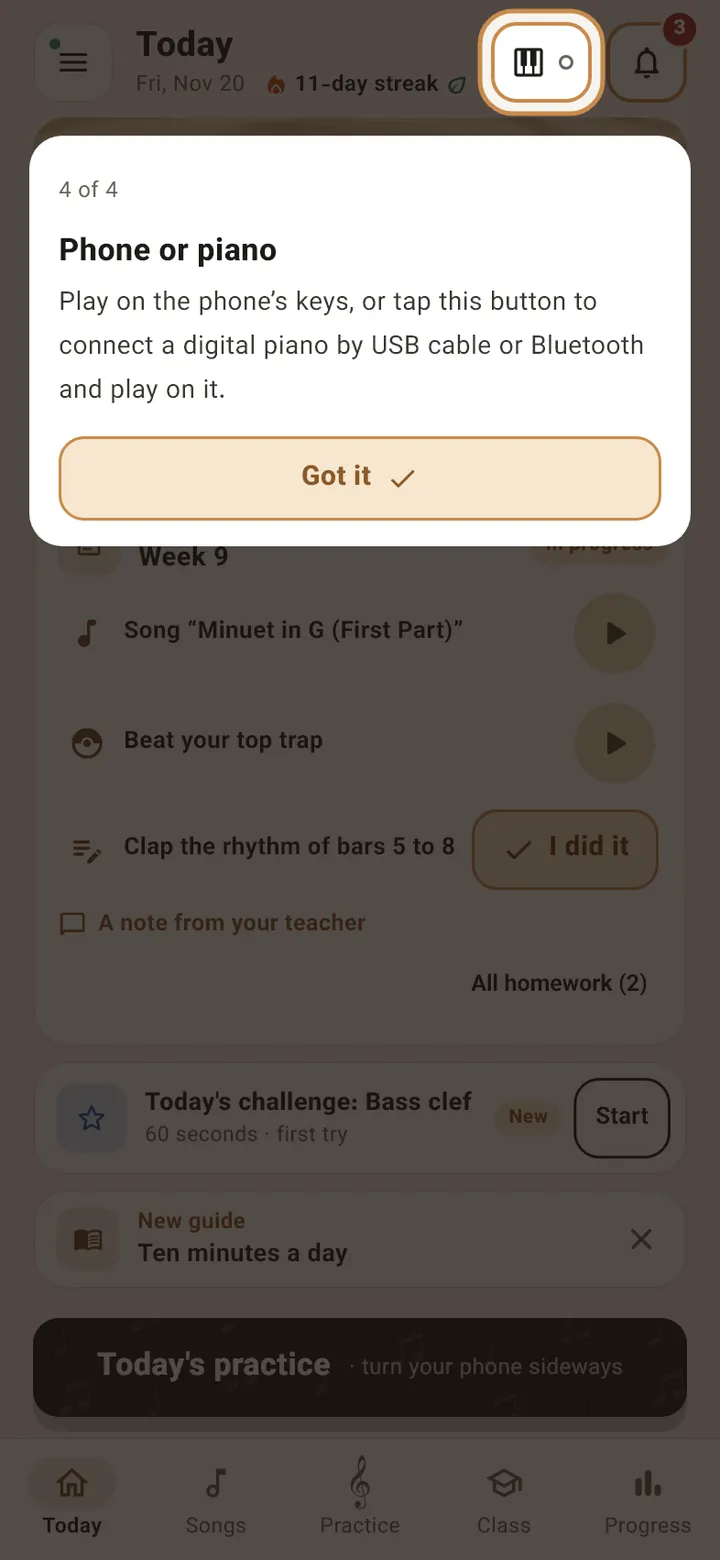 First-run tour of Today, step 4
Digital piano 20
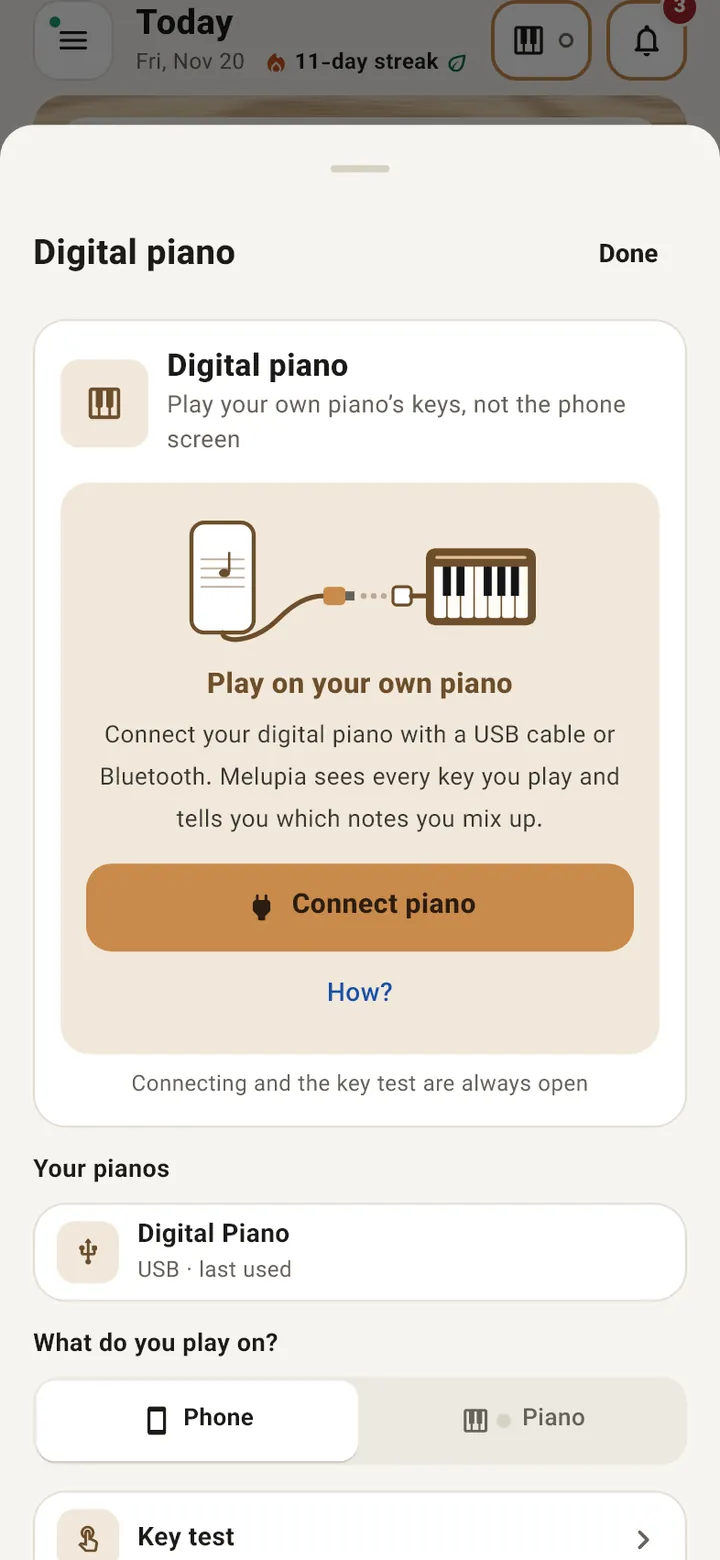 The piano sheet (from the header): connect a digital piano
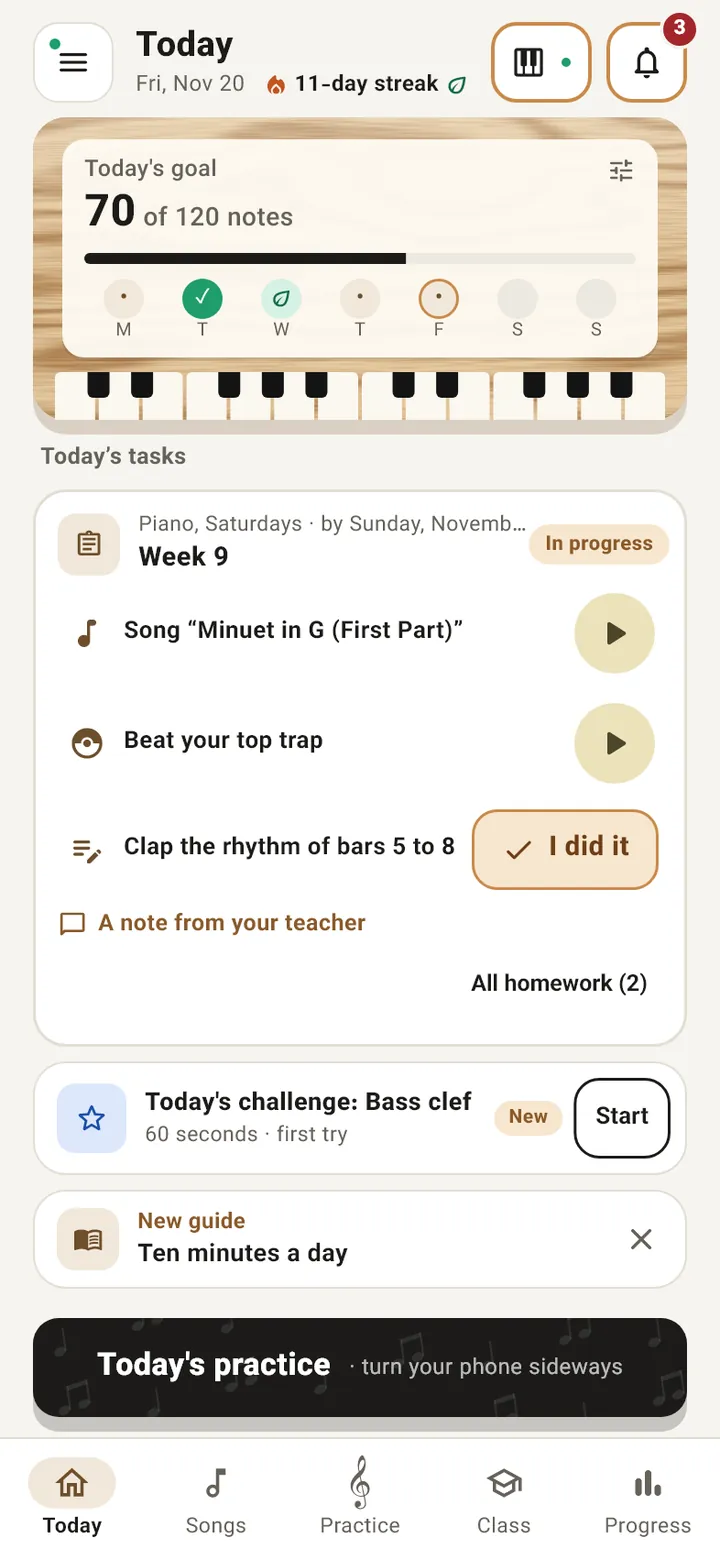 Today with the digital piano connected (the header’s green dot)
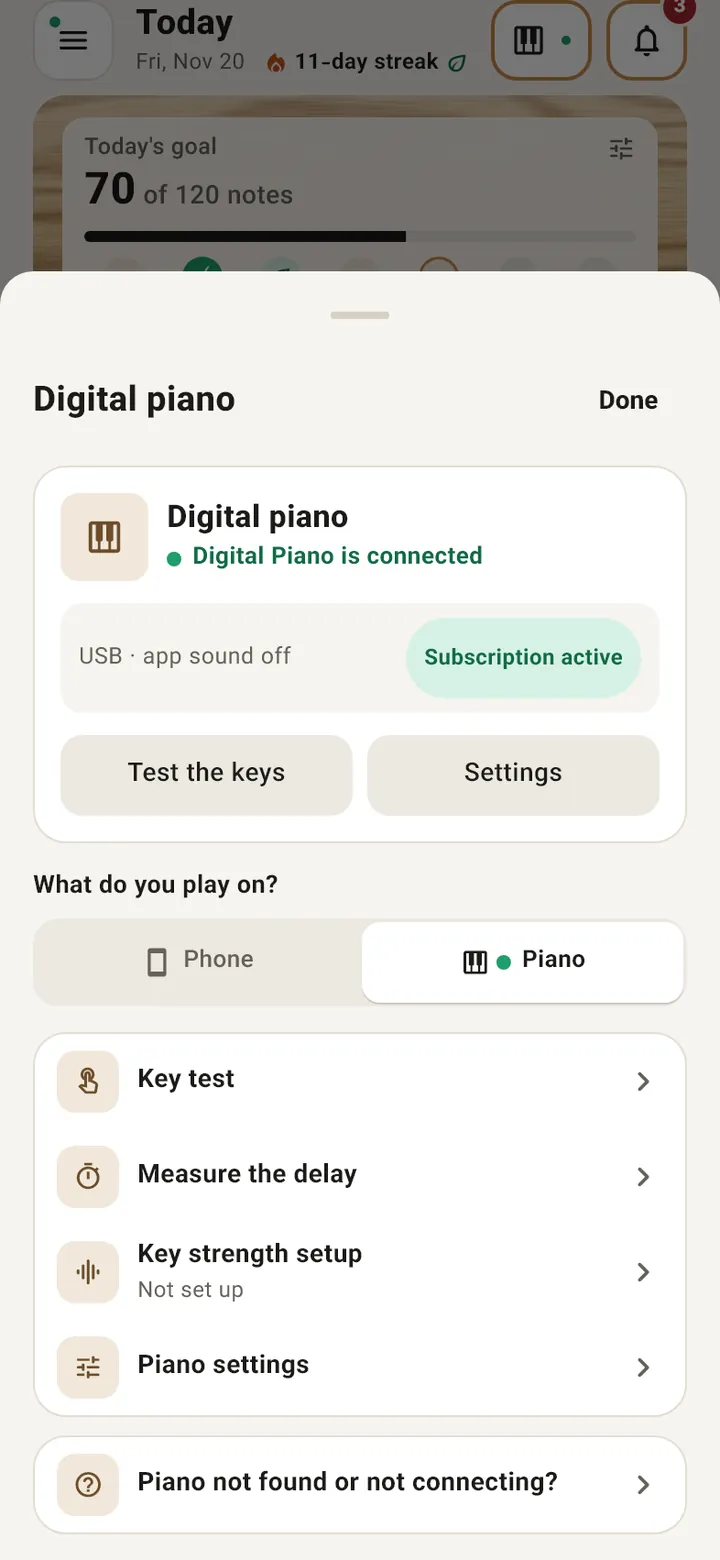 The piano sheet: the digital piano connected by USB
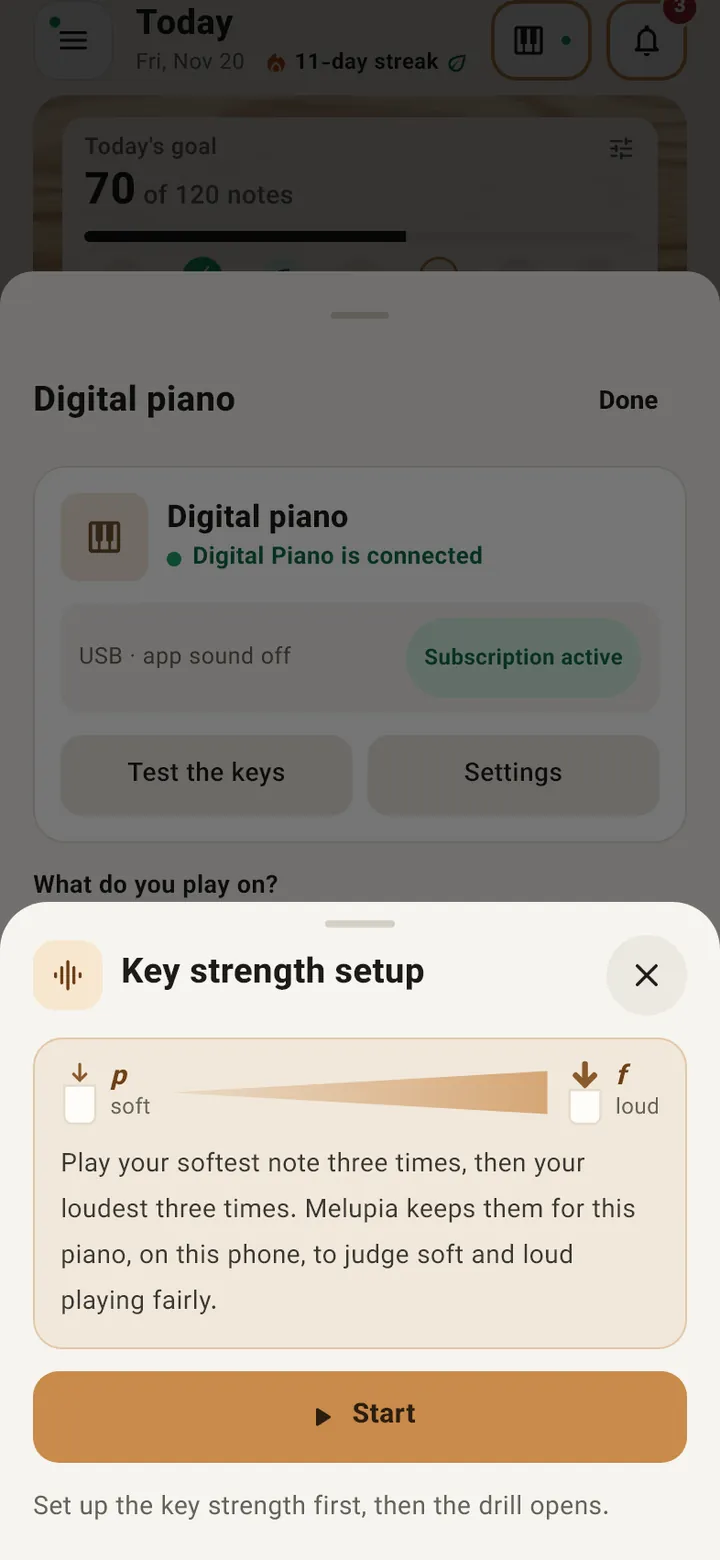 Touch calibration: play softly, then loudly
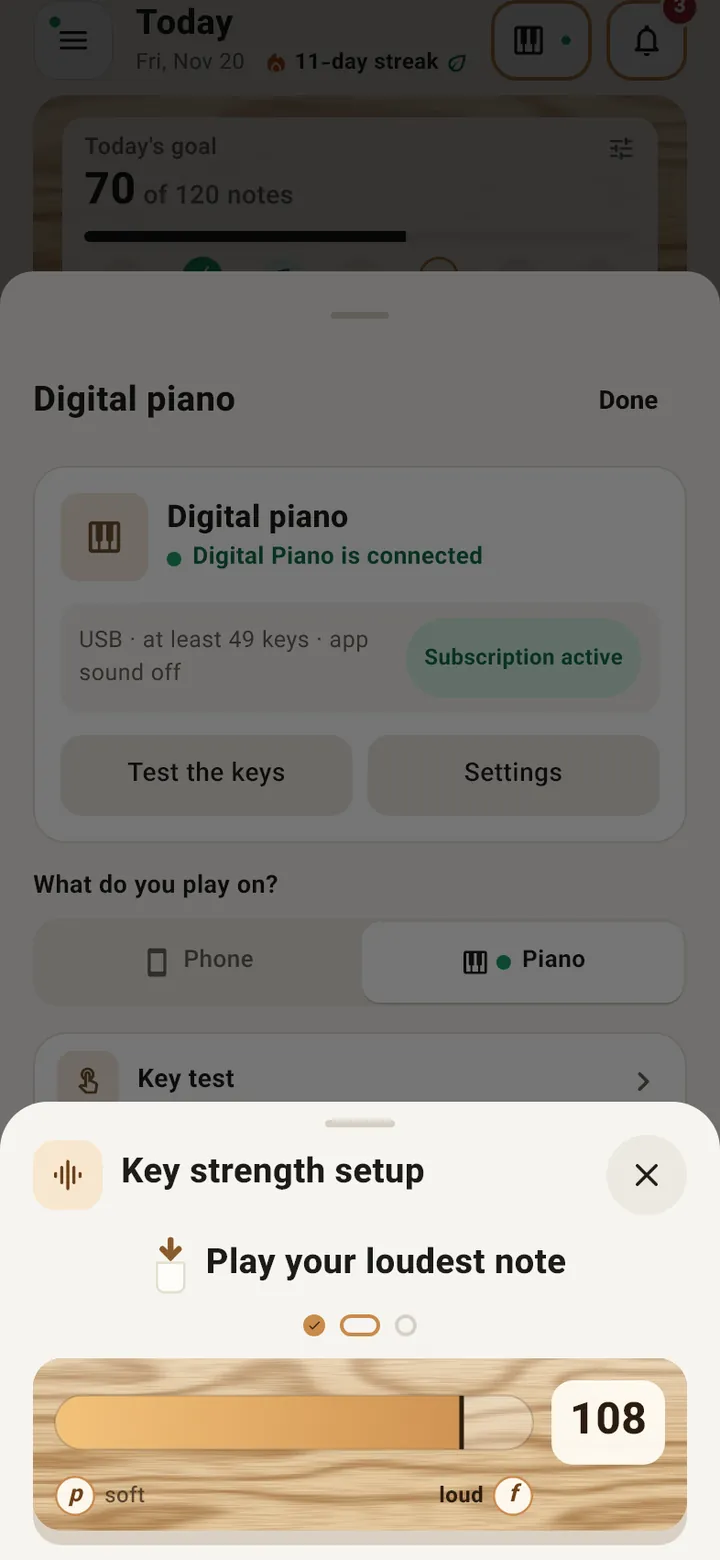 Touch calibration: three soft notes done, now the loud ones
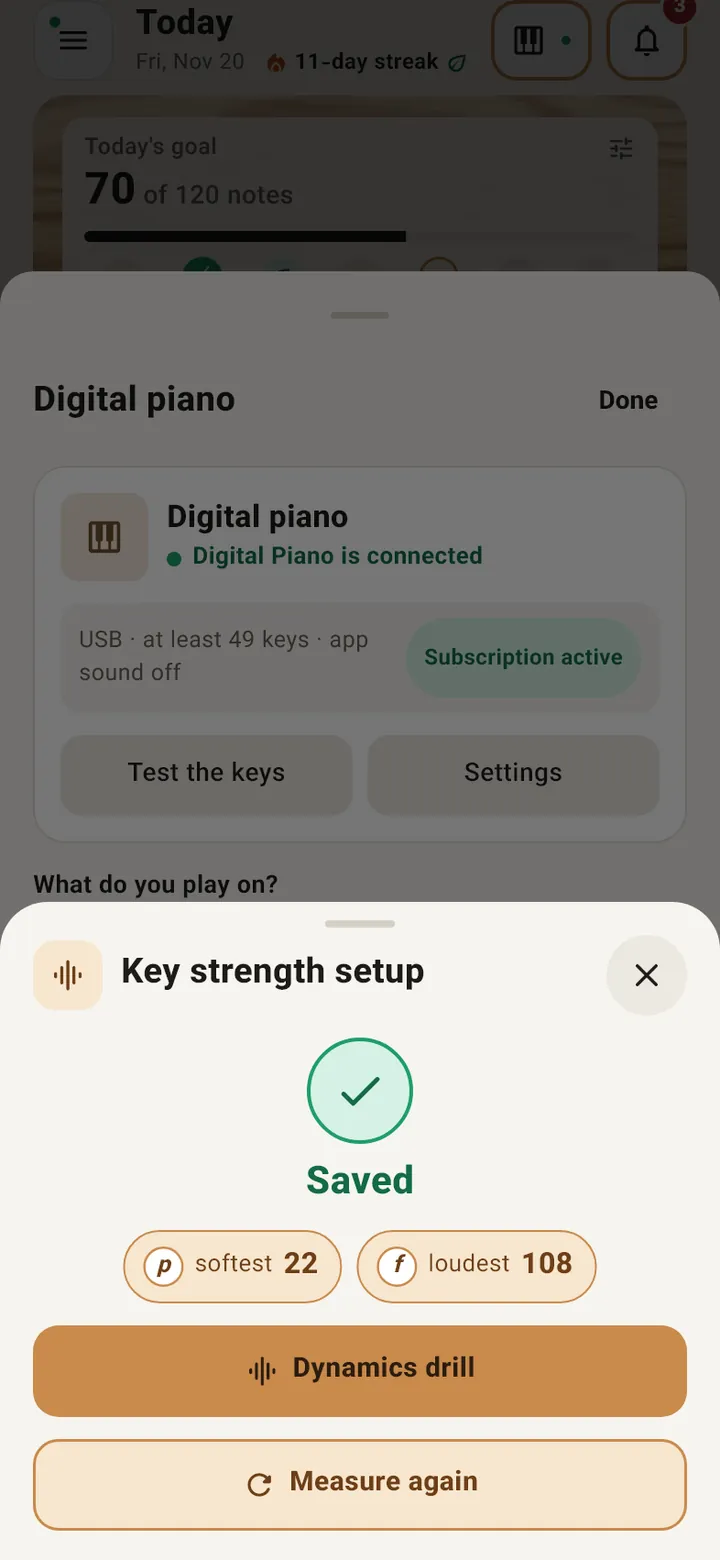 Touch calibration: this piano’s soft and loud
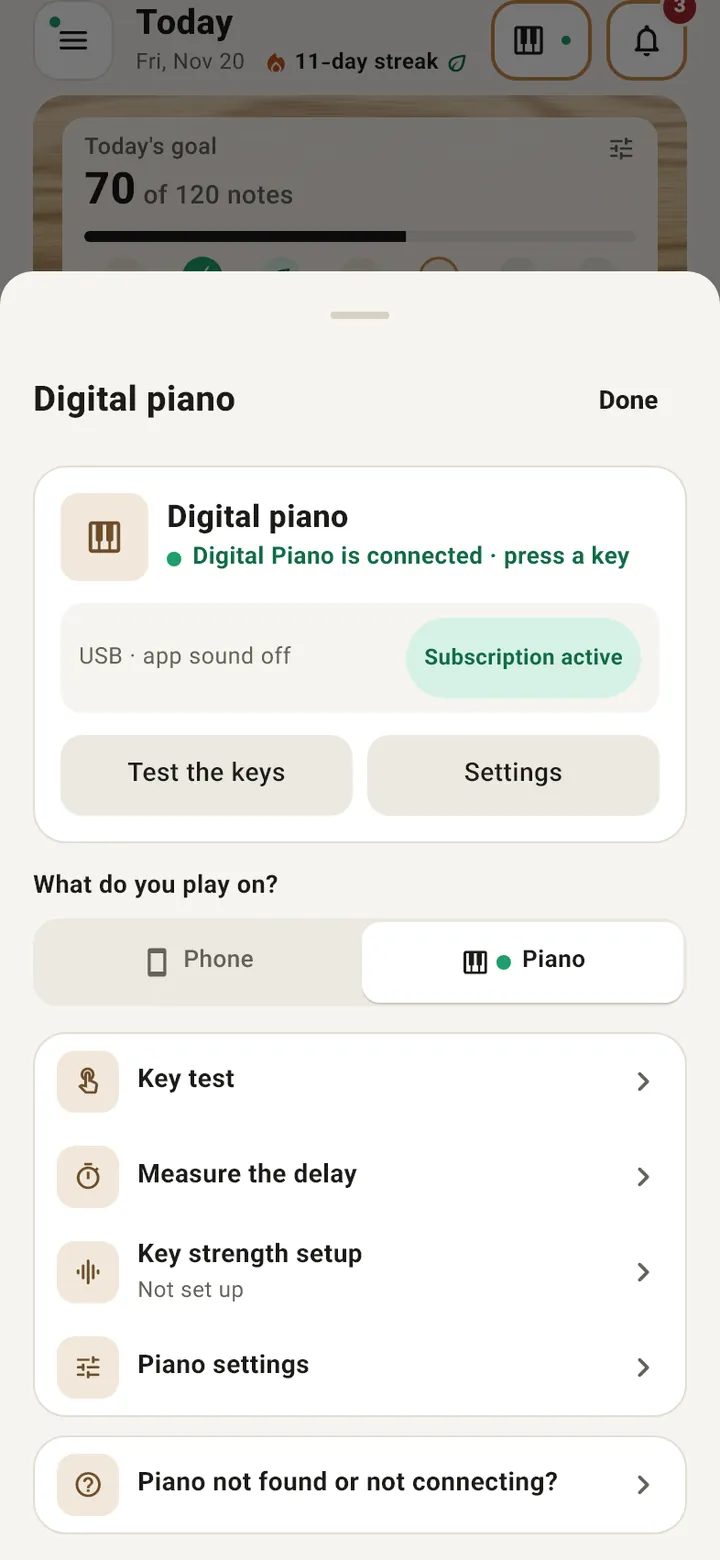 The piano sheet: just connected, “press a key” until a note comes
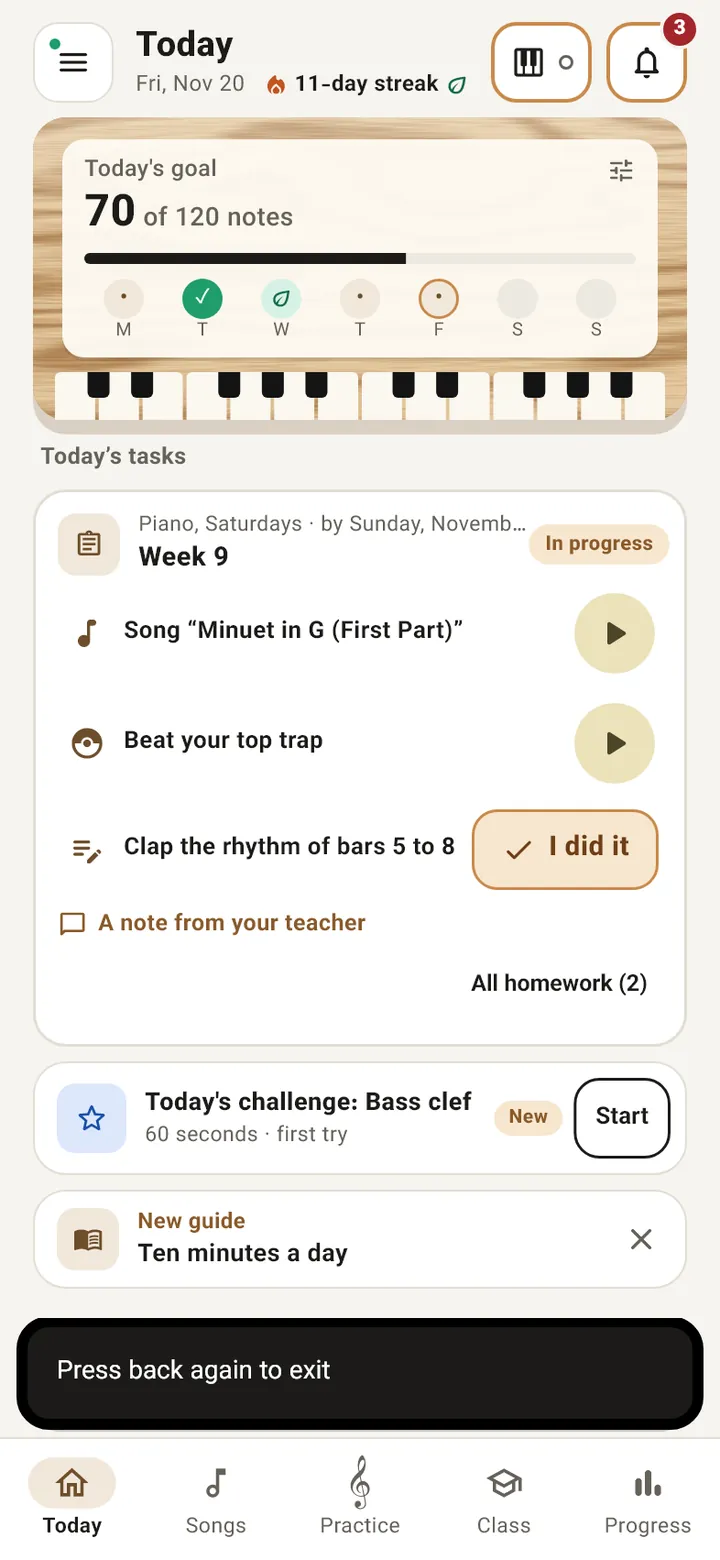 Today: the first system back only says “press back again to exit”
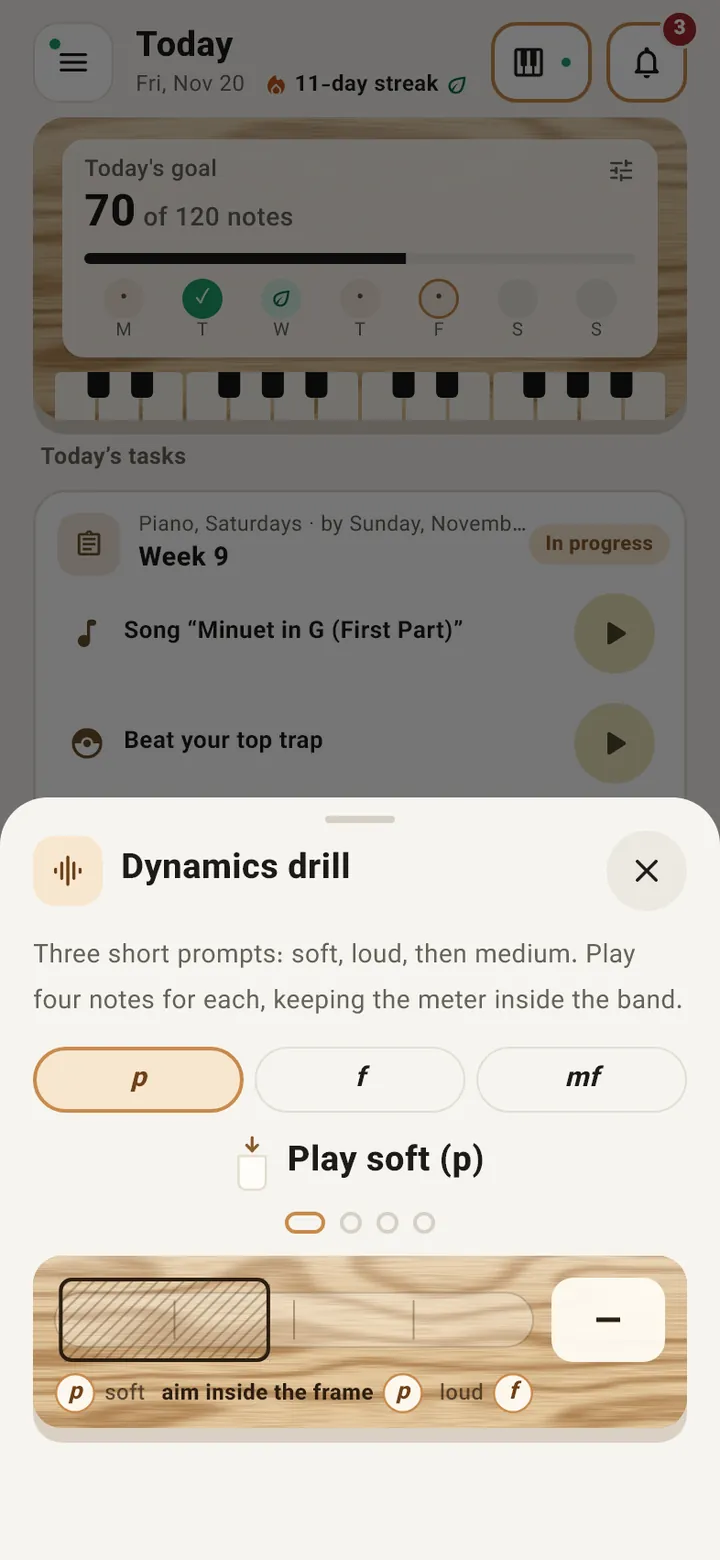 Touch drill: play the dynamic the card asks for
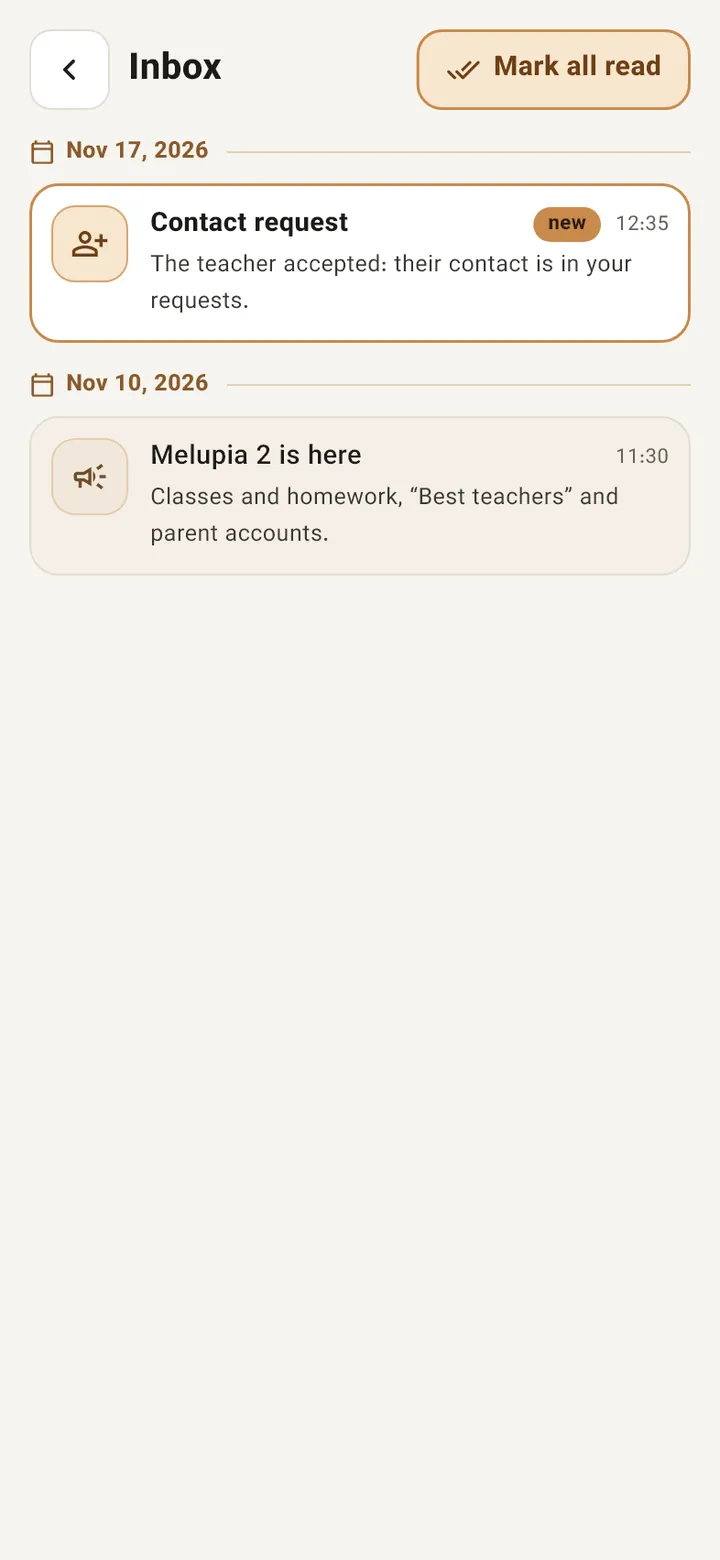 The bell of a parent’s account: a teacher accepted the request
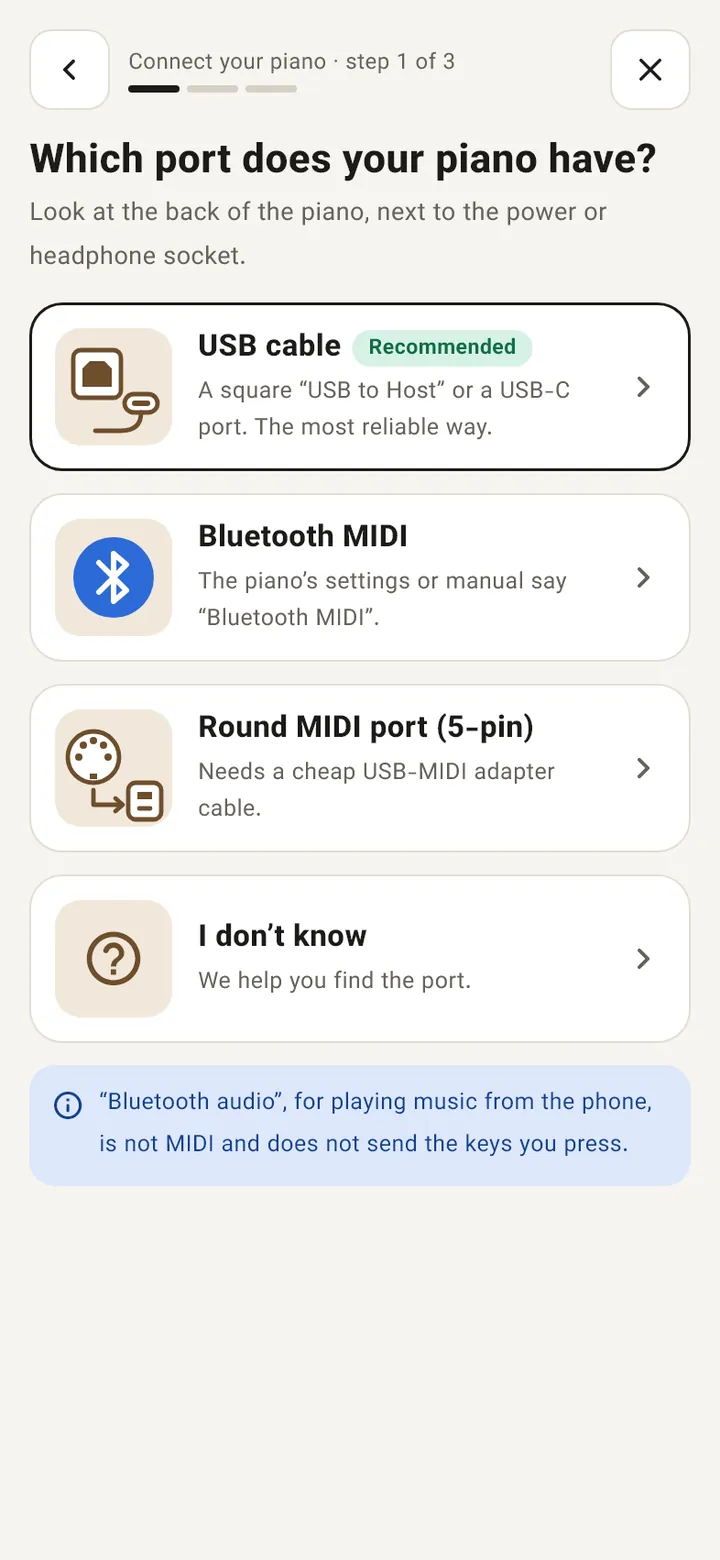 Connecting a piano: choose the port
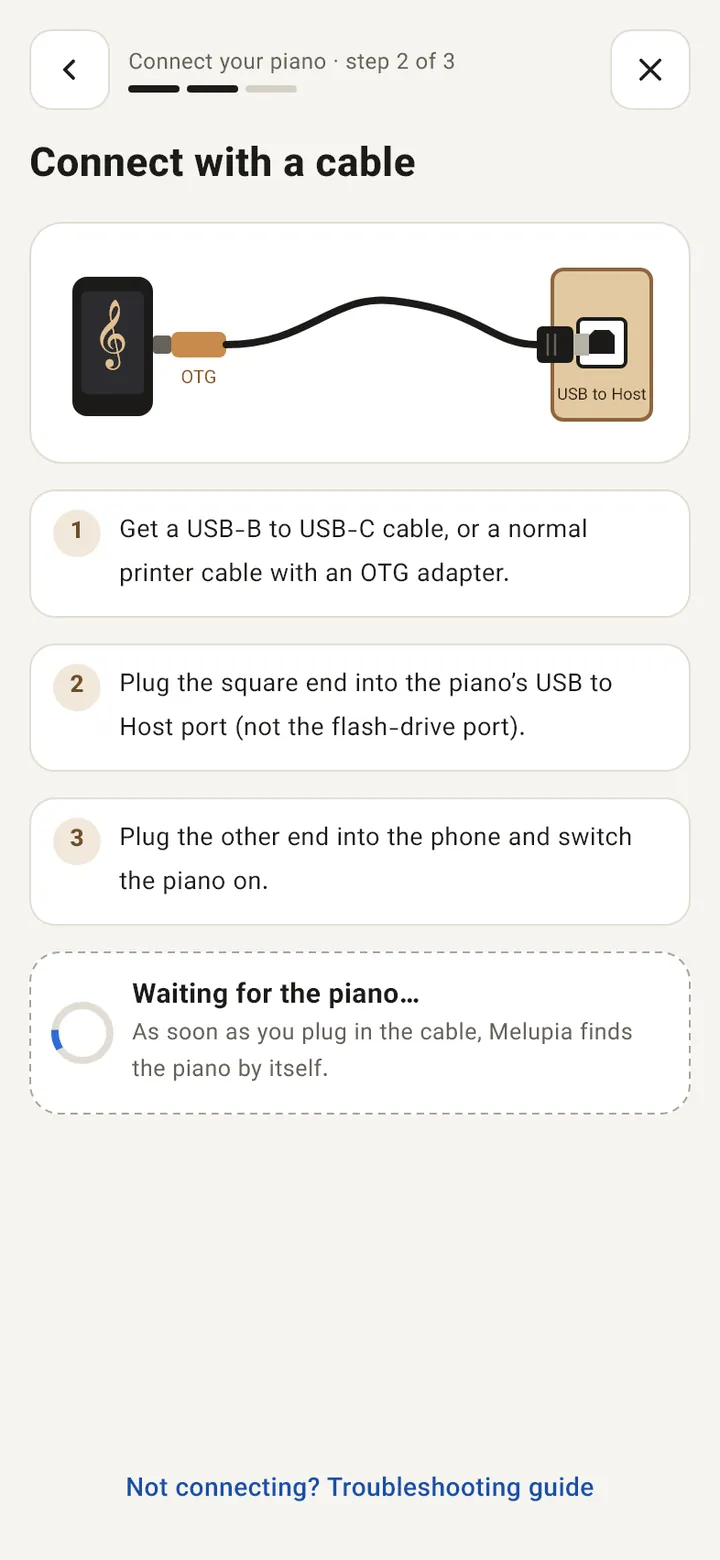 Connecting by USB cable: step by step
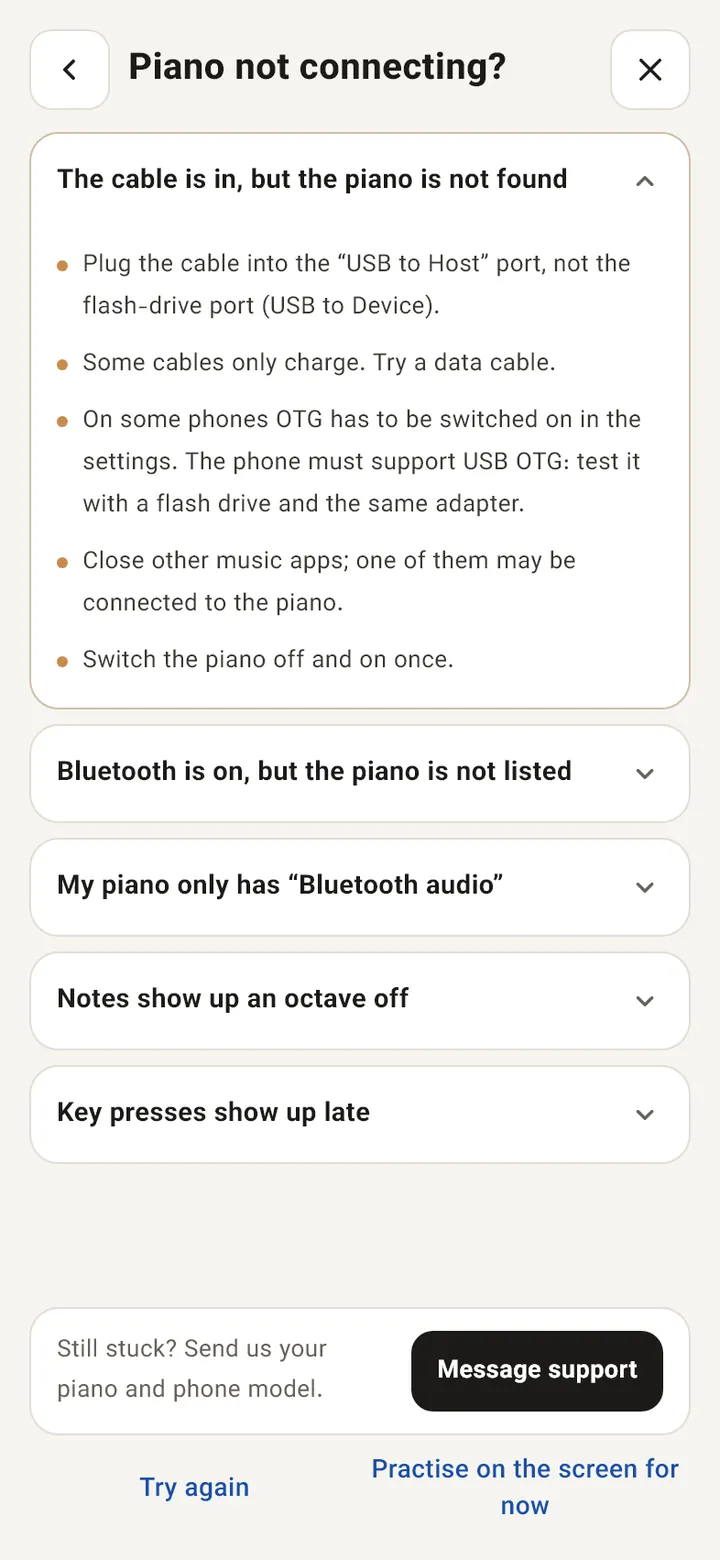 Piano help: USB problems and fixes
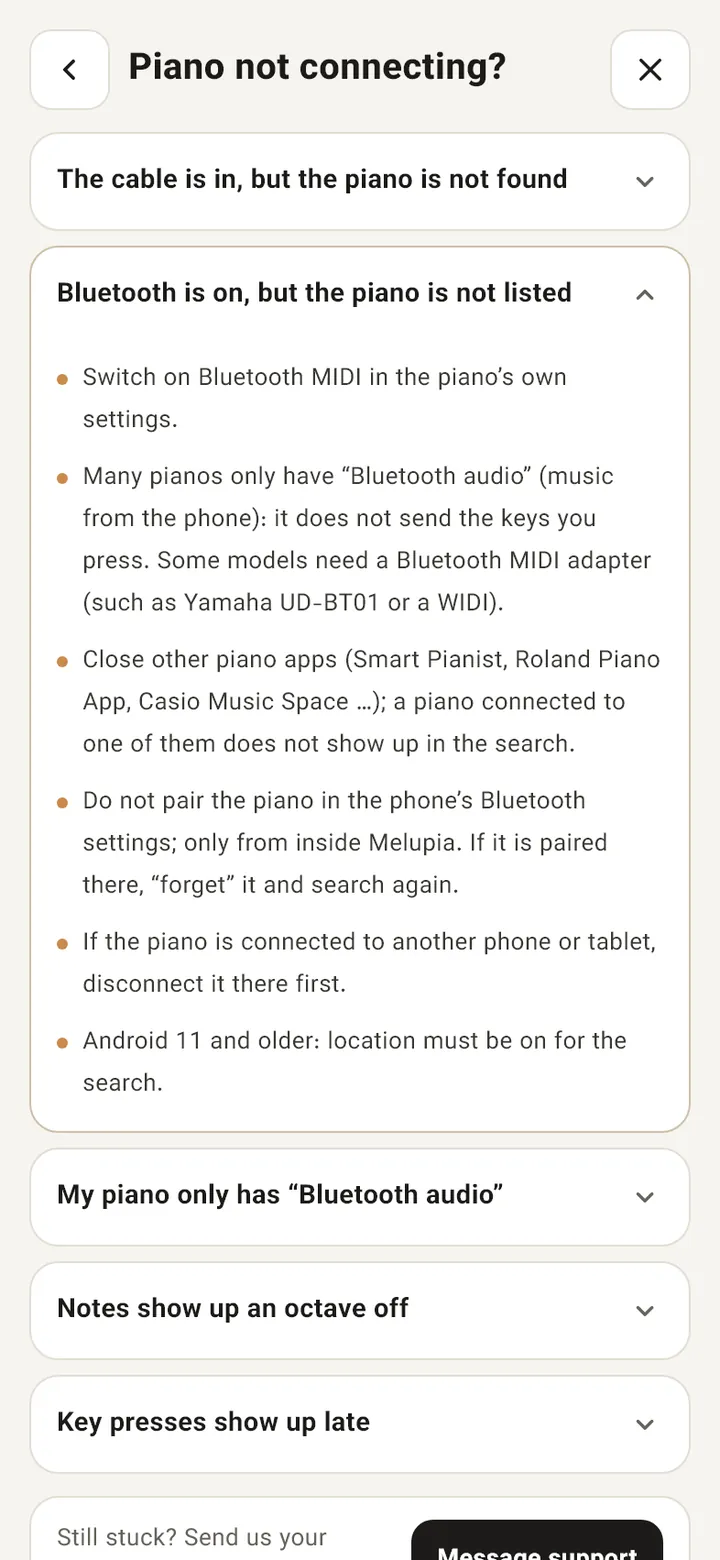 Piano help: Bluetooth problems and fixes
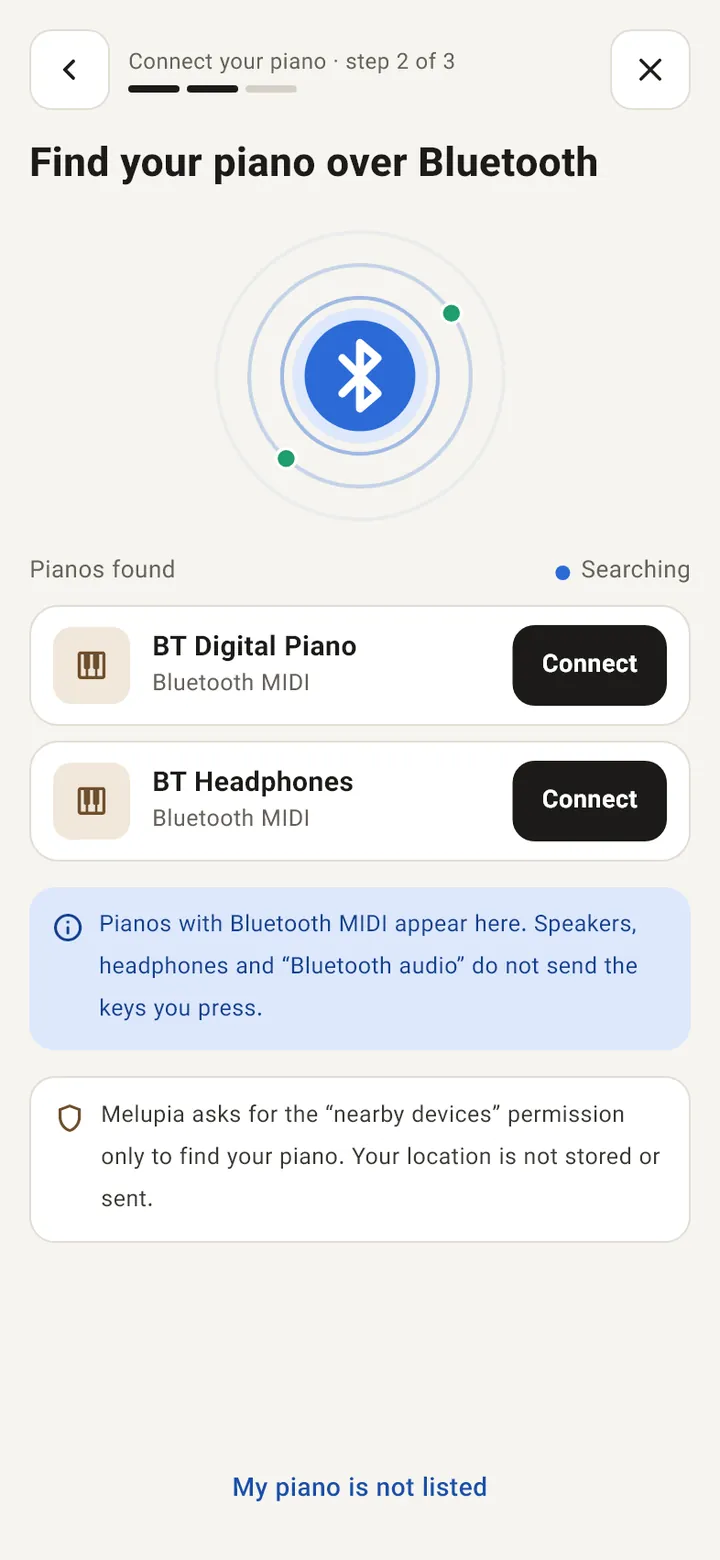 Bluetooth: pianos found nearby
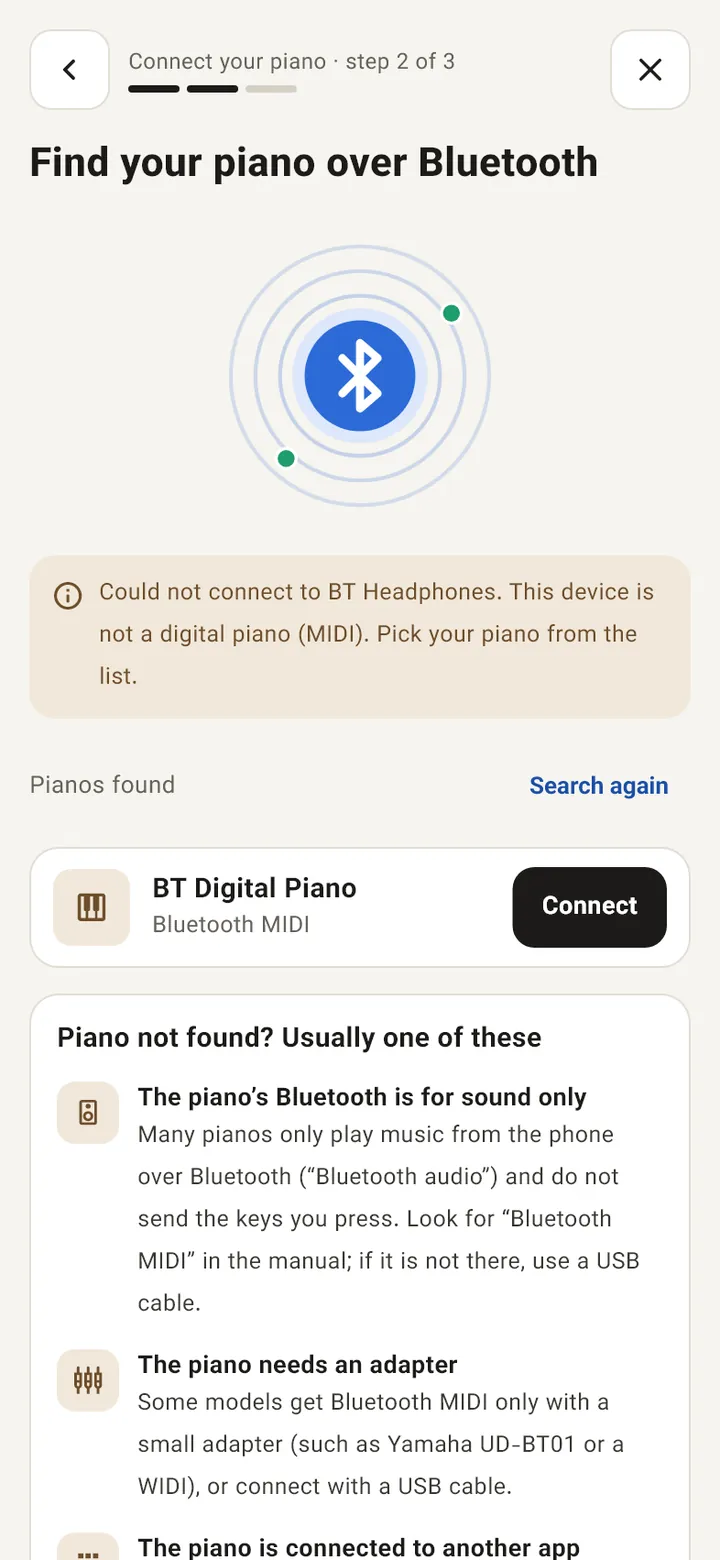 Bluetooth: the device picked is no digital piano (MIDI)
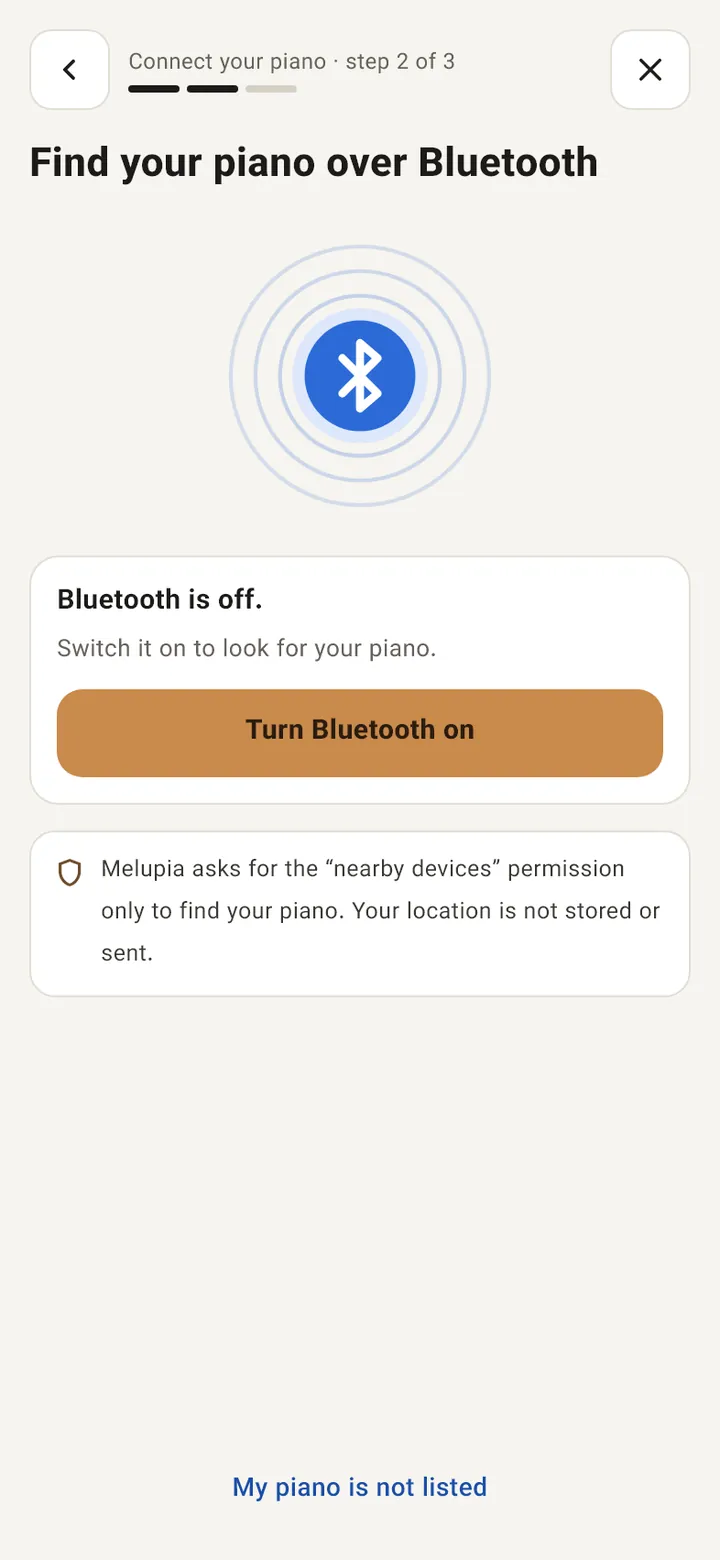 Bluetooth: the phone’s Bluetooth is off, one tap to turn it on
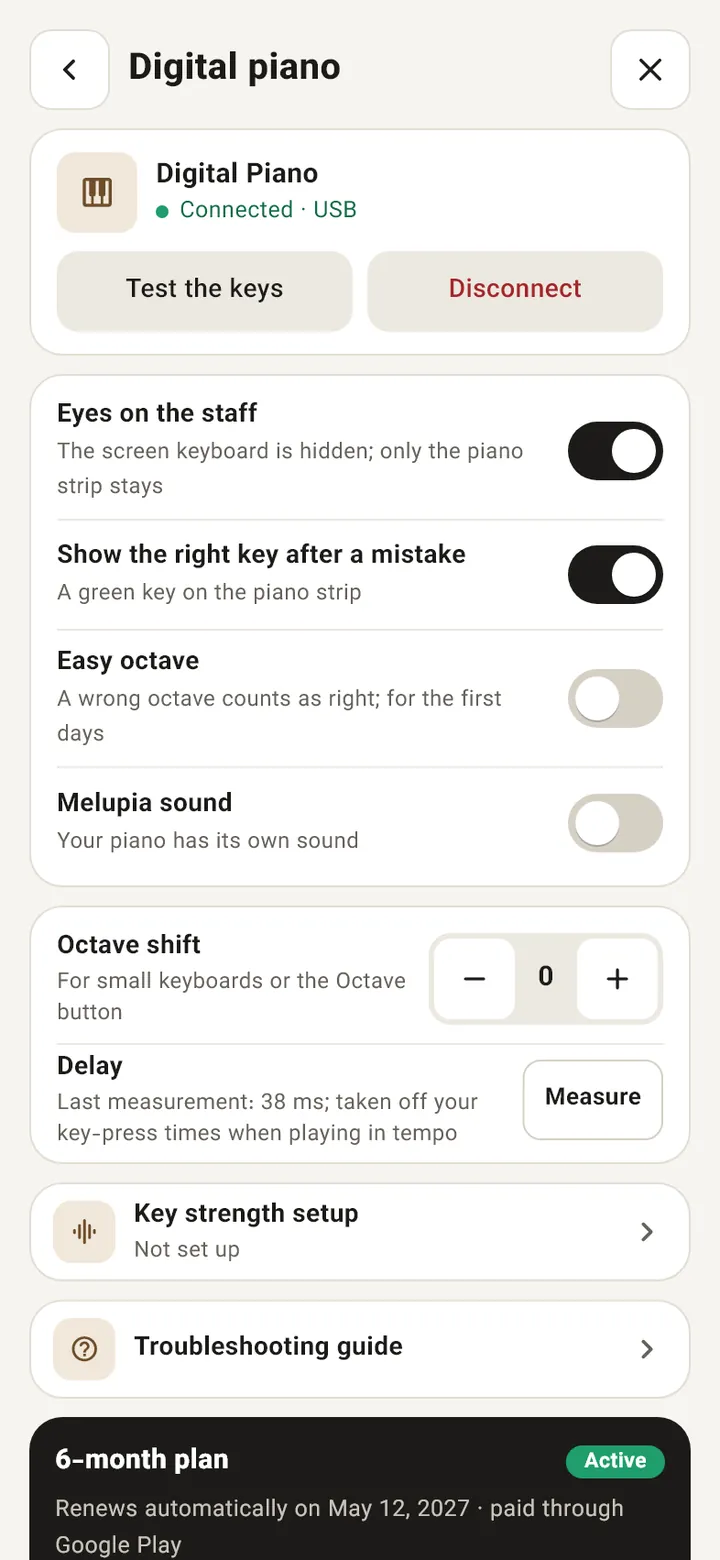 Piano settings: sound, octave, eyes on the staff, the plan
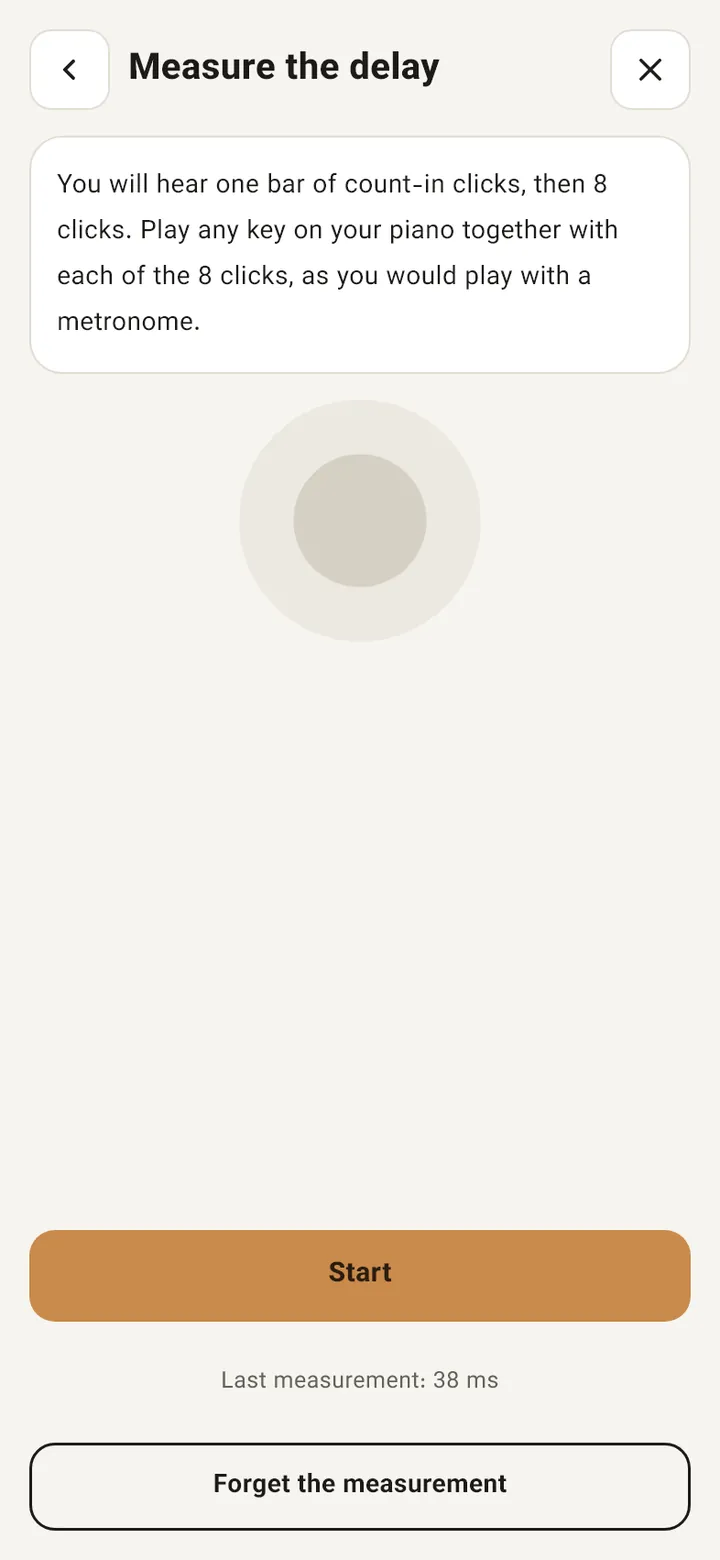 Delay measurement for play in tempo
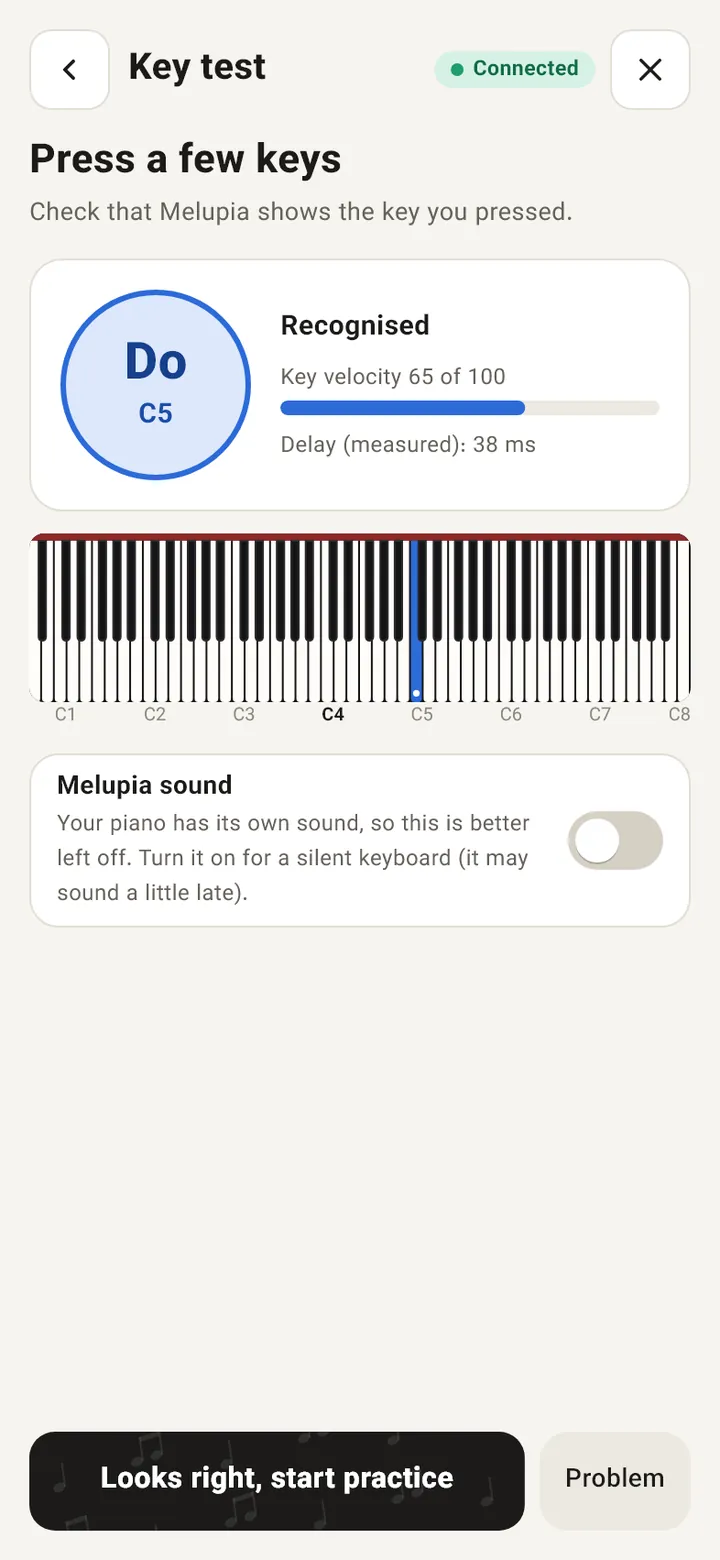 Key test: each key the piano sends, with its strength
Songs 22
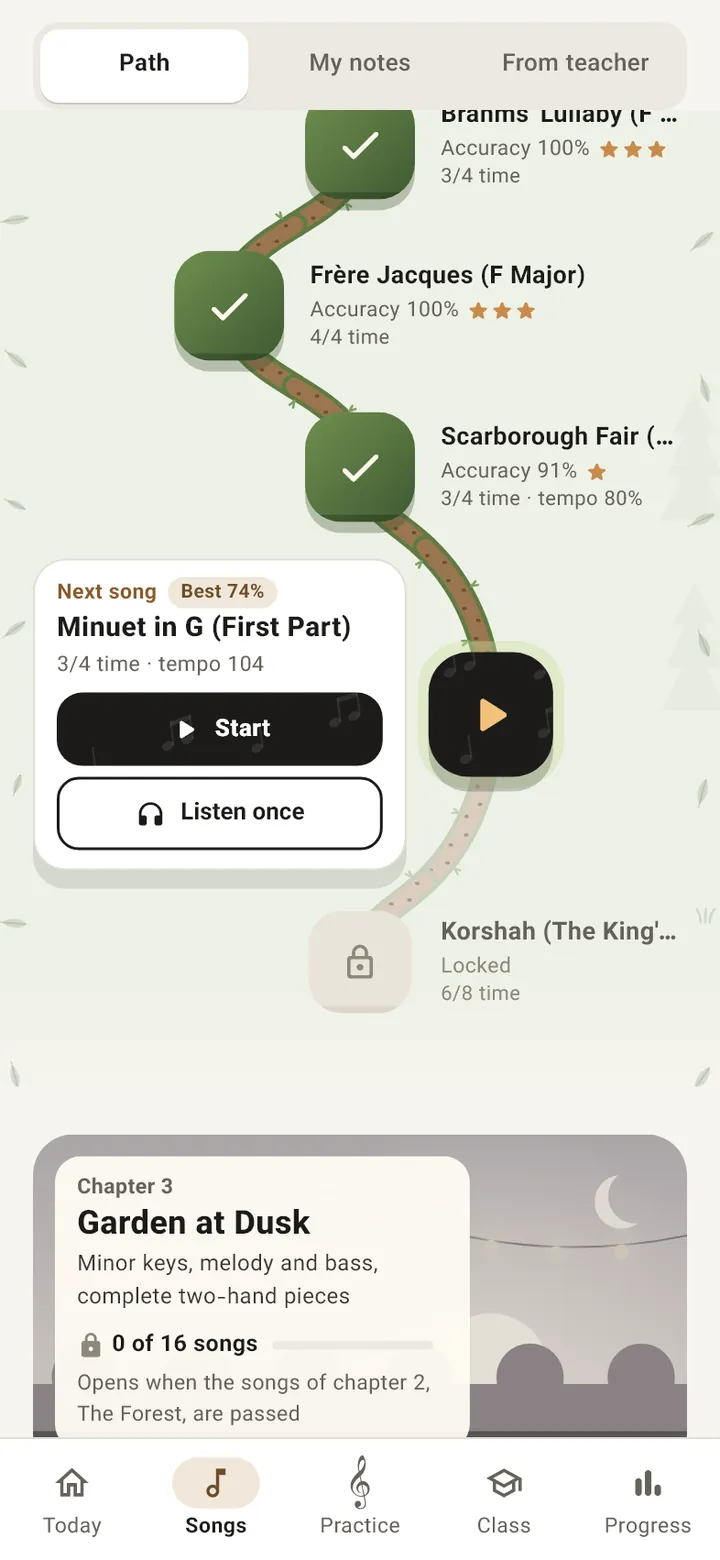 Songs: the path at the song to play next
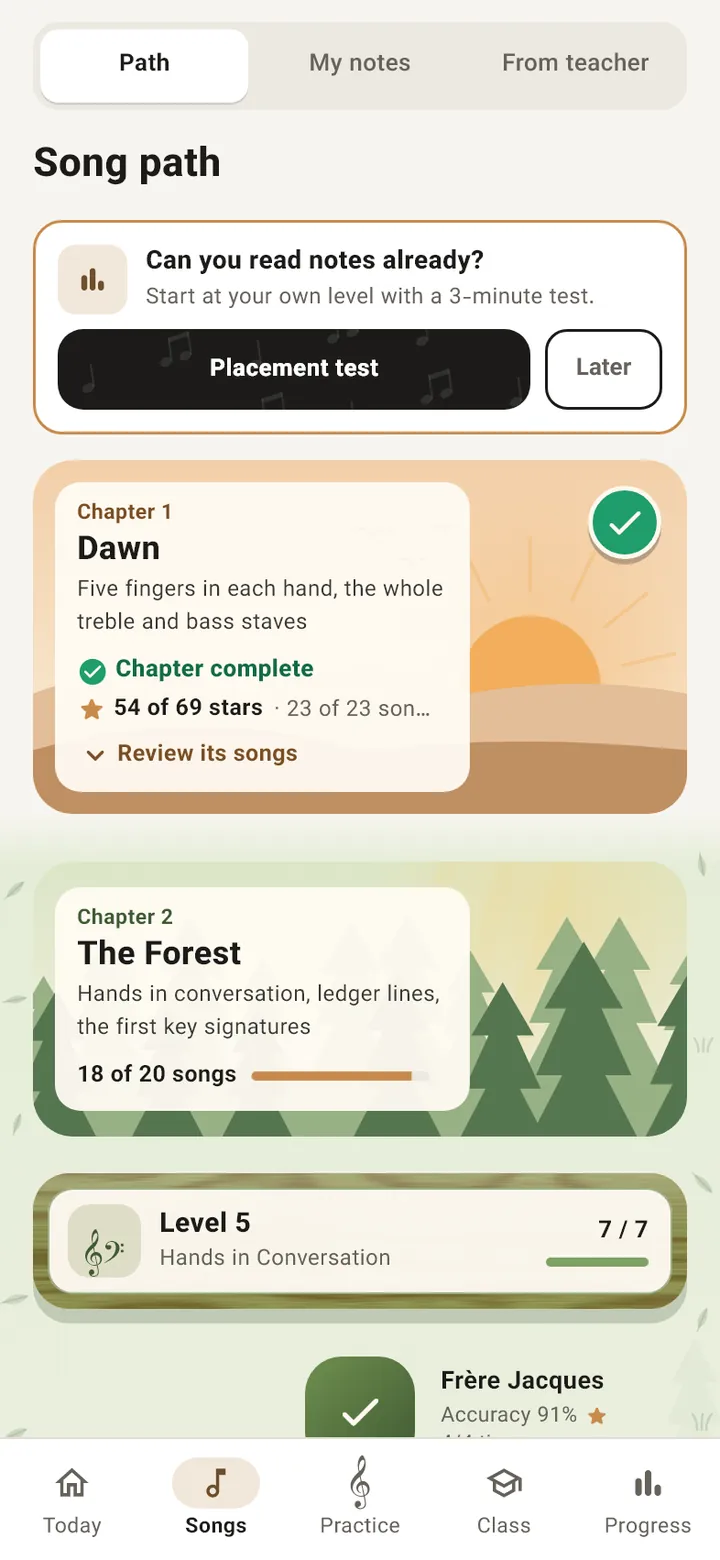 Songs: finished chapters folded to their covers
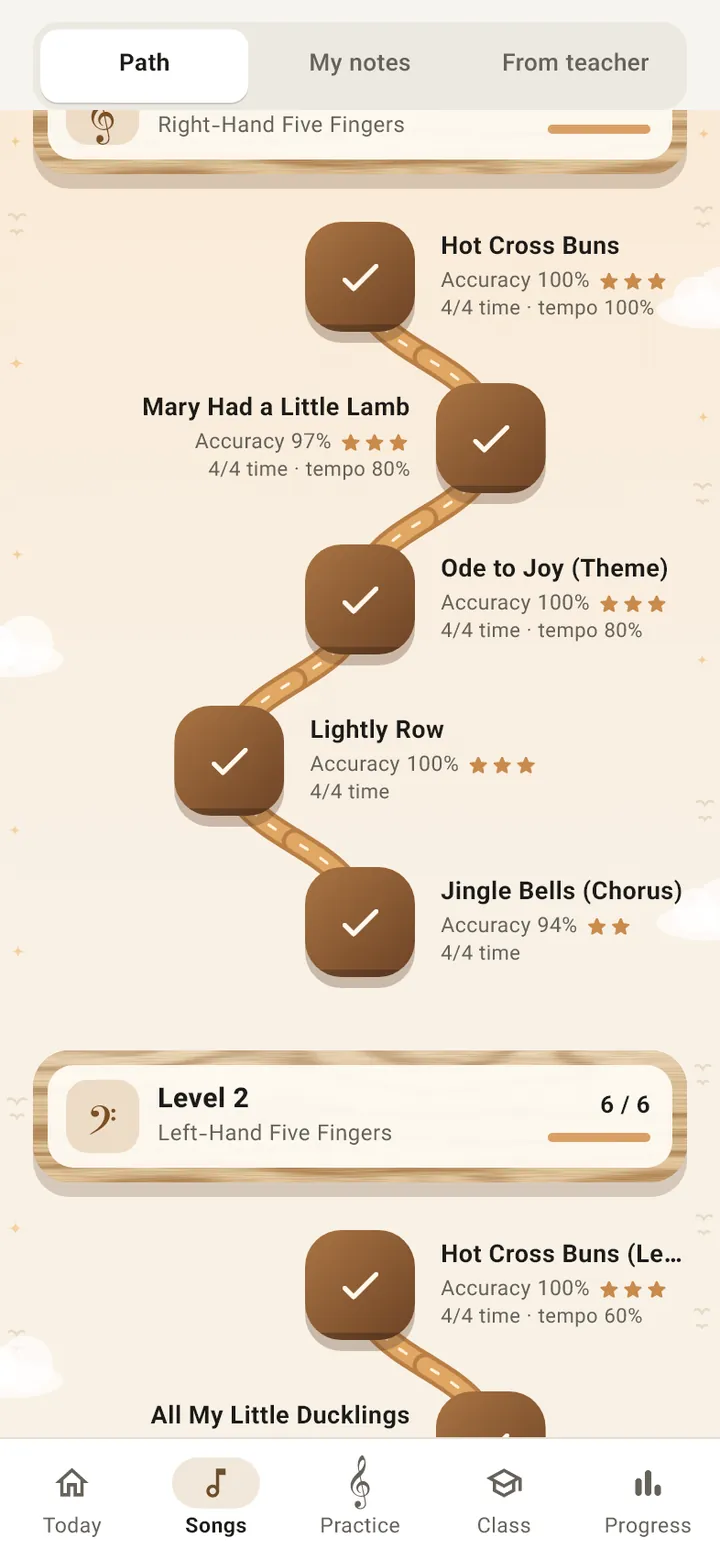 Songs: a finished chapter opened again, stars per song
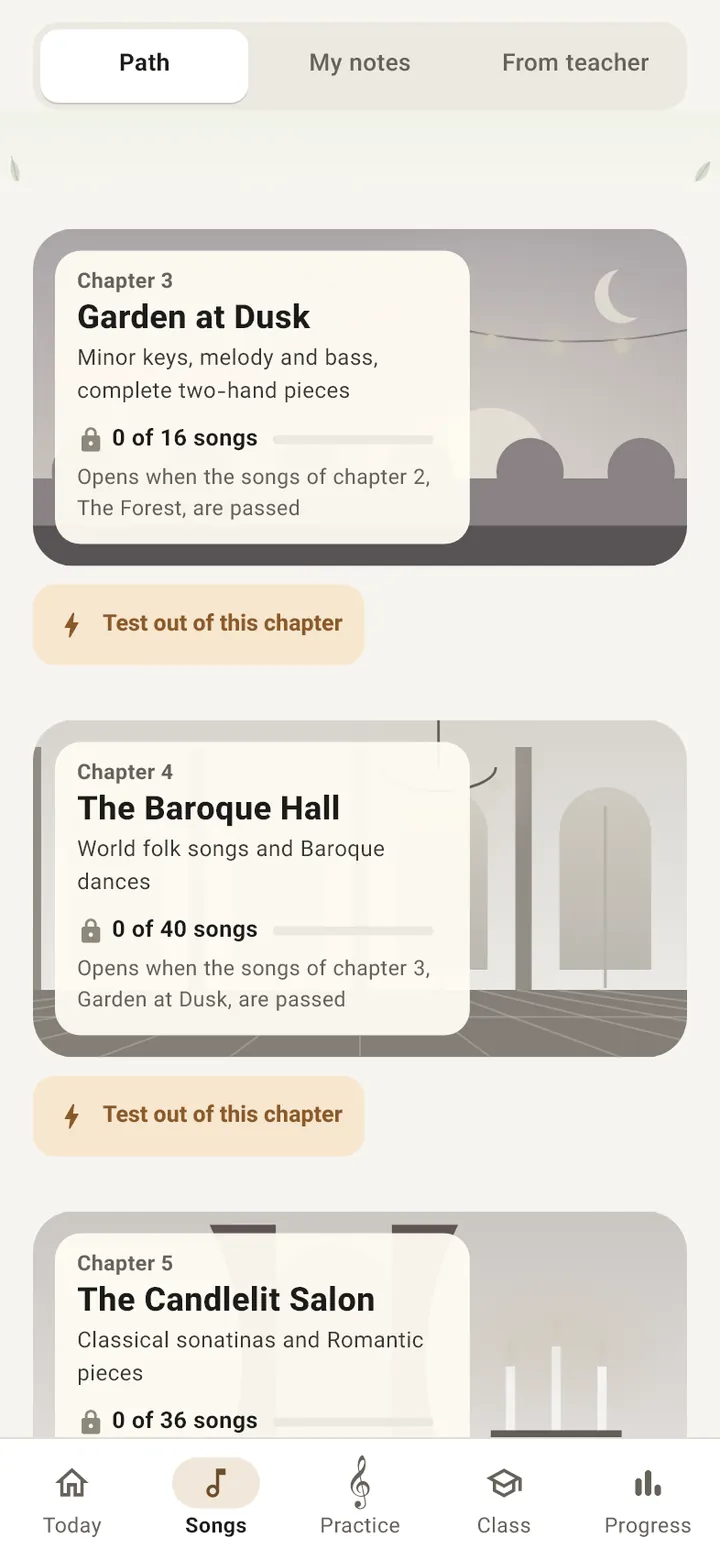 Songs: chapter 3 still to come, and its test-out
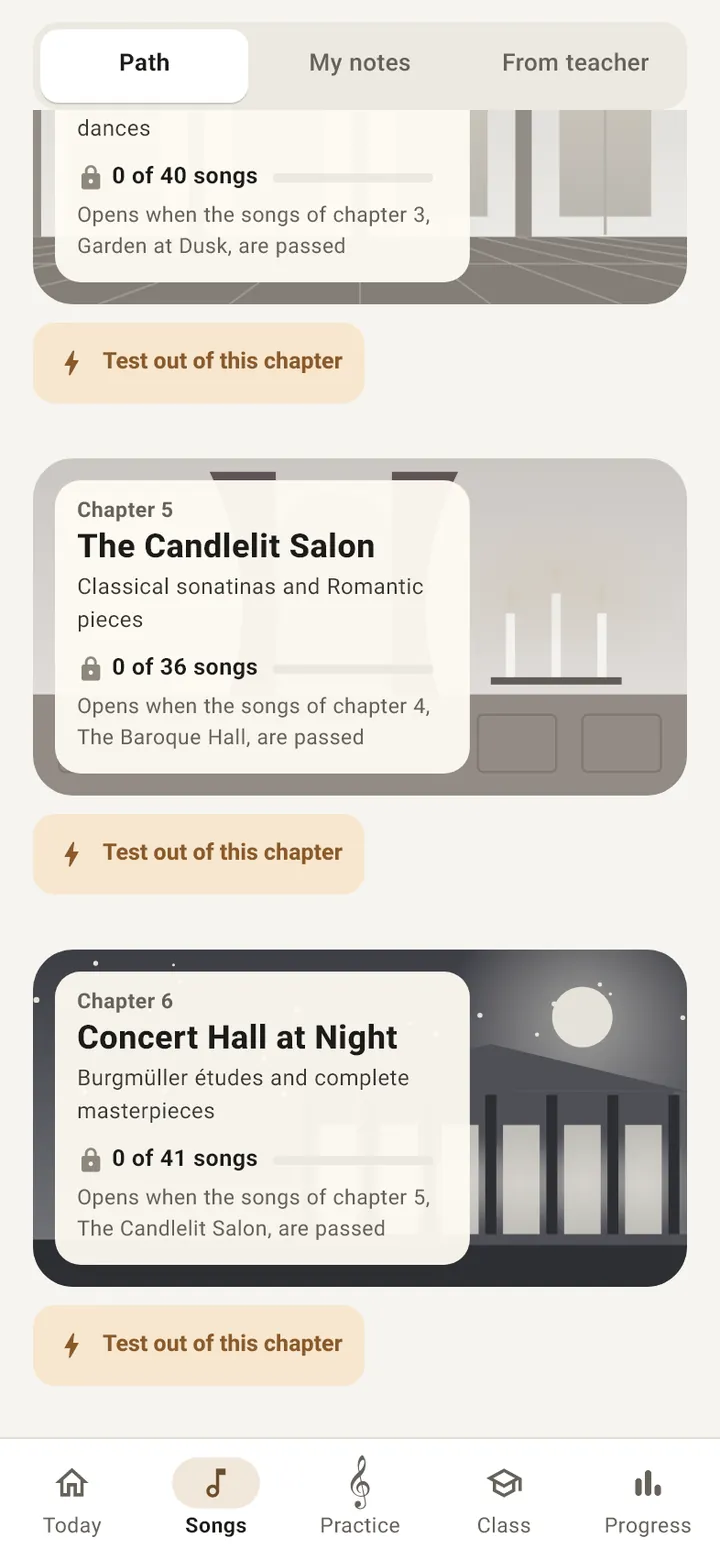 Songs: chapter 5 still to come, and its test-out
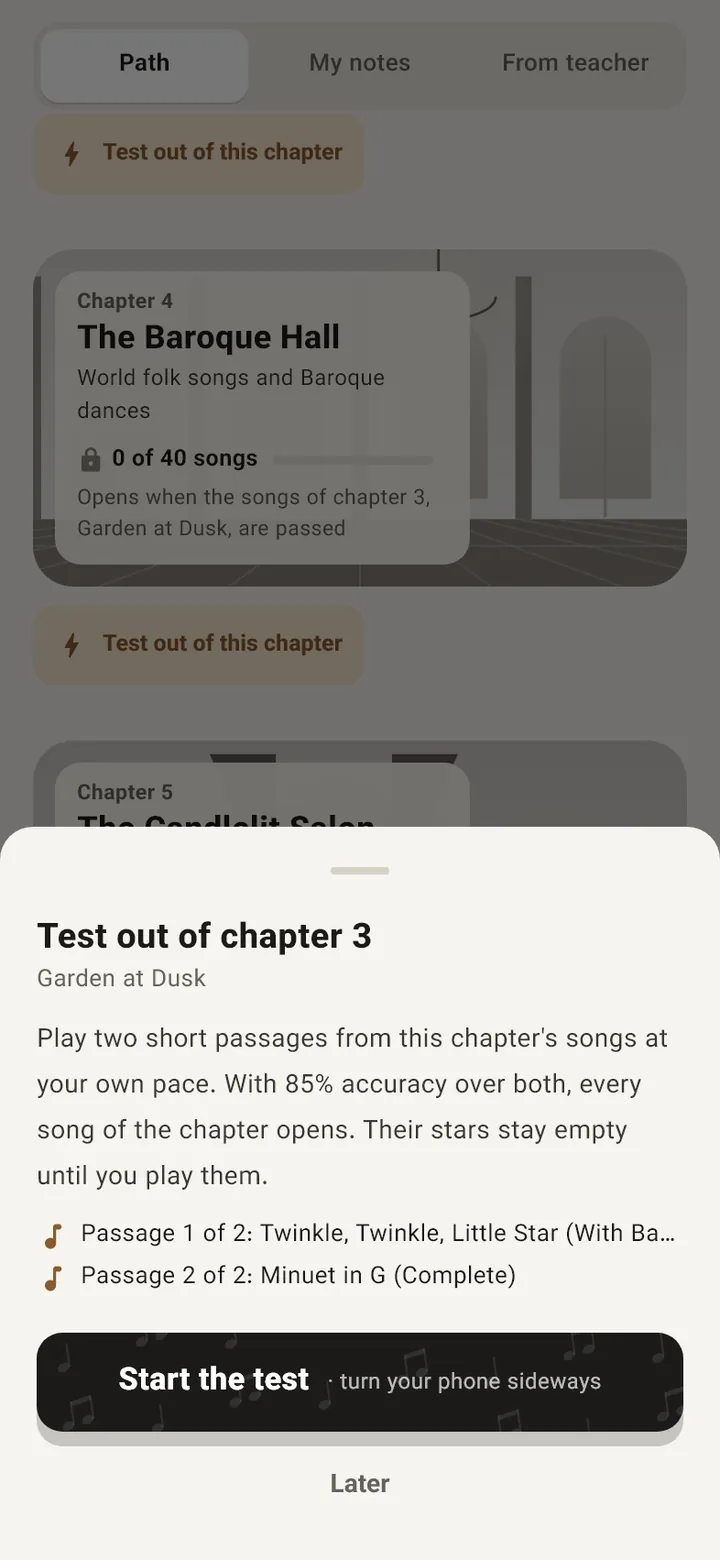 Test out of a chapter: two passages to skip ahead
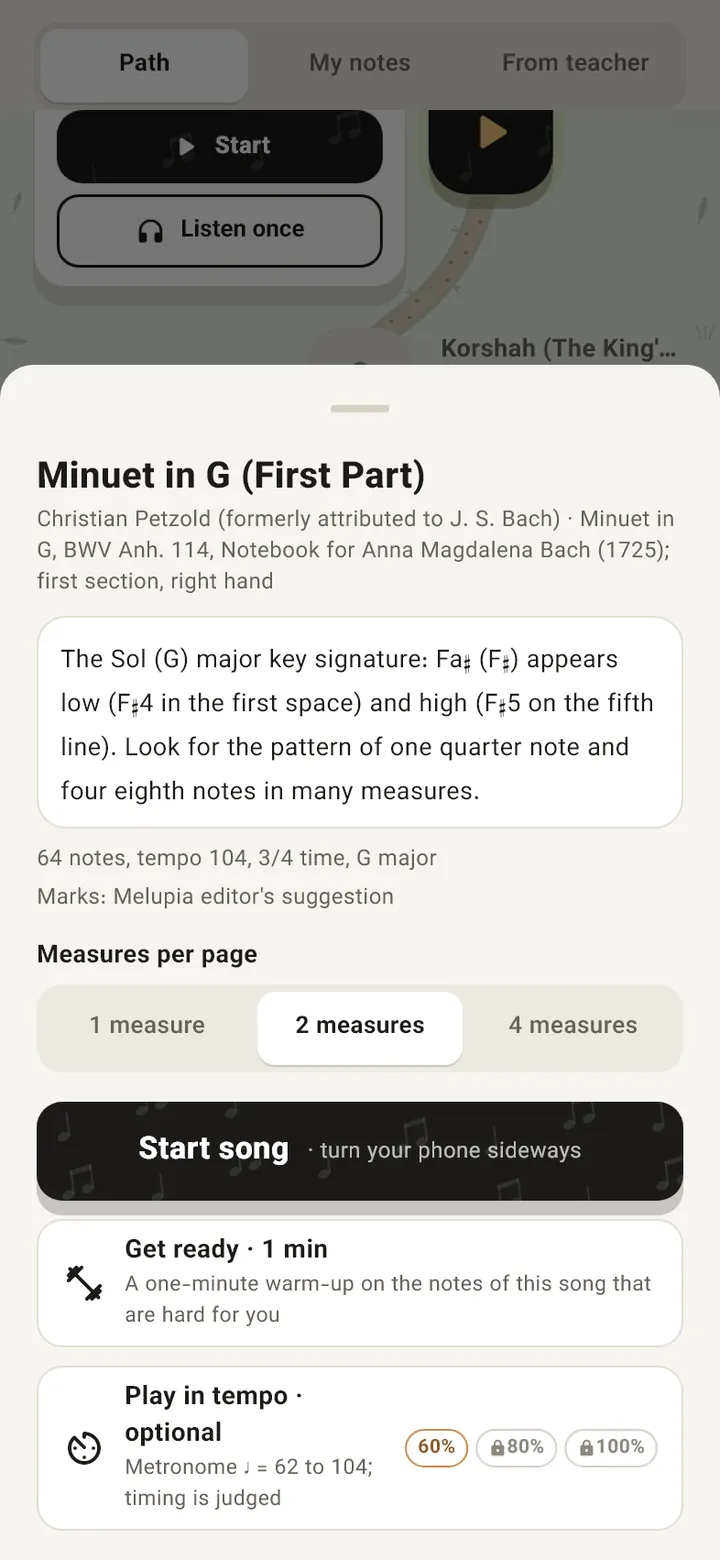 A song’s sheet: editorial marks, measures per page, play in tempo
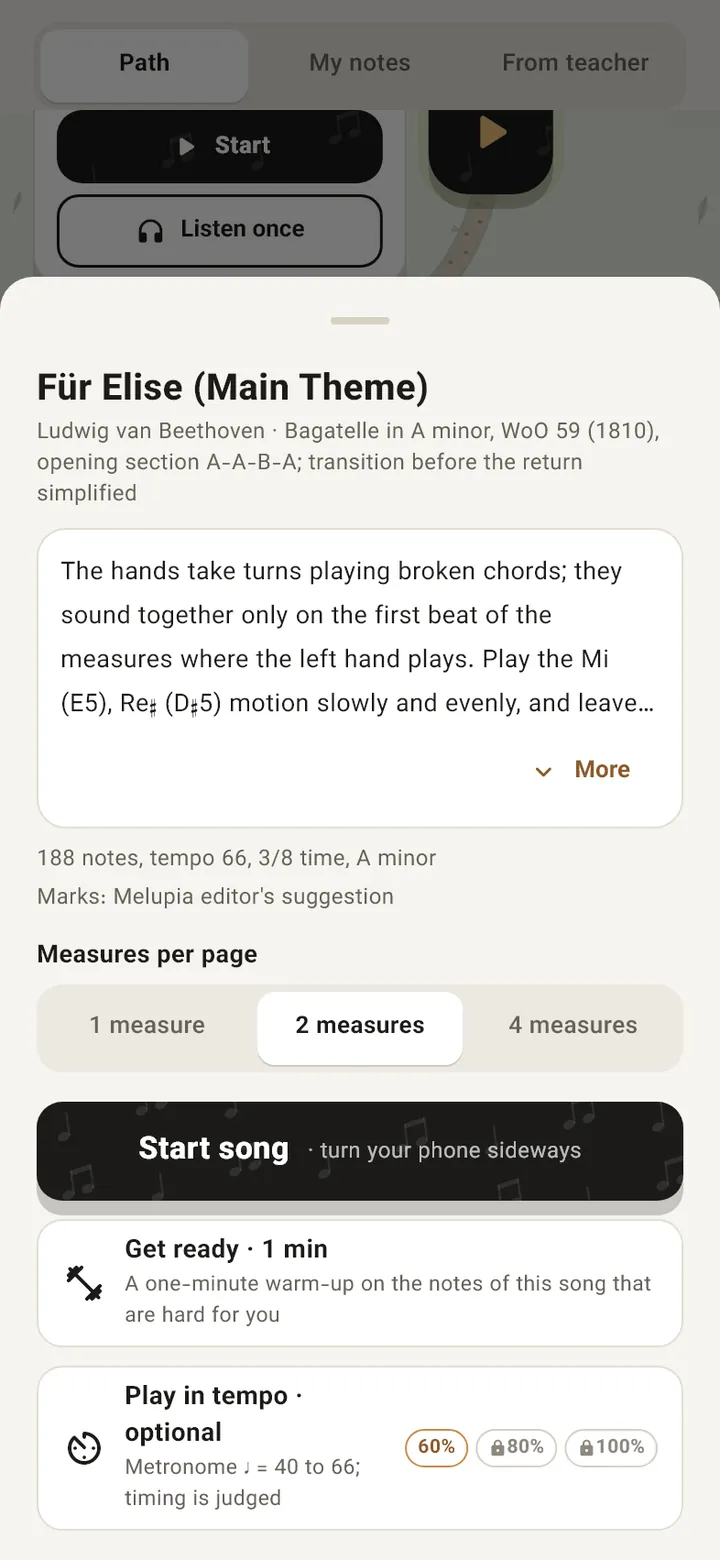 Für Elise’s sheet, further along the path
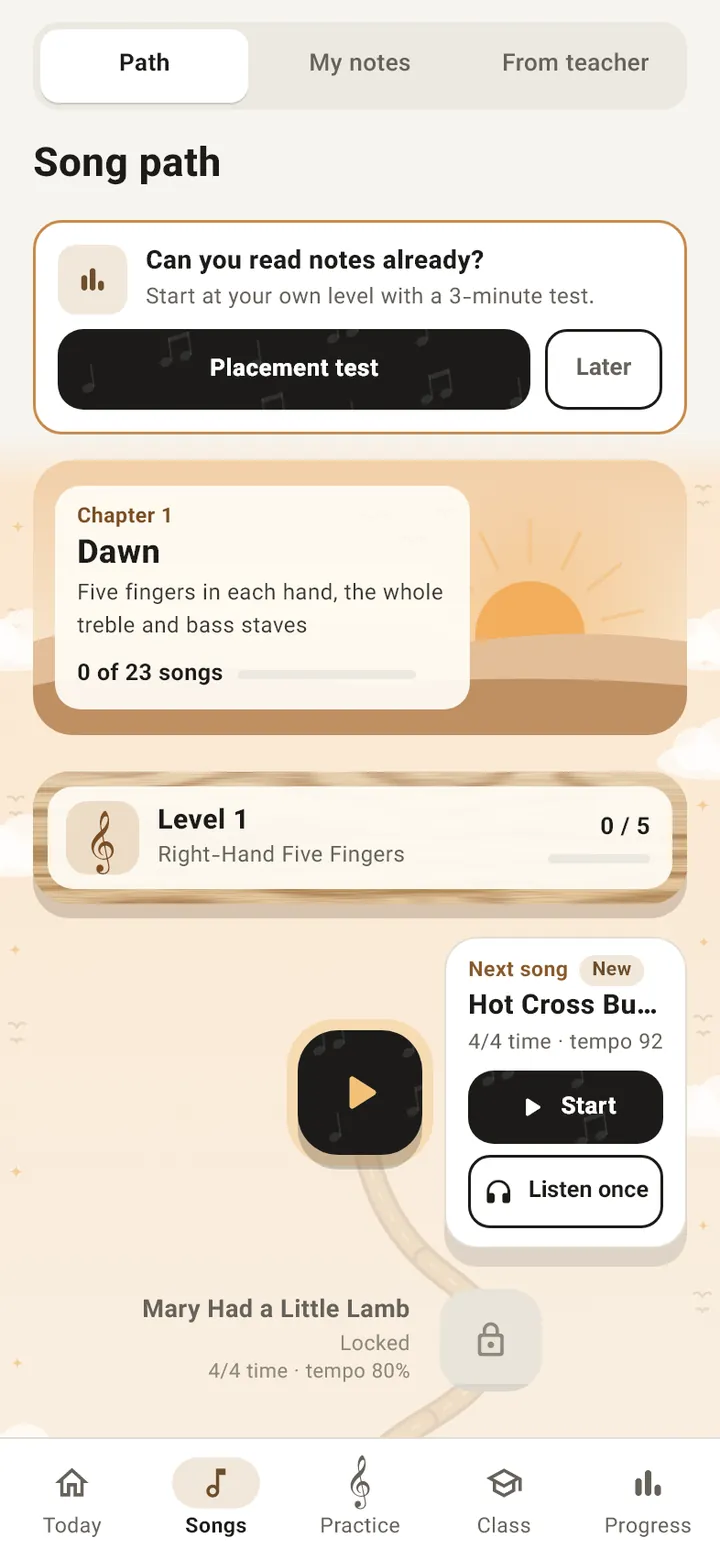 Songs: the placement test offer on a new path
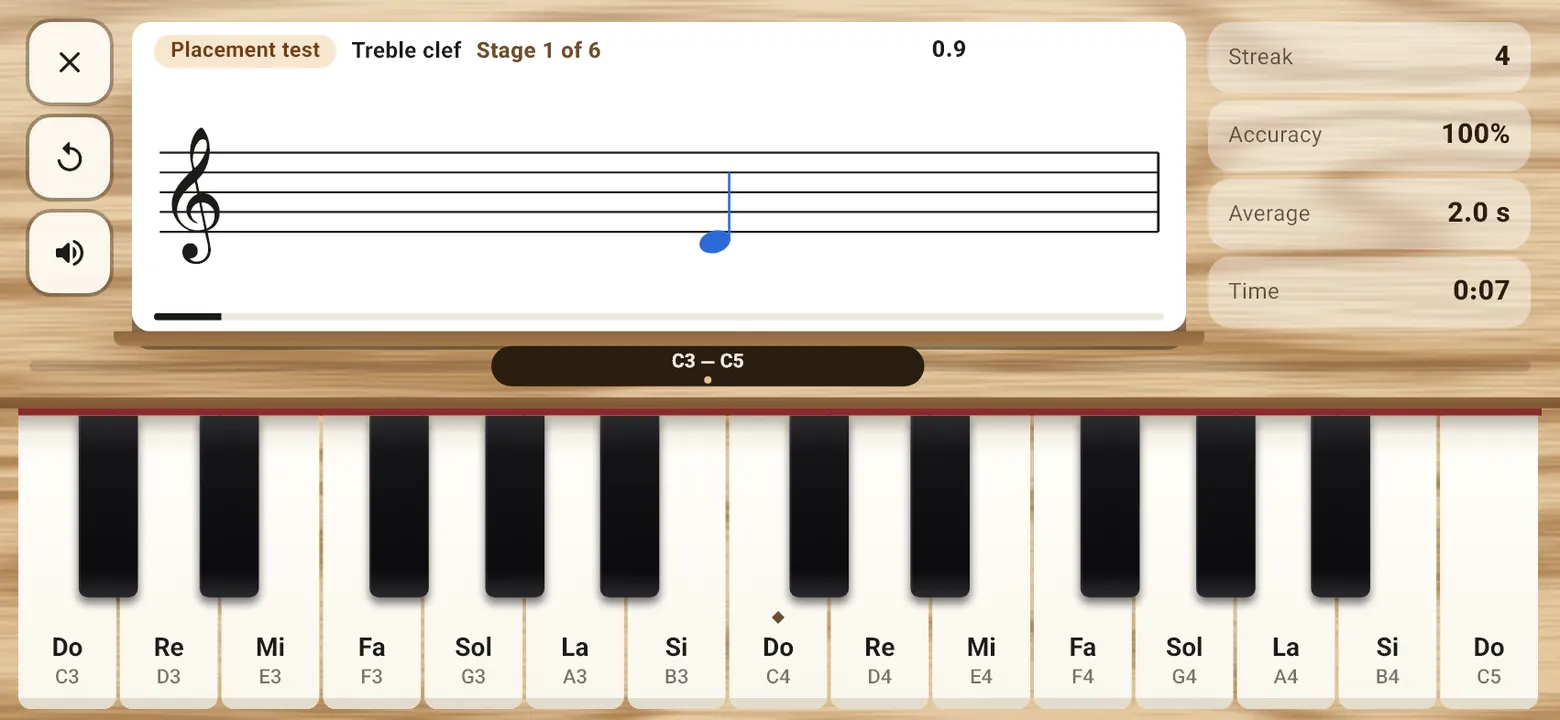 The placement test (landscape): stage 1 of 4
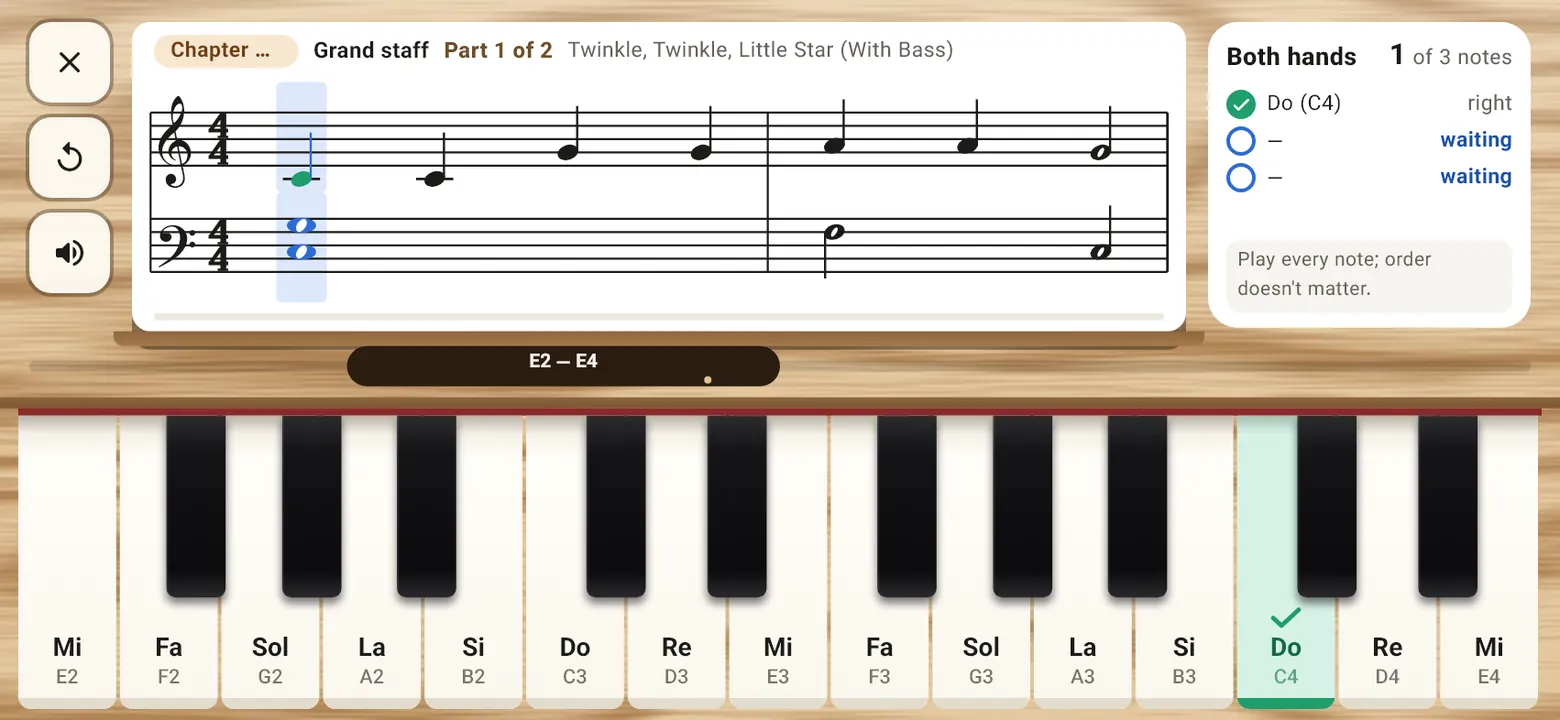 Testing out of chapter 3 (landscape): a passage from its songs
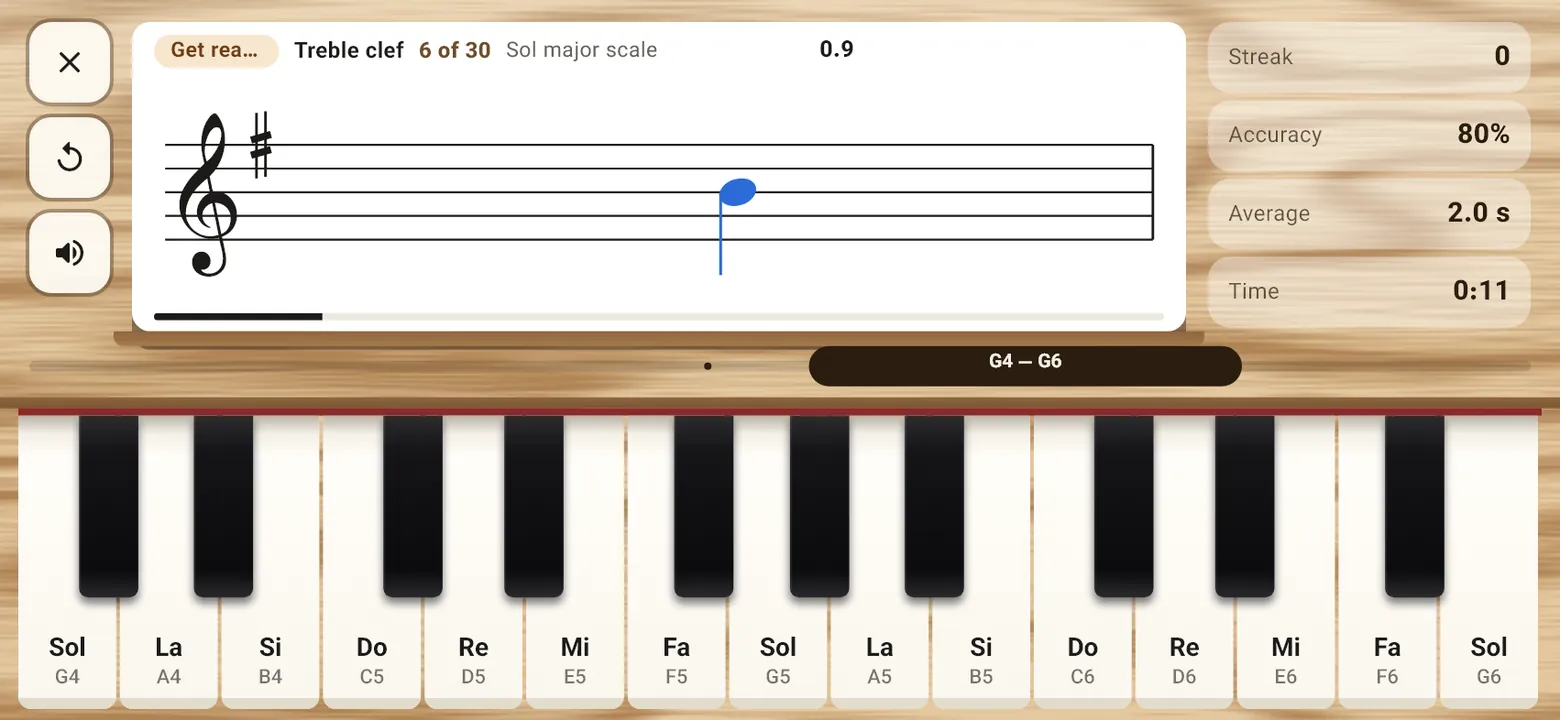 Get ready: a minute on the song’s notes, in its key
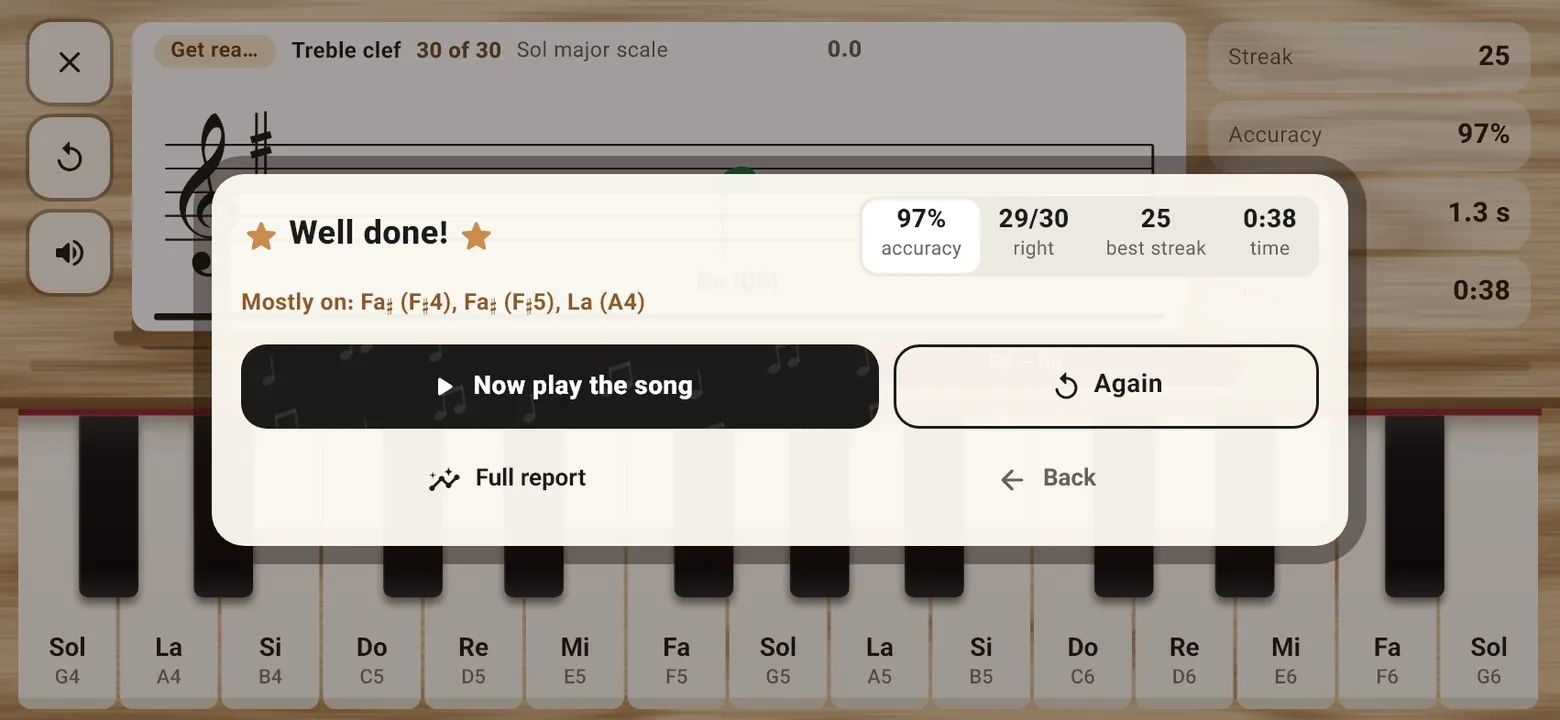 Get ready: done, now play the song
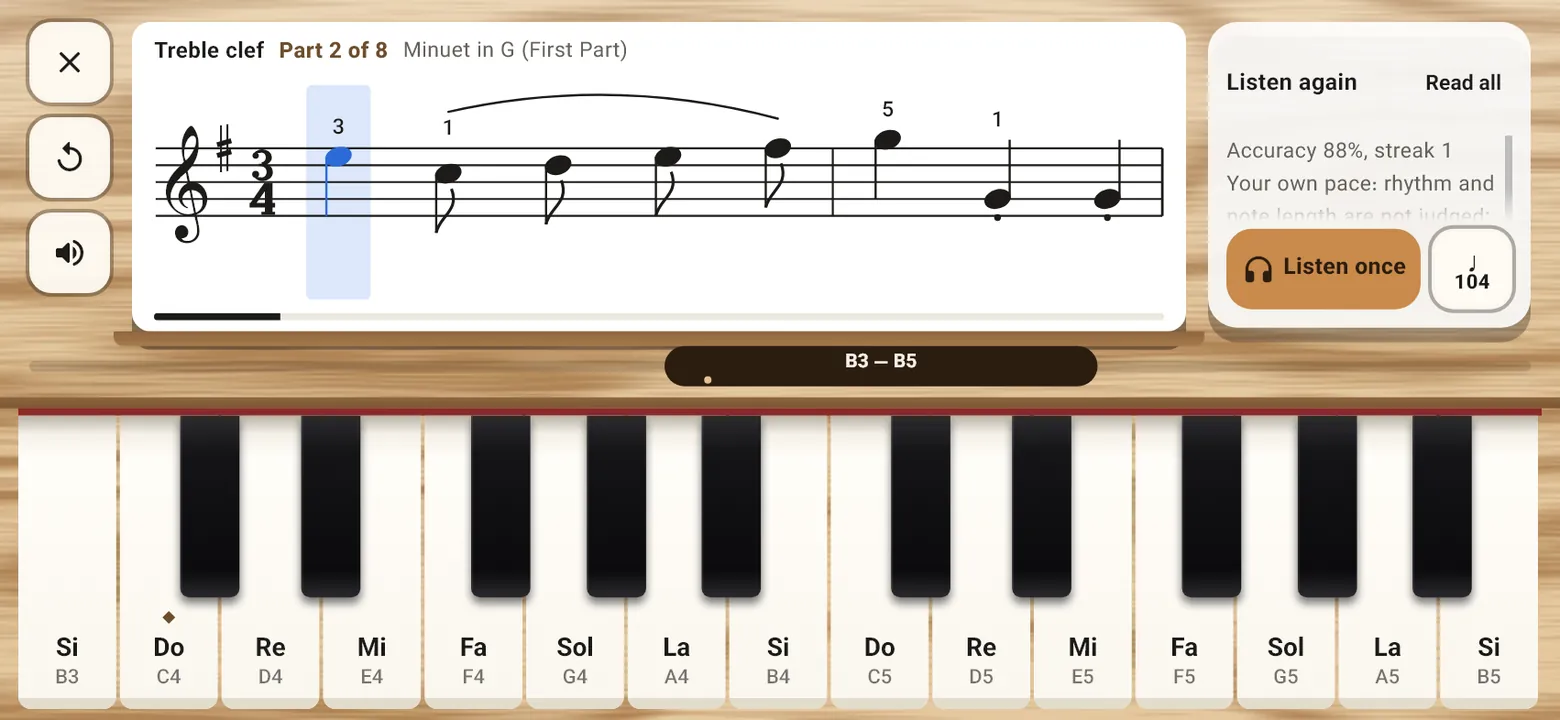 Song practice (landscape): fingering and dynamics on the staff
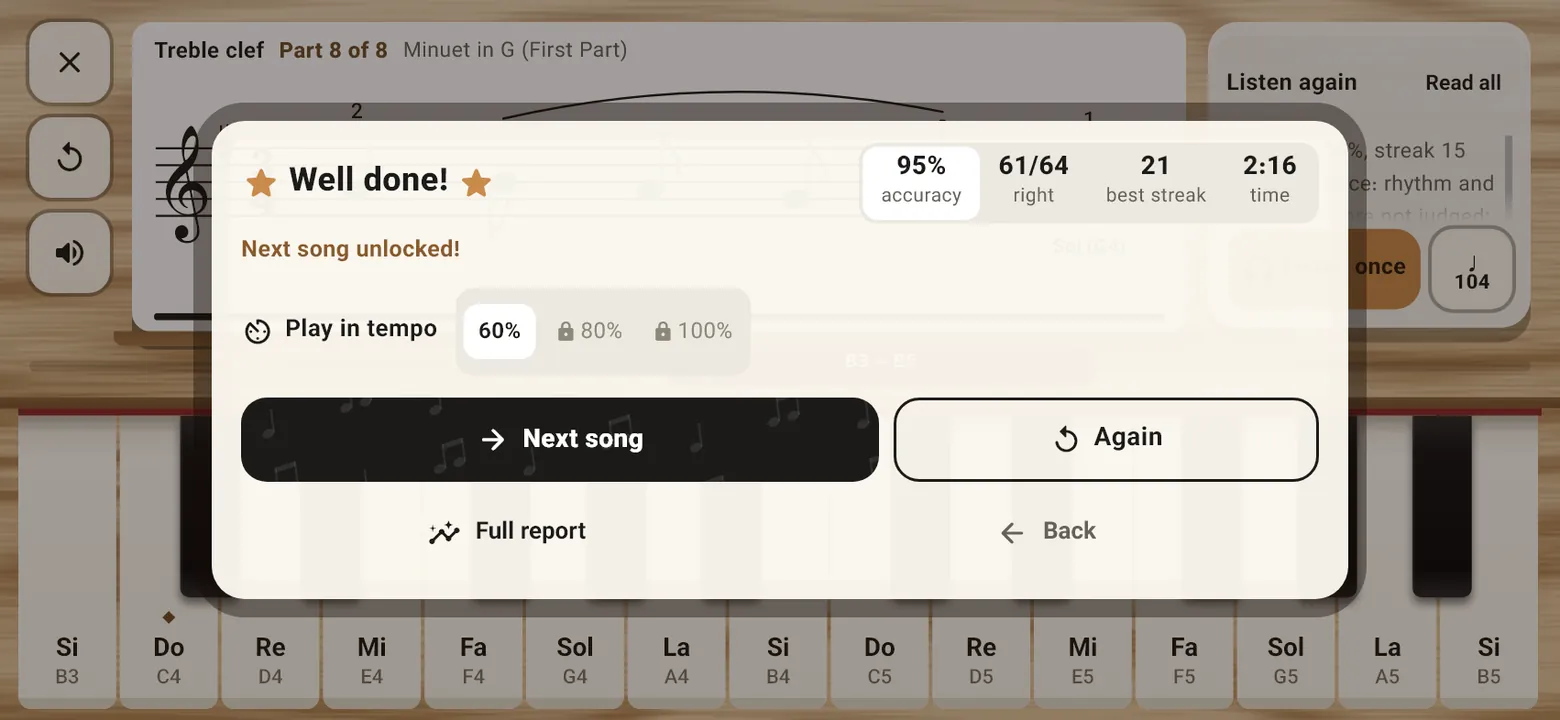 The end of a song: accuracy, stars and the next step
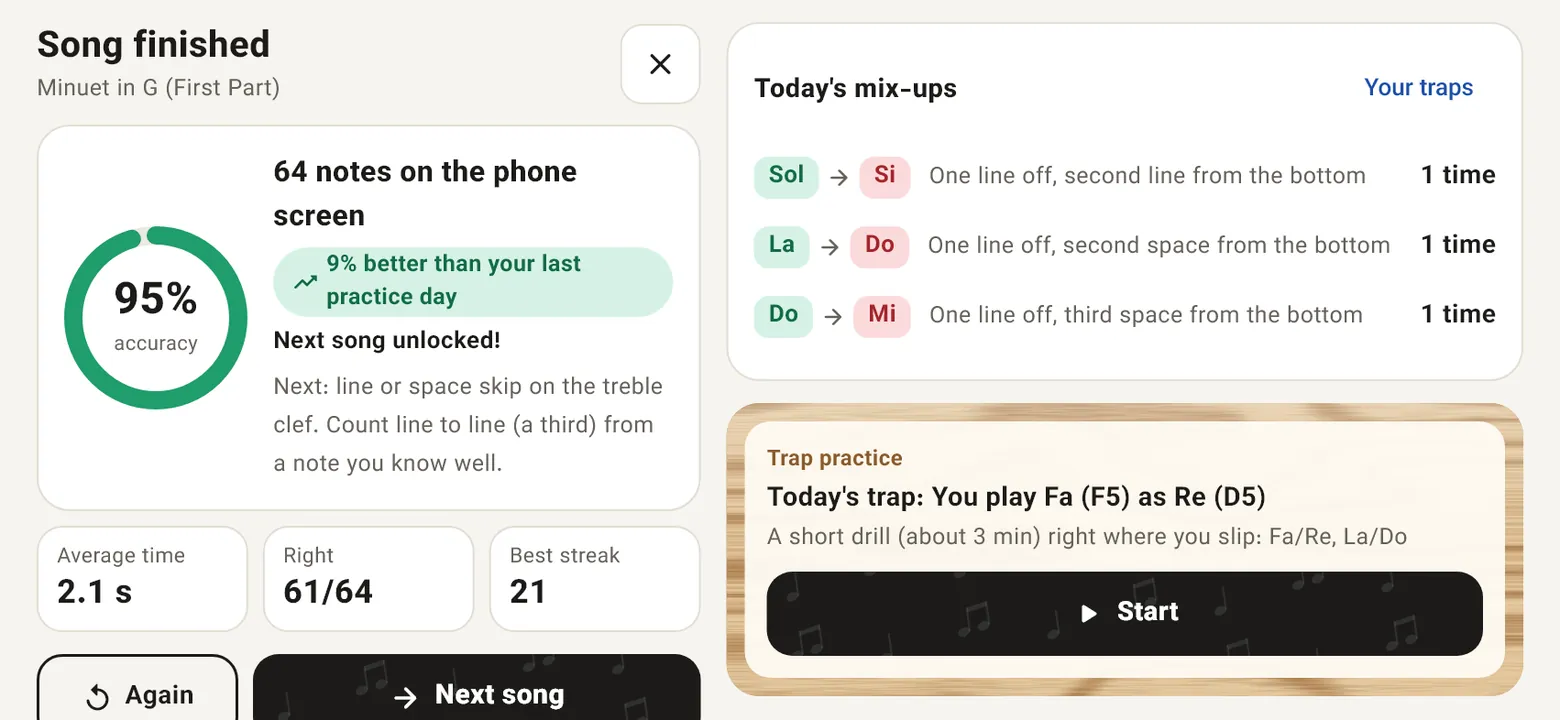 The song’s full report
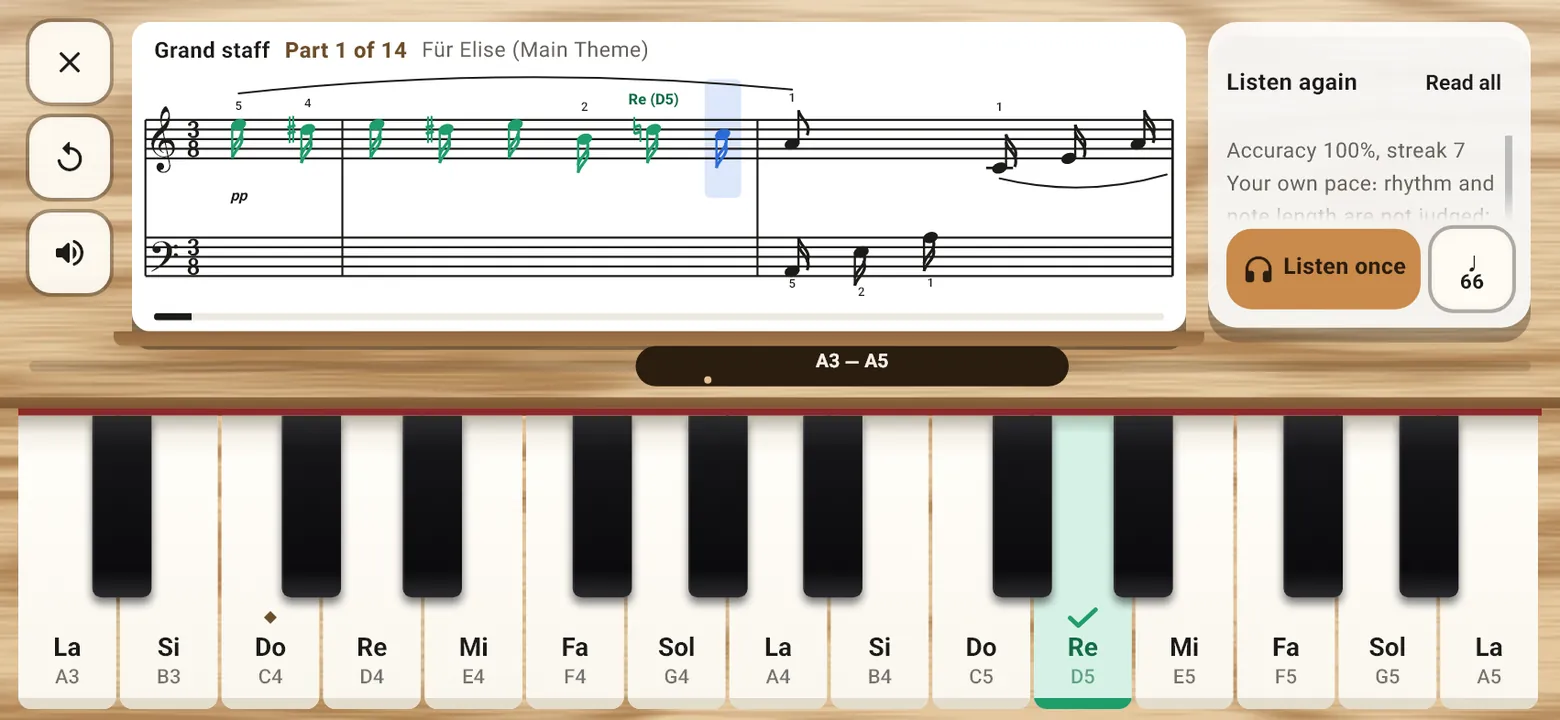 Für Elise on two staves: slurs, hairpins and fingering
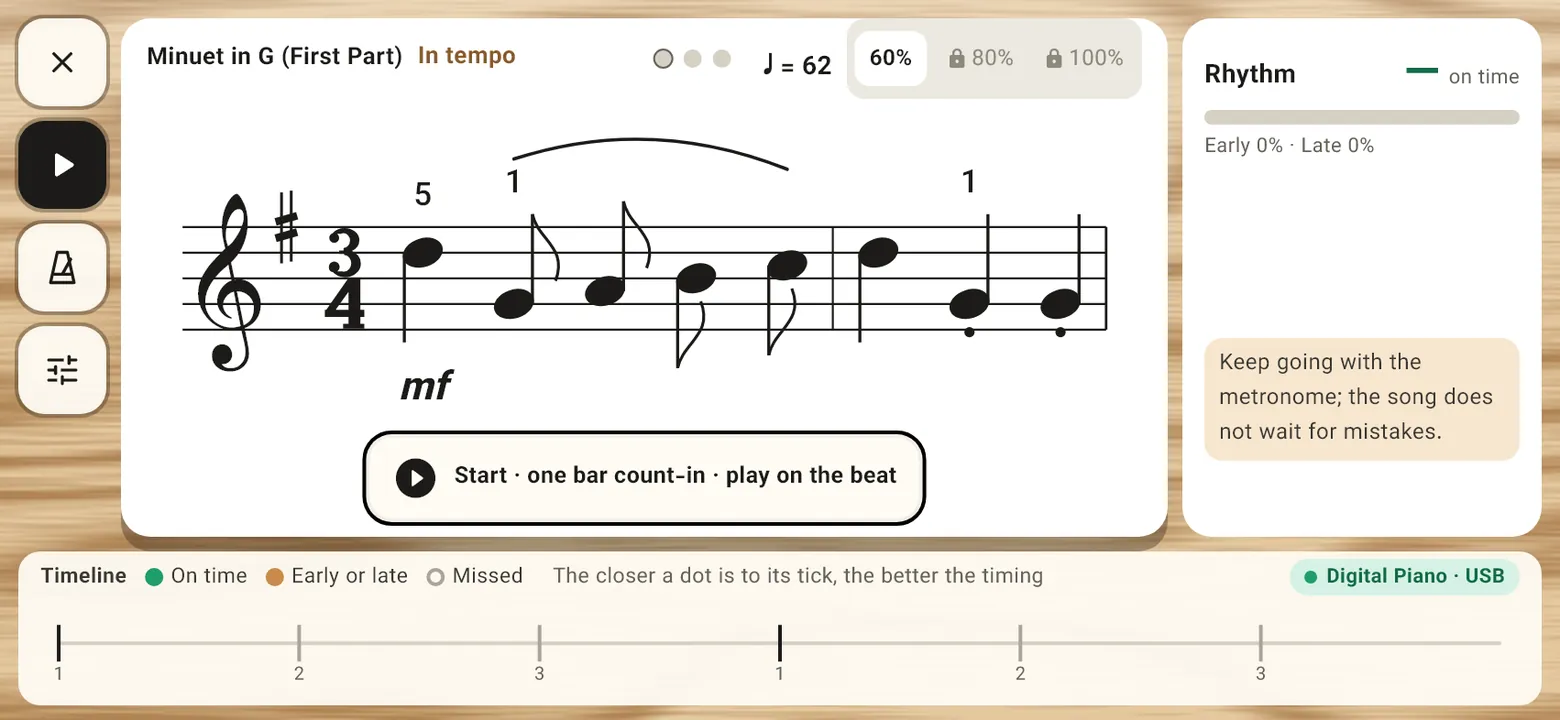 Play in tempo: the tempo ladder, metronome and count-in
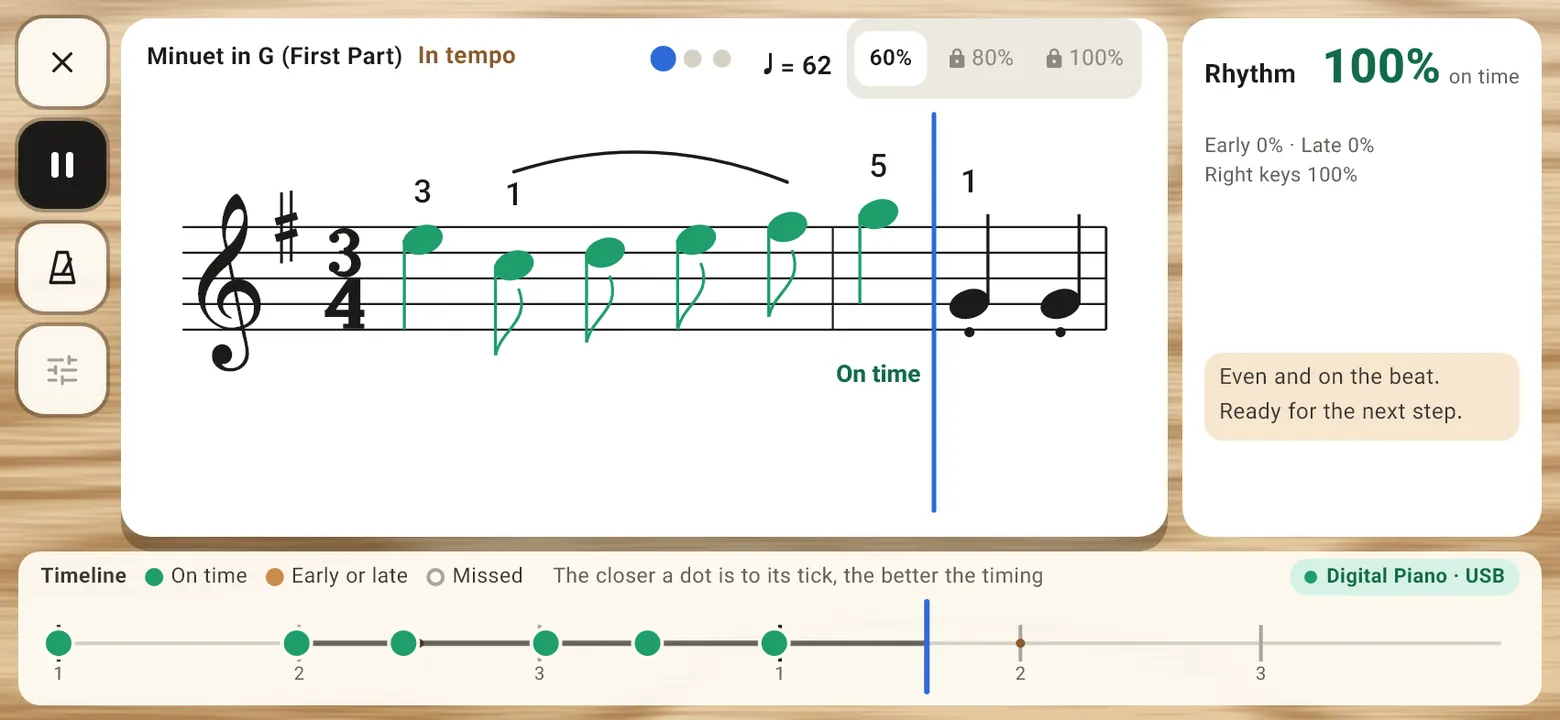 Play in tempo: on time, early and late as you play
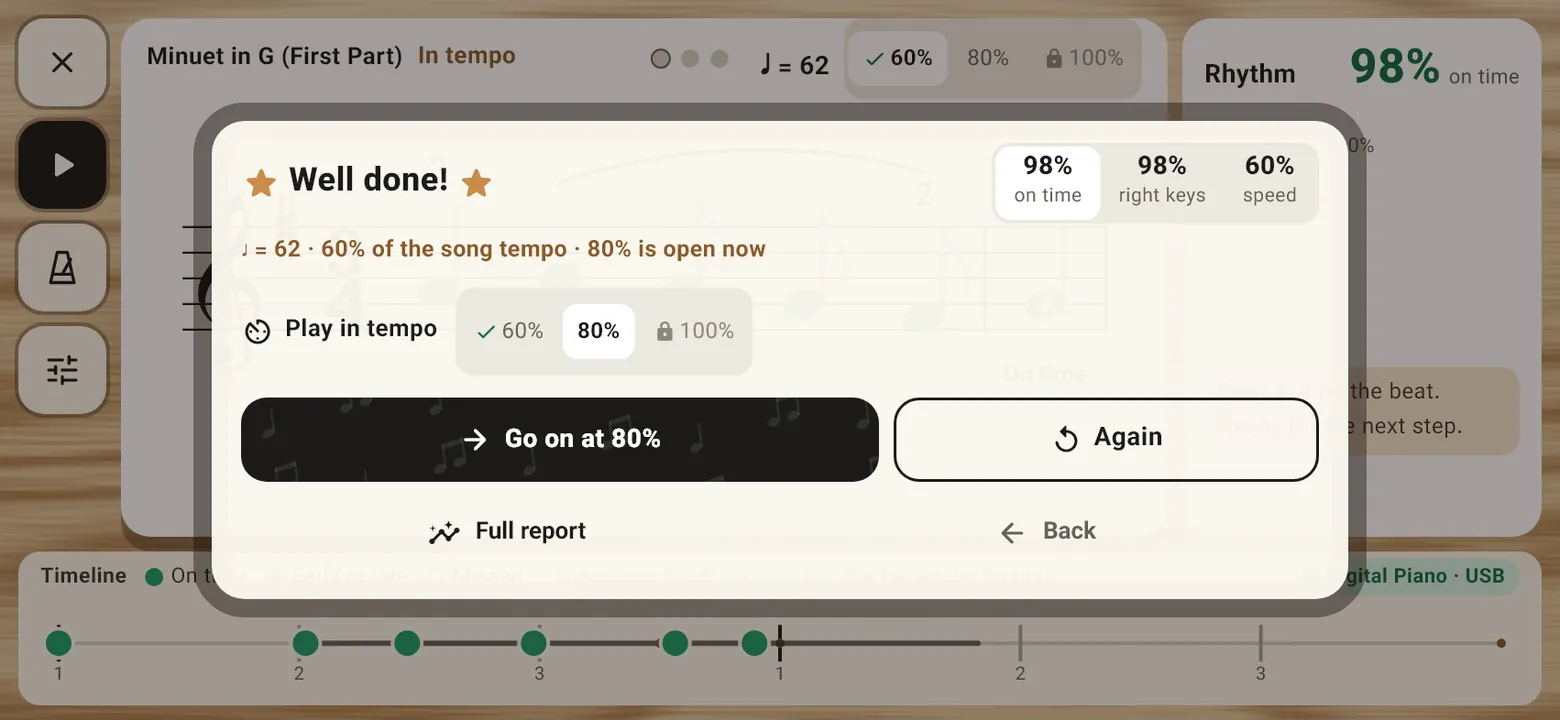 Play in tempo: the end of a run and the next step
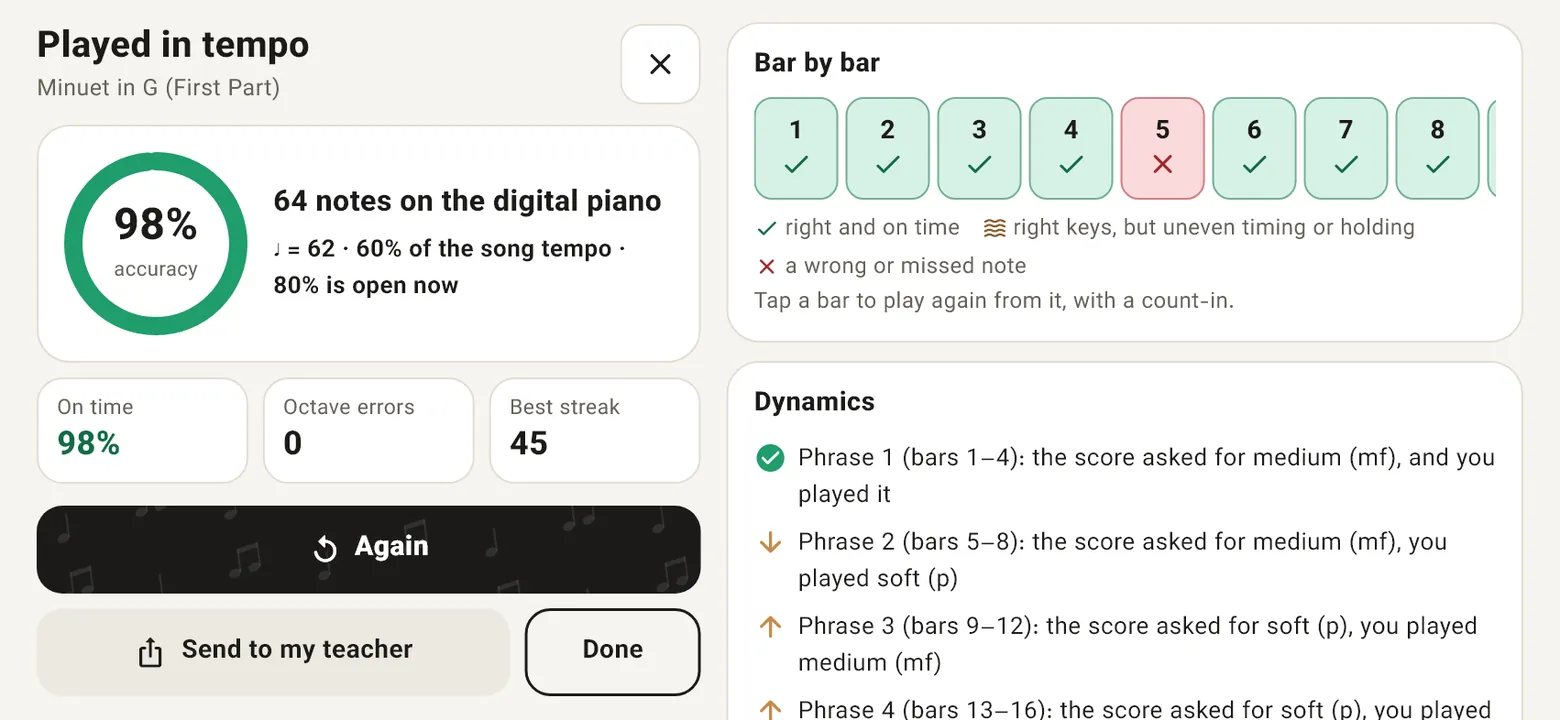 Play in tempo: the report, with the measure strip
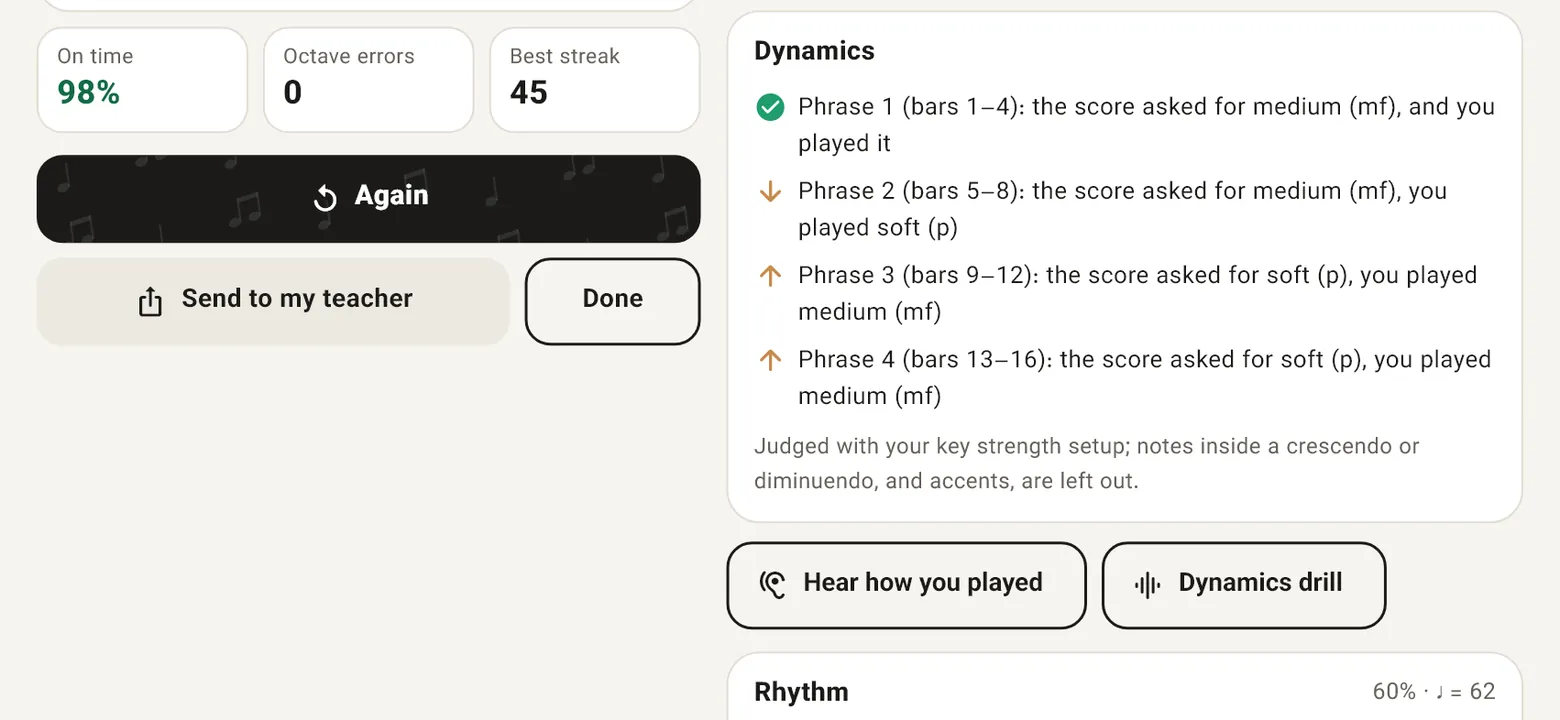 Play in tempo: the «Dynamics» card, phrase by phrase
My notes 9
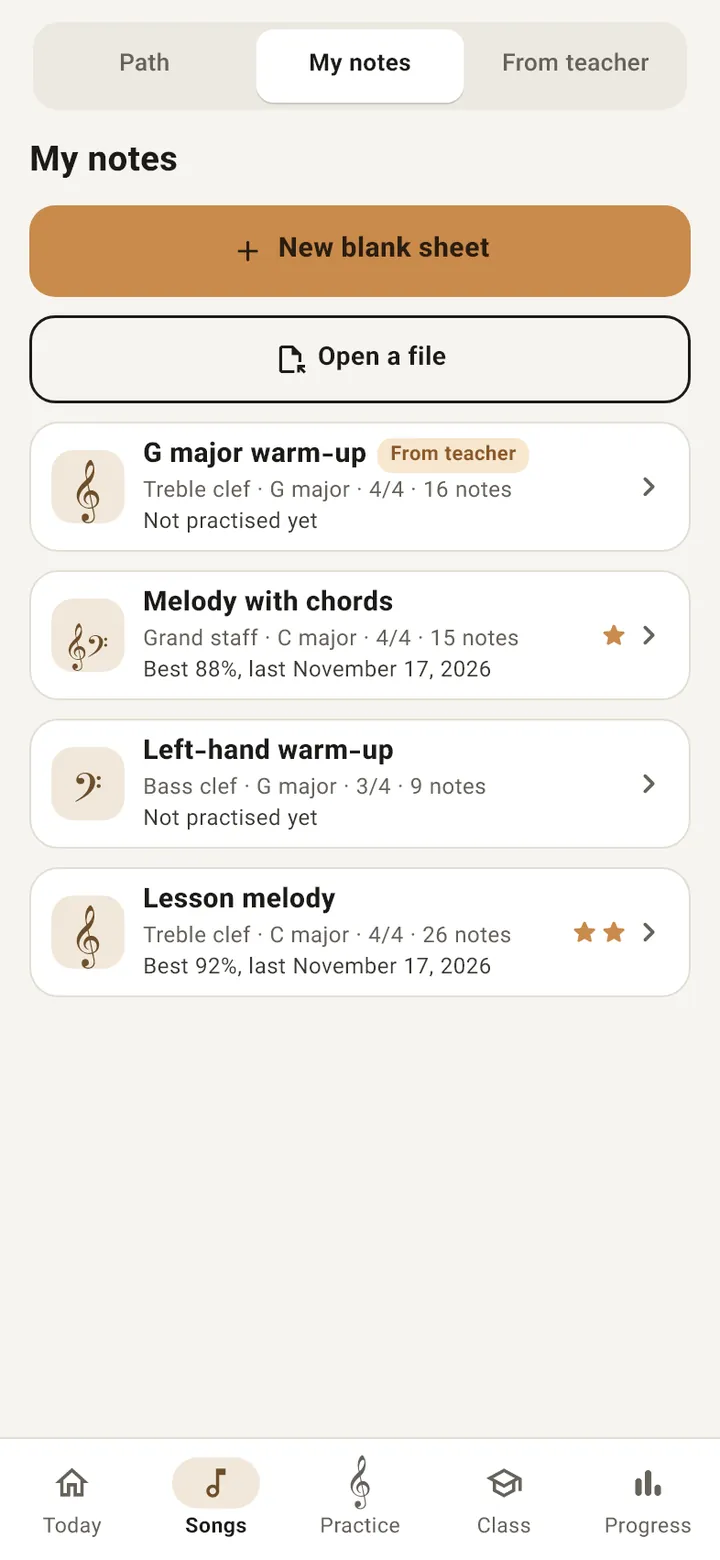 My notes: the learner’s own sheets
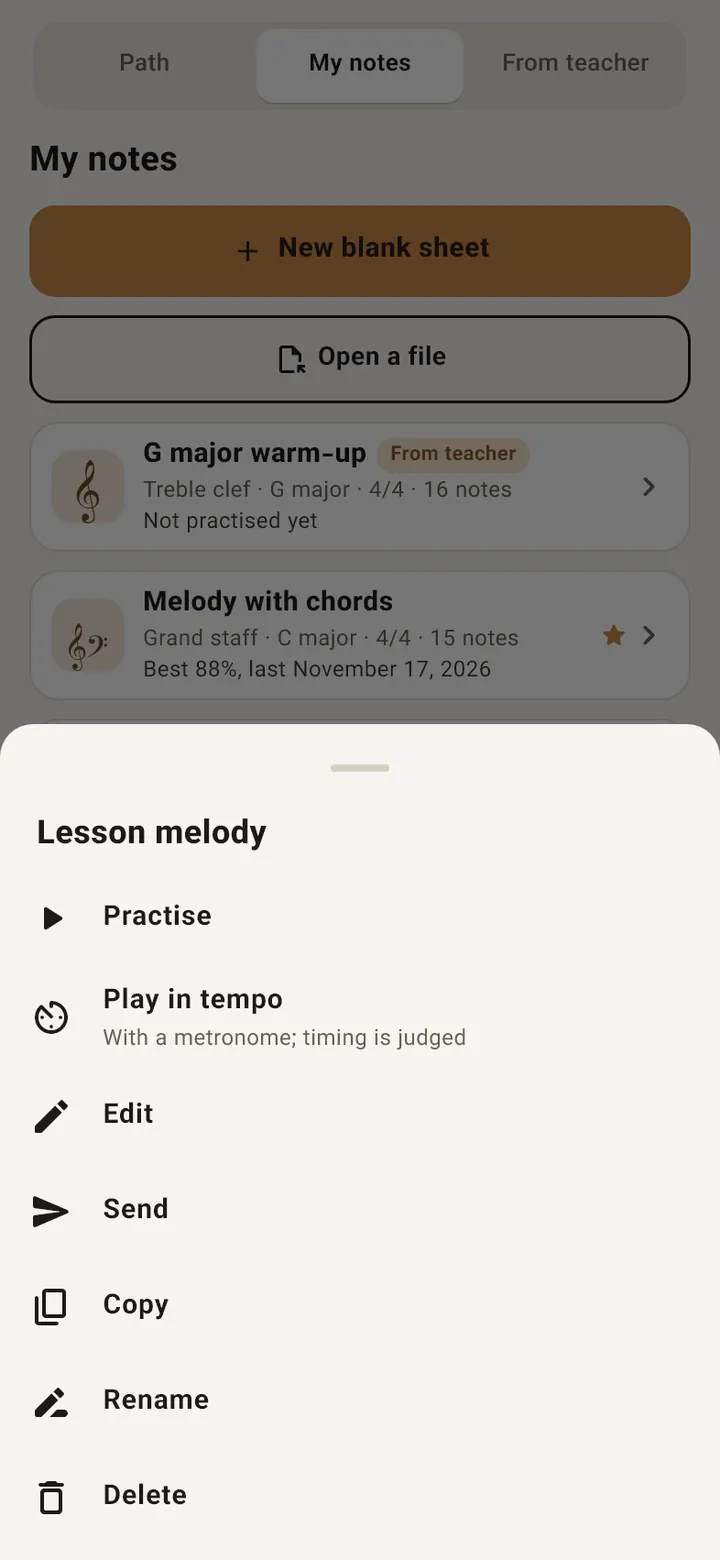 My notes: practise, play in tempo, edit, send, rename, delete
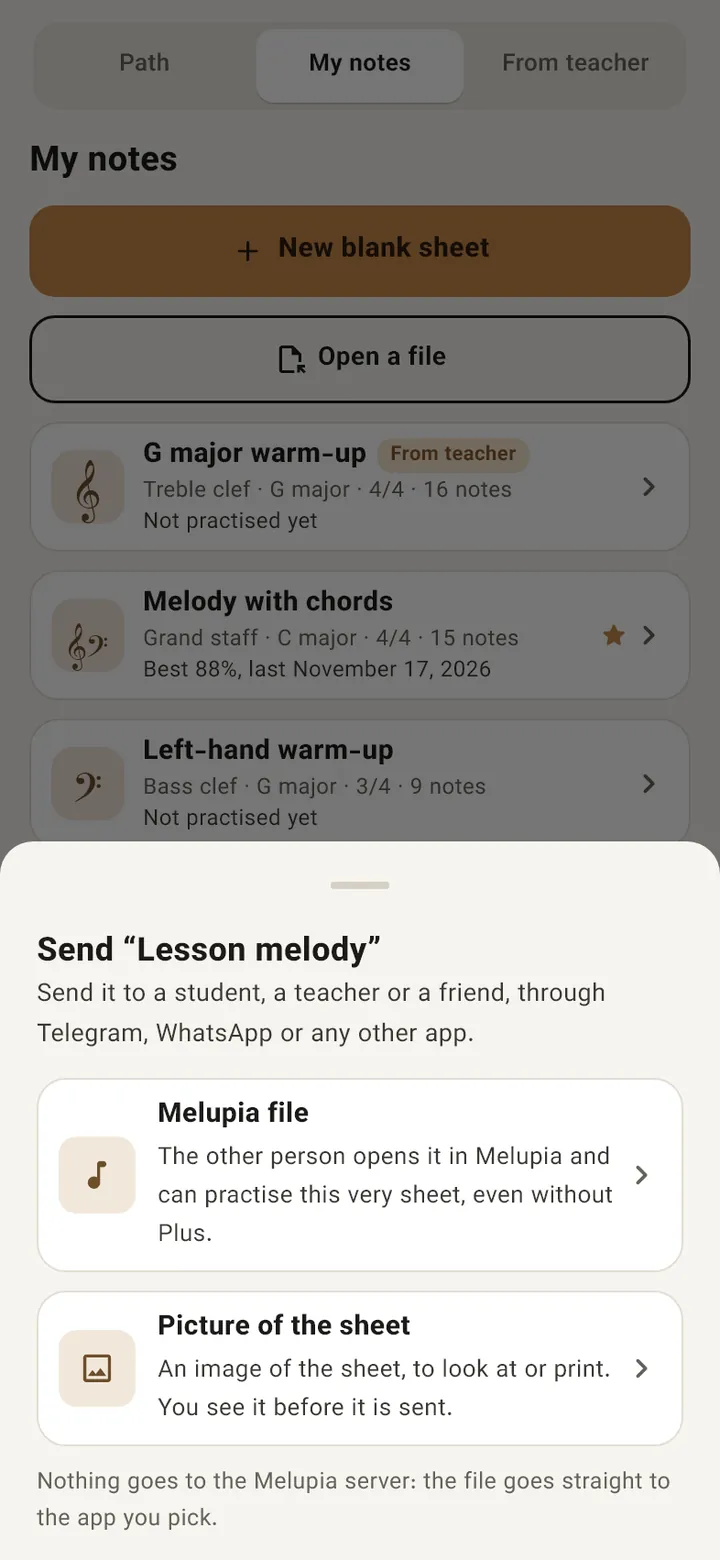 Send a sheet: as a file, as a picture, or to the class
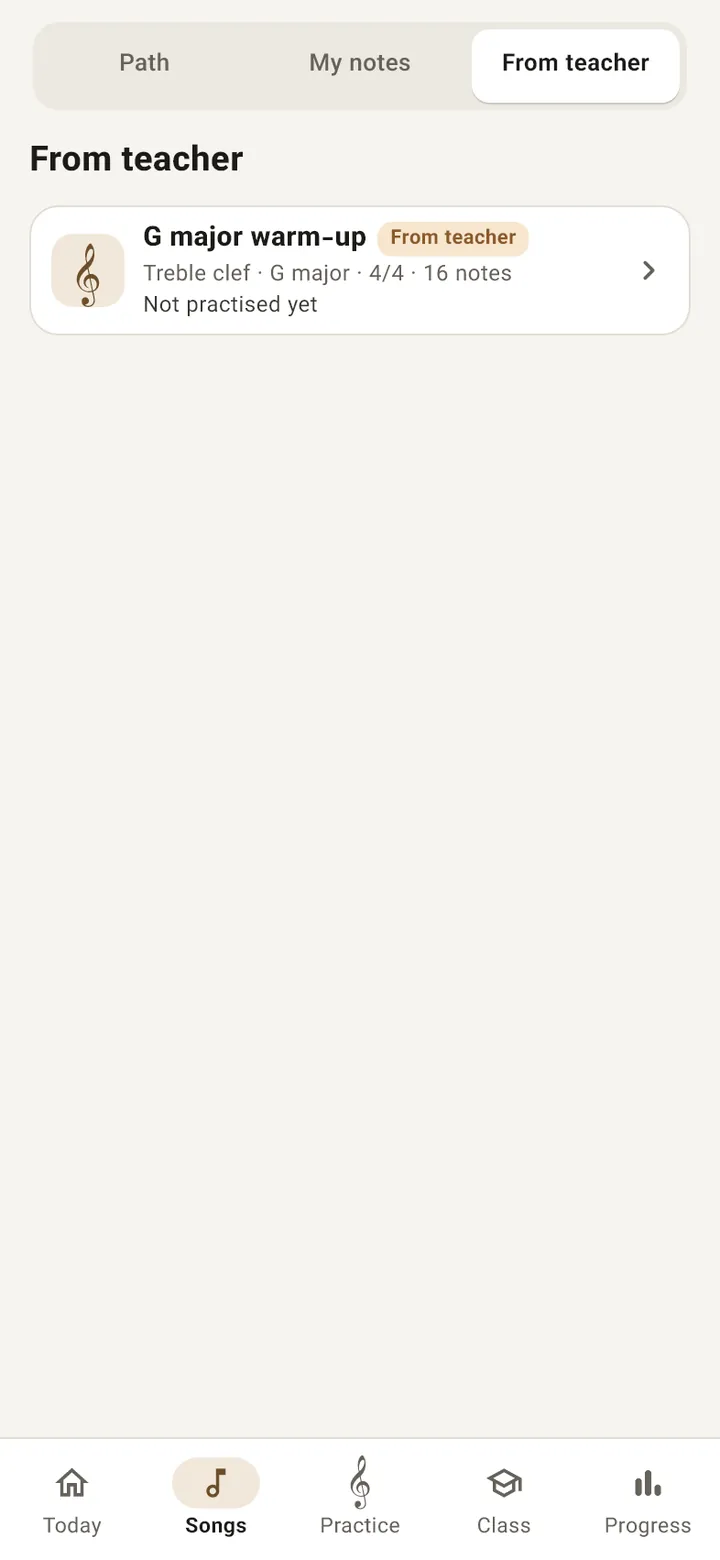 From the teacher: sheets the class teacher shared
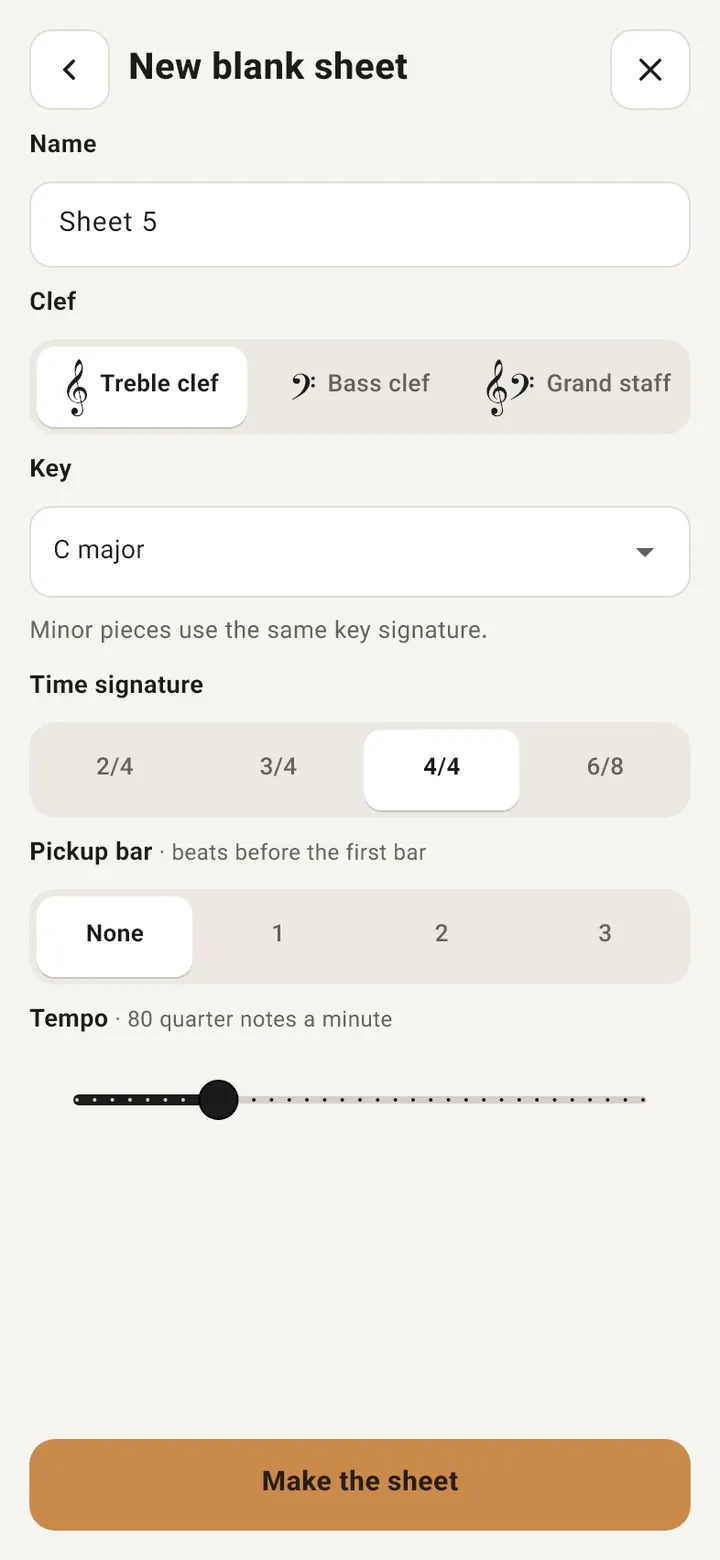 A new blank sheet: one or two staves, key, time and tempo
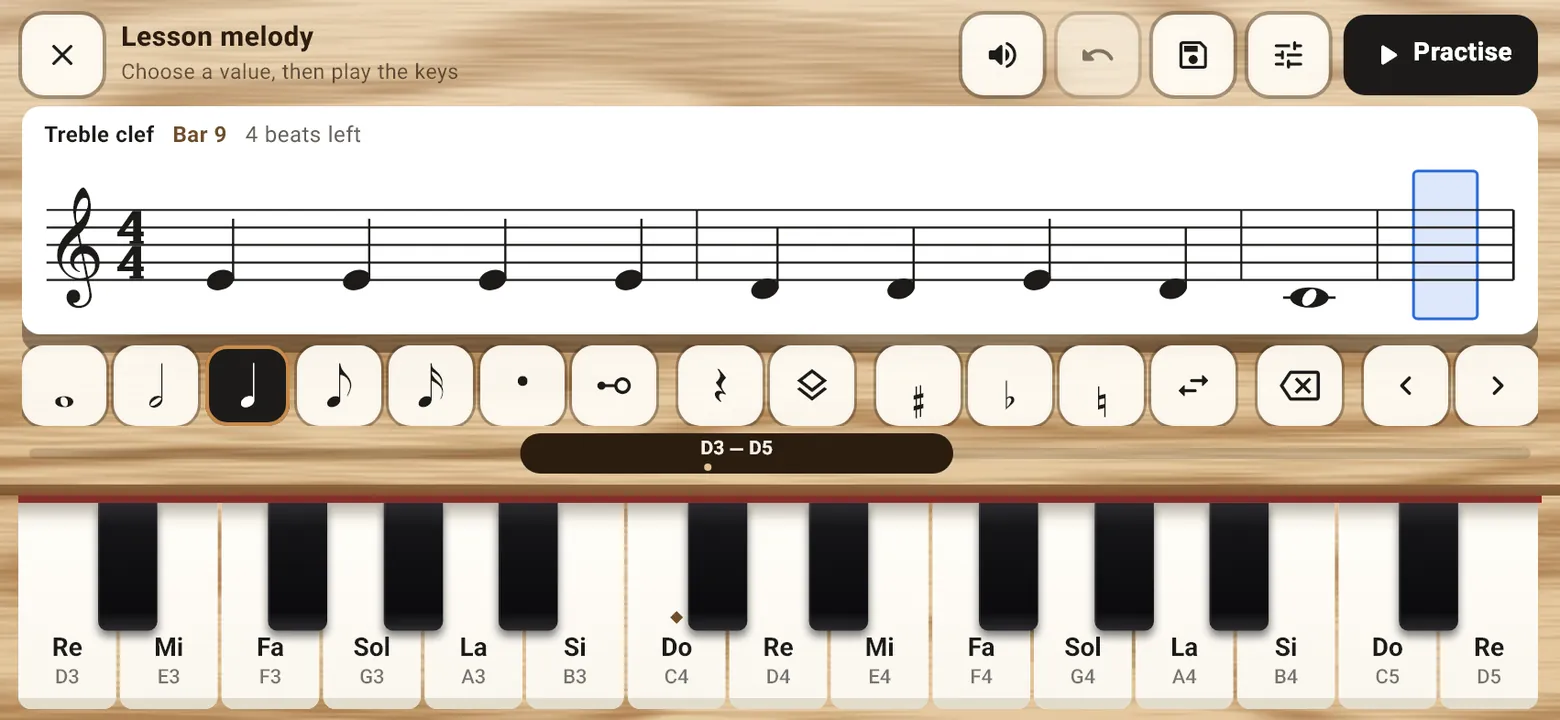 The sheet editor: notes written on the staff (landscape)
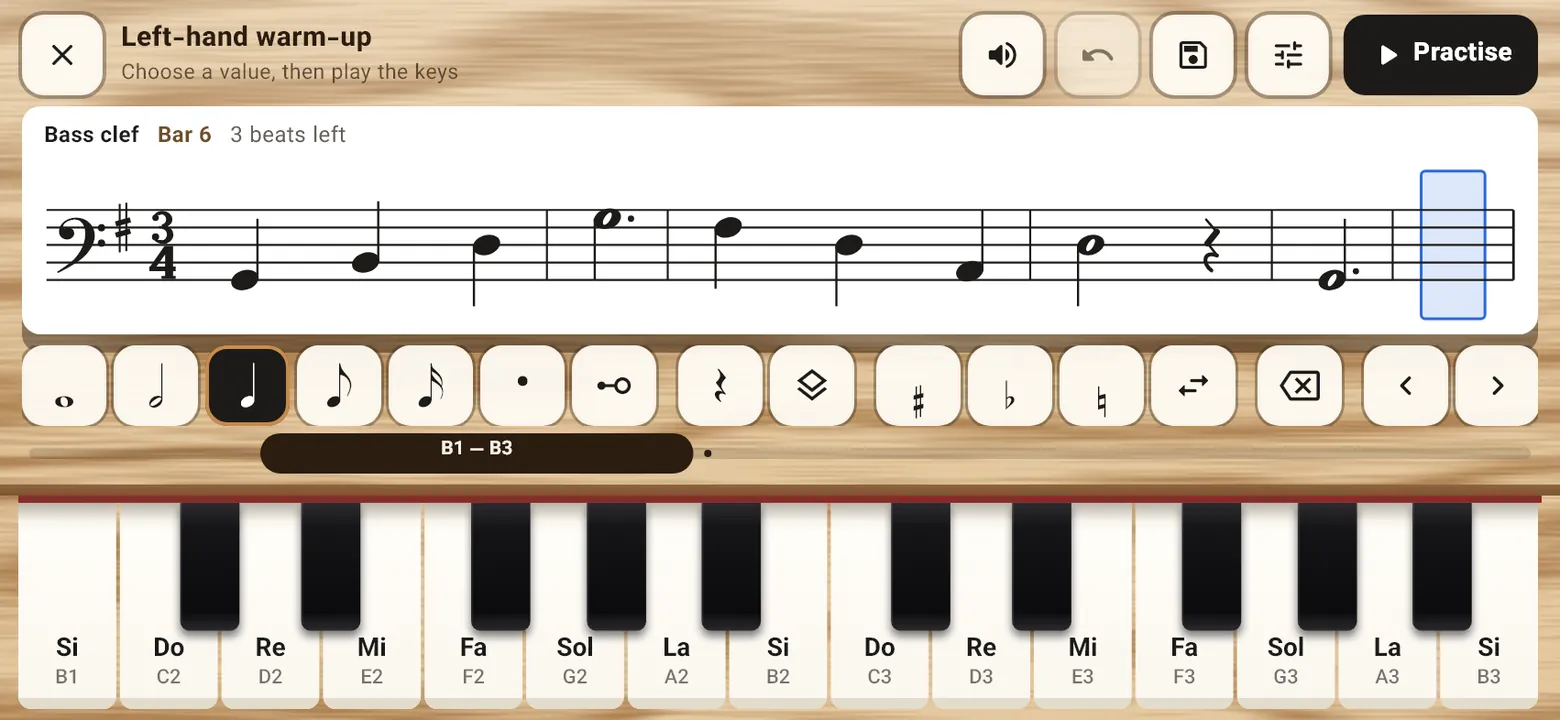 The sheet editor: bass clef, G major, 3/4
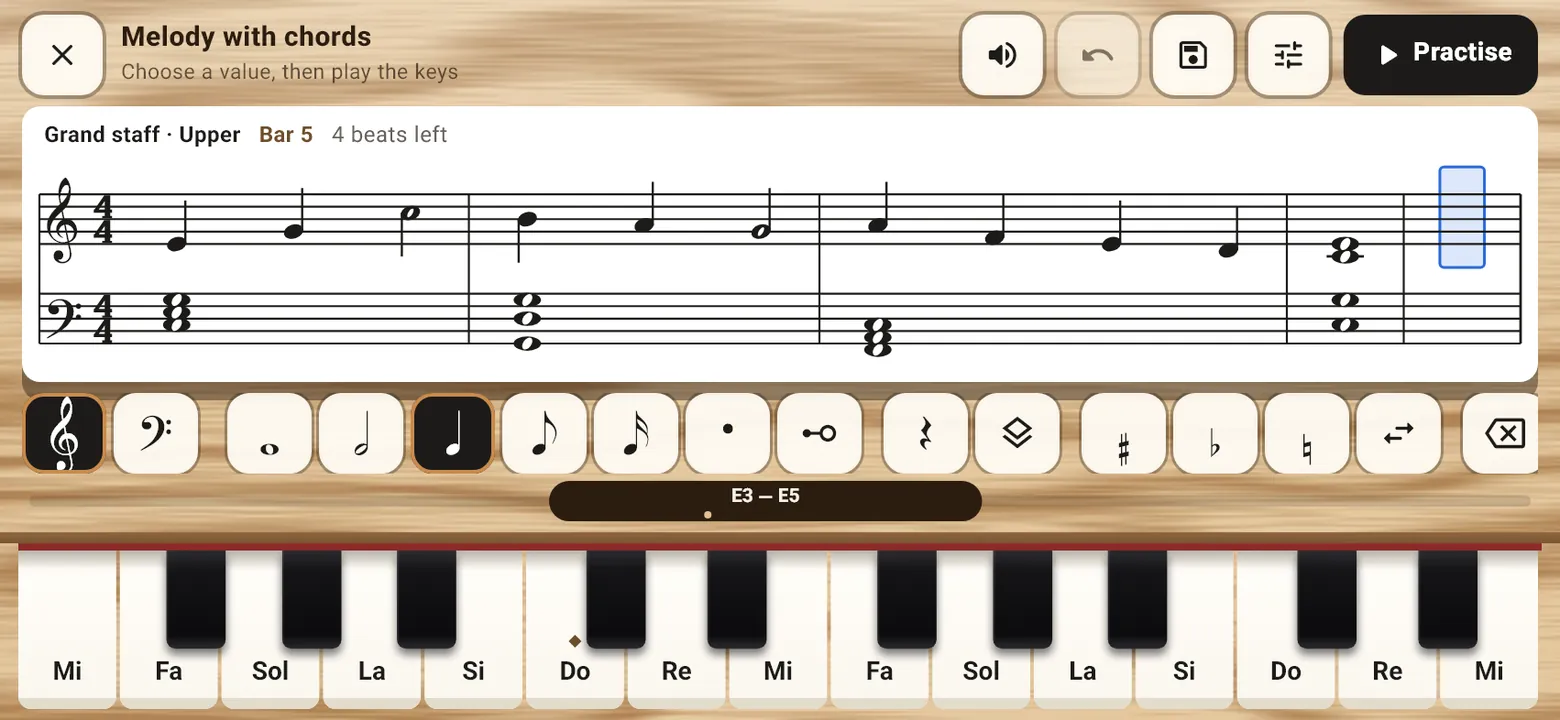 The sheet editor 1.1: two staves and chords
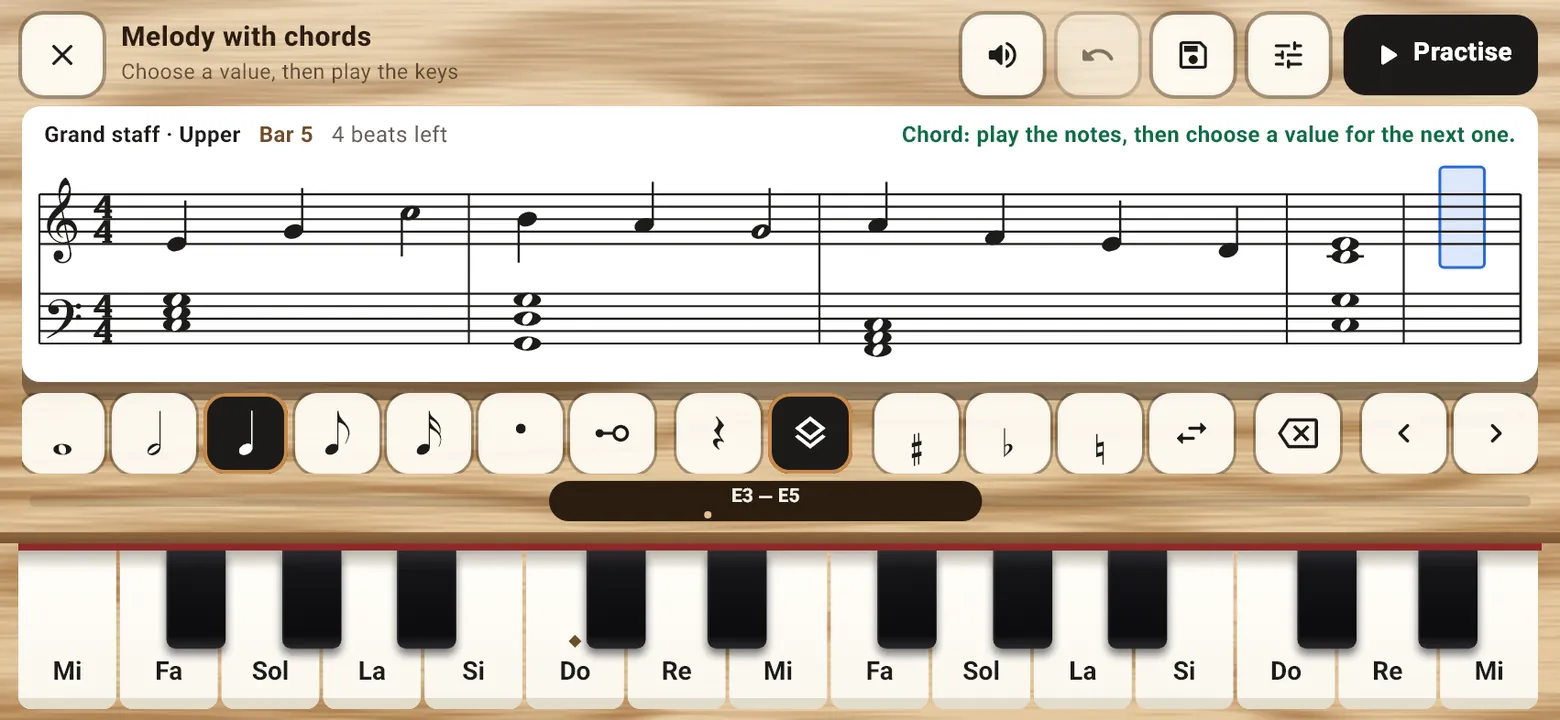 The sheet editor: chord mode, keys add to one chord
Practice 32
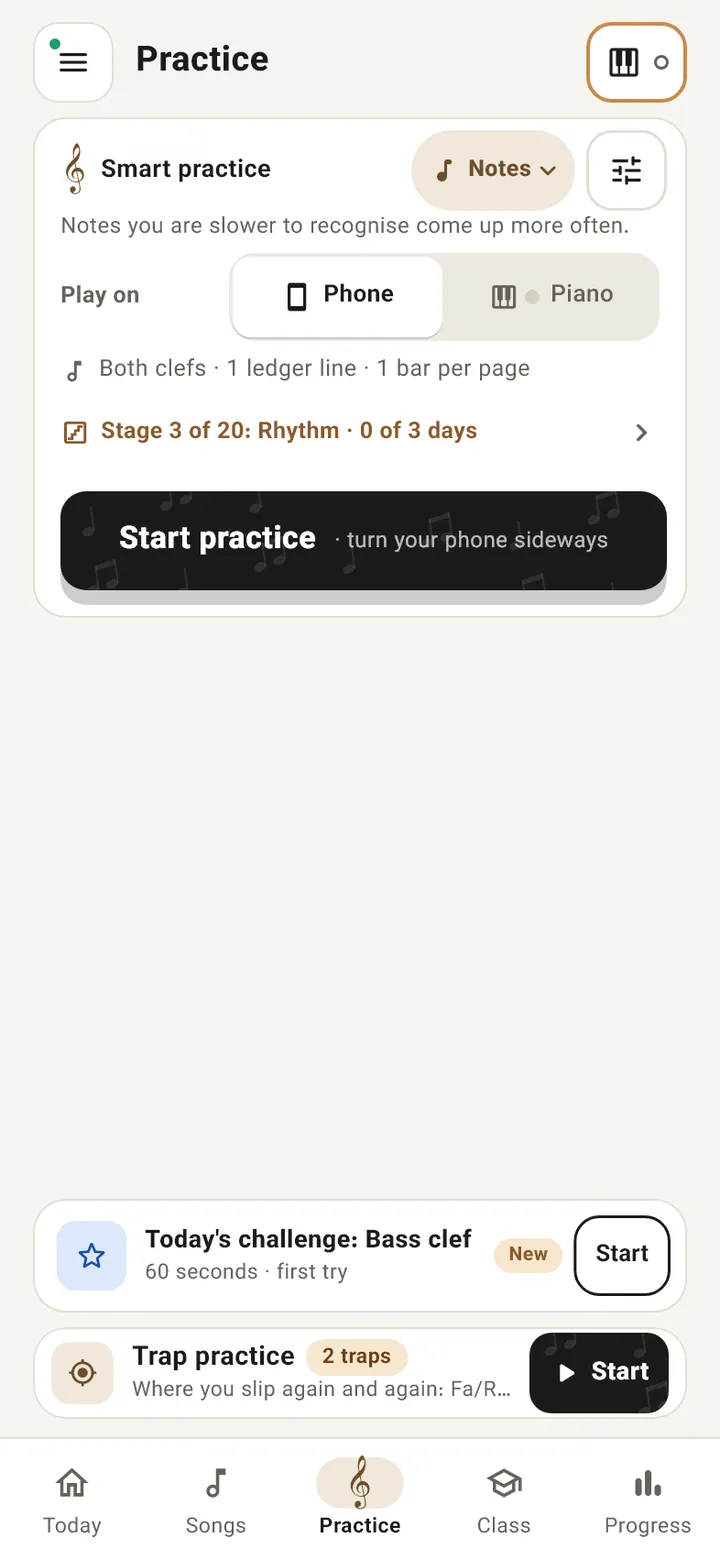 Practice: today’s practice, what to read, challenge and traps
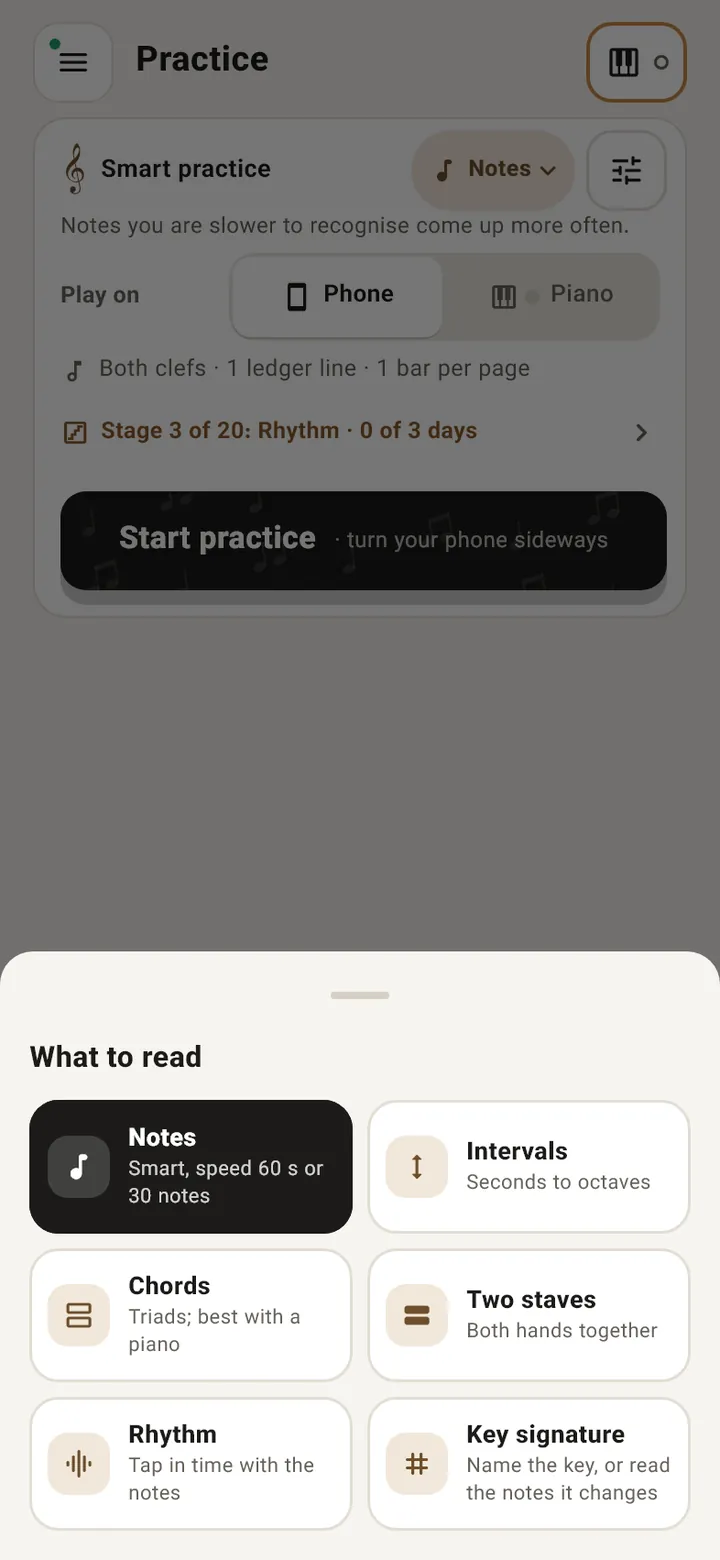 What to read: notes, intervals, chords, two staves, rhythm, keys
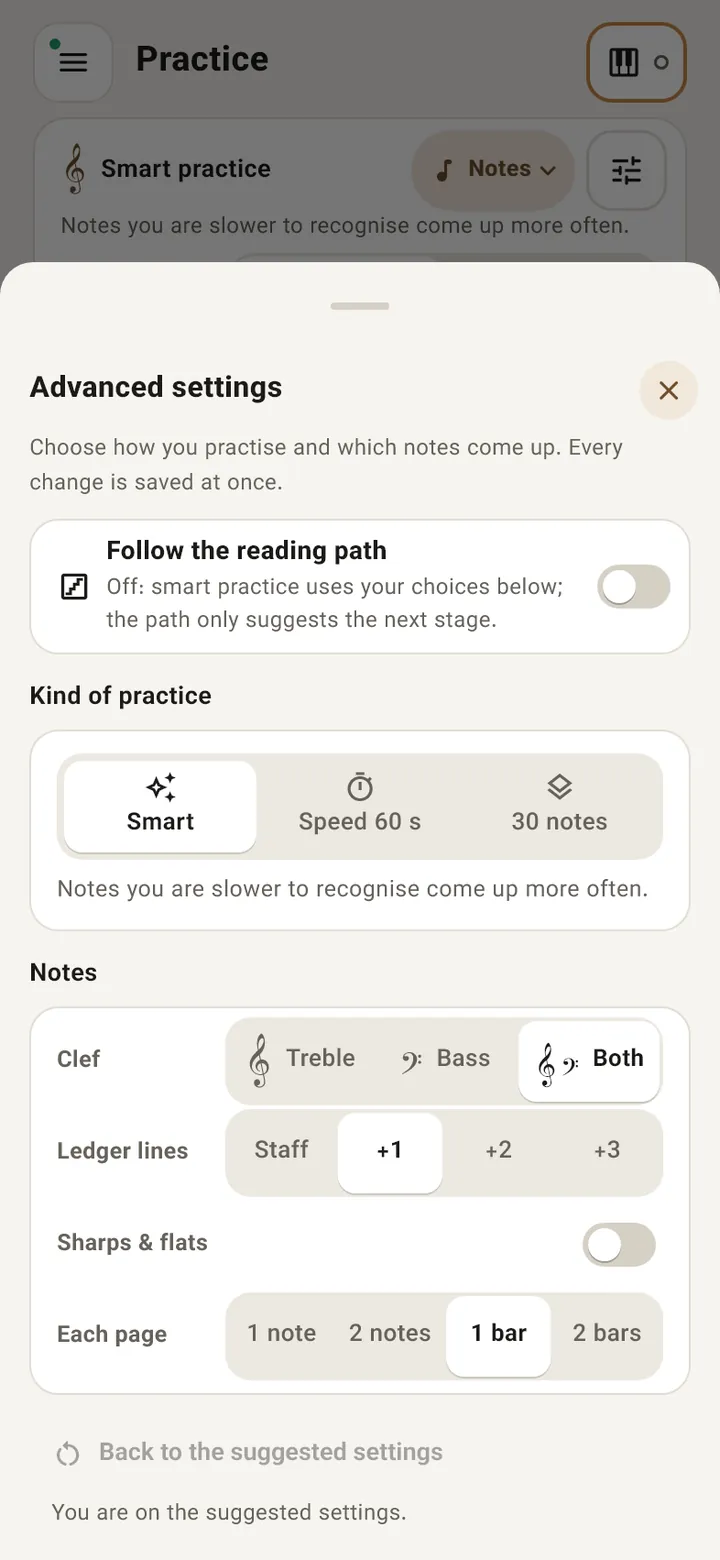 Advanced settings: smart practice
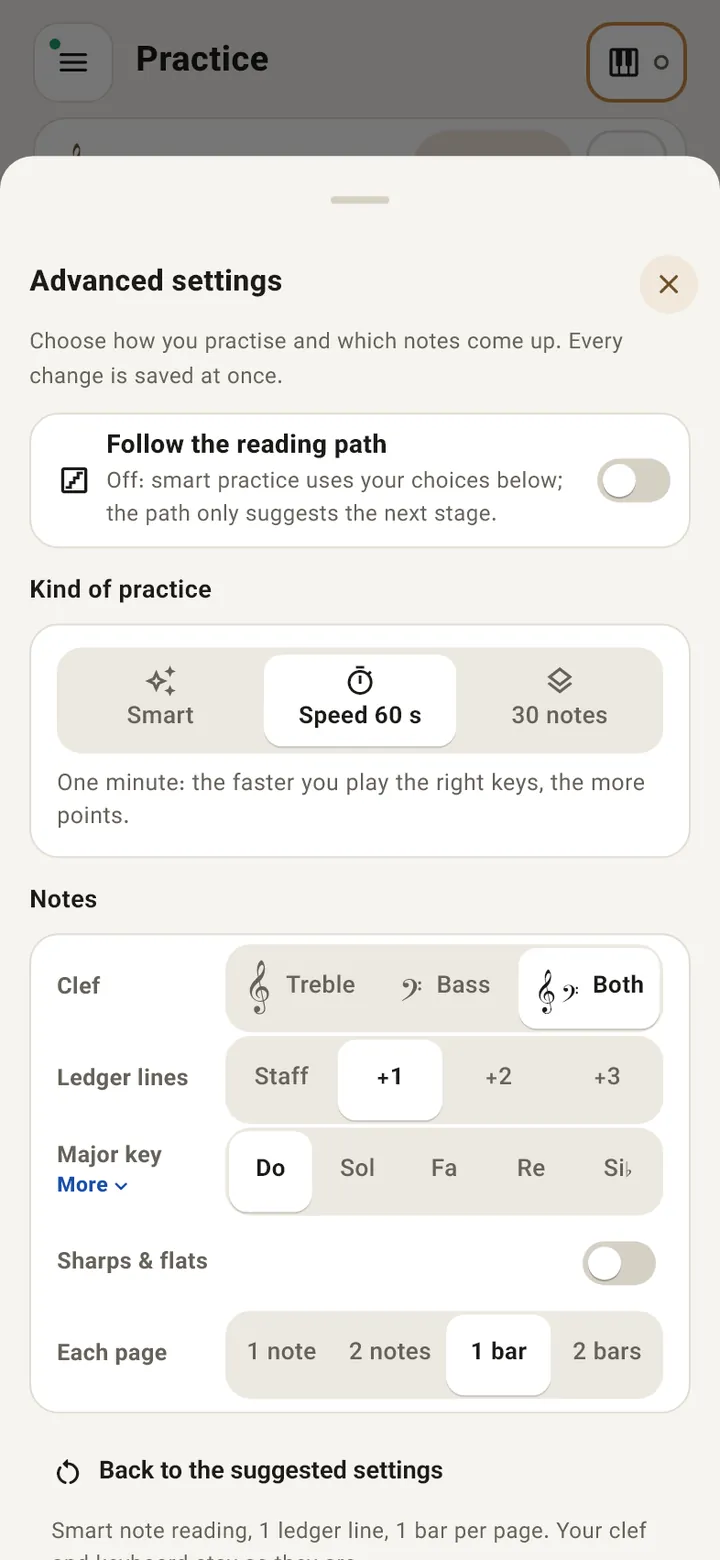 Advanced settings: speed 60 s
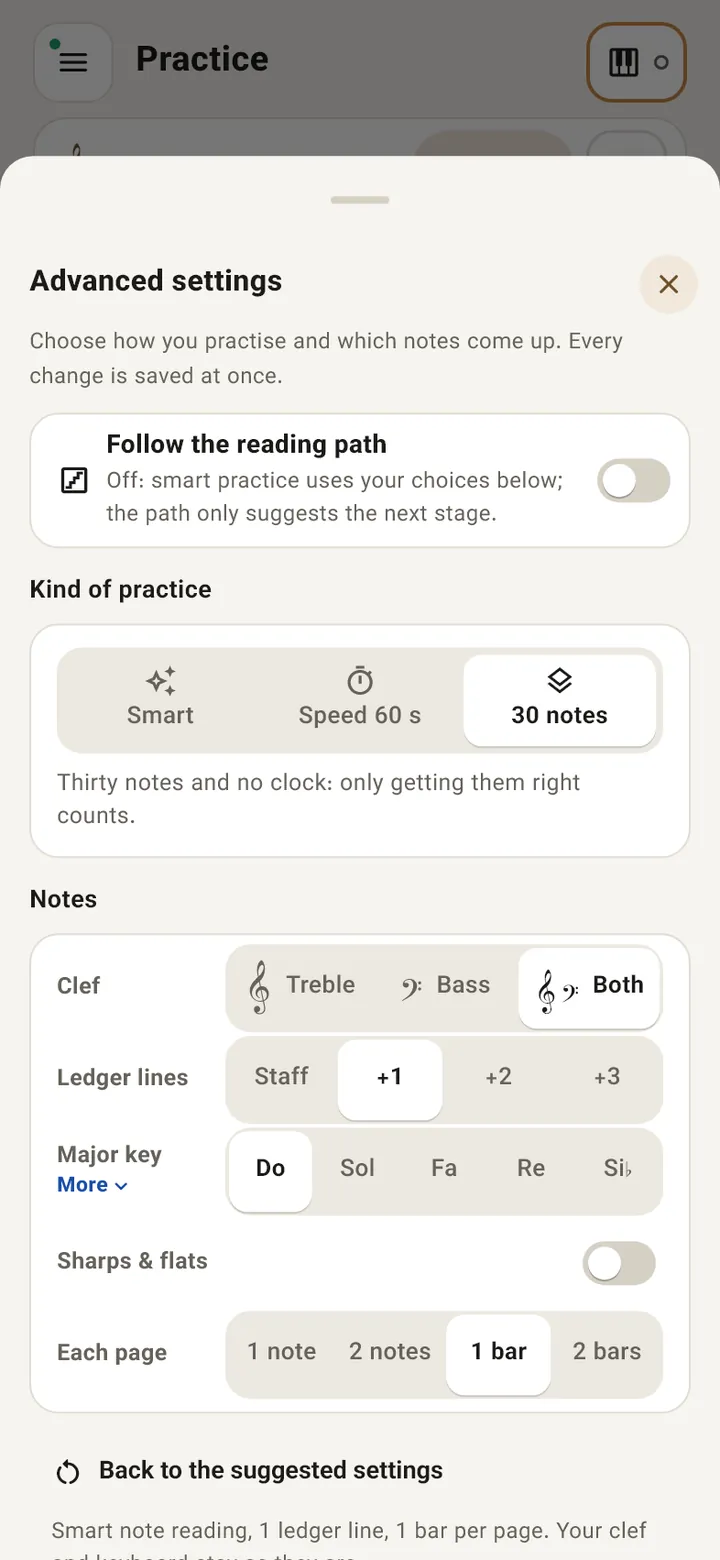 Advanced settings: 30 notes
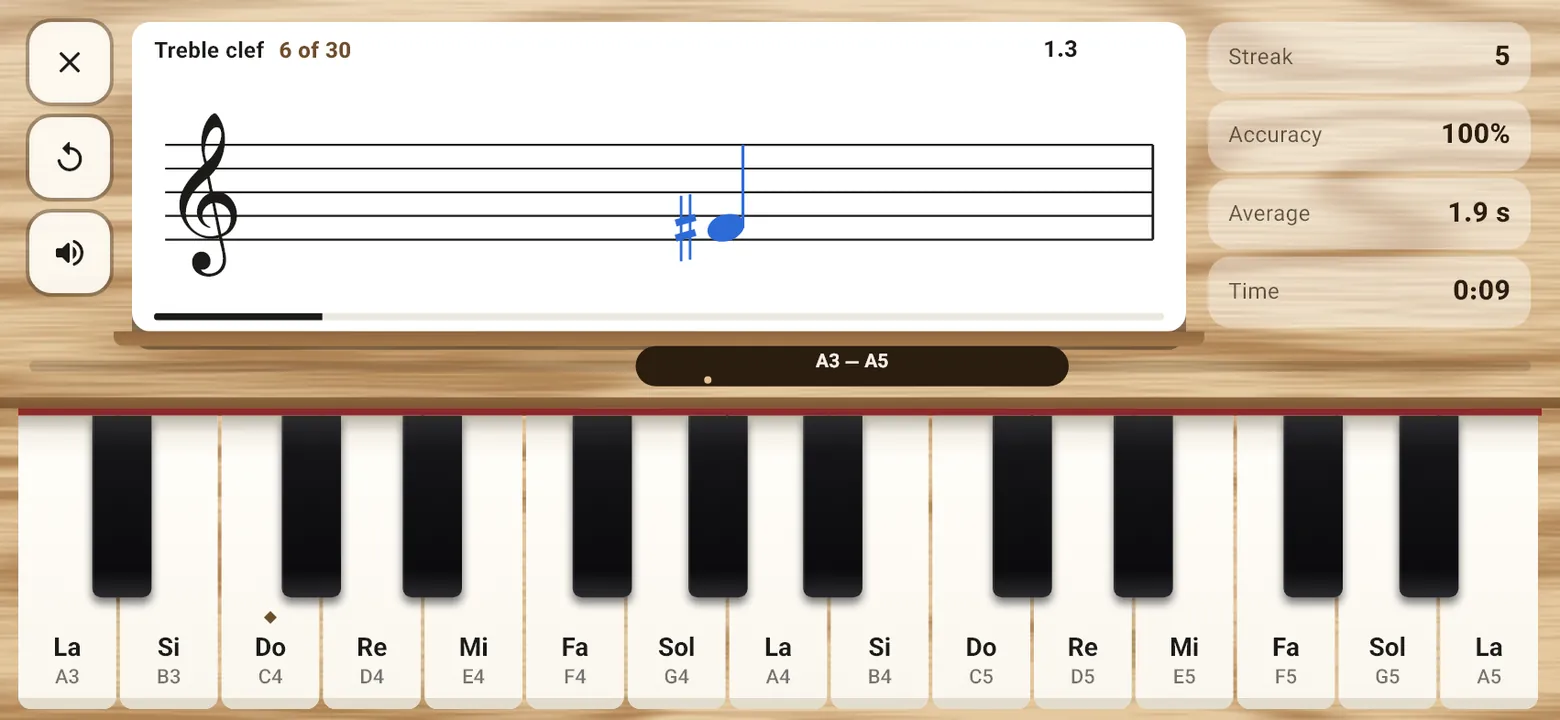 Smart practice (landscape), treble clef, one note per page
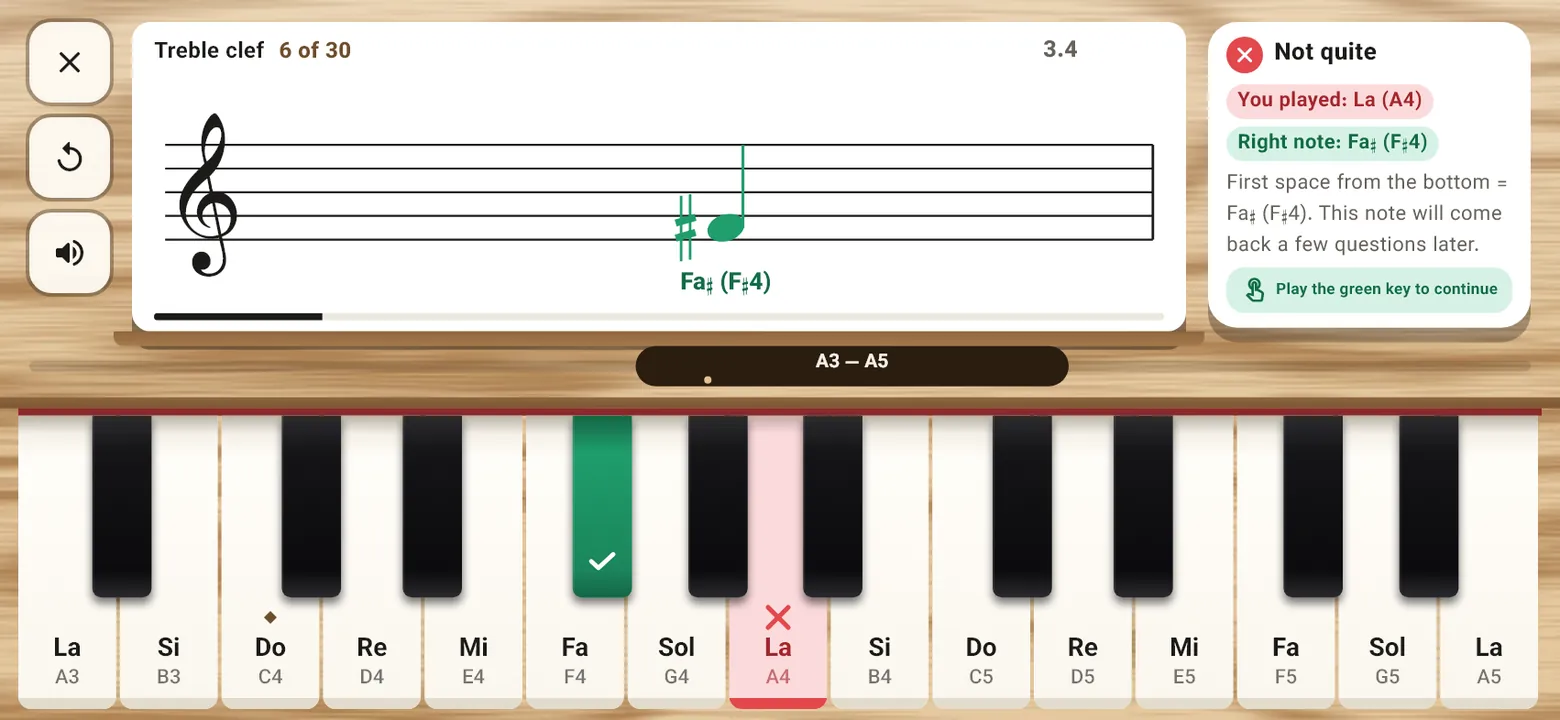 Smart practice, treble clef, one note per page: a wrong key and the right one
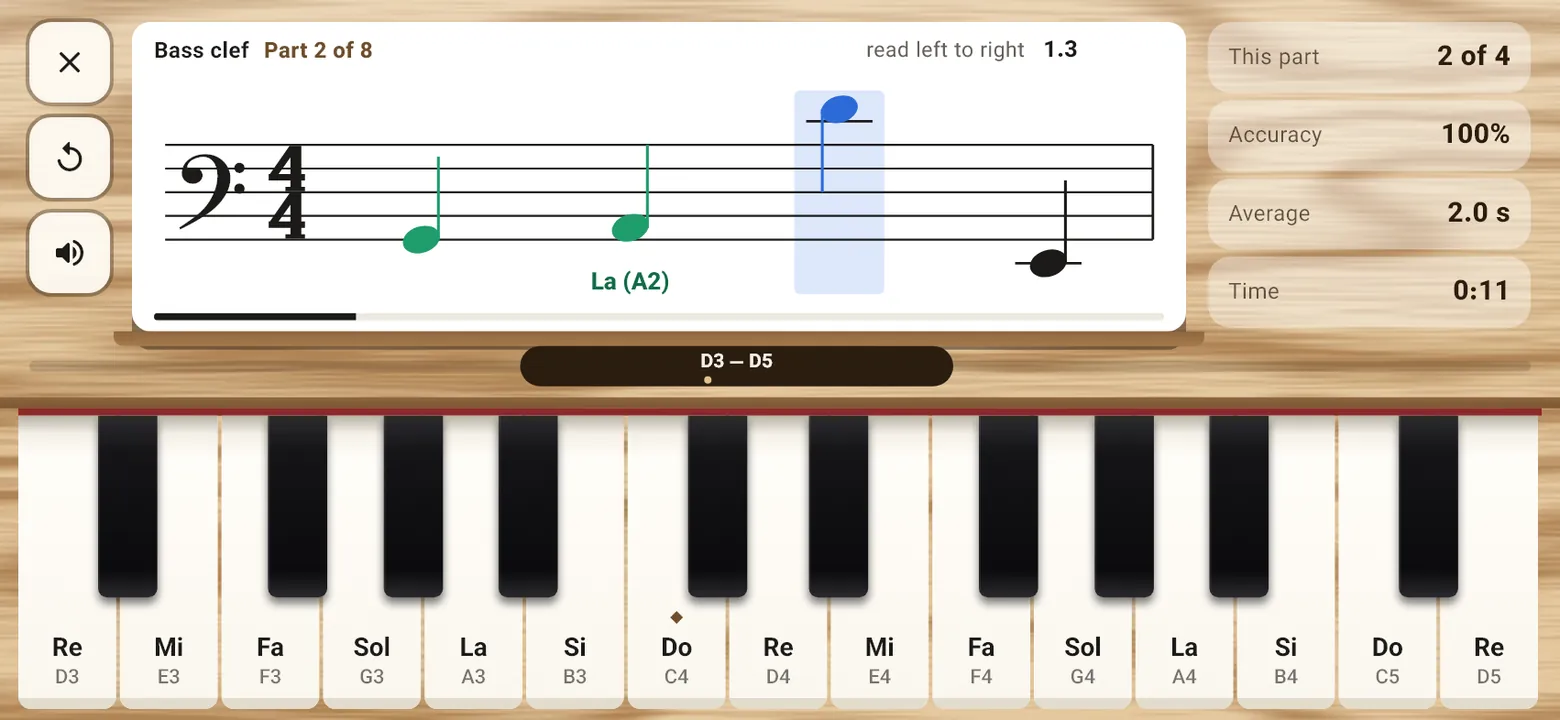 Smart practice (landscape), bass clef, one measure per page
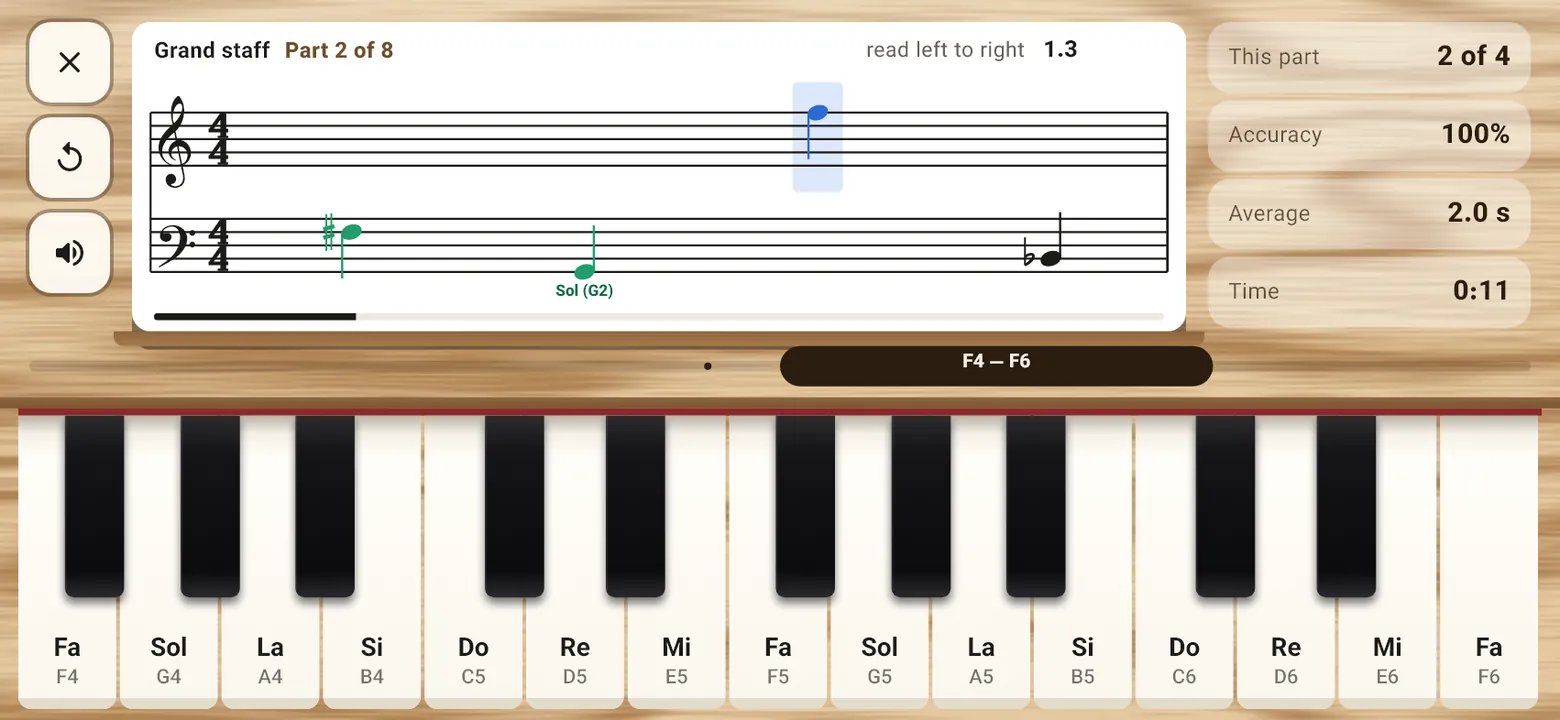 Smart practice (landscape), both clefs, one measure per page
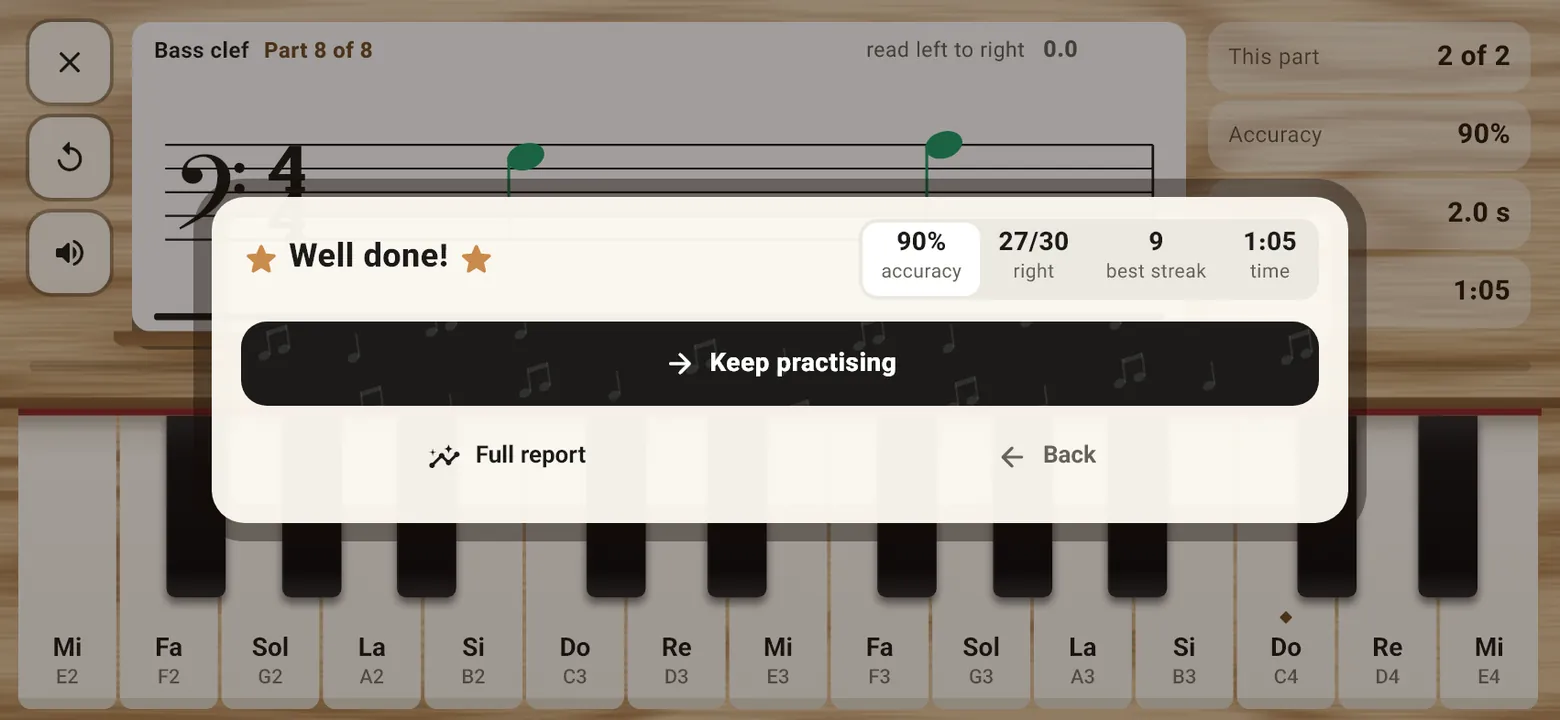 The end of a round: score, time and what to do next
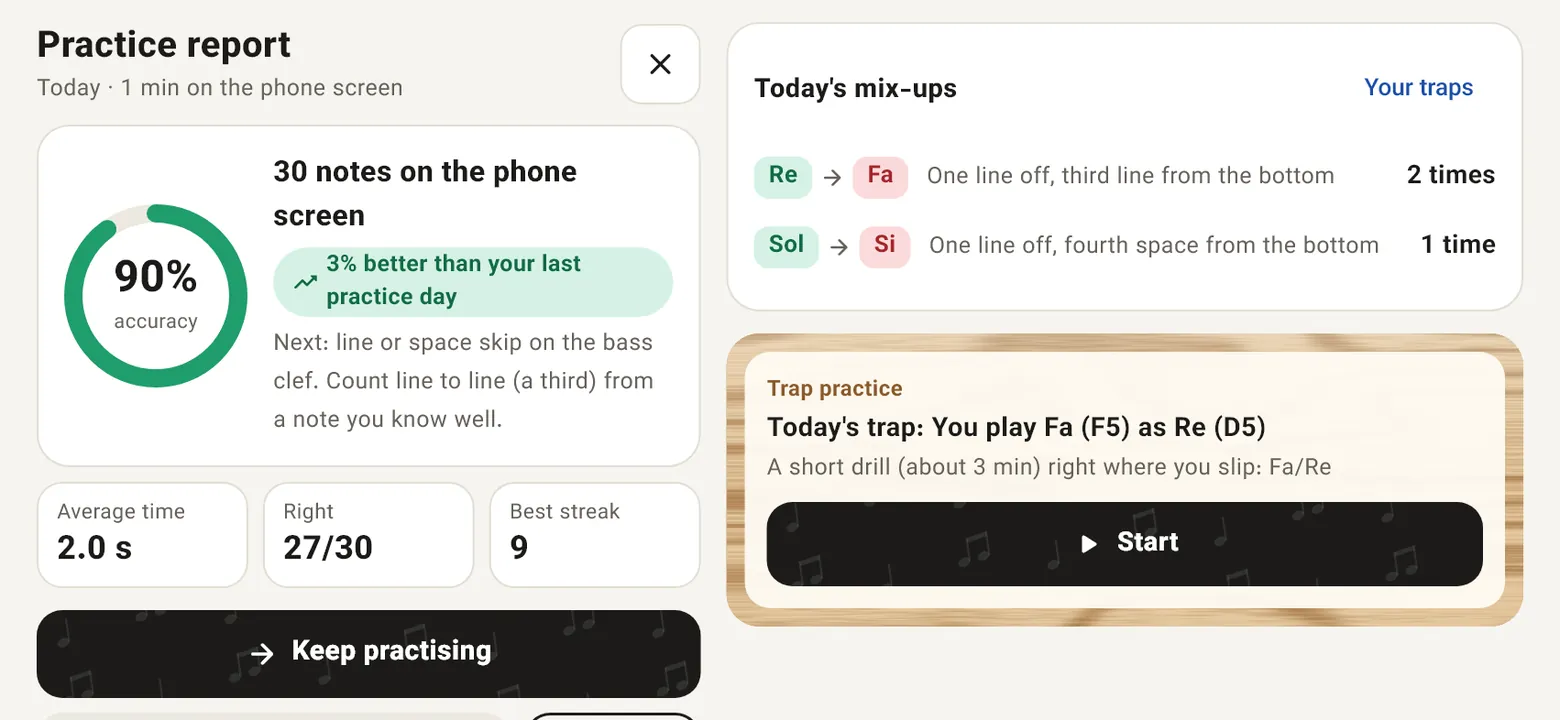 The full report of a round
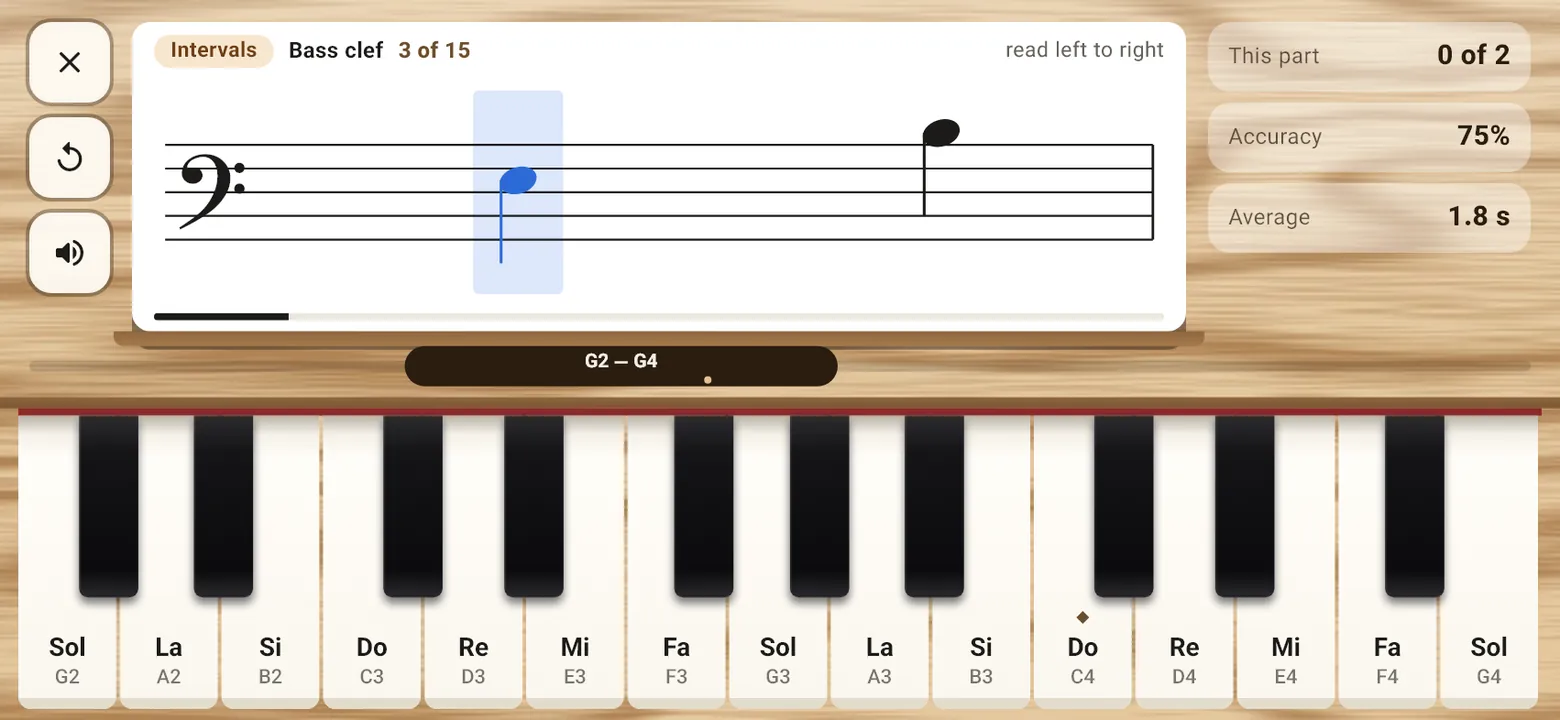 Read intervals (landscape)
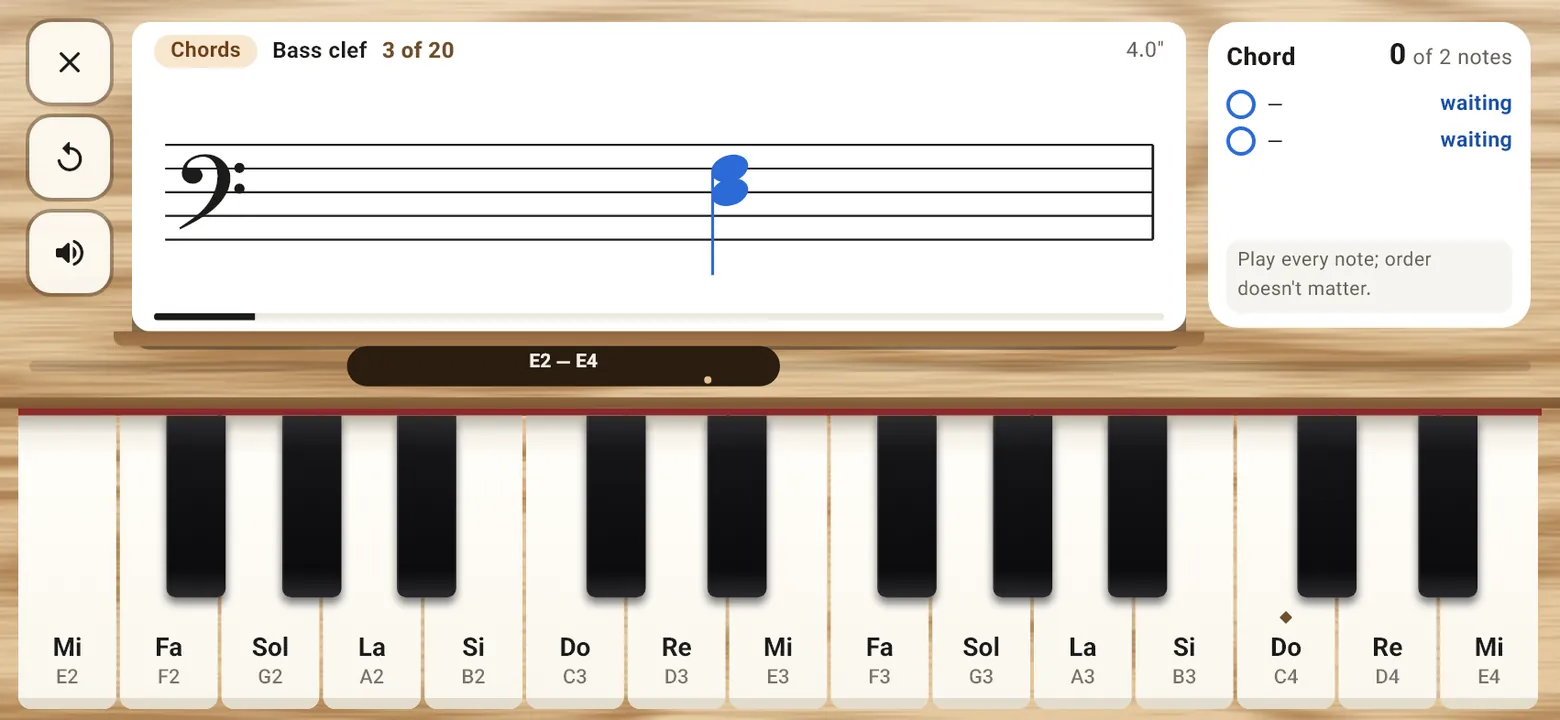 Read chords (landscape)
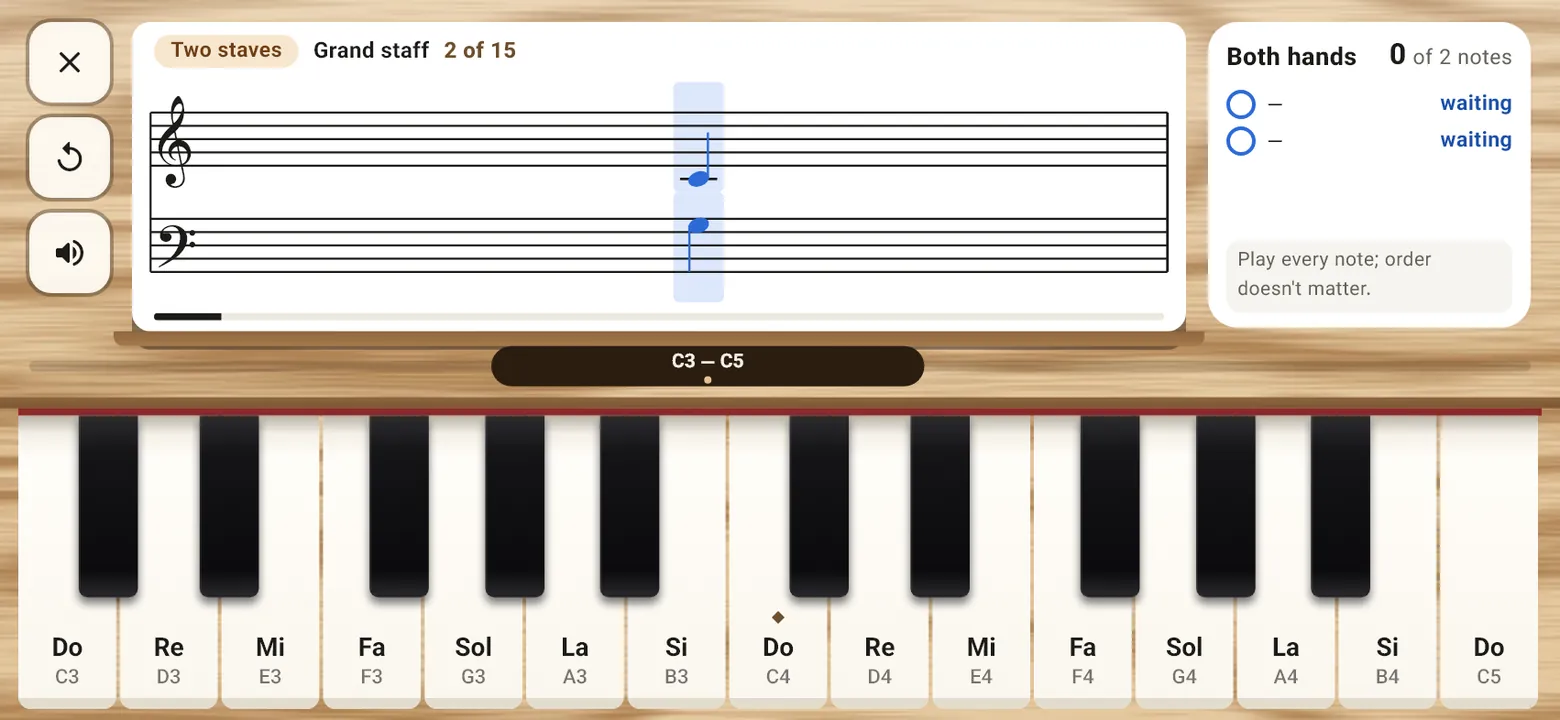 Read two staves at once (landscape)
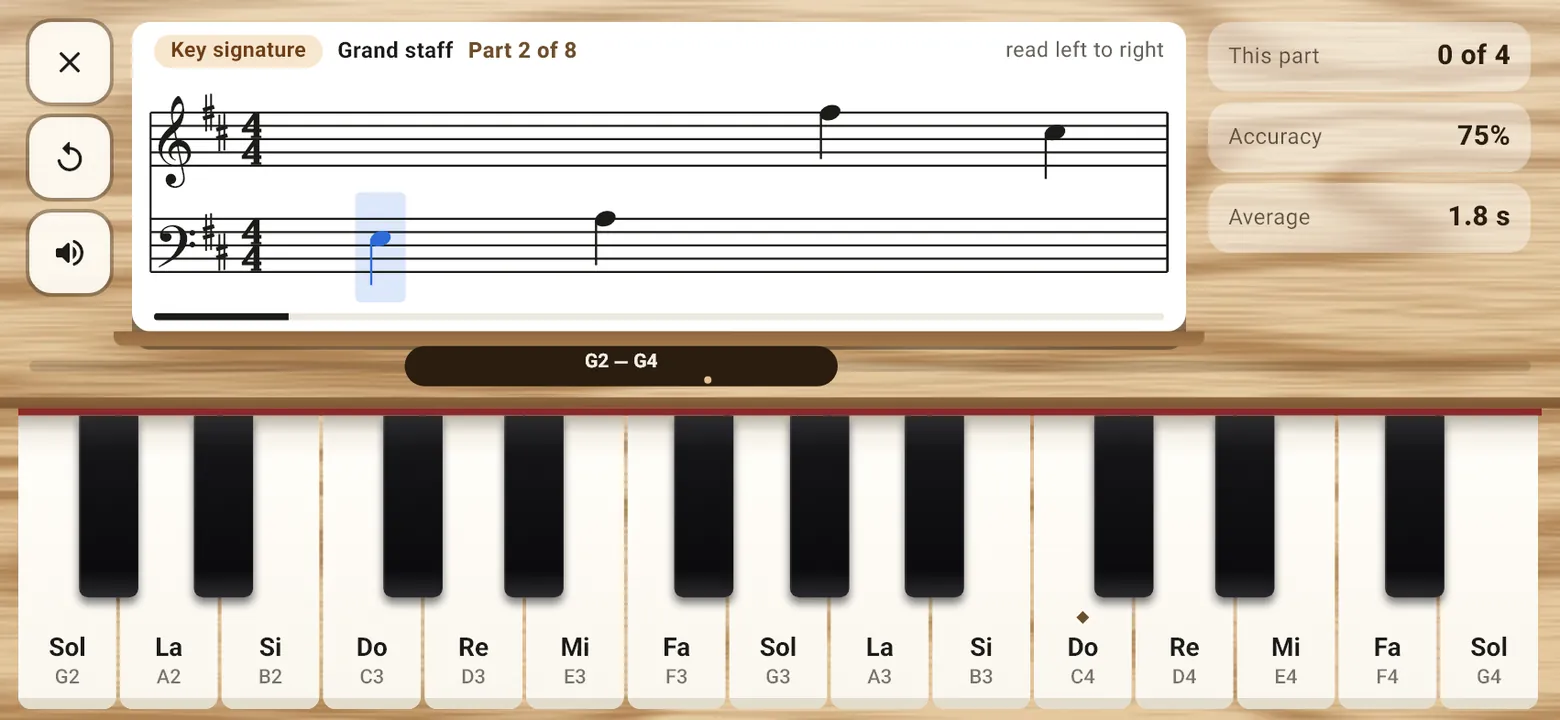 Read notes in a key signature (landscape)
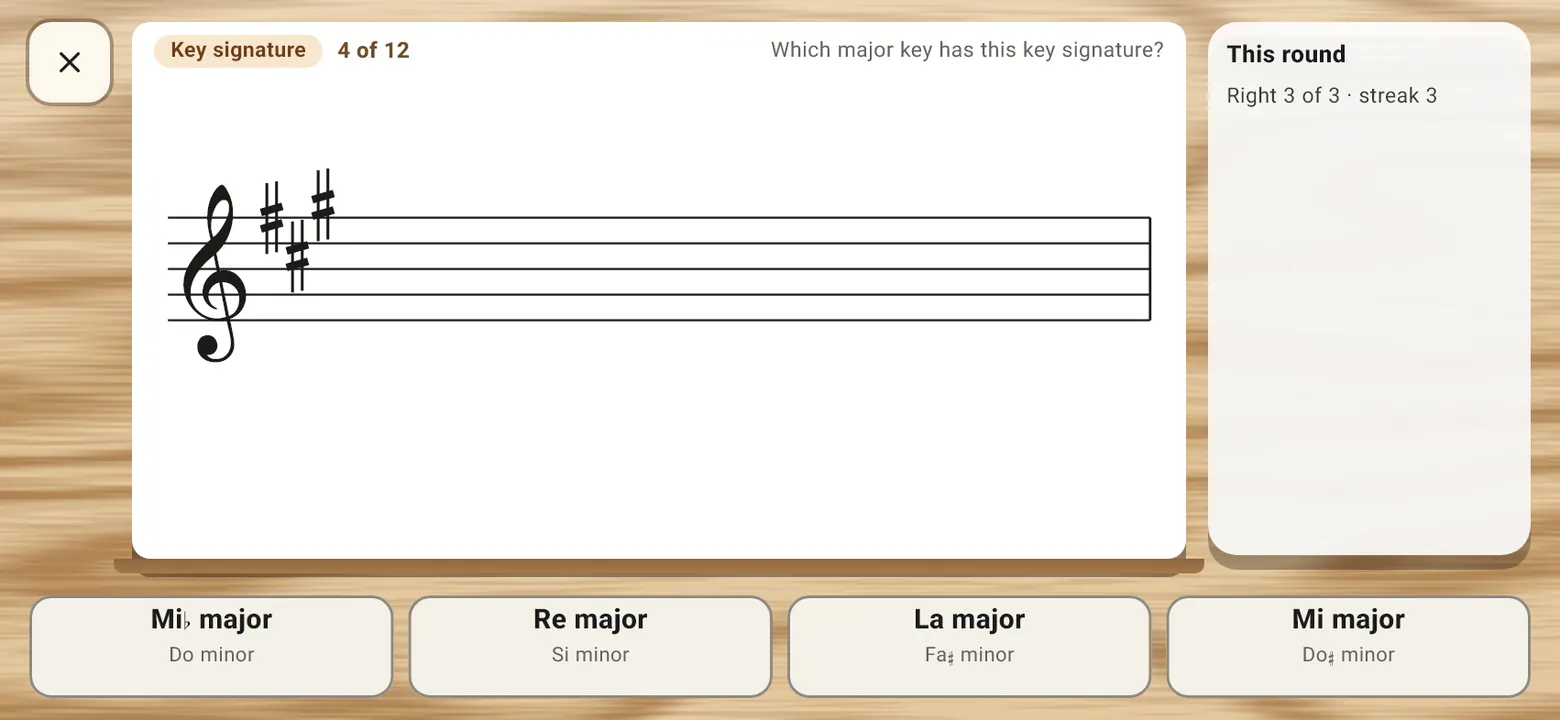 Read key signatures: which major key is it?
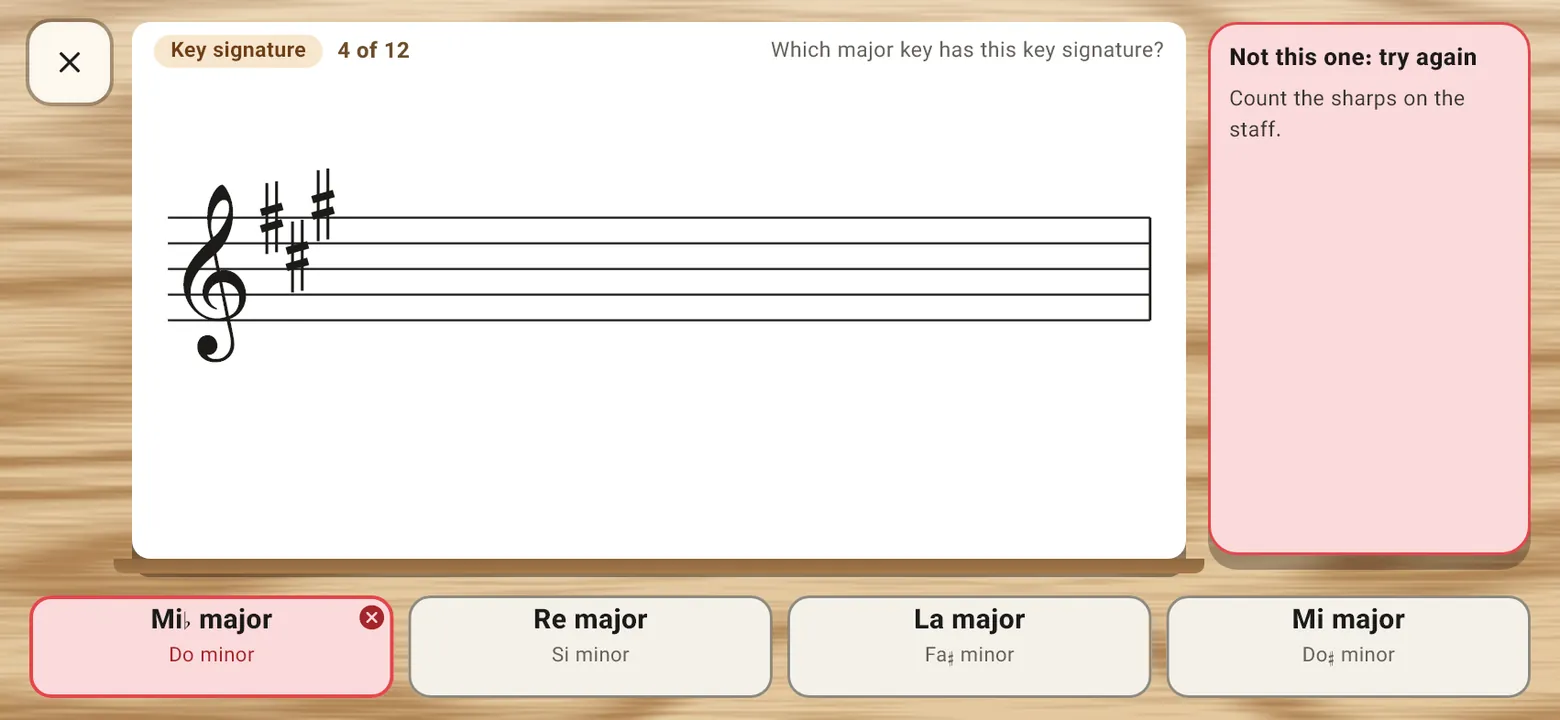 Read key signatures: a wrong answer and the right one
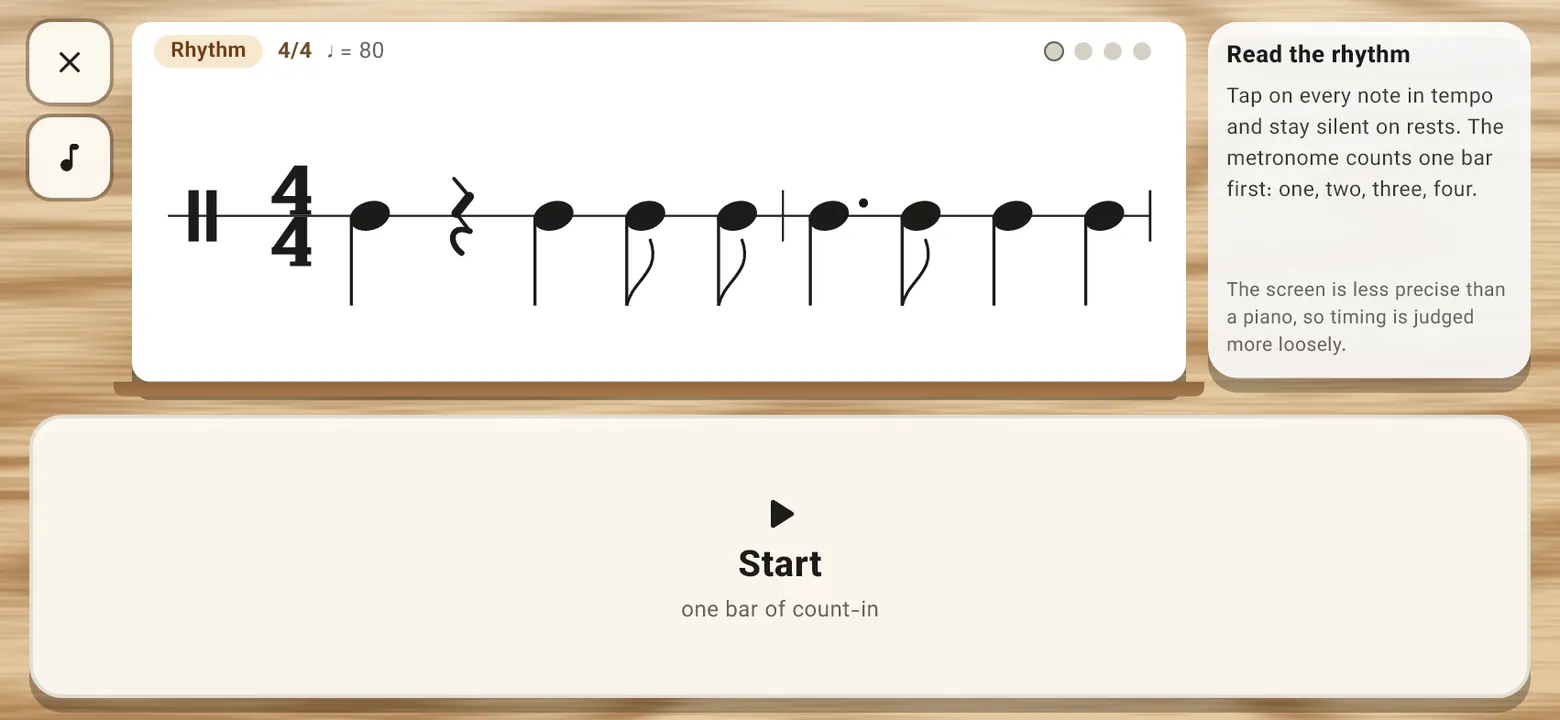 Read rhythm: tap the beat on the pad (landscape)
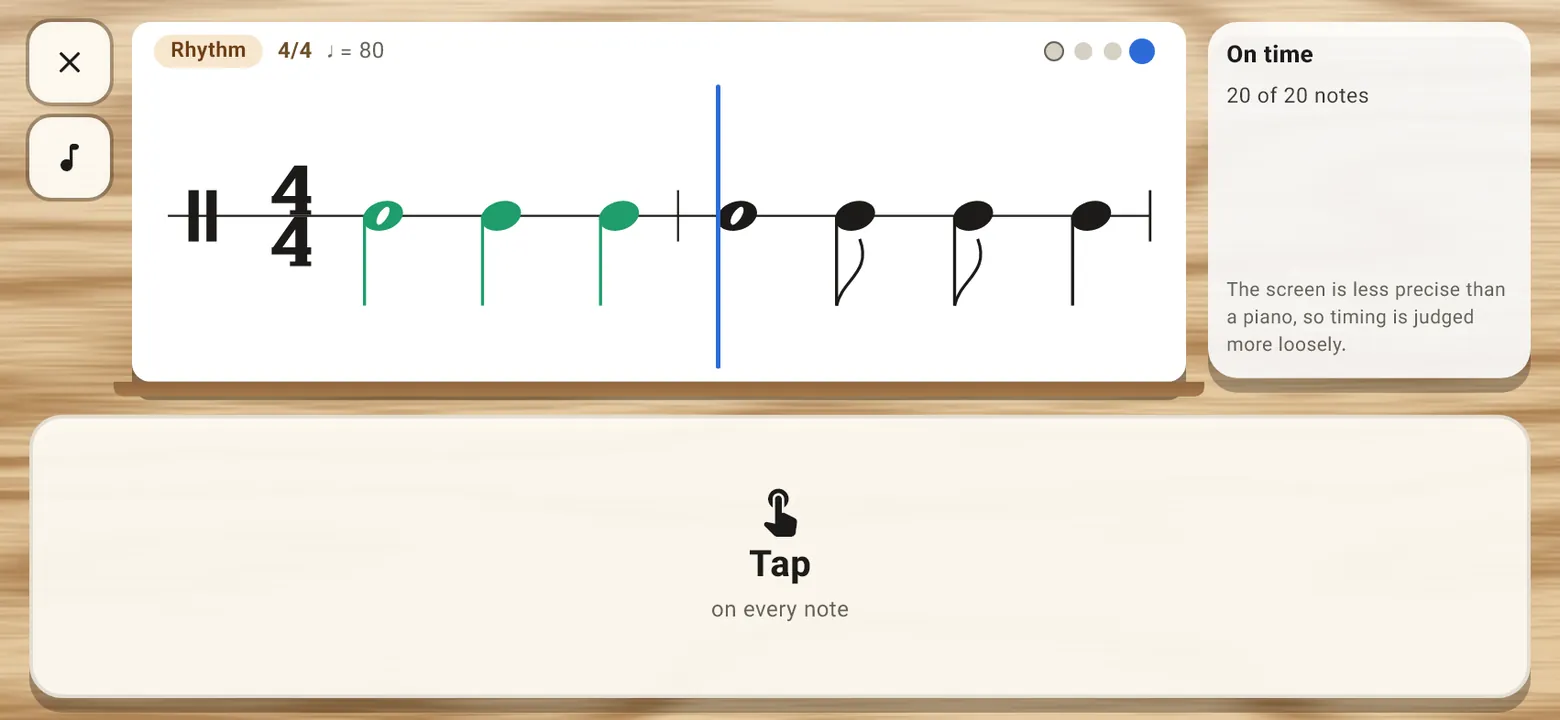 Read rhythm: each tap on time, early or late
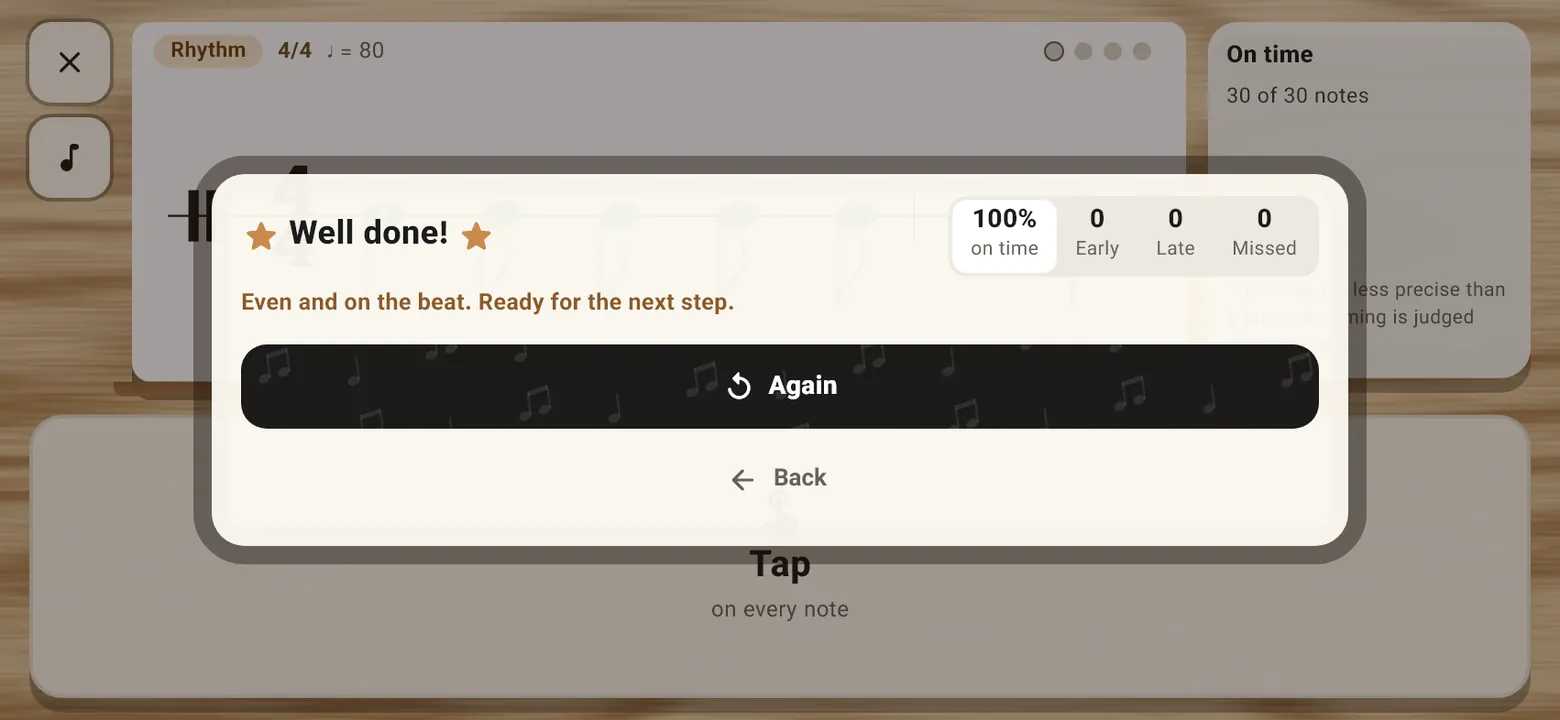 Read rhythm: the end of a round and a habit tip
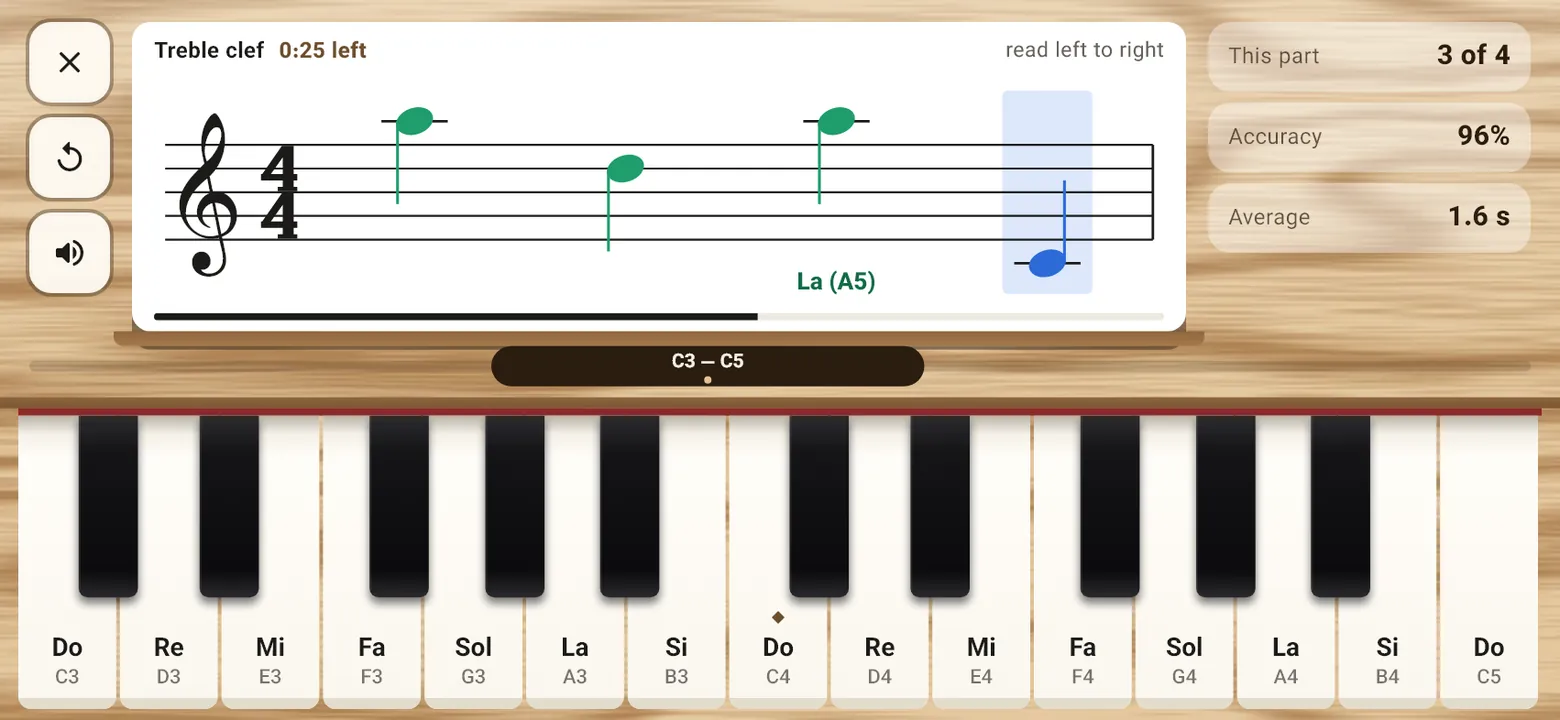 Speed practice, 60 s: the clock runs down
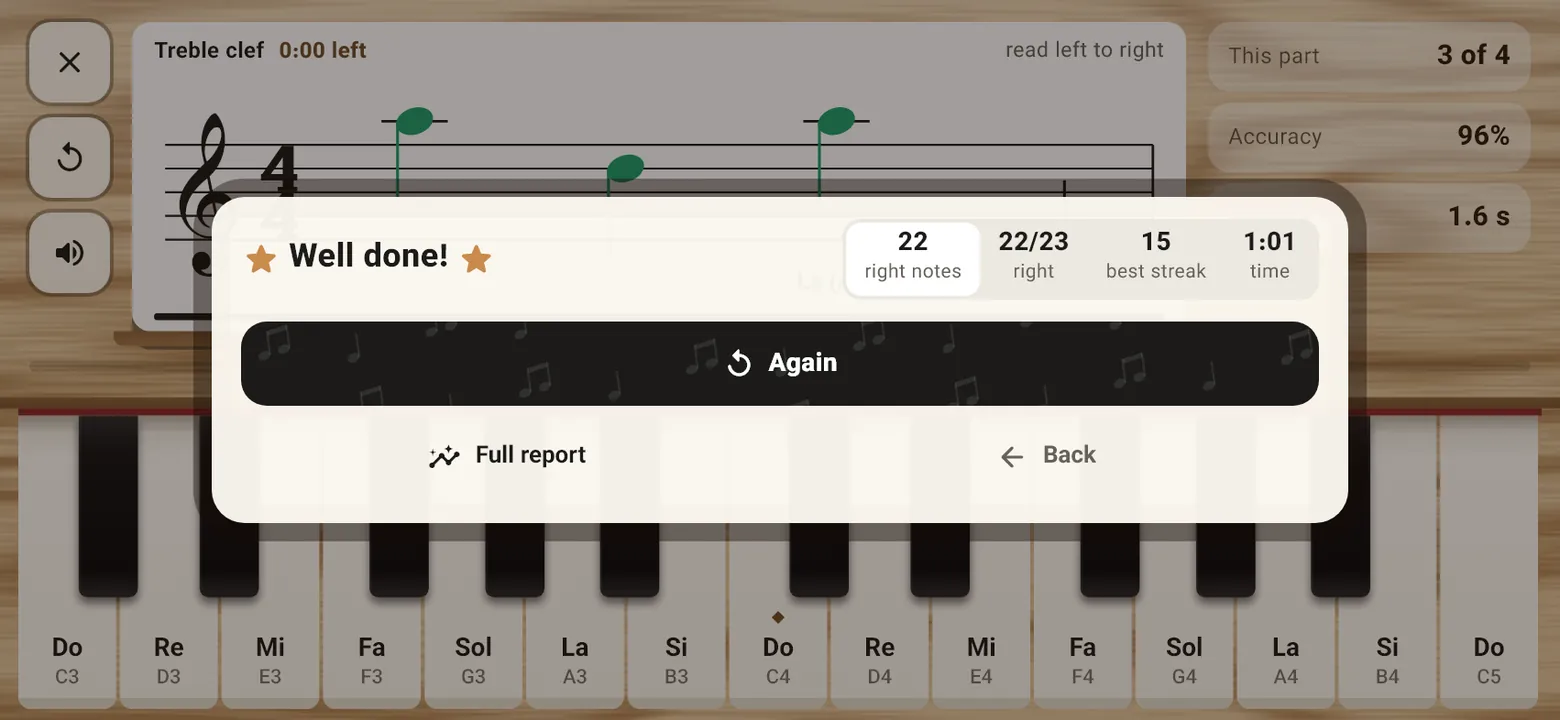 Speed practice, 60 s: the end of the minute
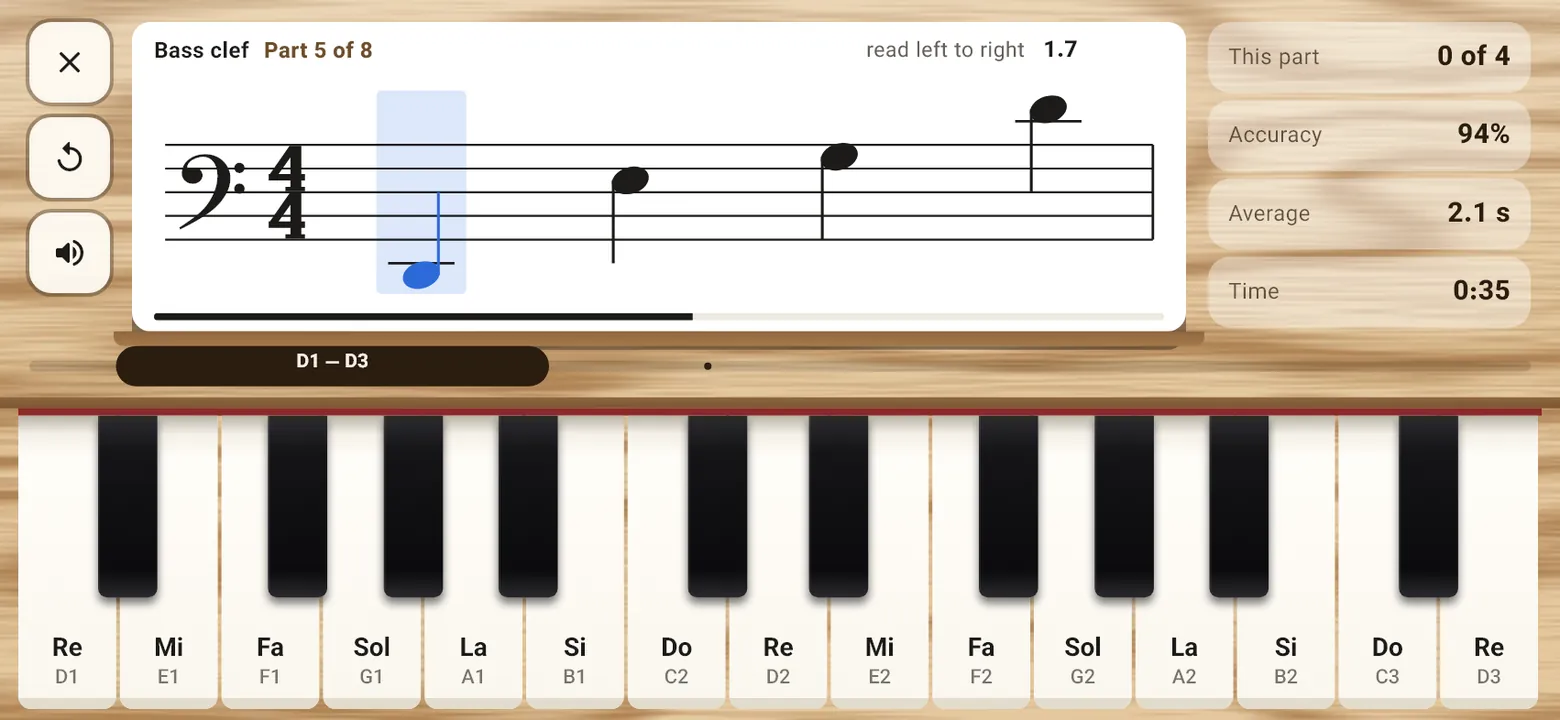 30-note practice: no clock, only right answers count
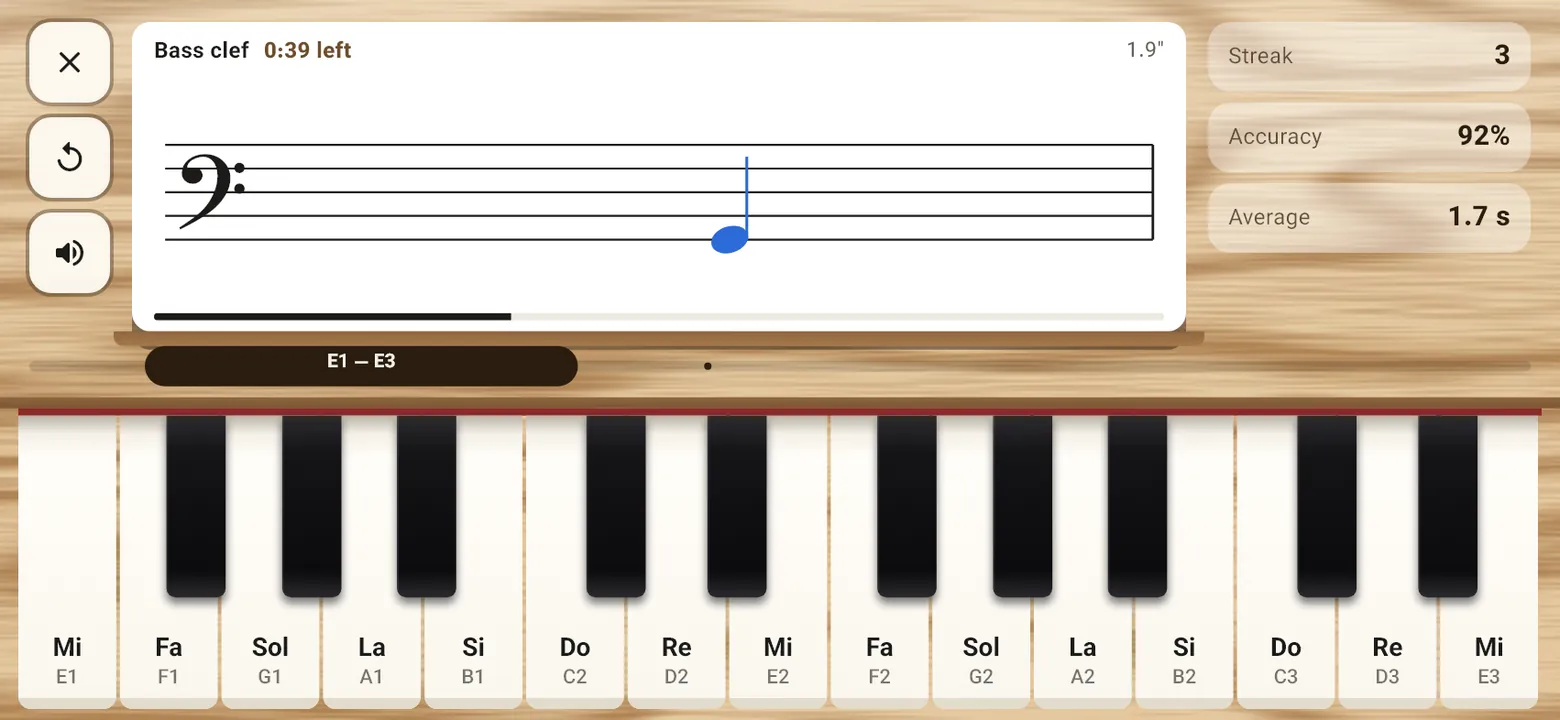 The daily challenge: one theme, 60 seconds, the same for everyone
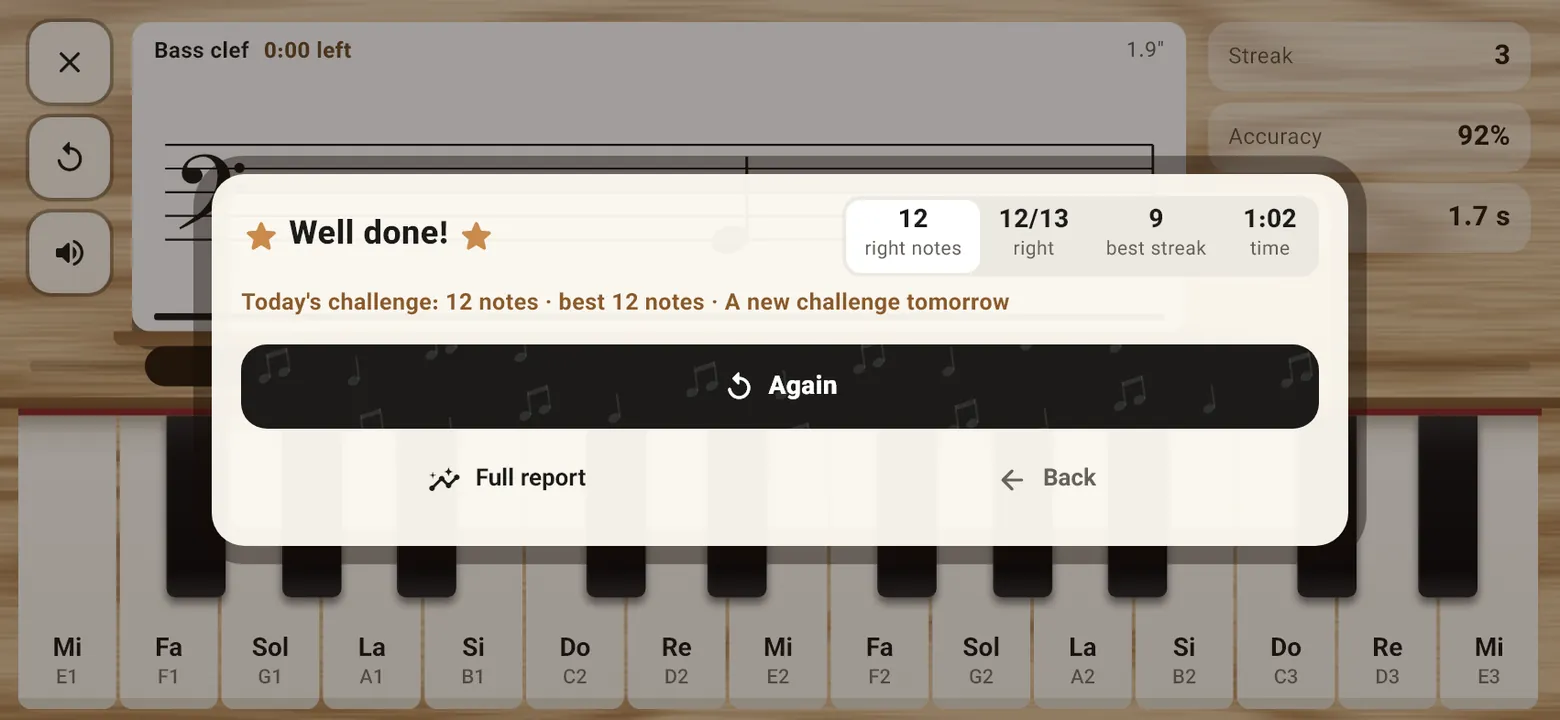 The daily challenge: the result and your best
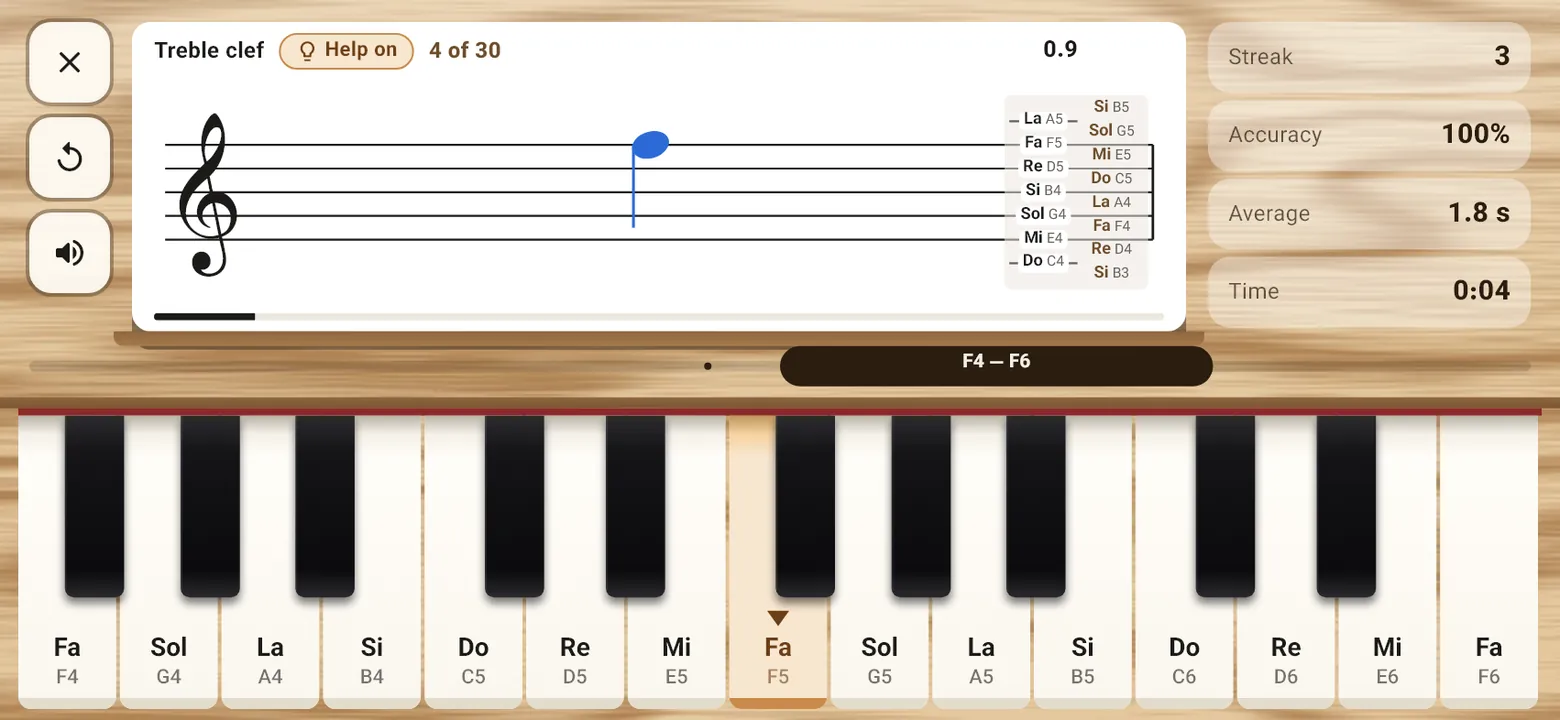 Help mode: the key to play is shown, with the line guide
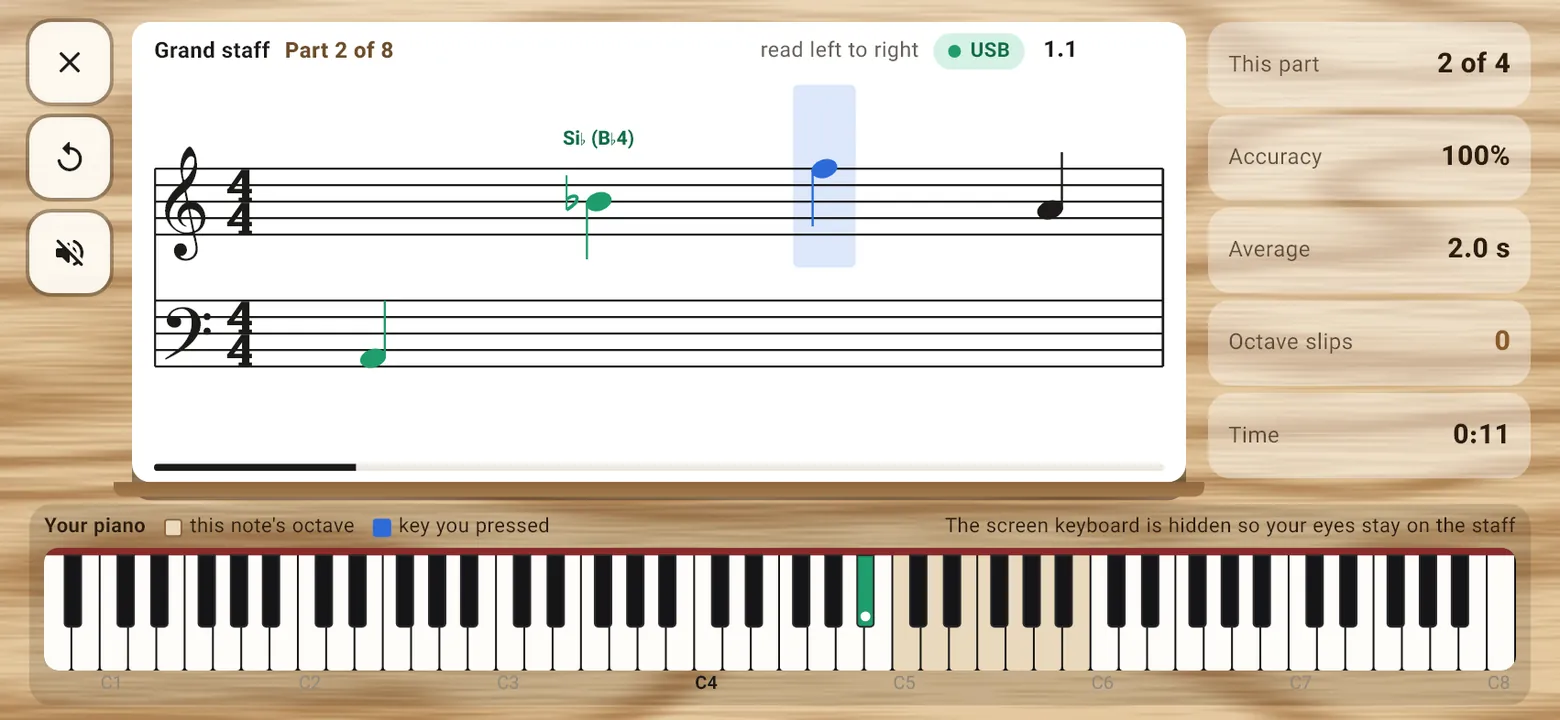 Practice on a connected digital piano (eyes on the staff)
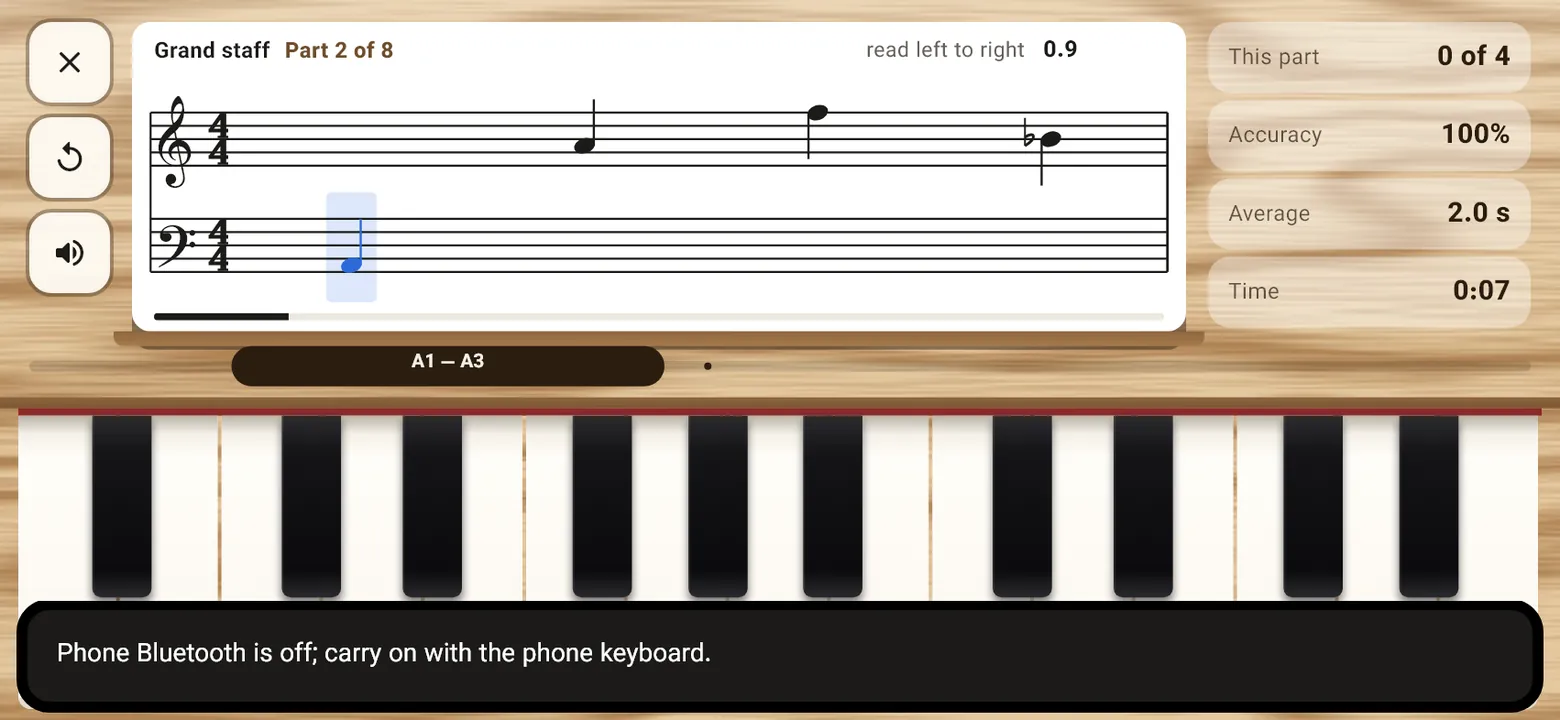 Practice: the phone’s Bluetooth went off, the phone keys take over
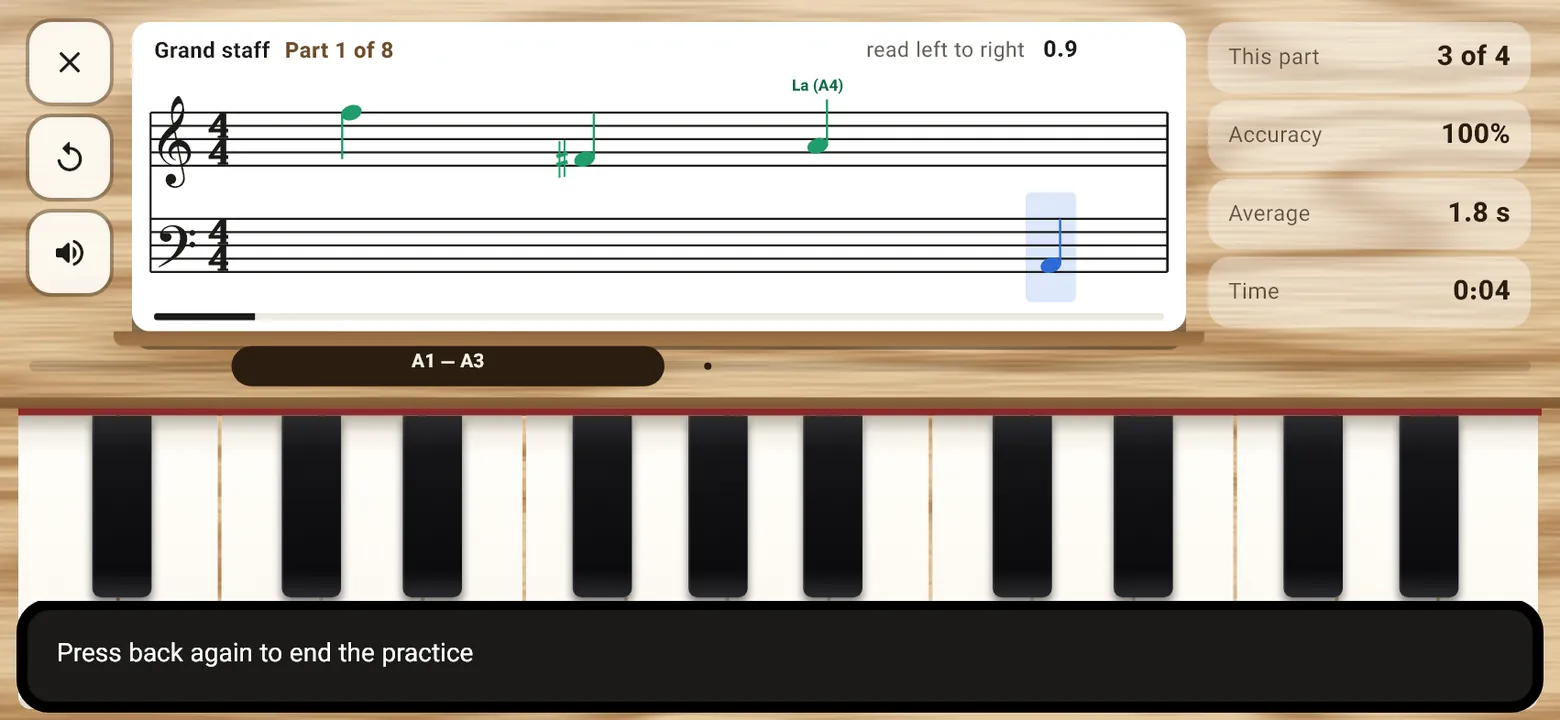 Practice: the first system back only says “press back again to end the practice”
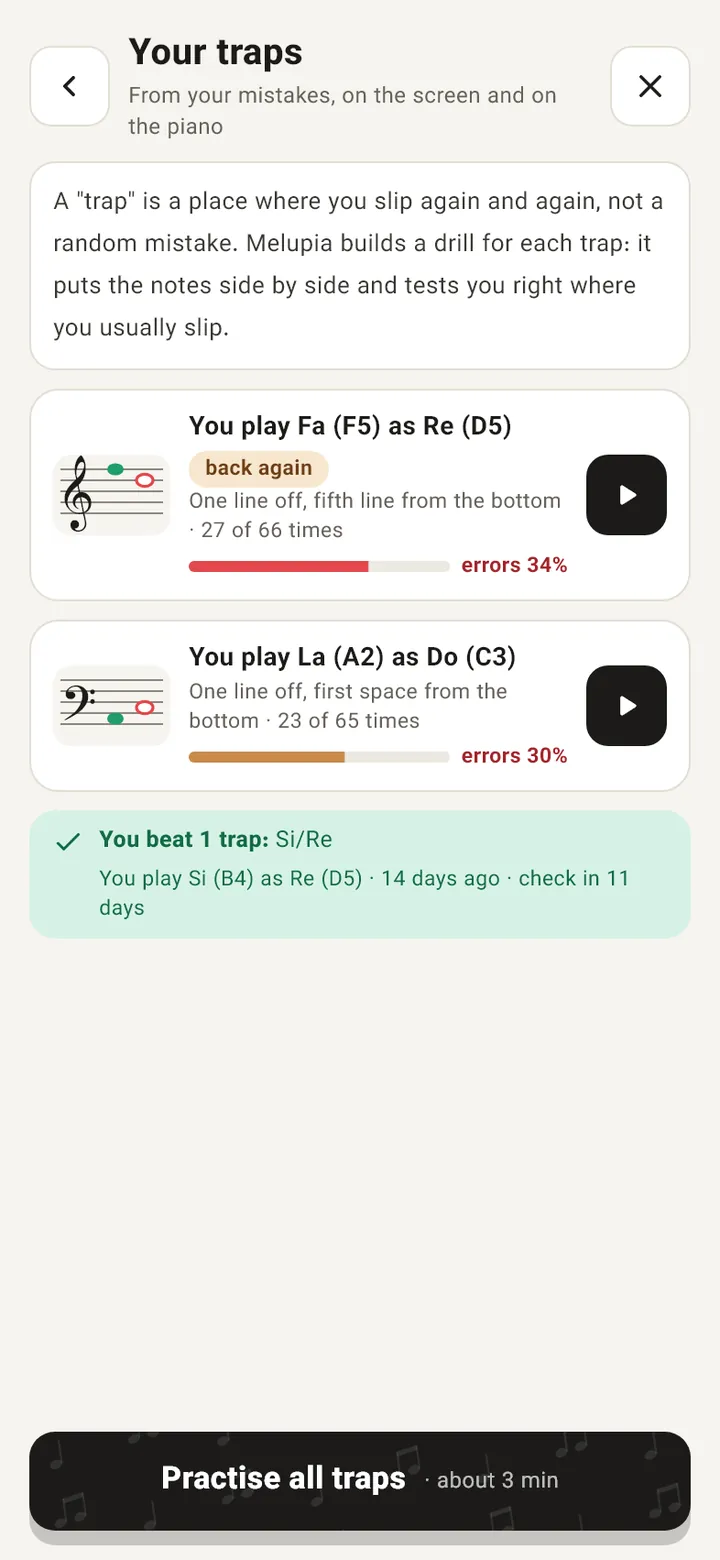 Traps: notes the learner keeps mixing up, and beaten ones
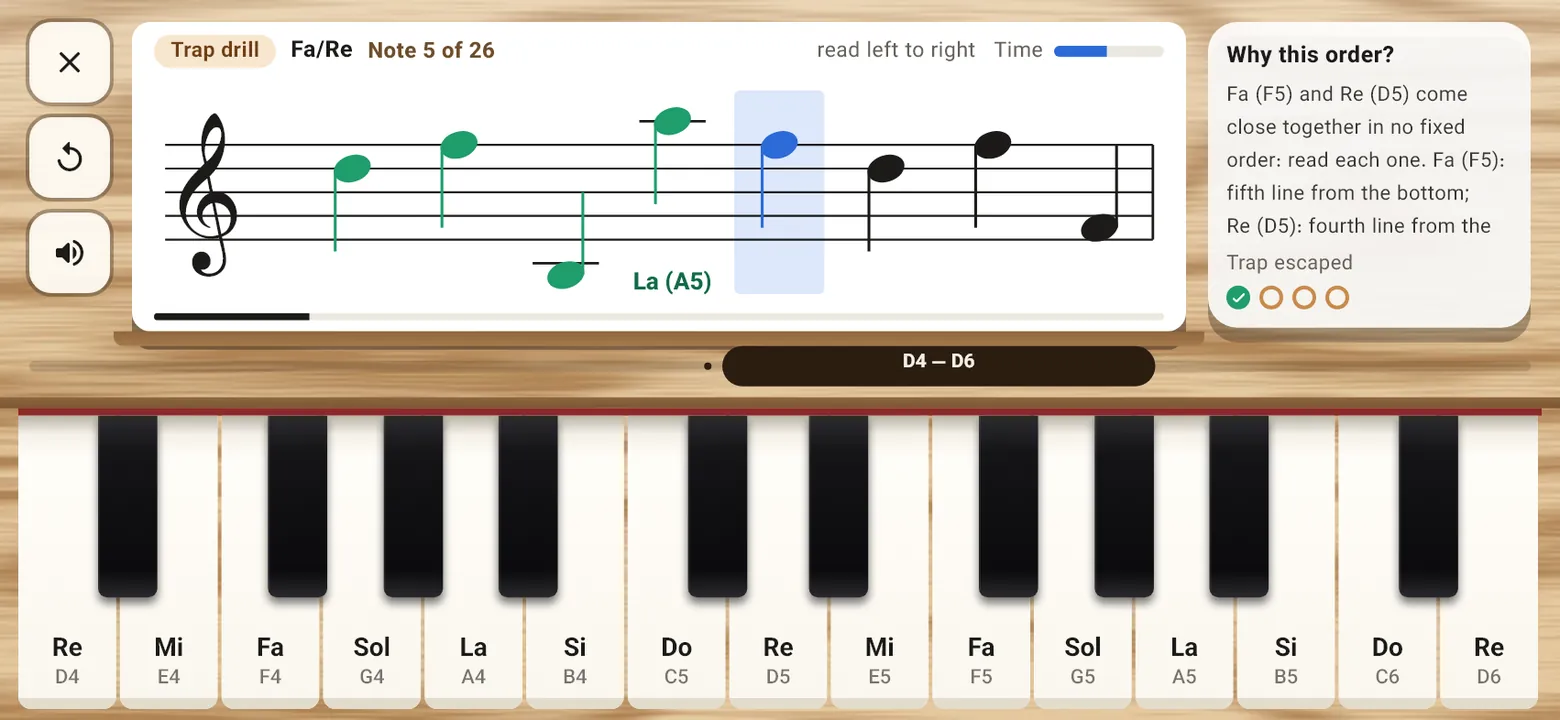 A trap drill (landscape): the confused notes side by side
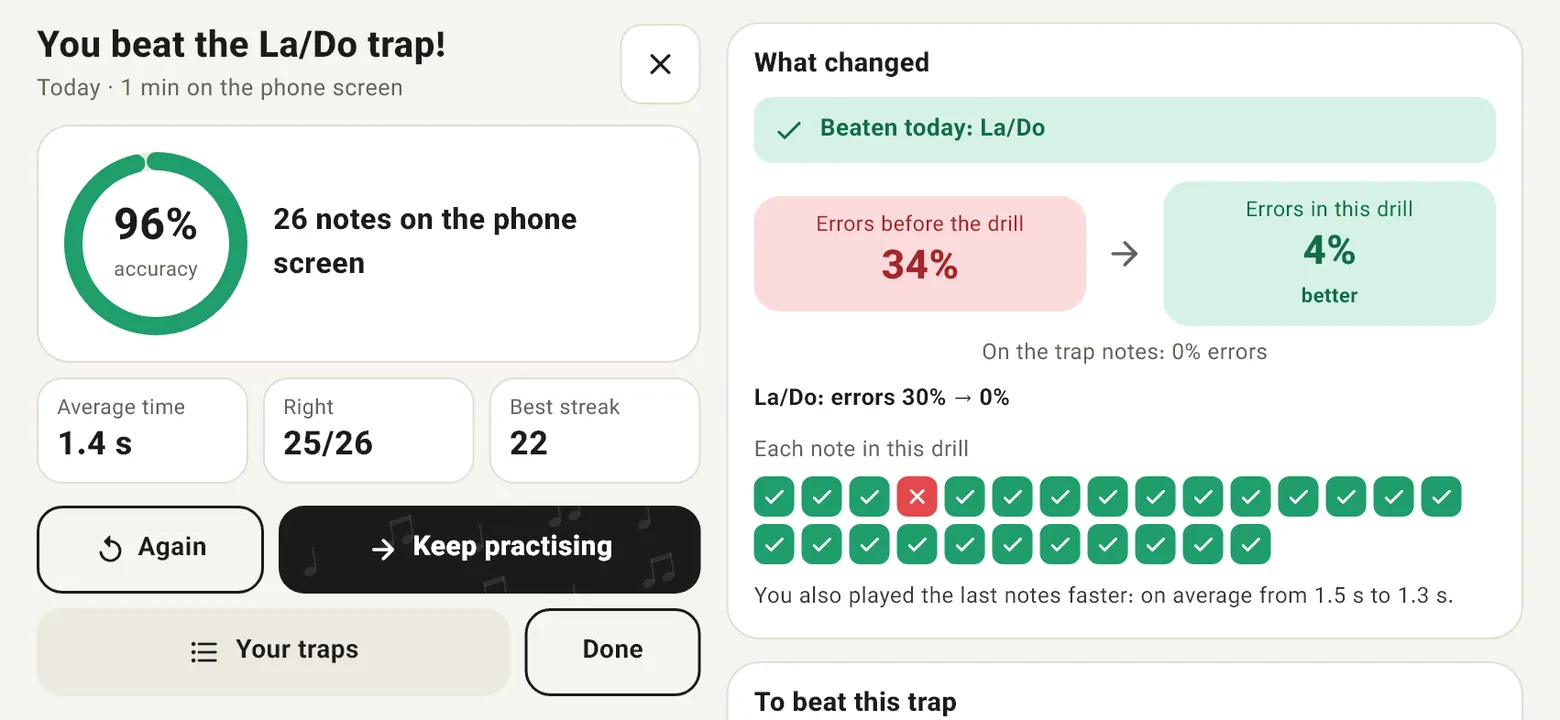 The end of a trap drill: how each trap went
Class and homework 32
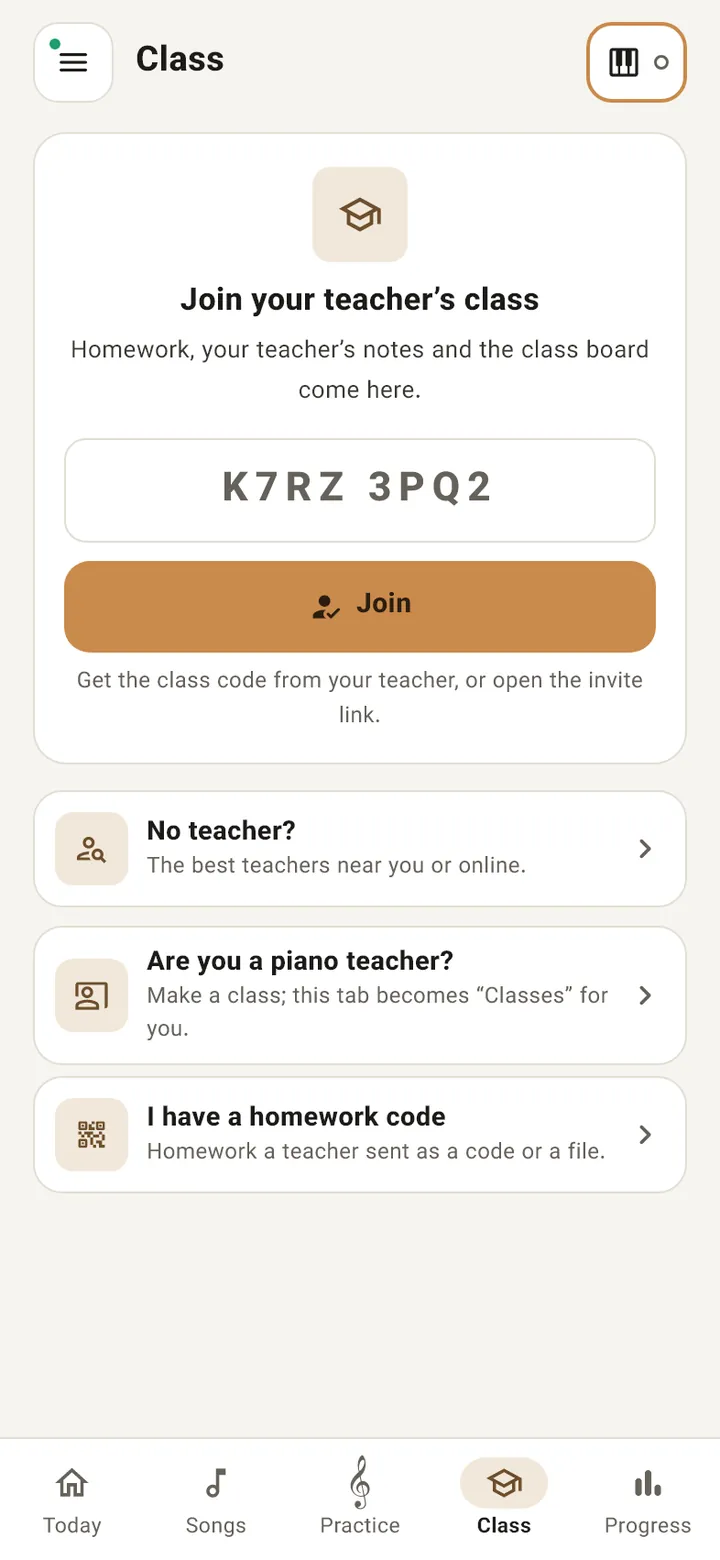 Class: join your teacher’s class with its 8-letter code
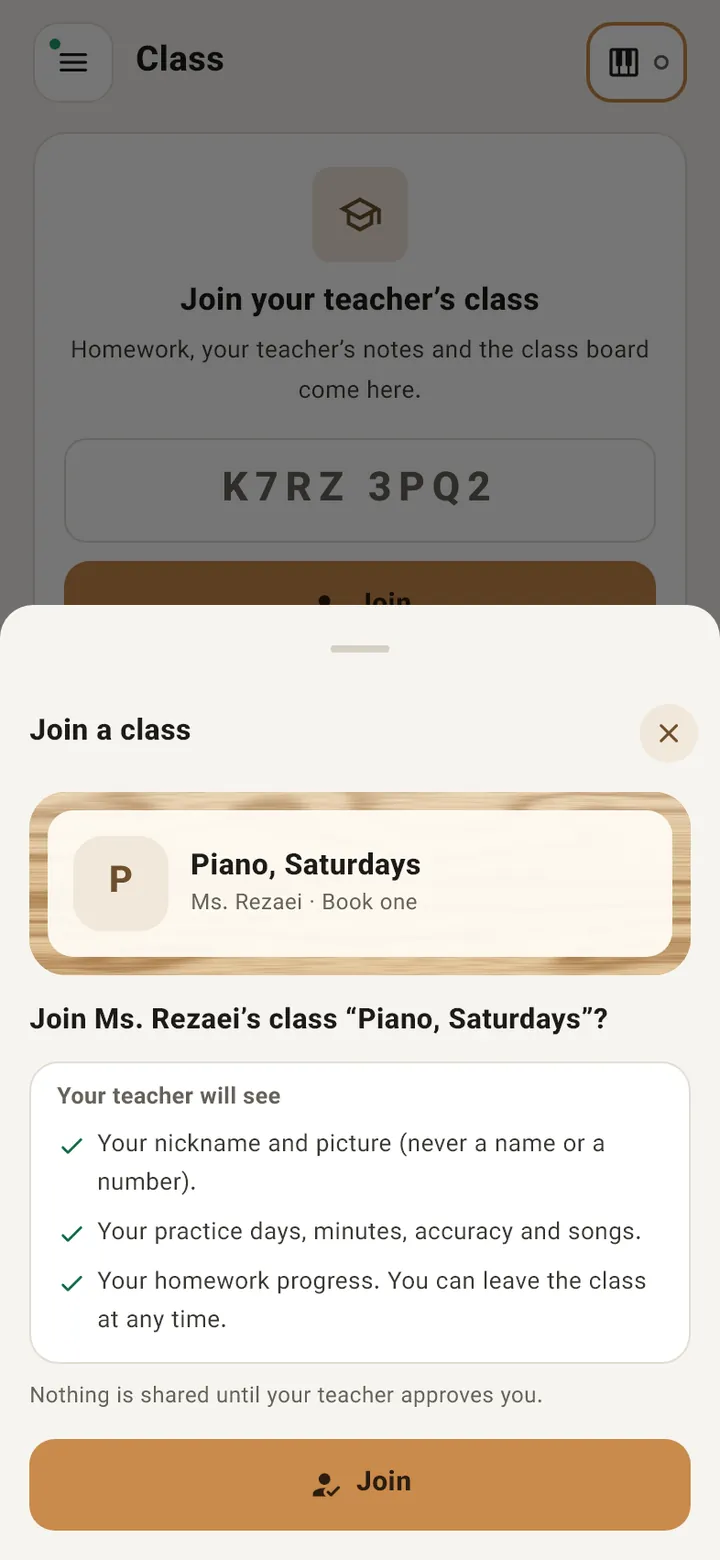 Joining a class: the class and its teacher before you join
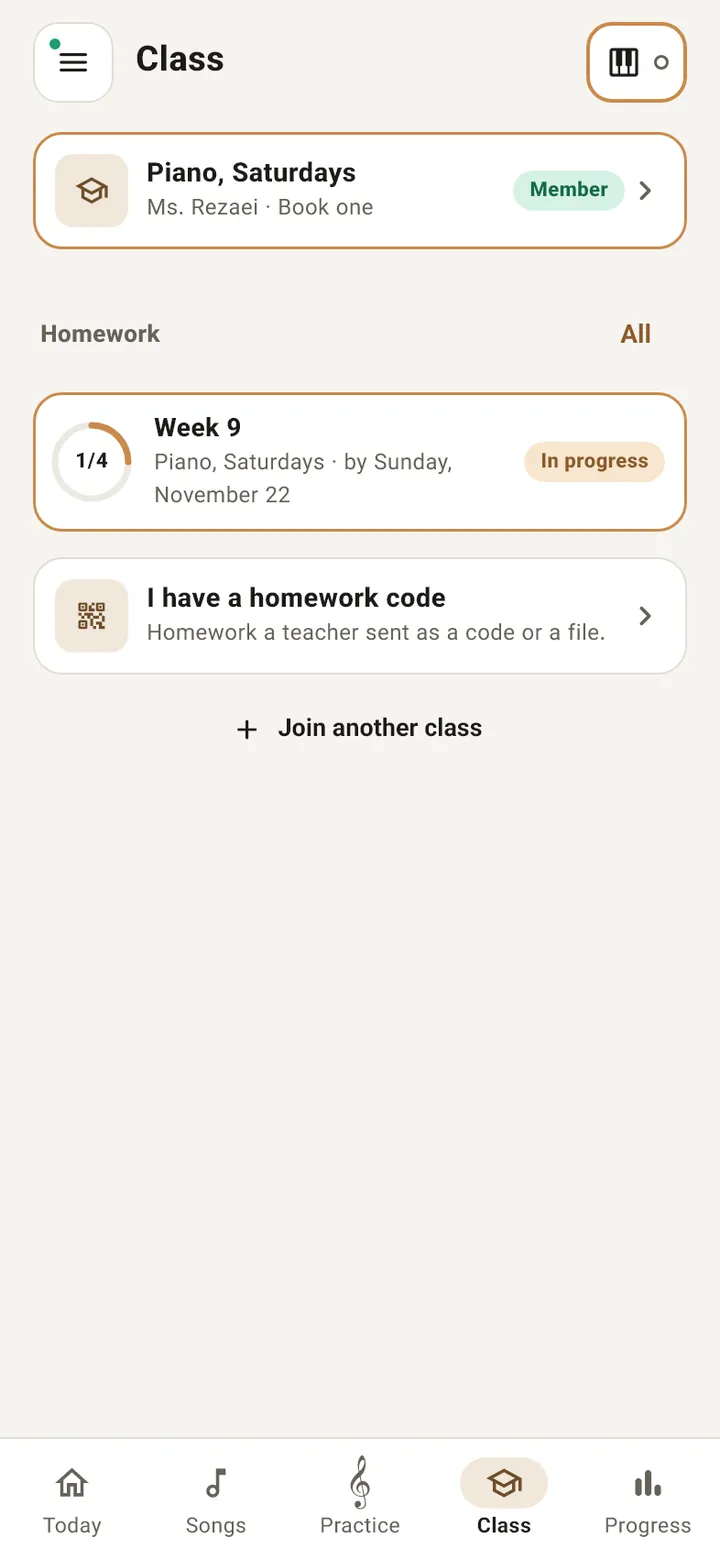 Class: my class, its homework and the teacher’s notes
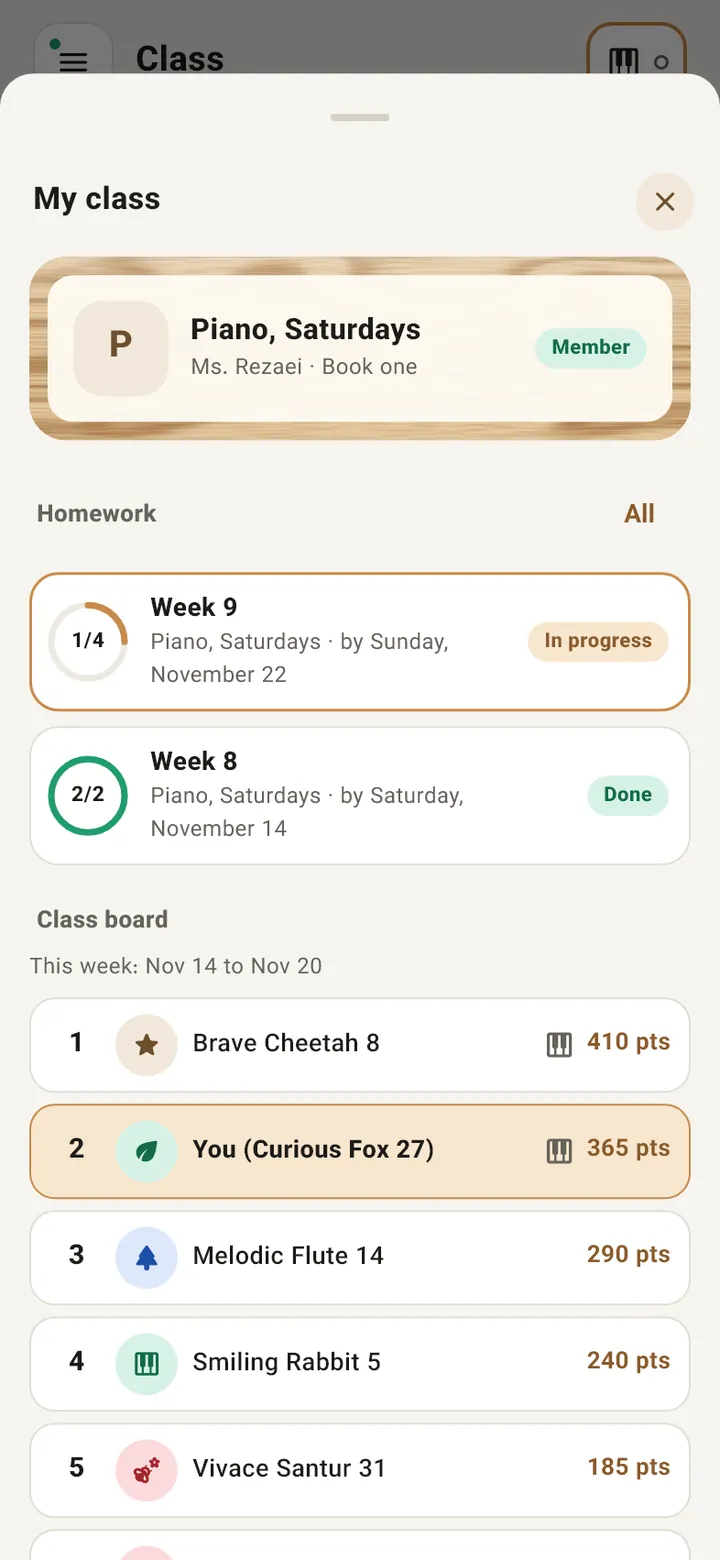 My class: this week’s homework and the class board
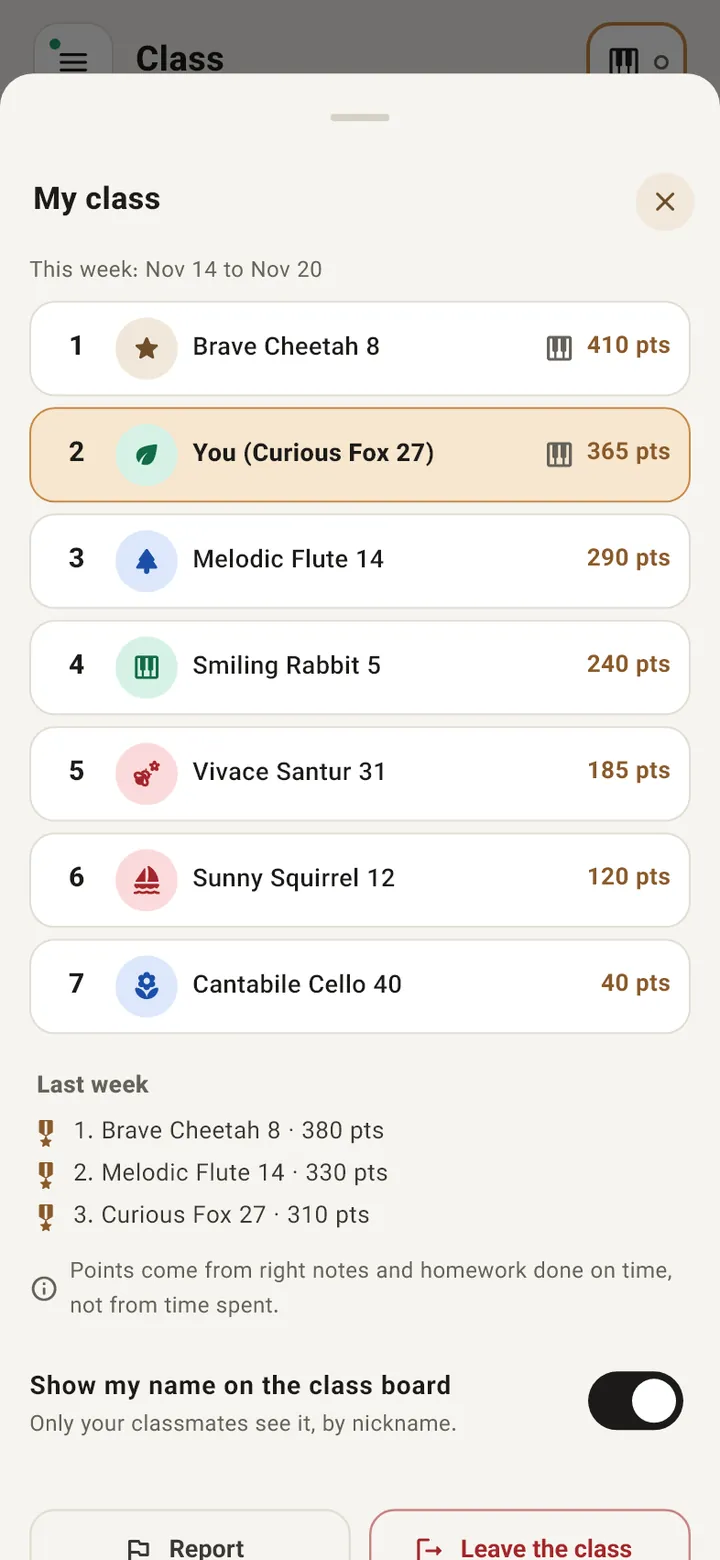 The class board: this week’s points, with a hide-me switch
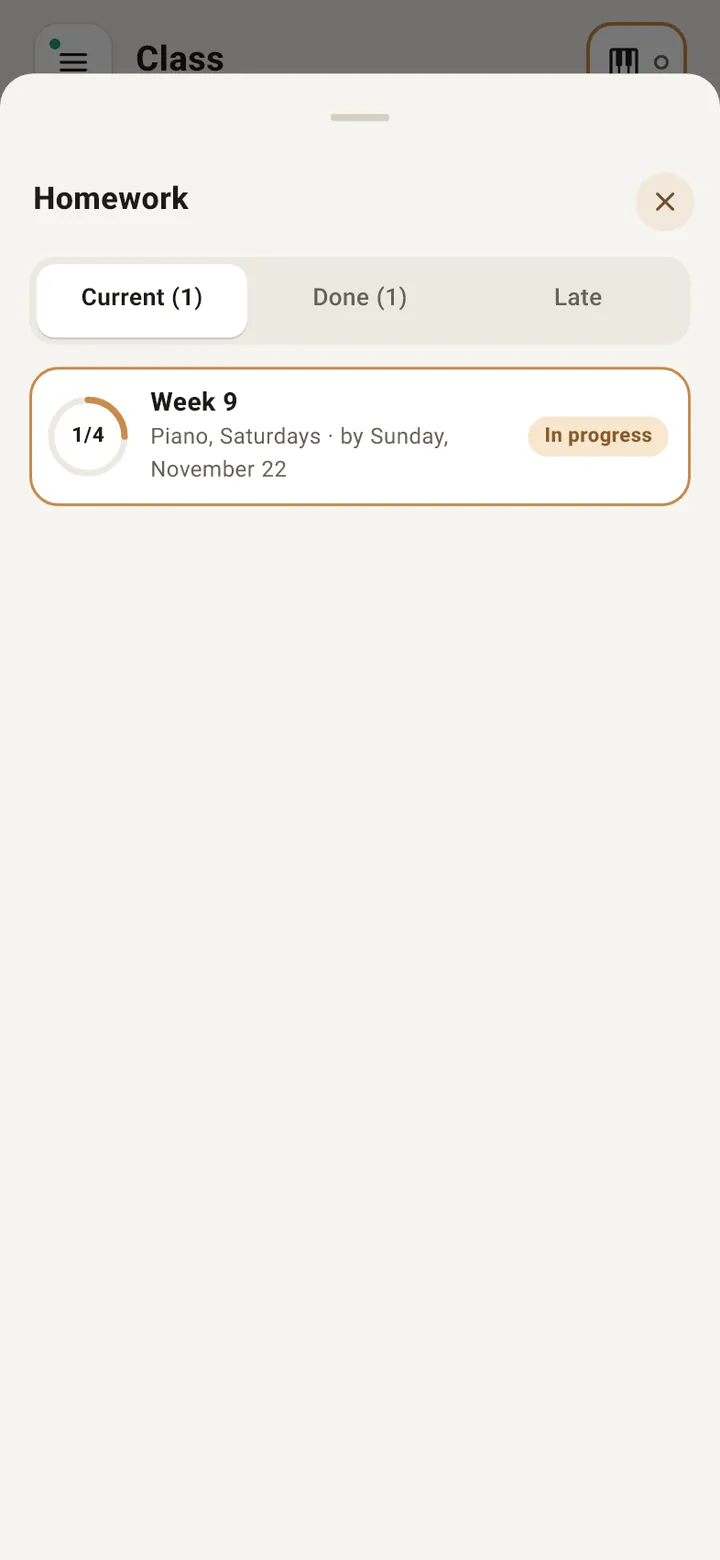 Homework: current, done and late
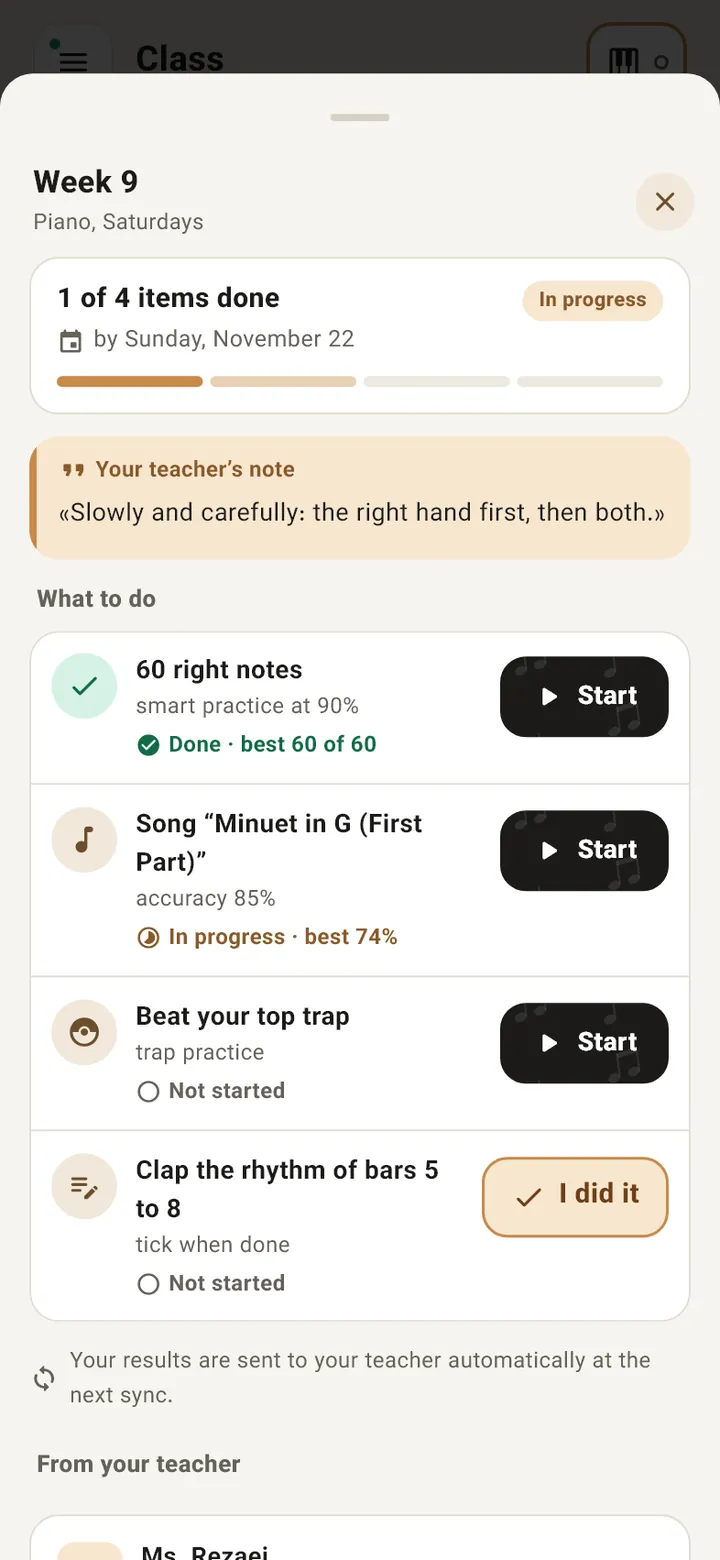 A homework: each item with its progress and a start button
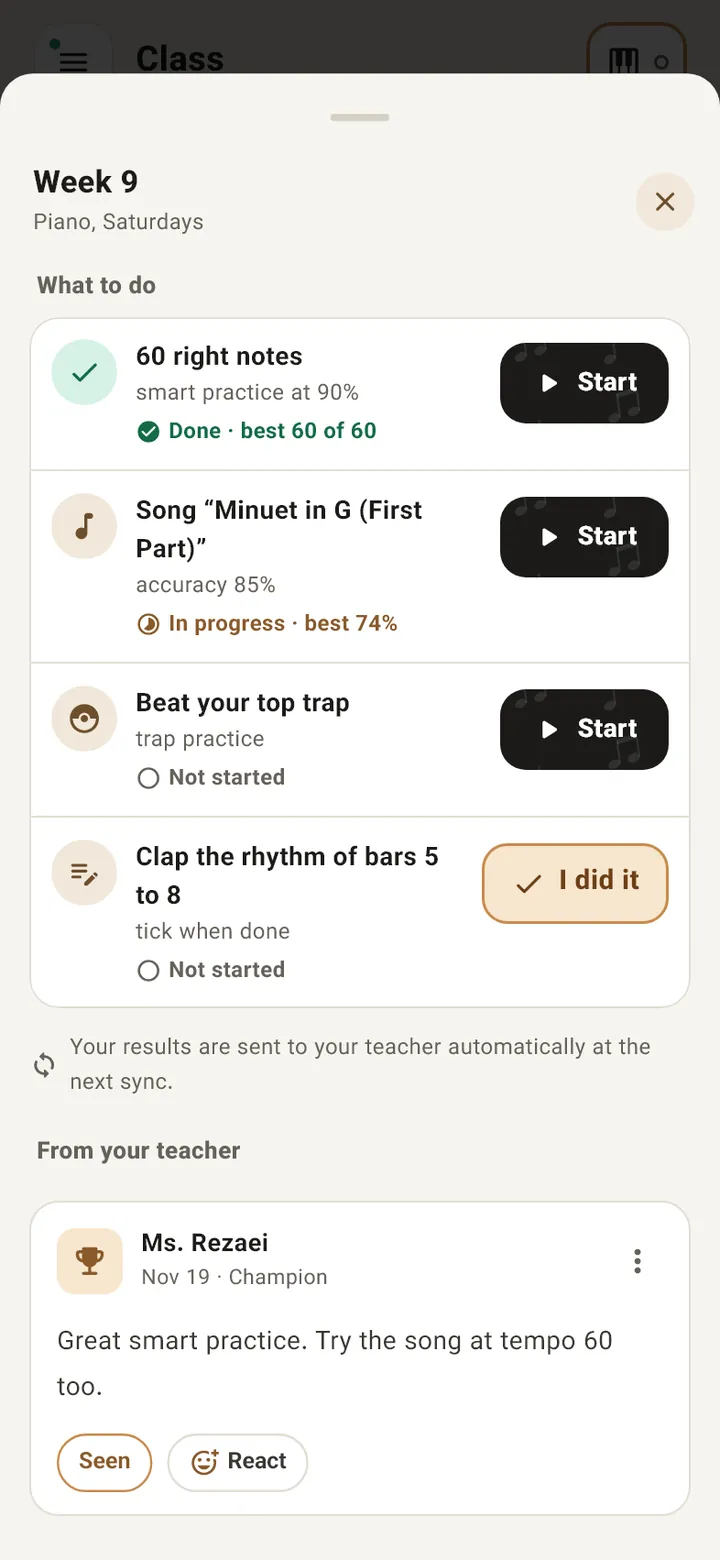 A homework (further down): the teacher’s note
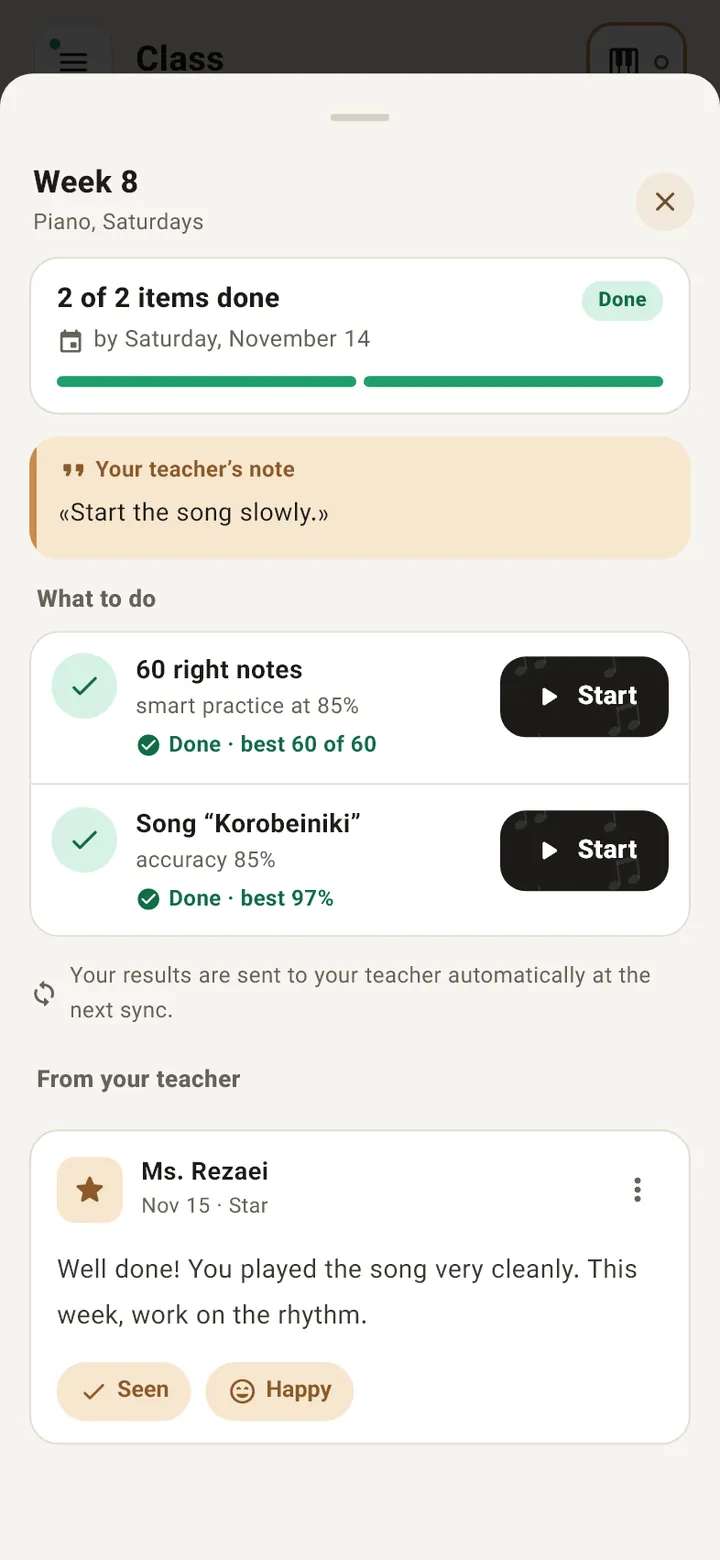 Last week’s homework, done, with the teacher’s note and sticker
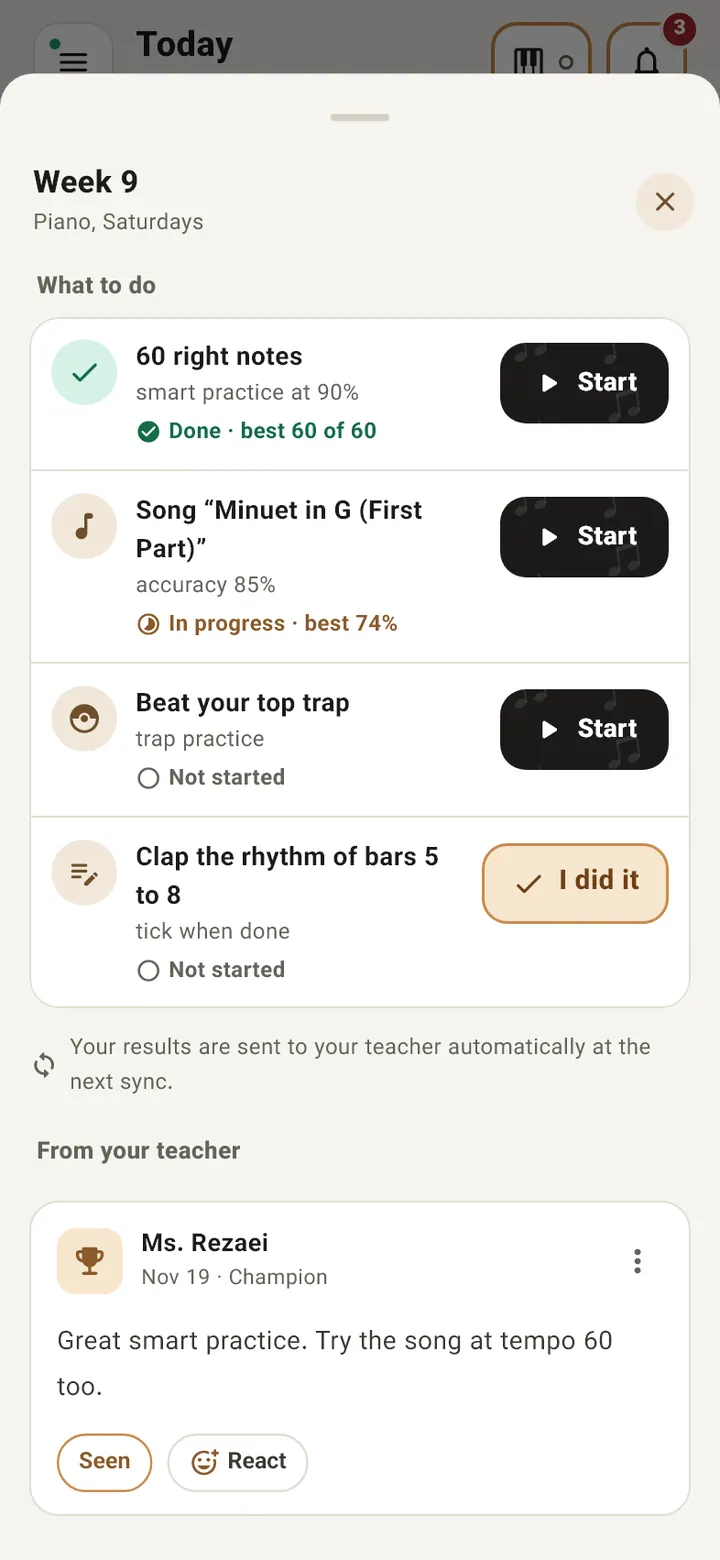 A new note from the teacher
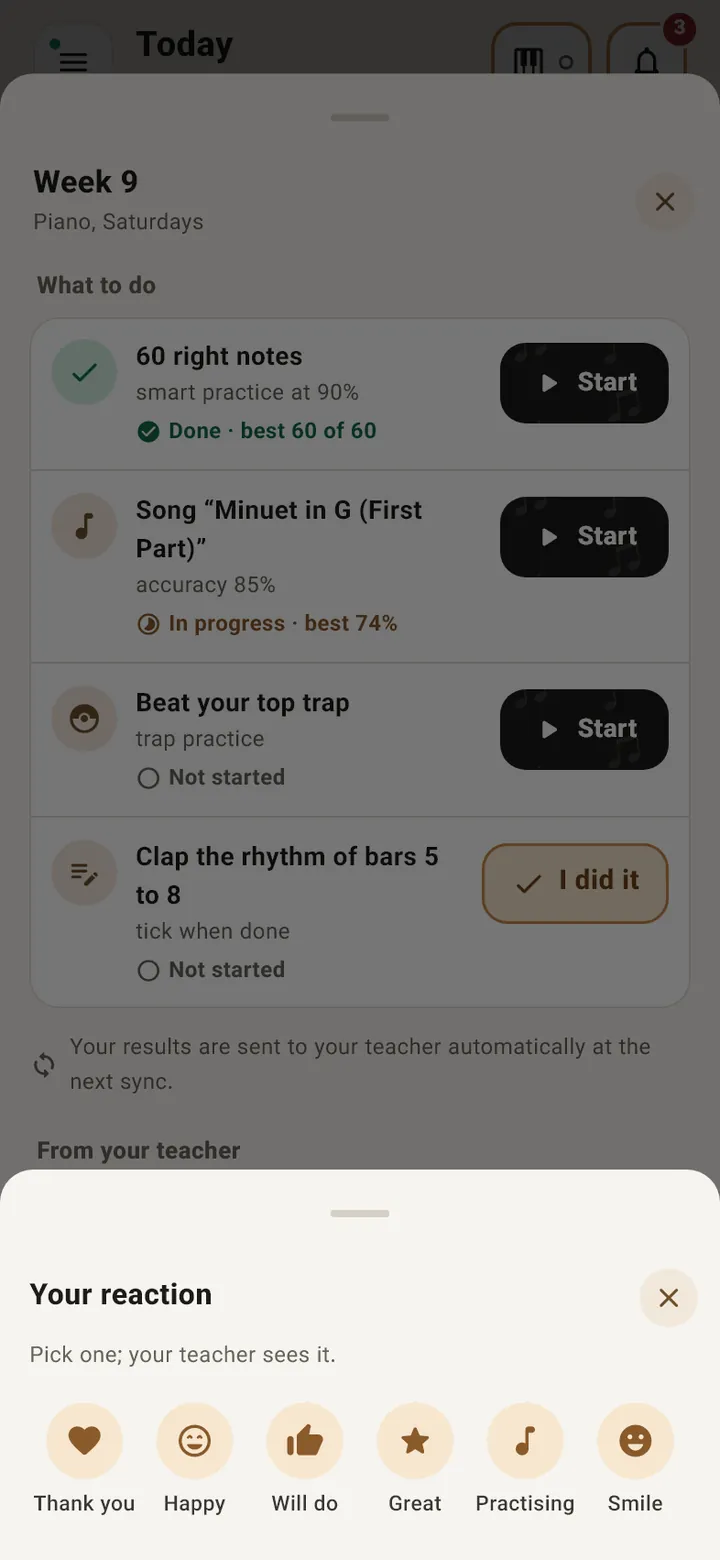 Reacting to the note: one of six
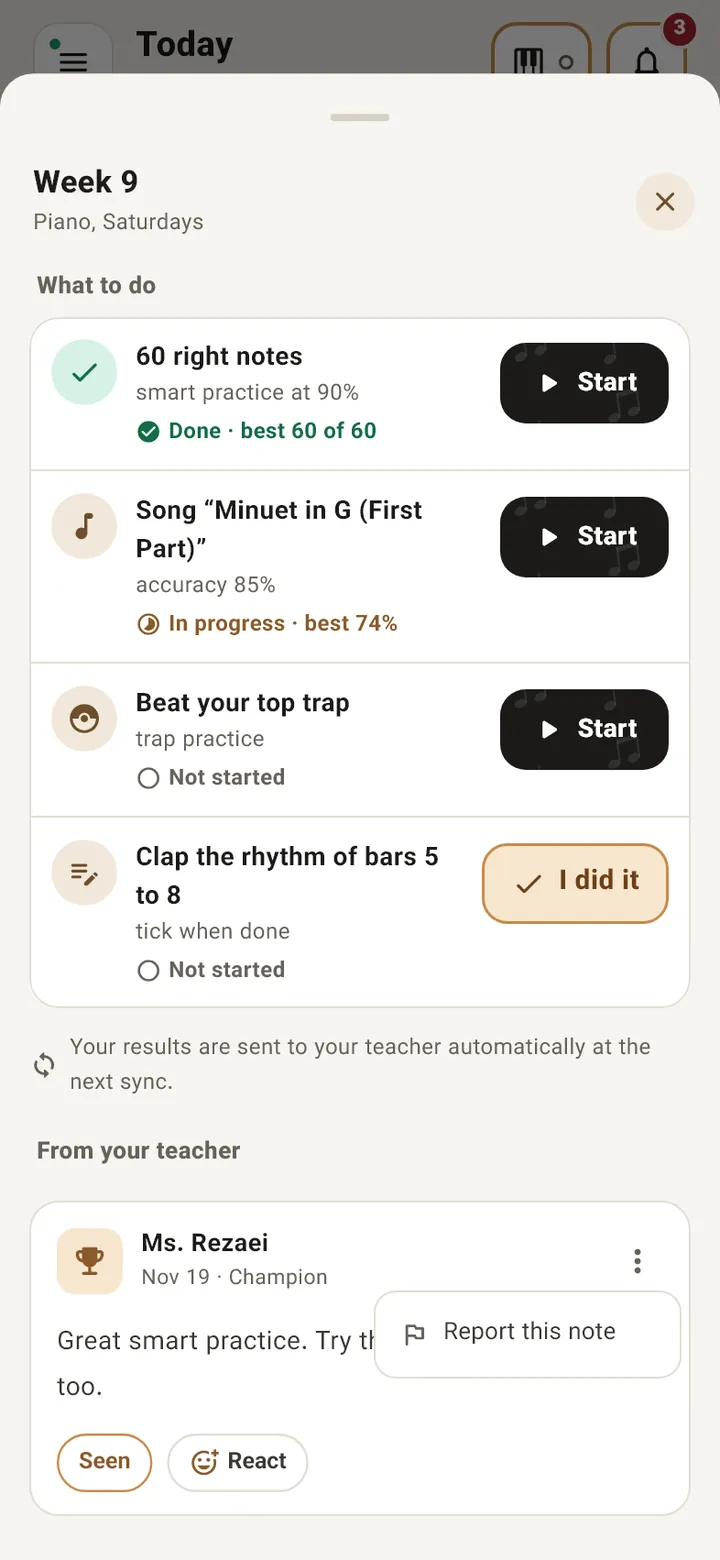 The note’s menu: report it
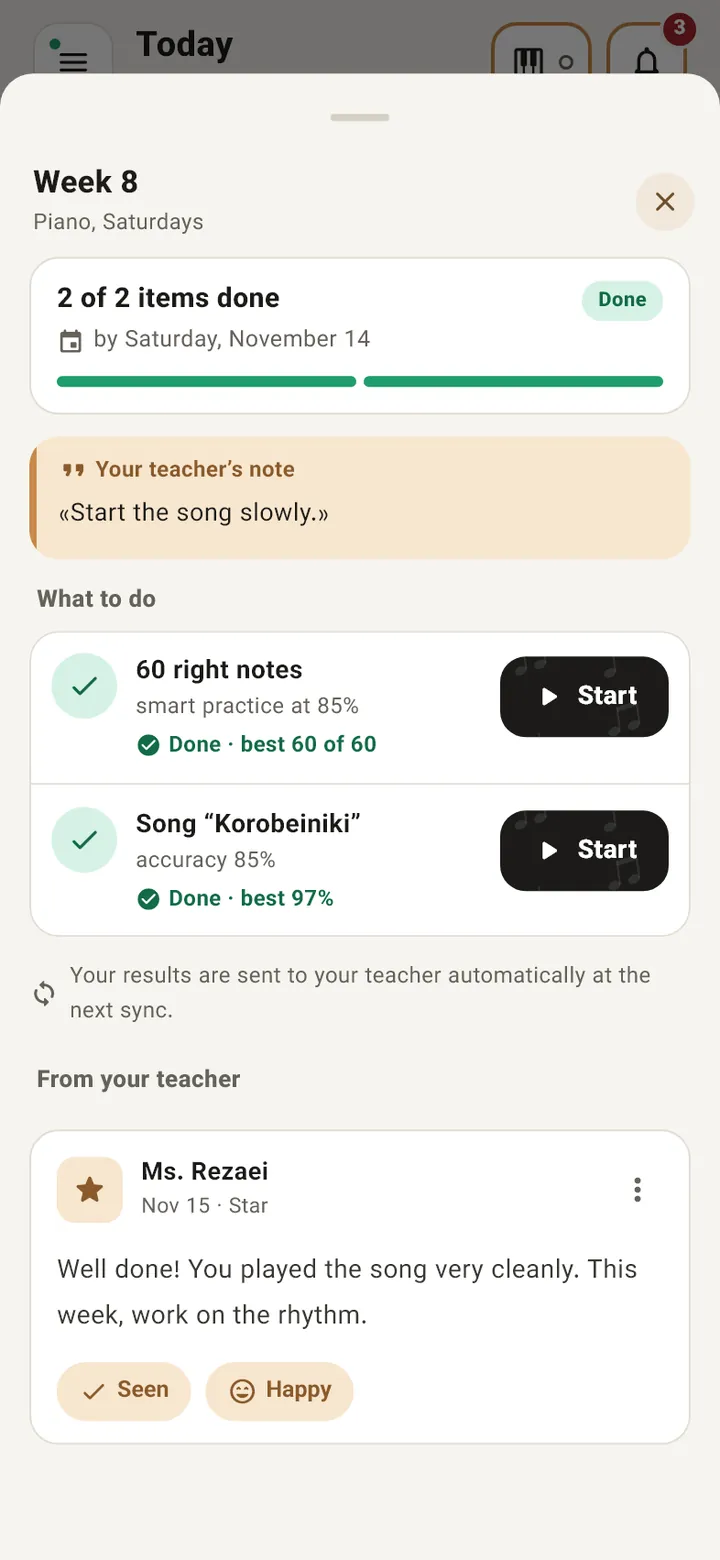 A note seen, with the student’s reaction
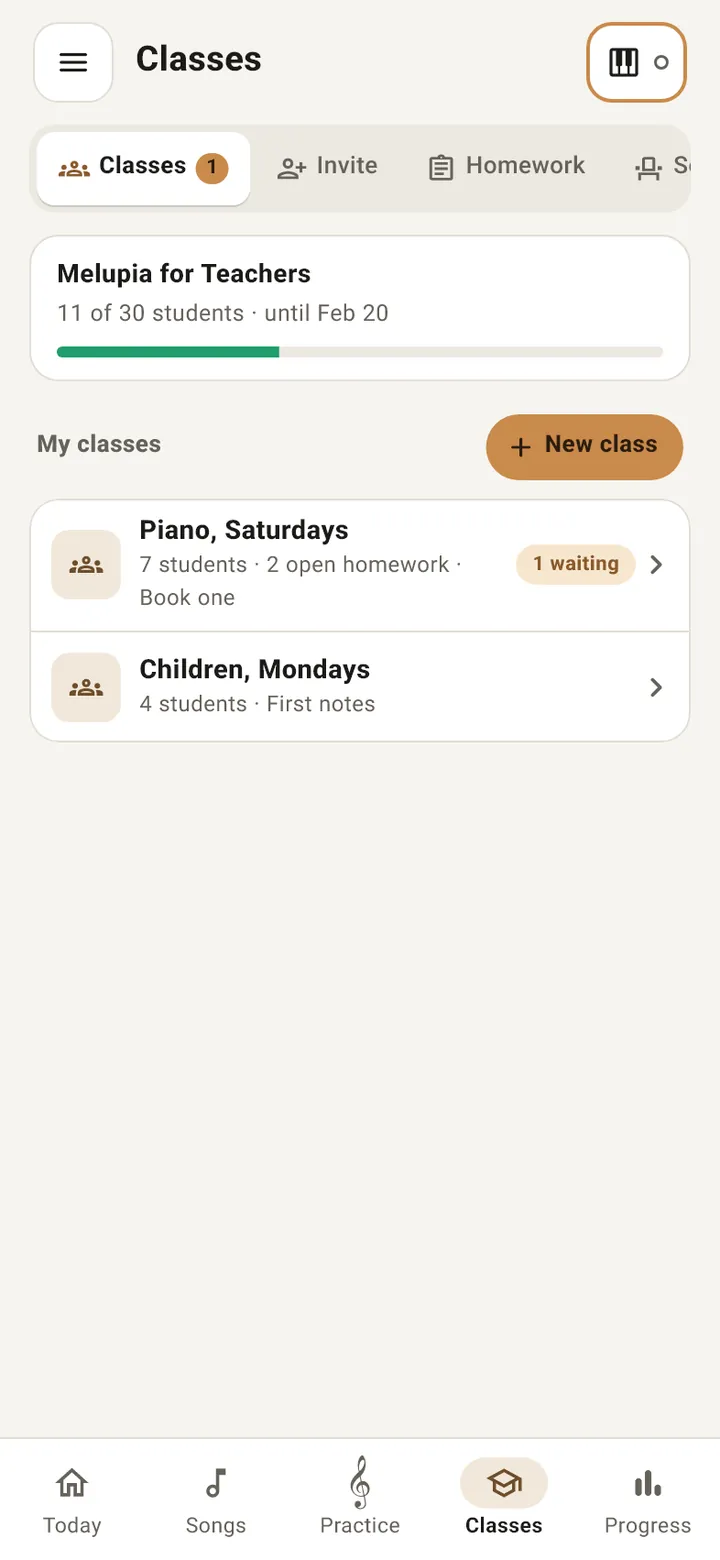 Classes (teacher): the plan, two classes, seats and profile
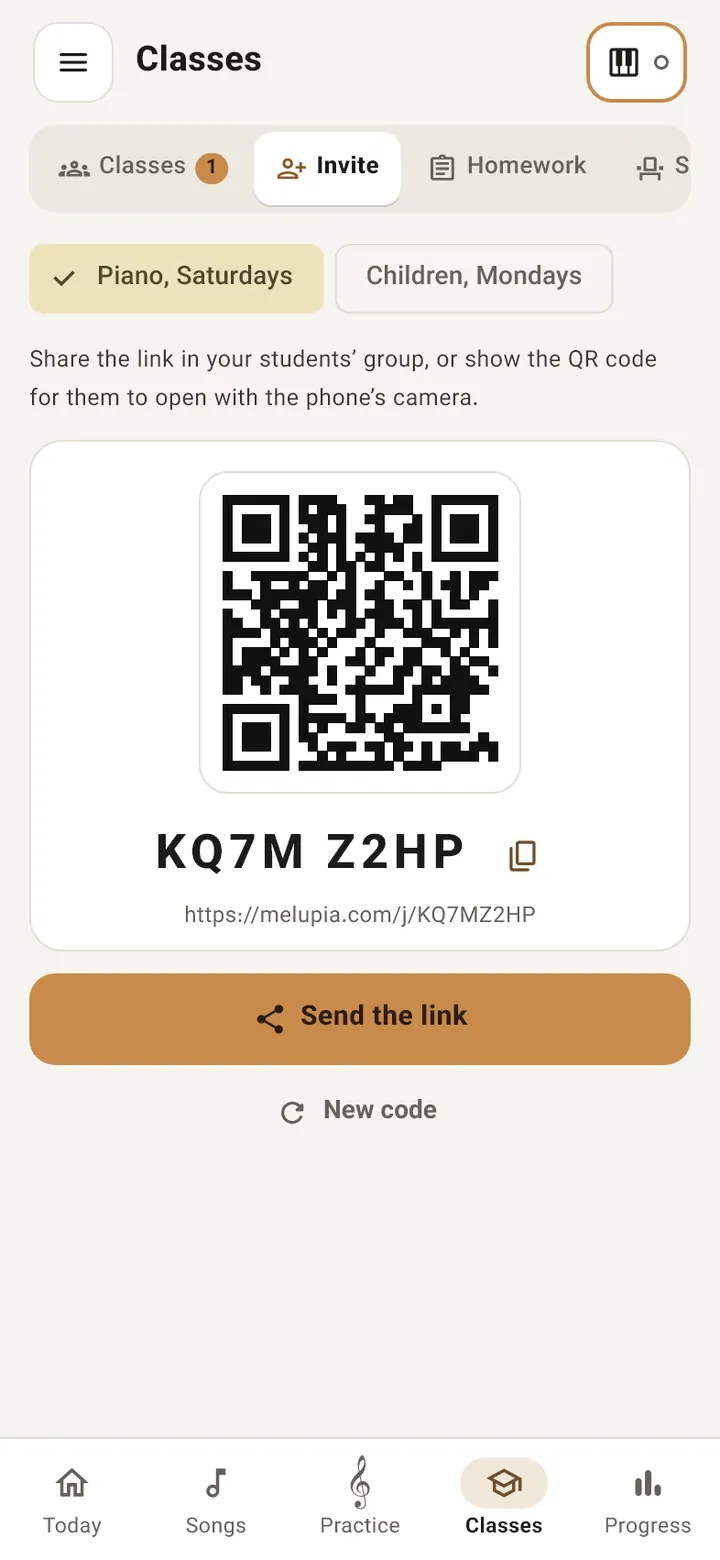 Classes tab (teacher), Invite: the class code, its link and QR
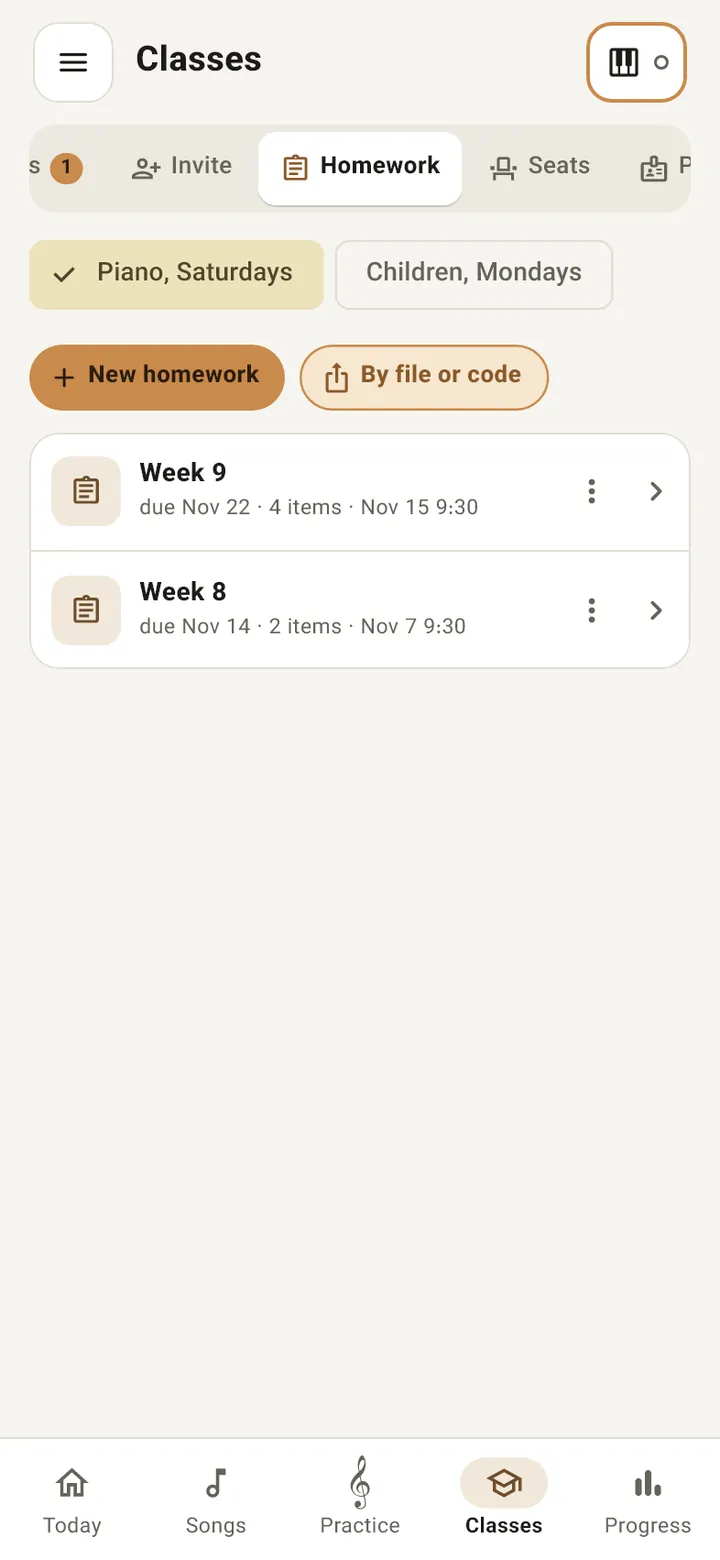 Classes tab (teacher), Homework of a class, with «New homework»
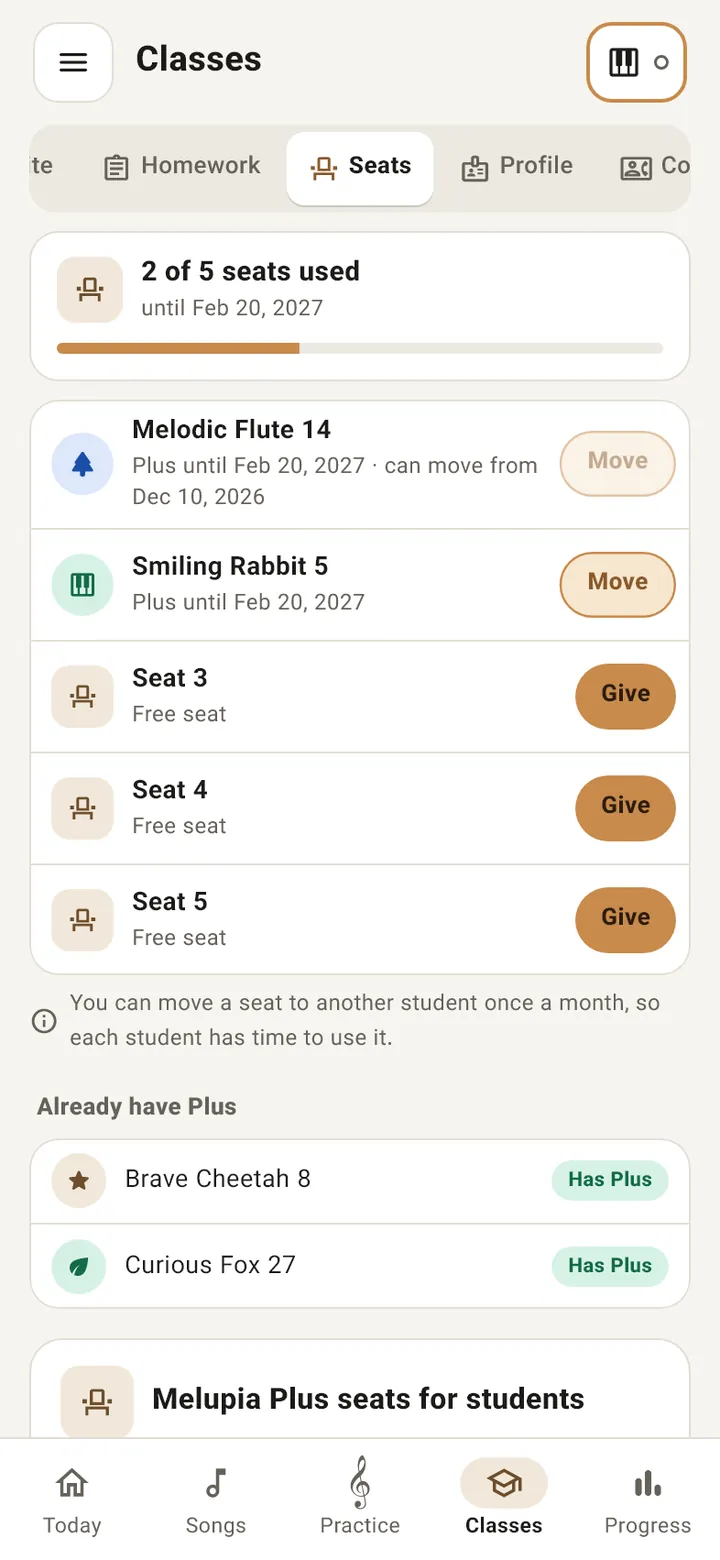 Classes tab (teacher), Melupia Plus seats
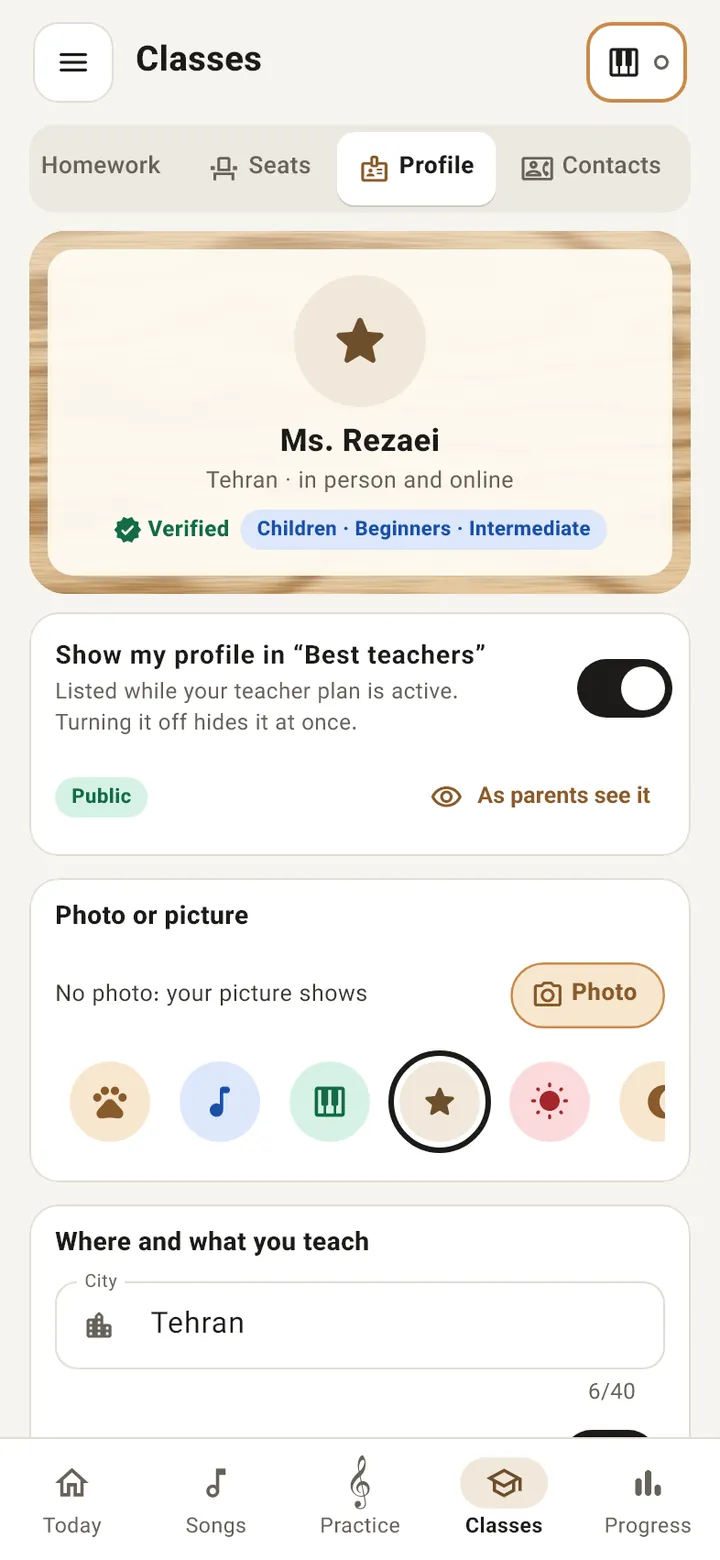 Classes tab (teacher), My public profile
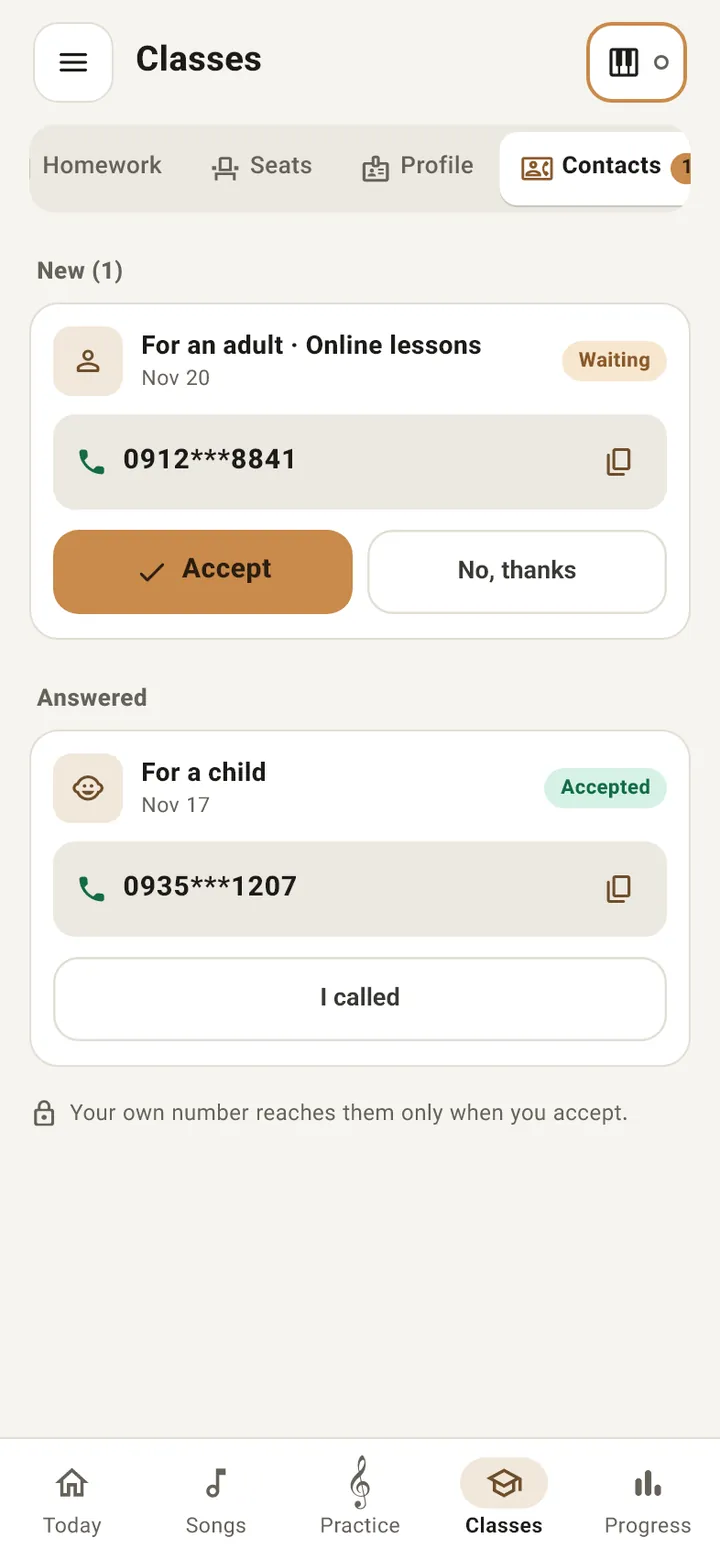 Classes tab (teacher), Contact requests
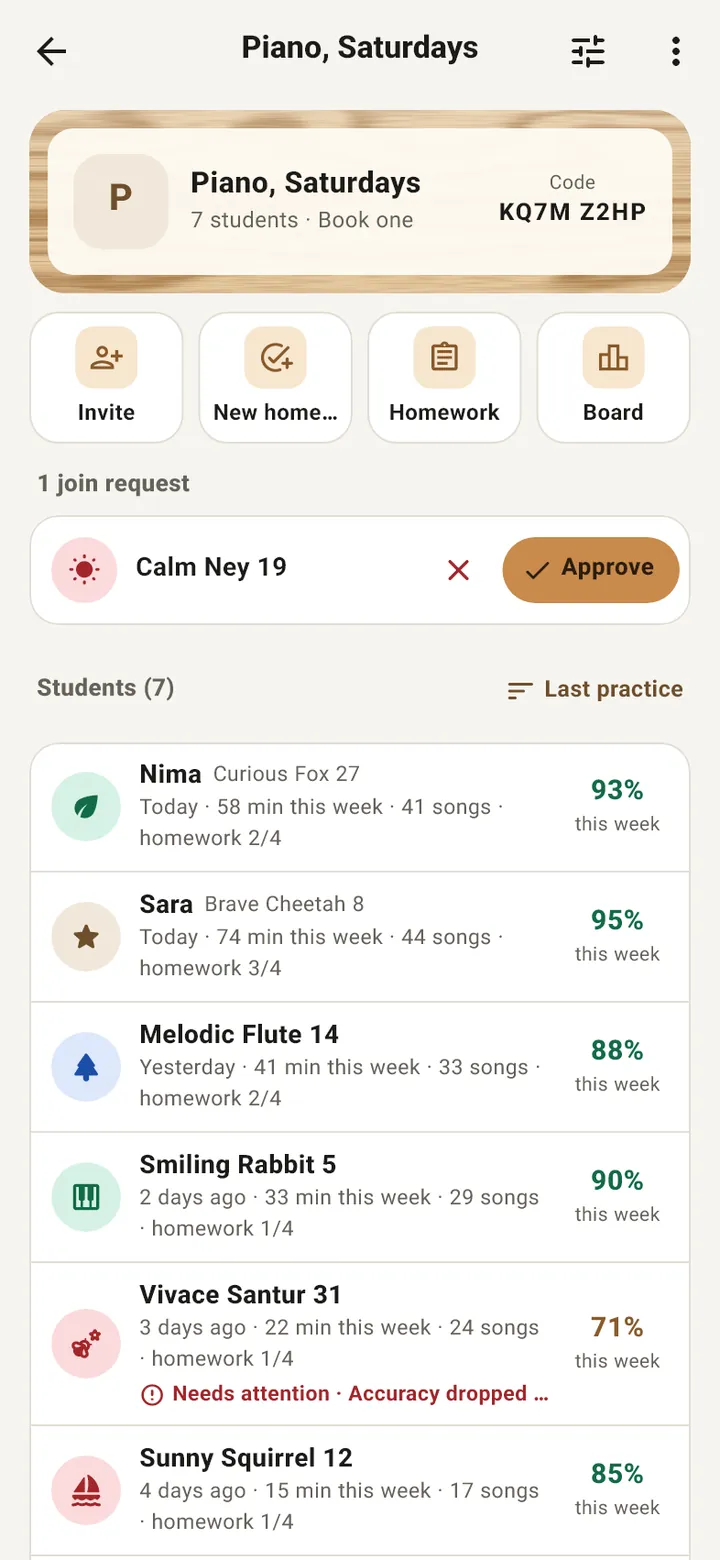 A class’s roster: this week’s minutes, accuracy, homework
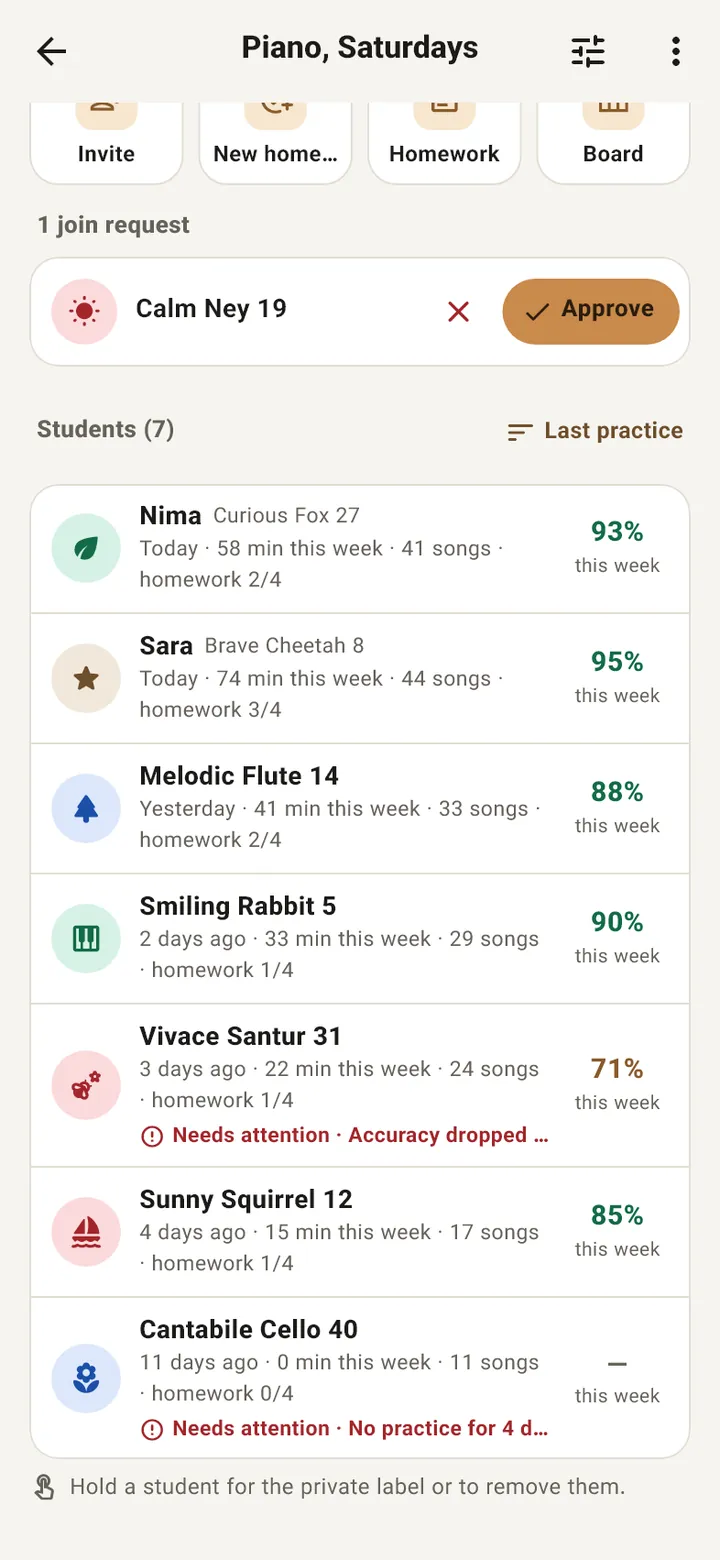 A class’s roster (further down): a join request
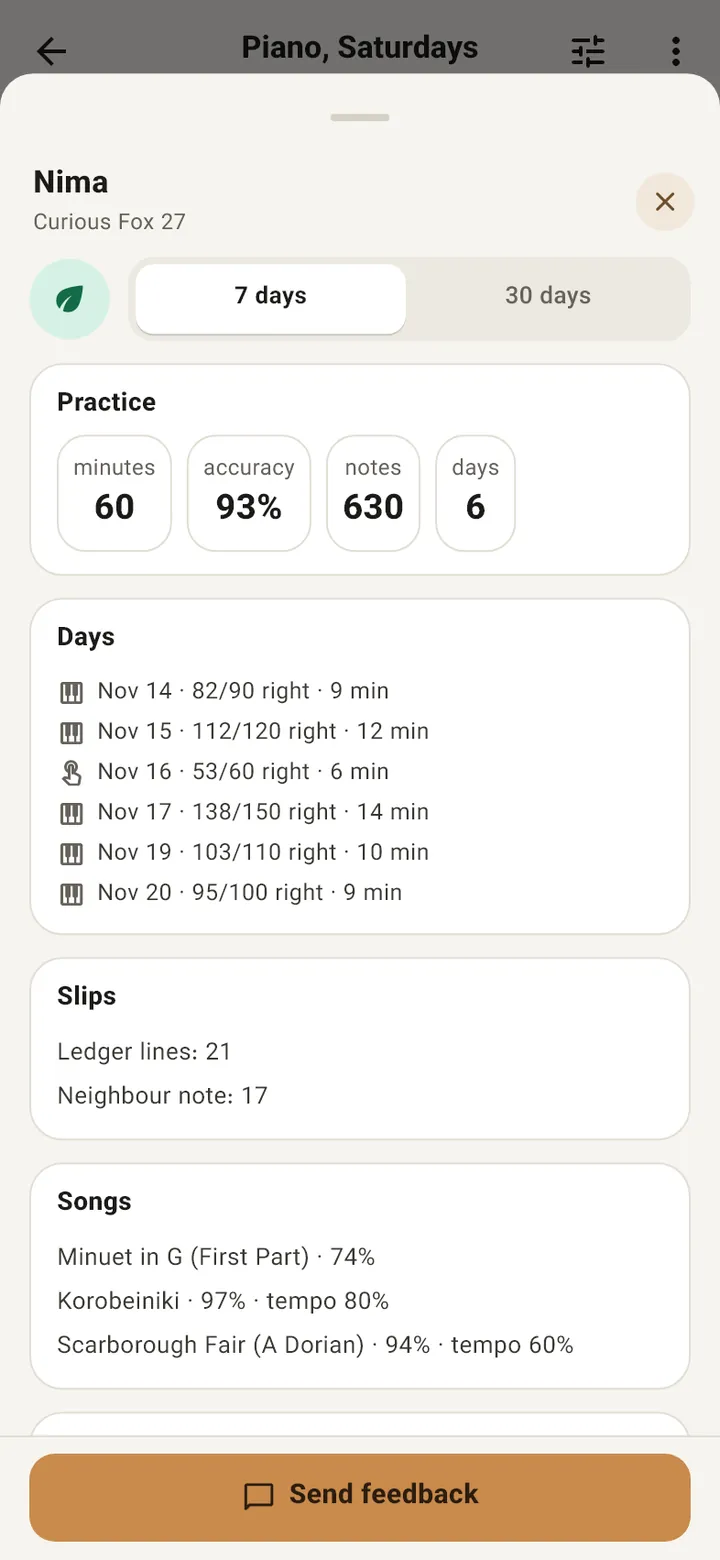 A student (teacher): seven days, songs, traps and notes
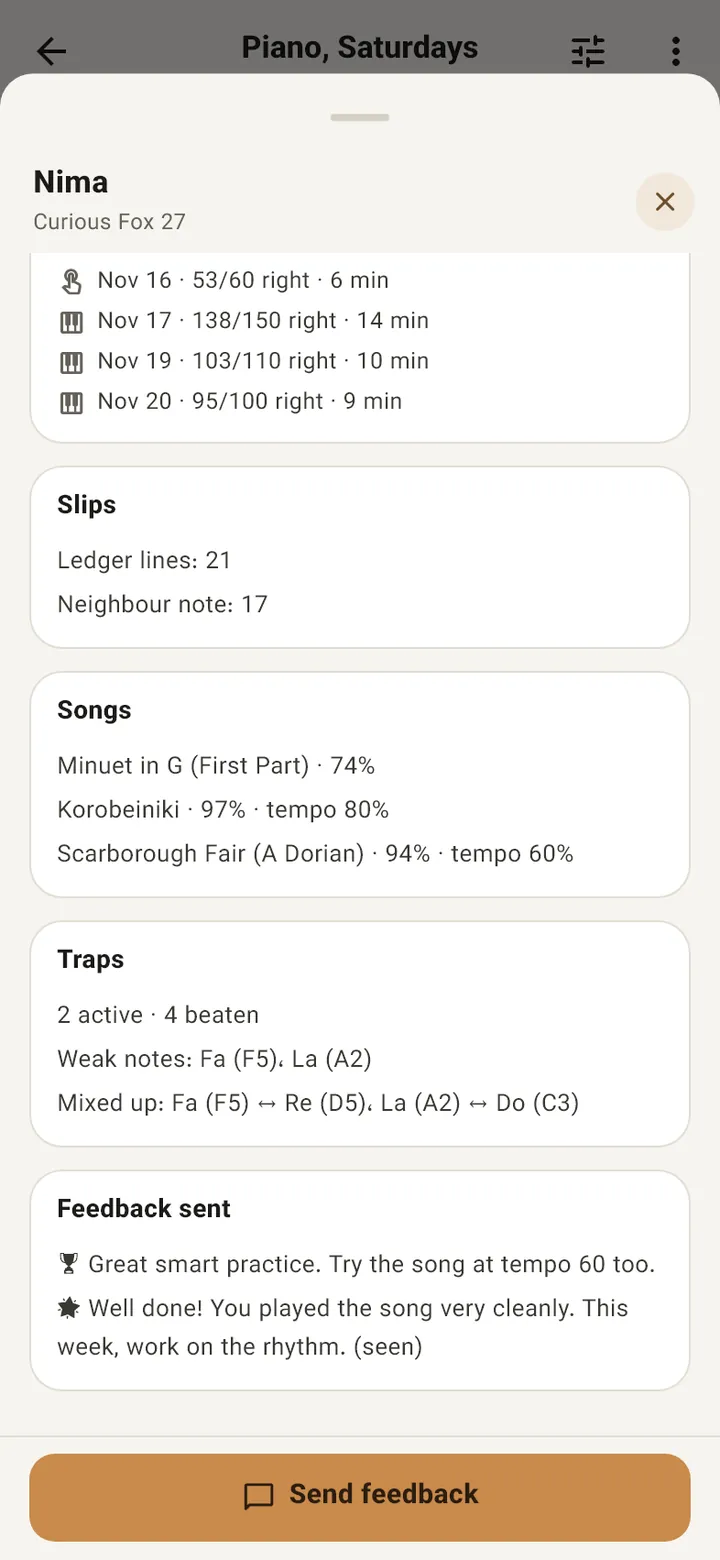 A student (teacher, further down)
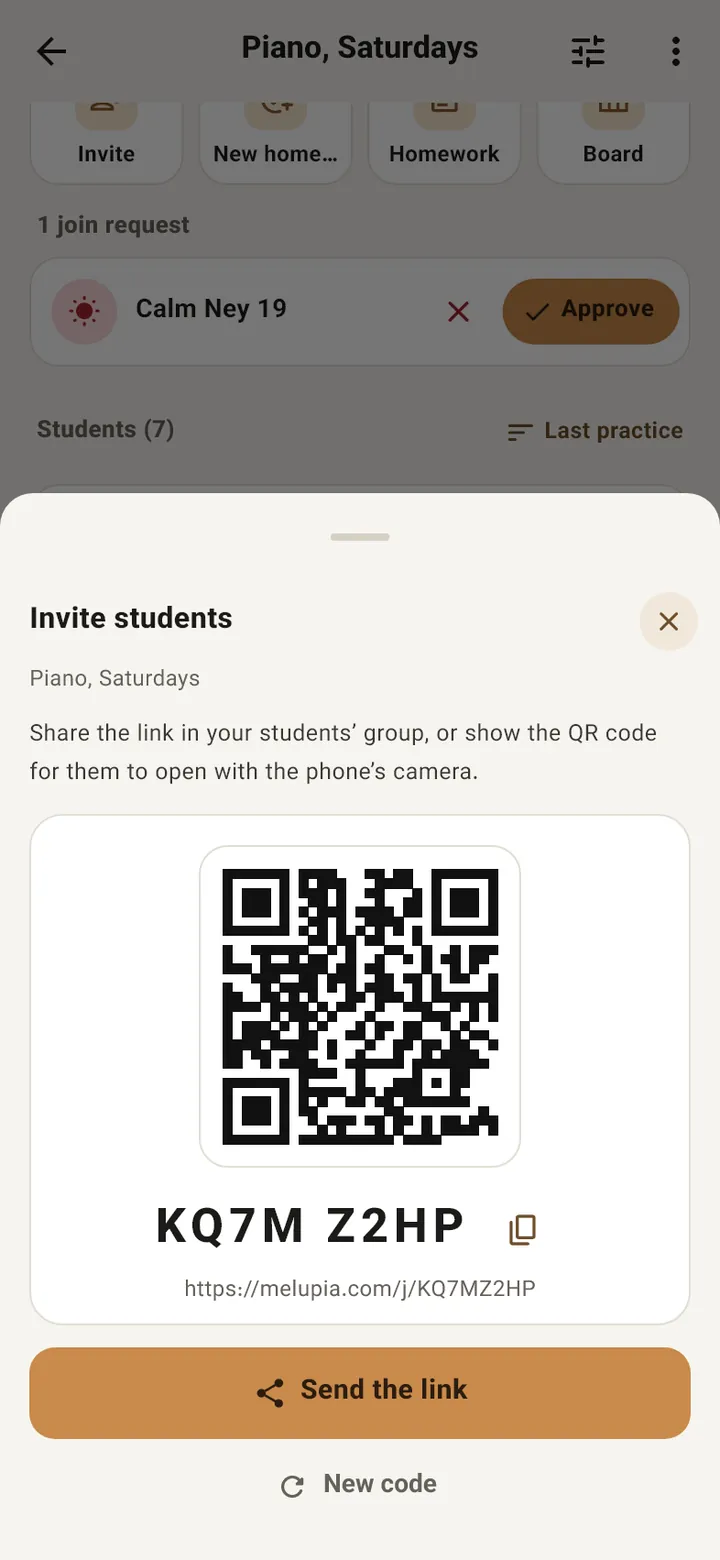 Invite: the class code, its link and a QR code
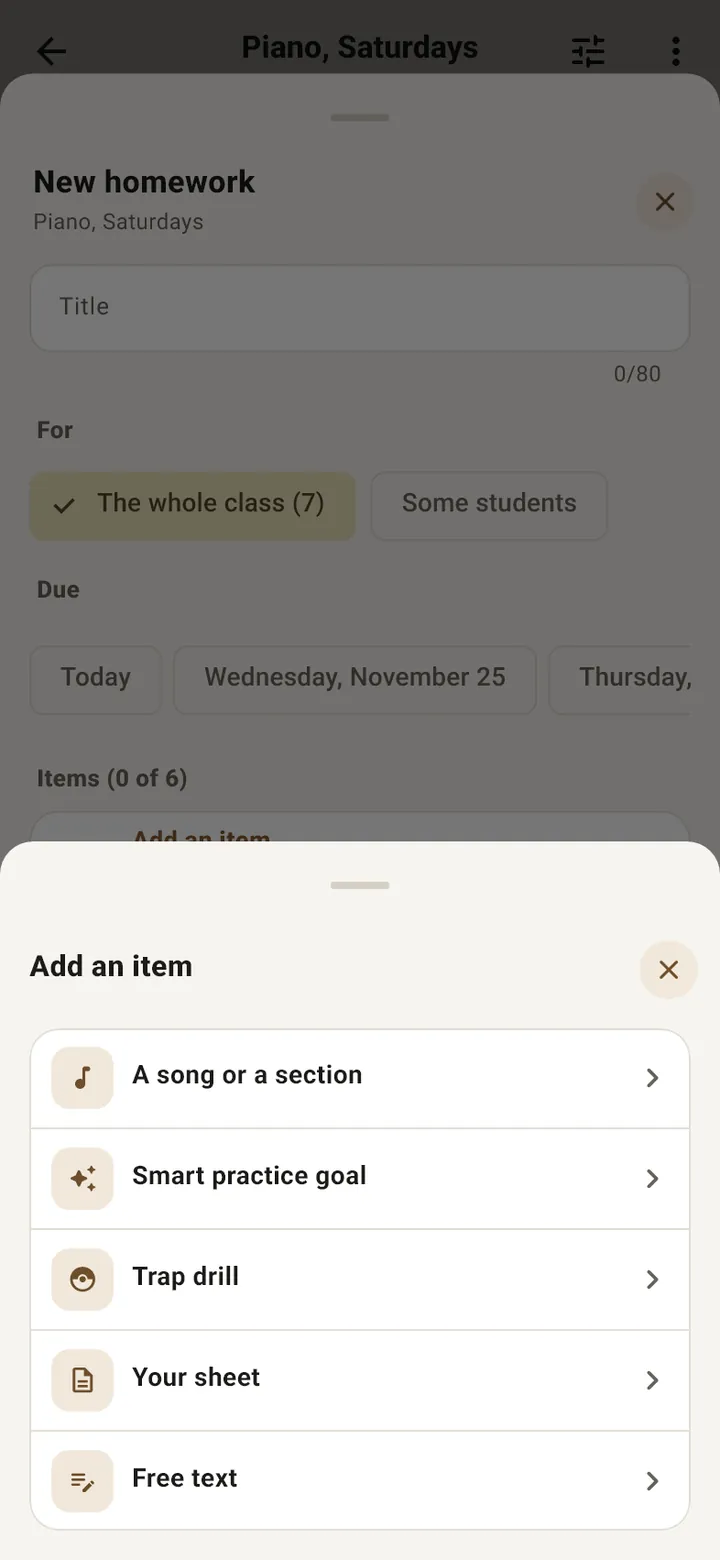 New homework: choose an item (smart practice, traps, a song…)
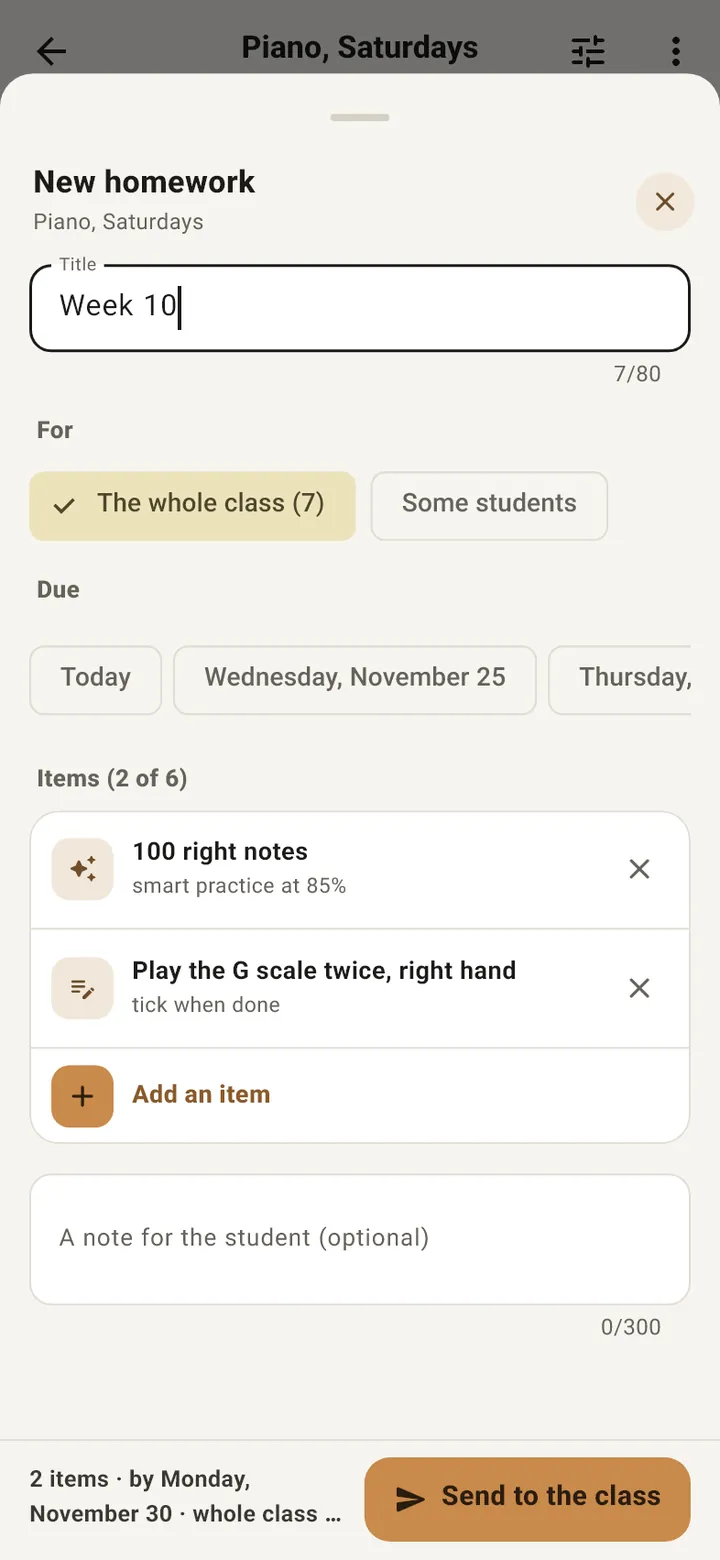 New homework: two items, ready to send to the class
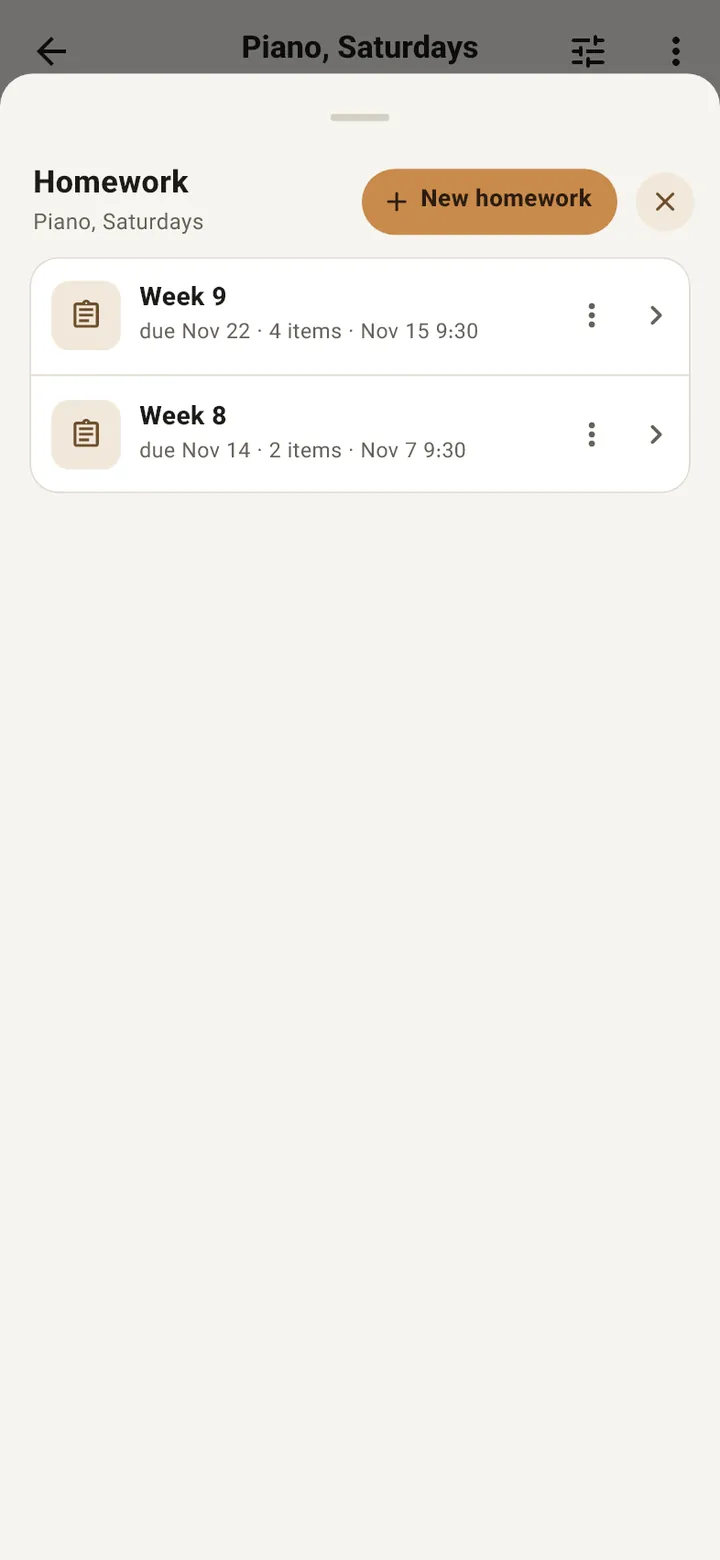 A class’s homework (teacher)
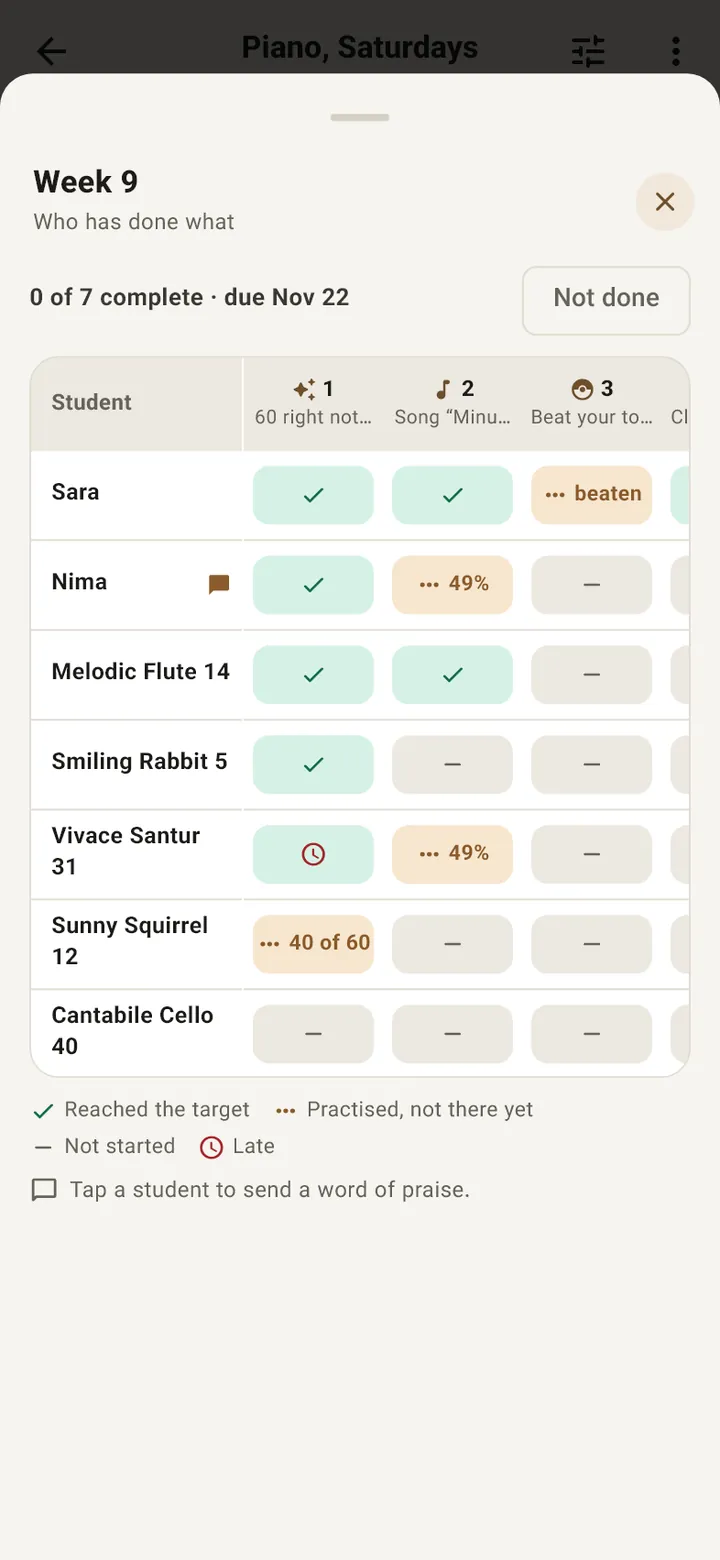 Who has done what: the completion grid of a homework
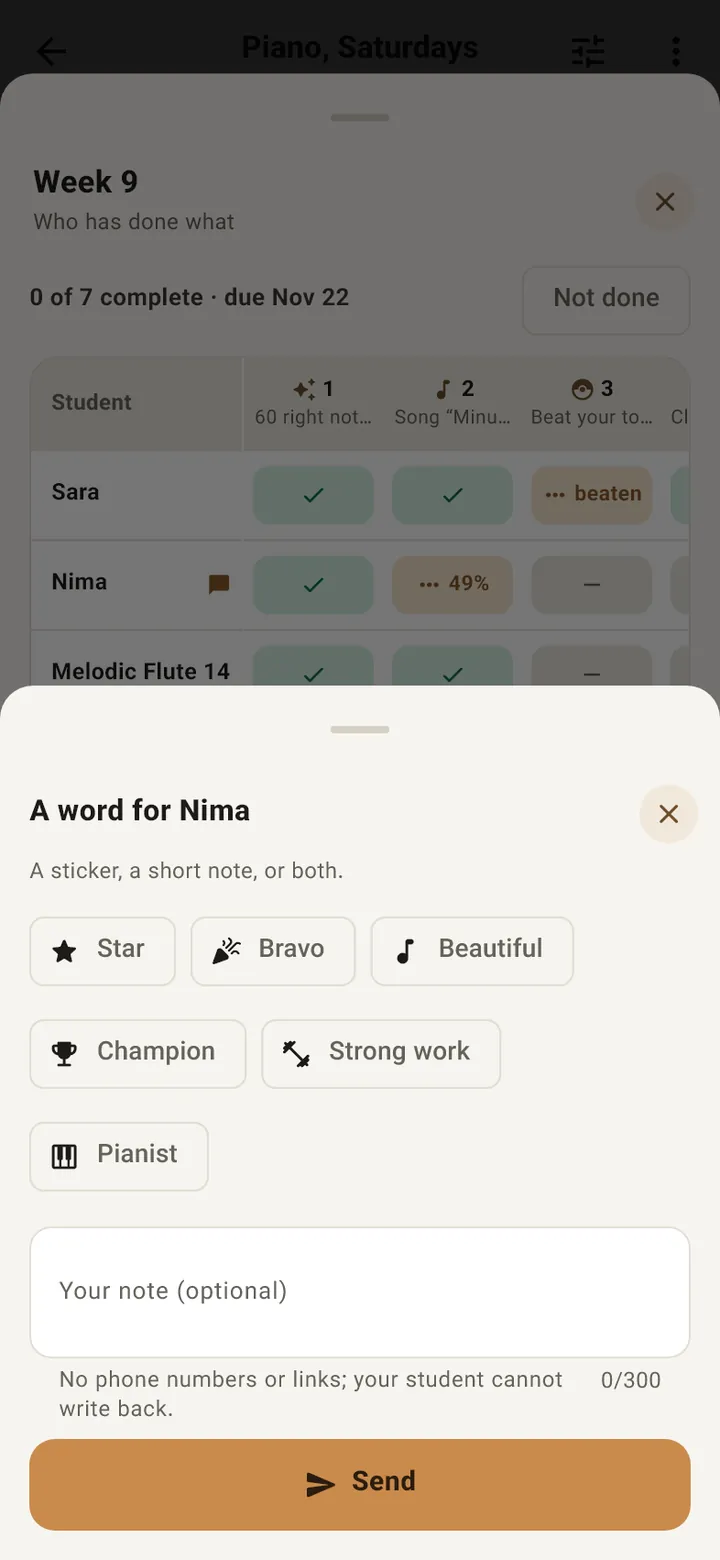 A note to a student: a short line and a sticker
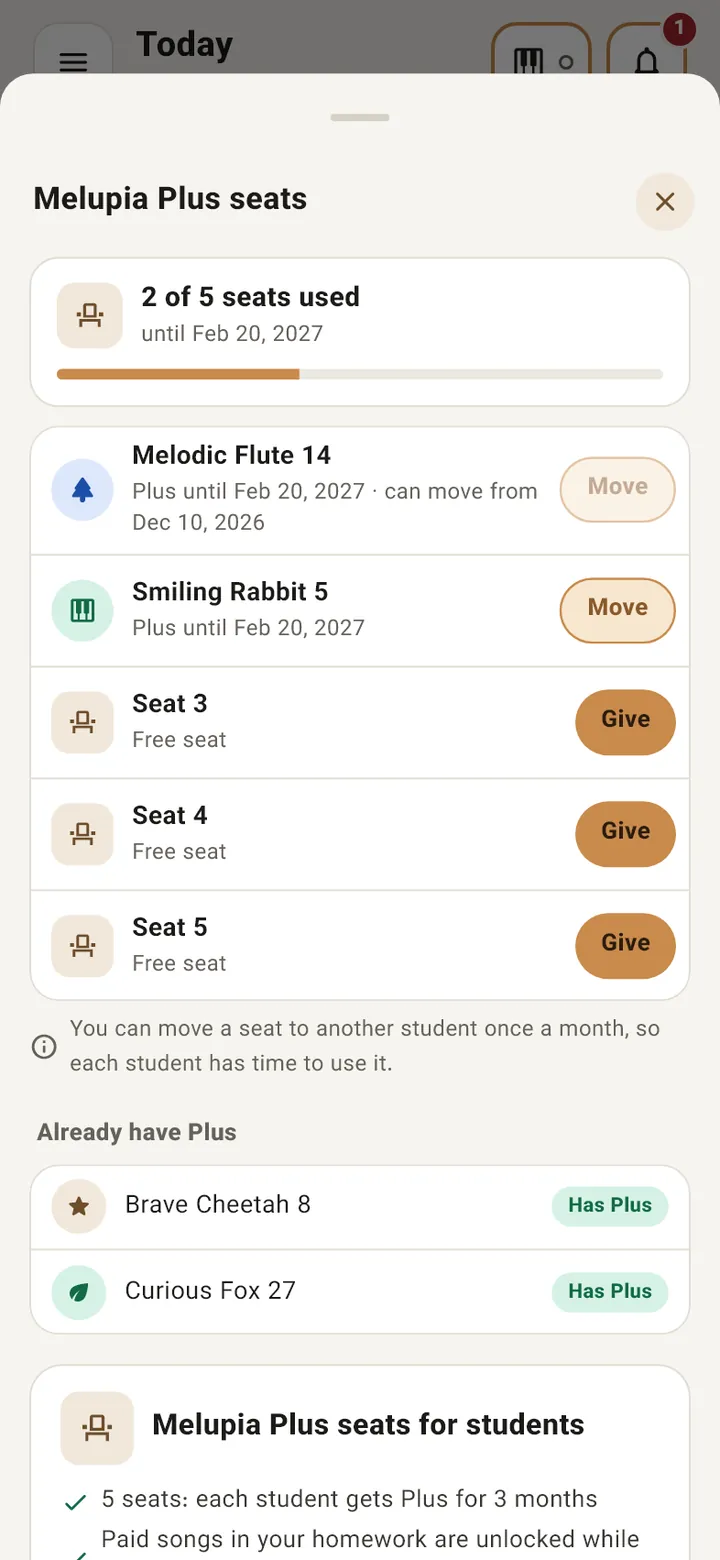 Plus seats: give your students Melupia Plus
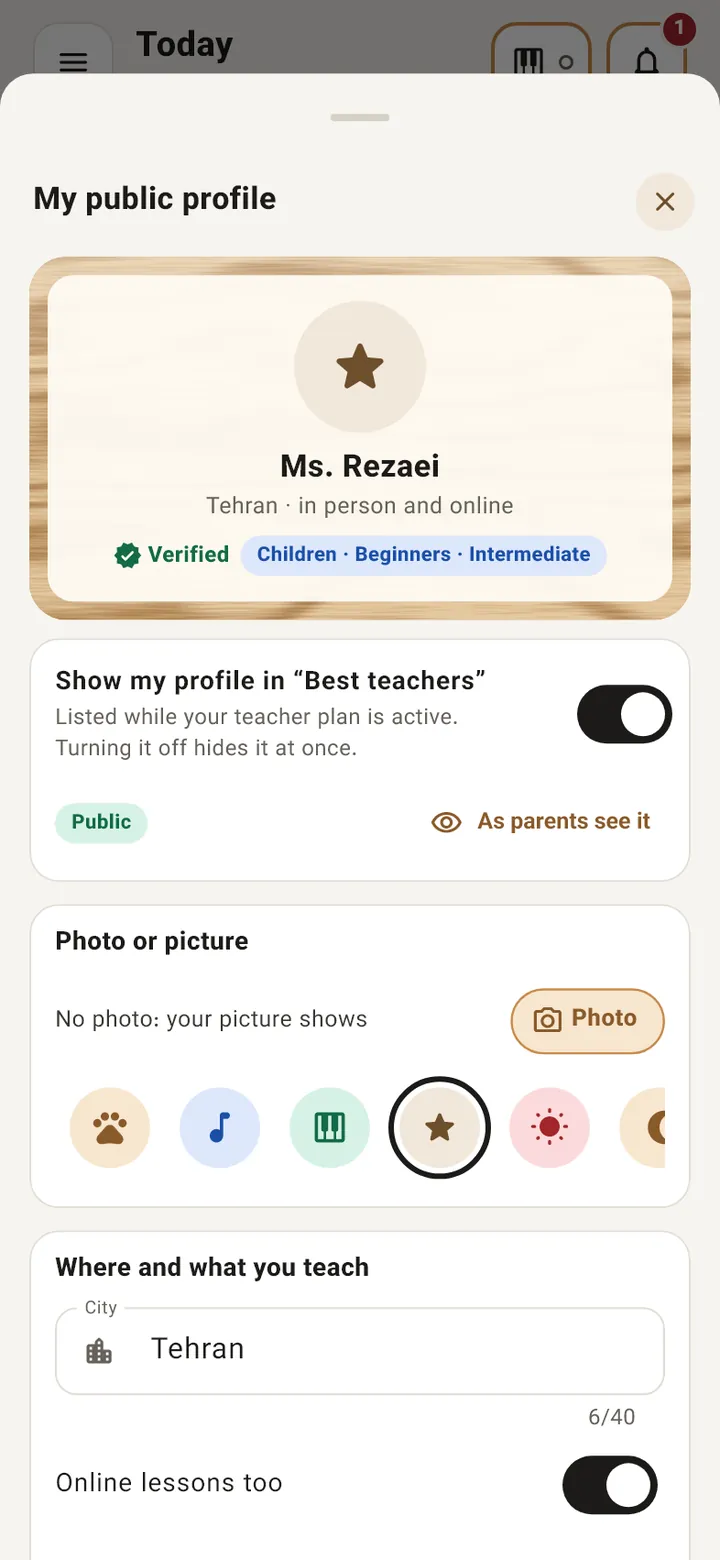 The teacher’s public profile: city, levels, bio, verified
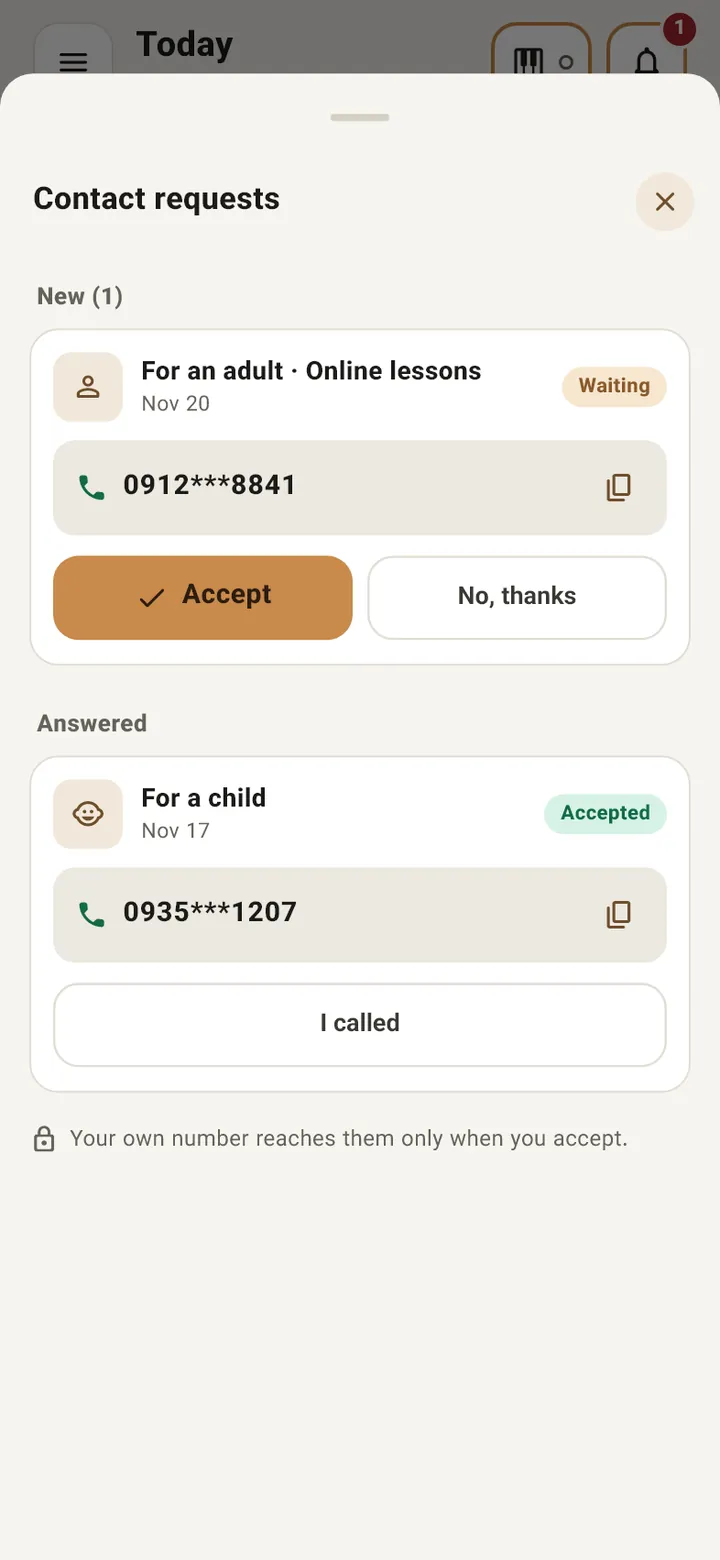 Contact requests from «Best teachers»
Progress and league 13
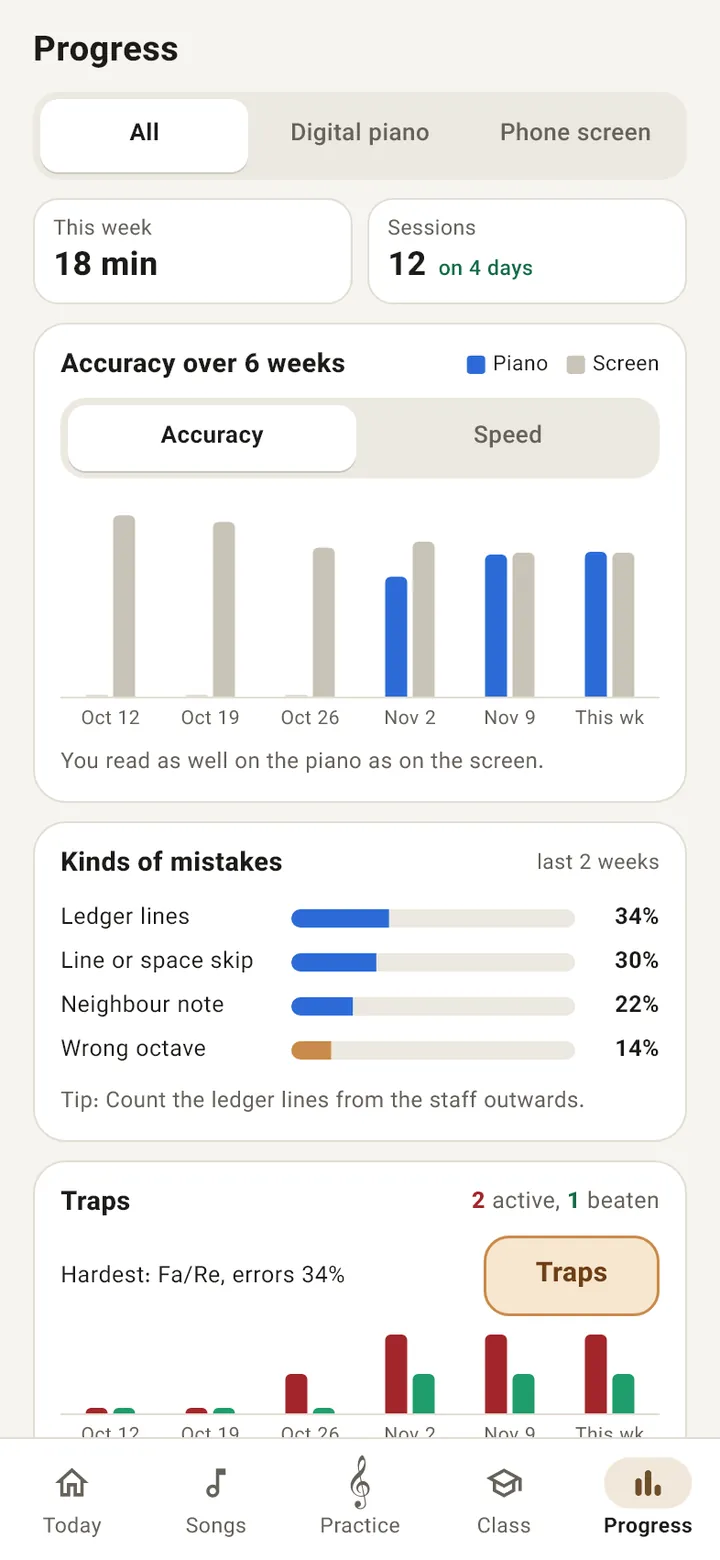 Progress: this week, piano and phone, accuracy over 6 weeks
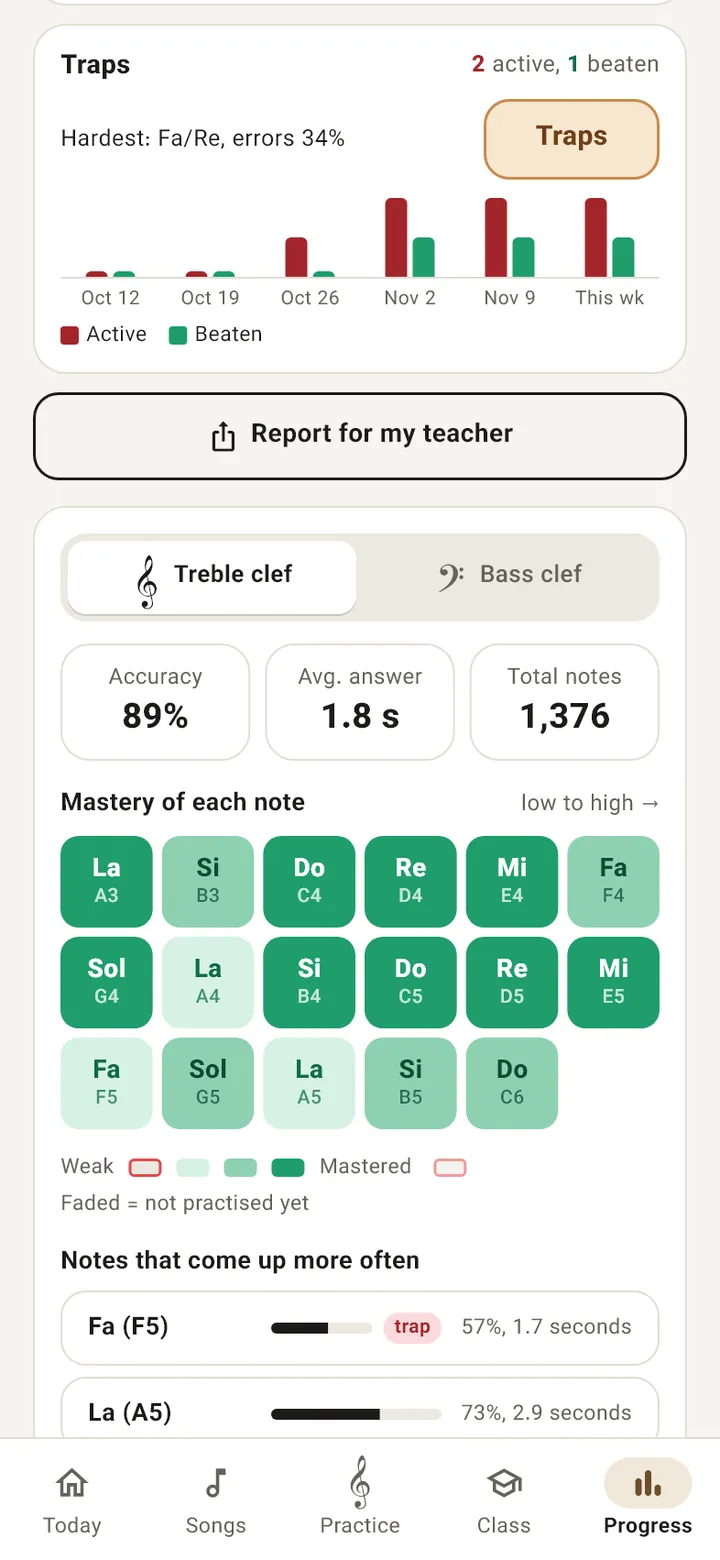 Progress: kinds of mistakes and traps
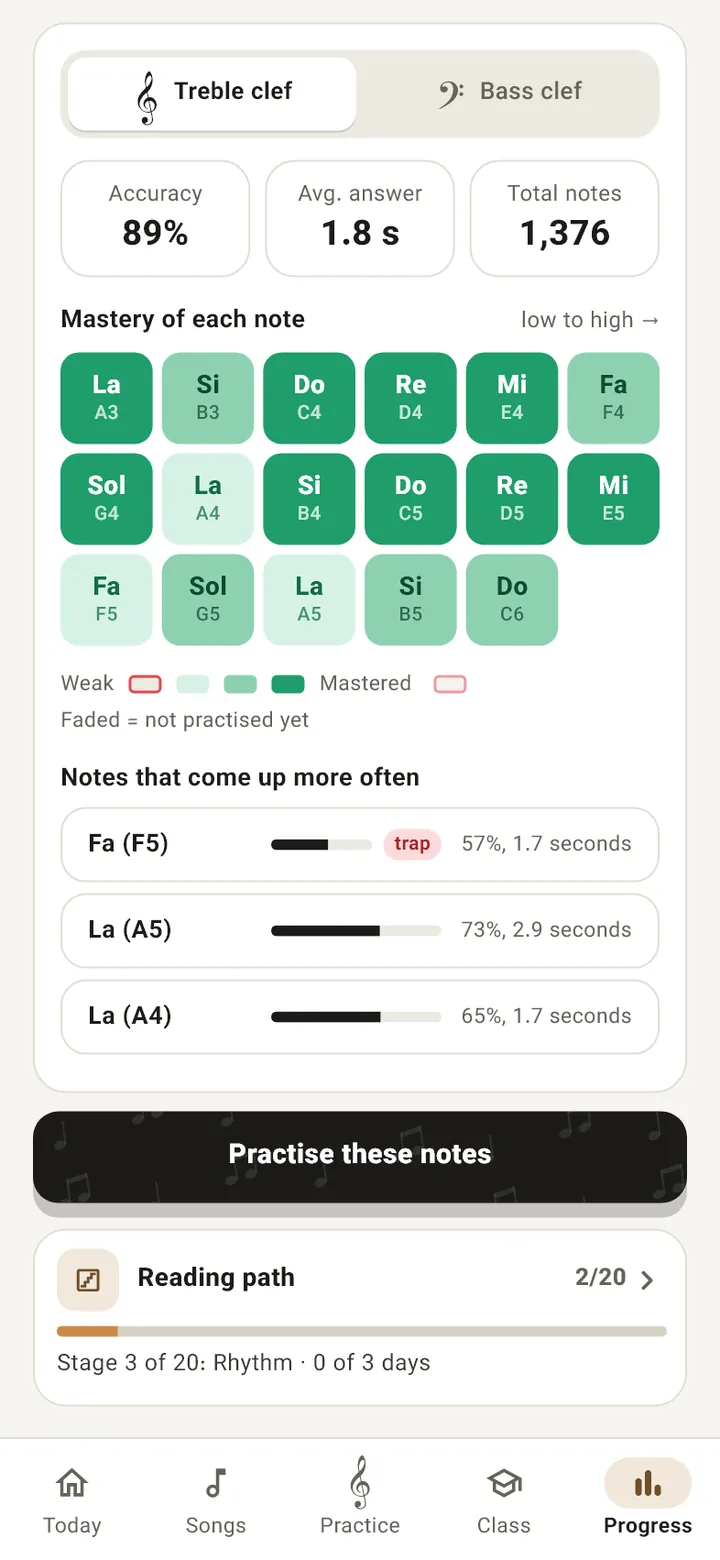 Note mastery, treble clef: weak notes stand out
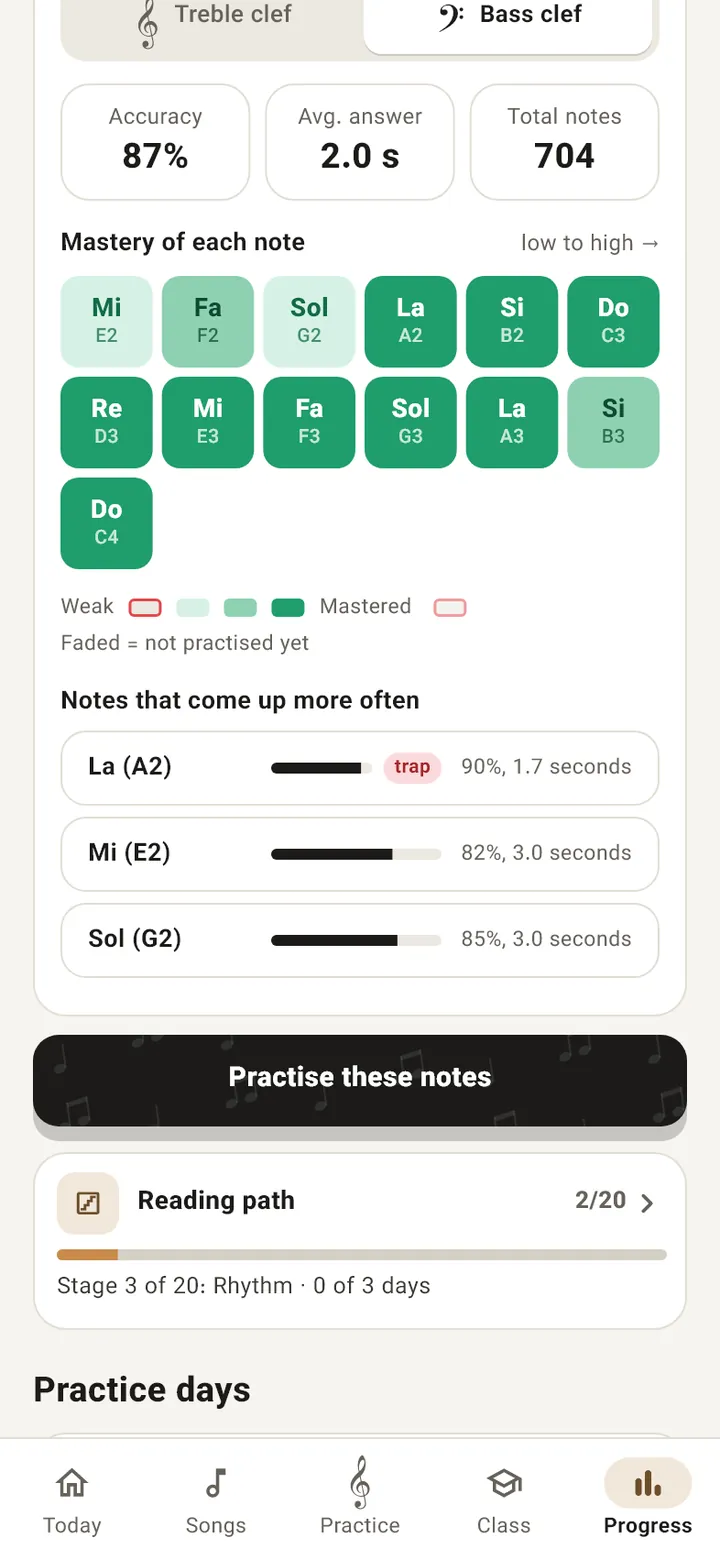 Note mastery, bass clef
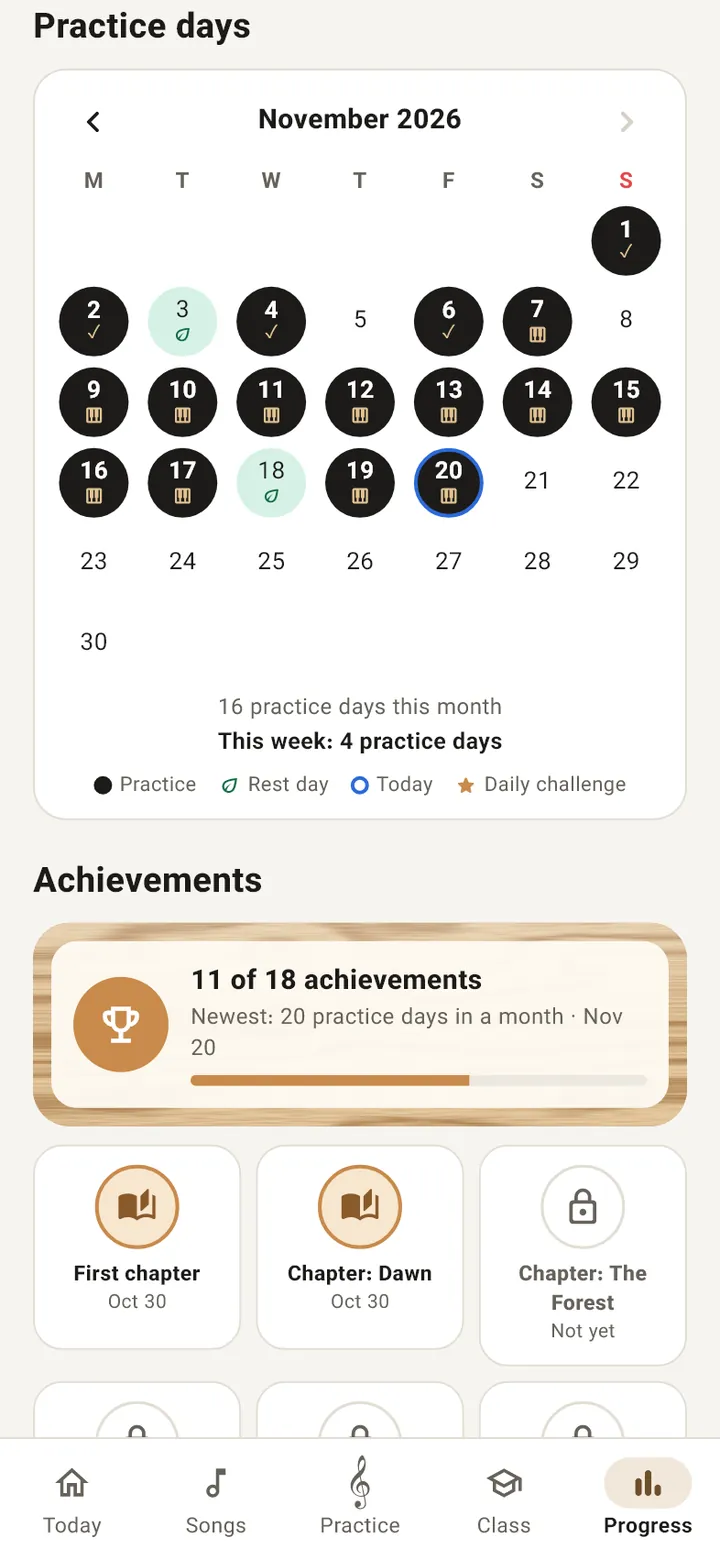 Practice calendar: practice days, piano days and rest days
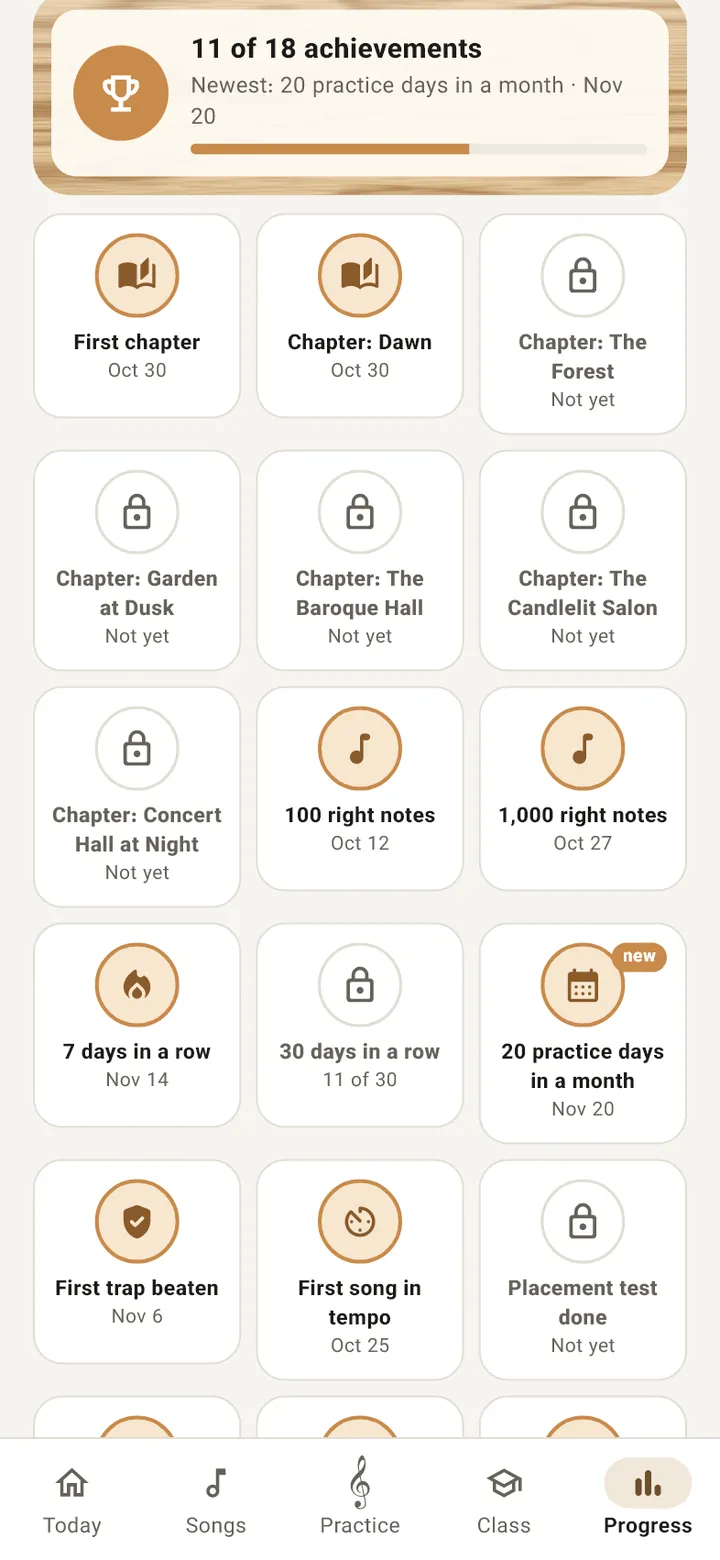 Achievements: badges earned, and the next ones with progress
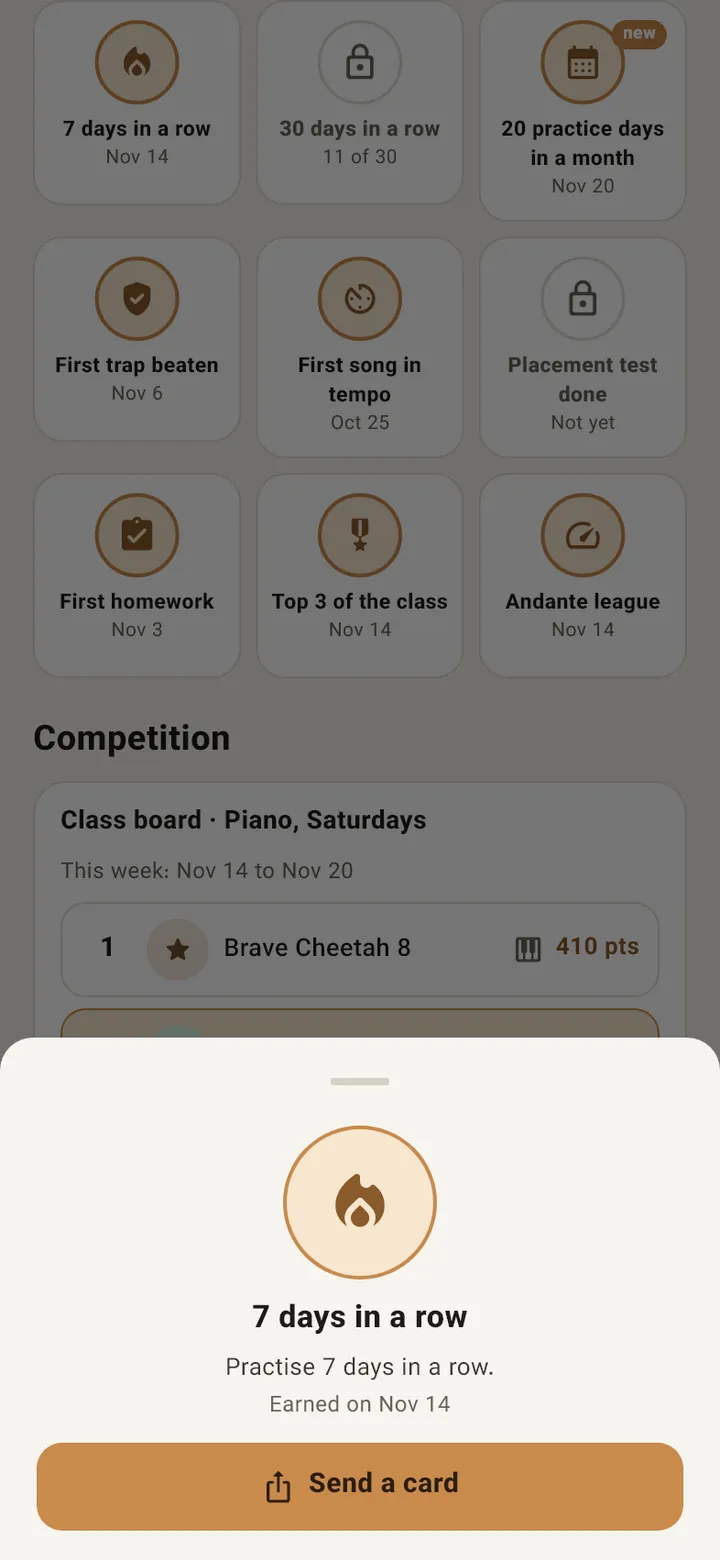 An achievement: when it was earned, and share it
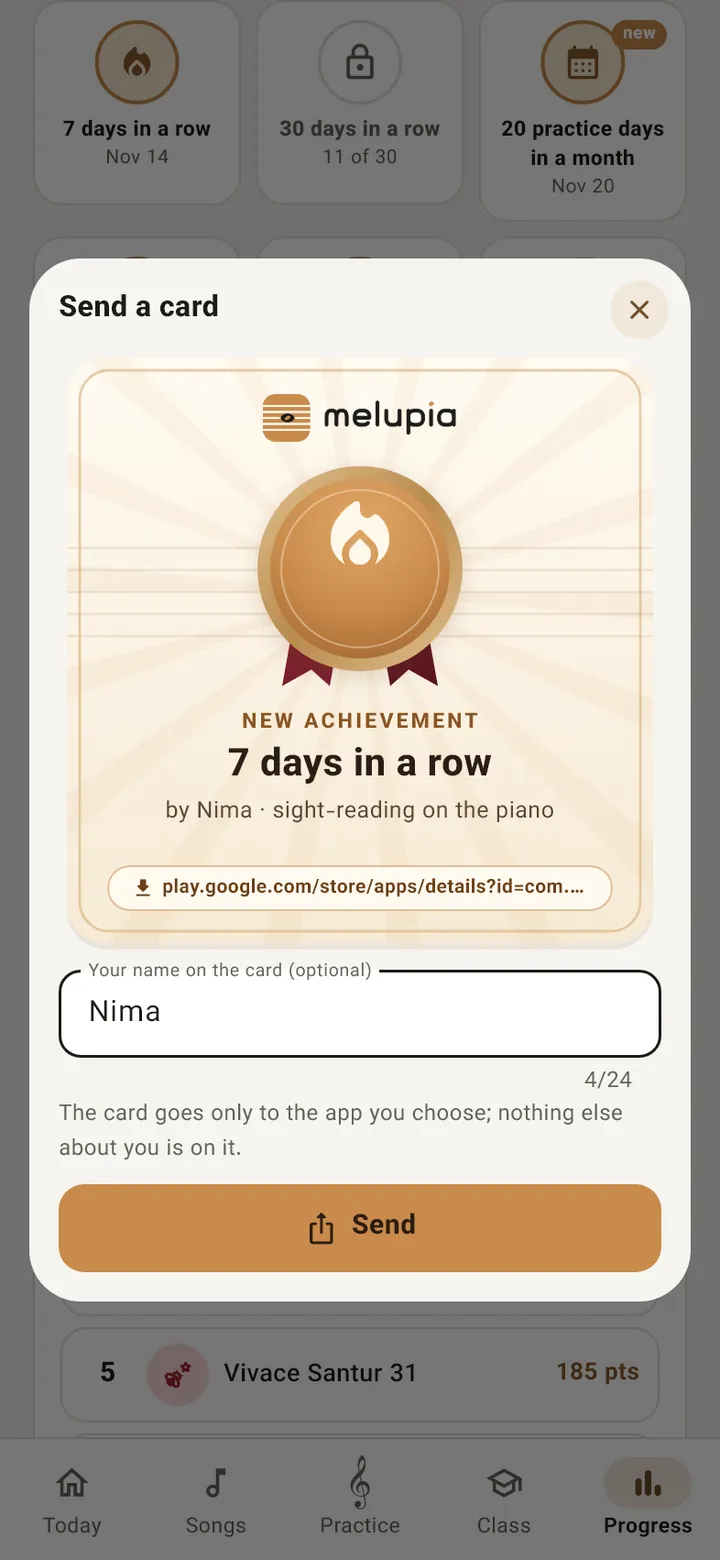 The share card of an achievement, with the learner’s name
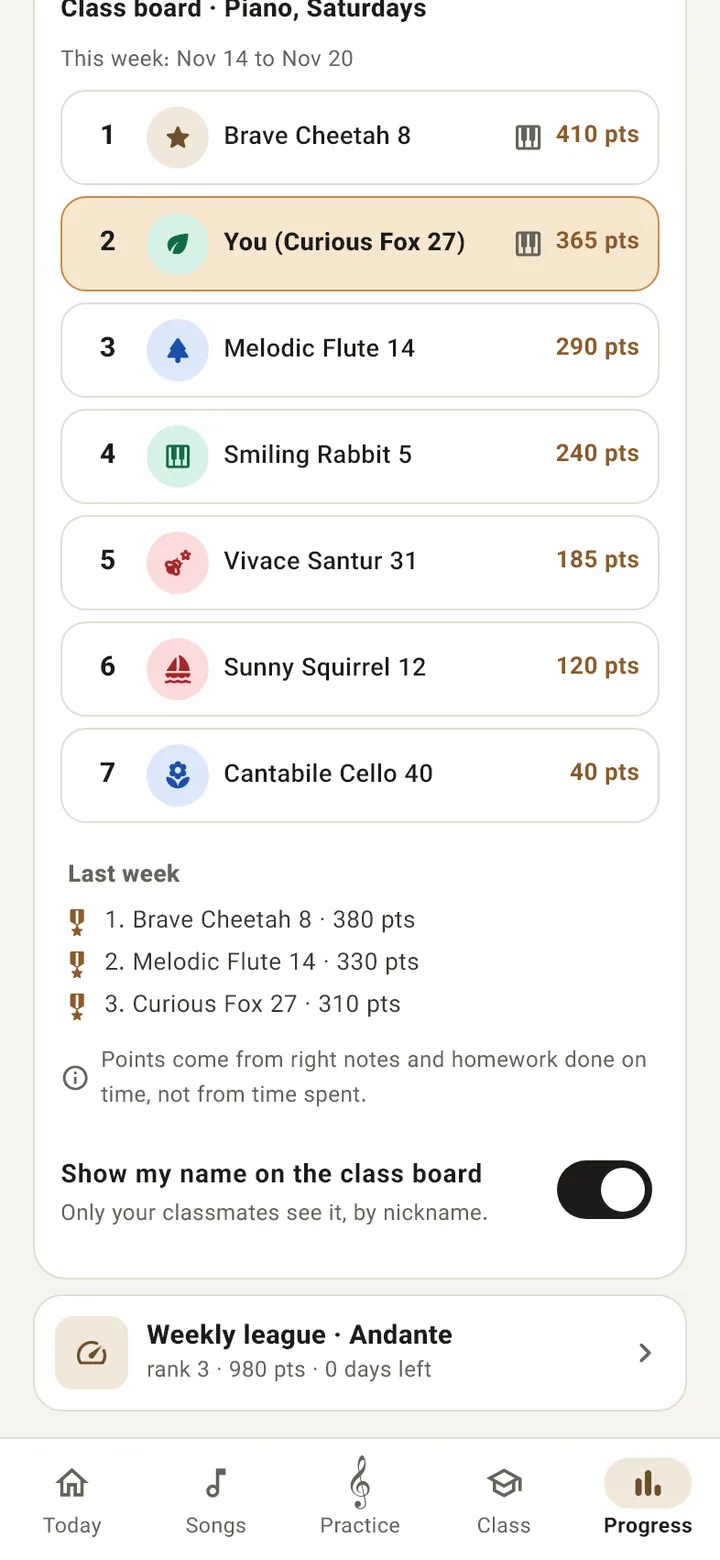 Progress: the class board of this week
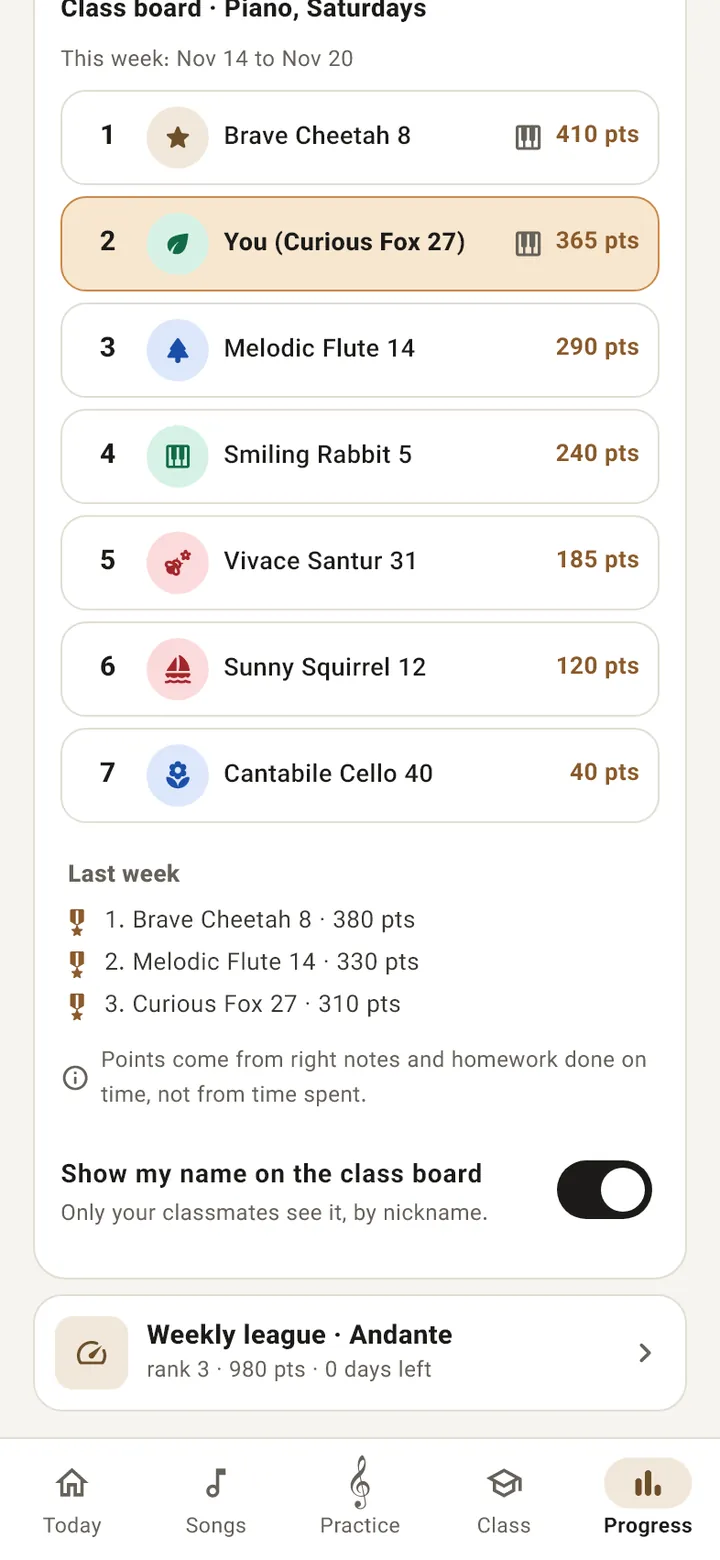 Progress: the weekly league card (13 and over)
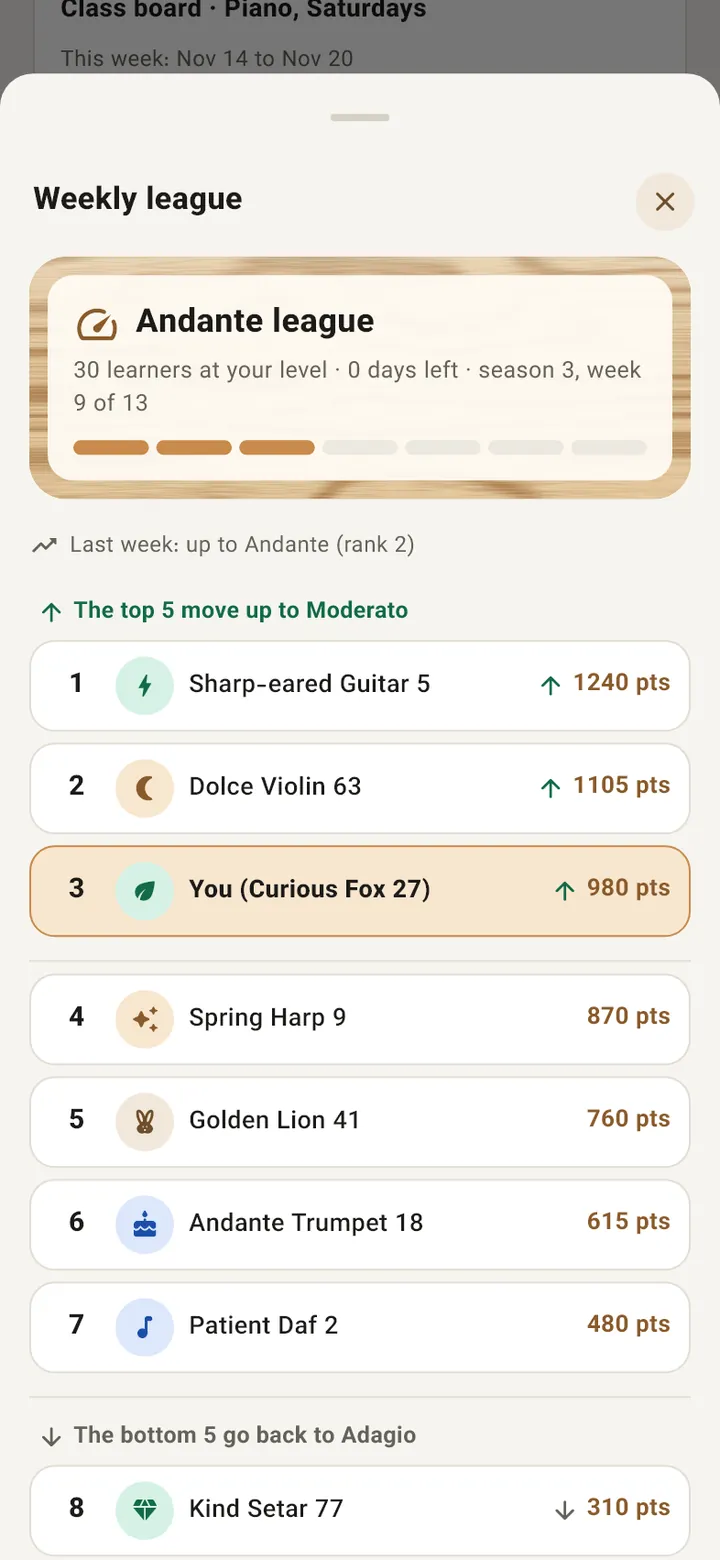 The weekly league: the group, up and down zones, your place
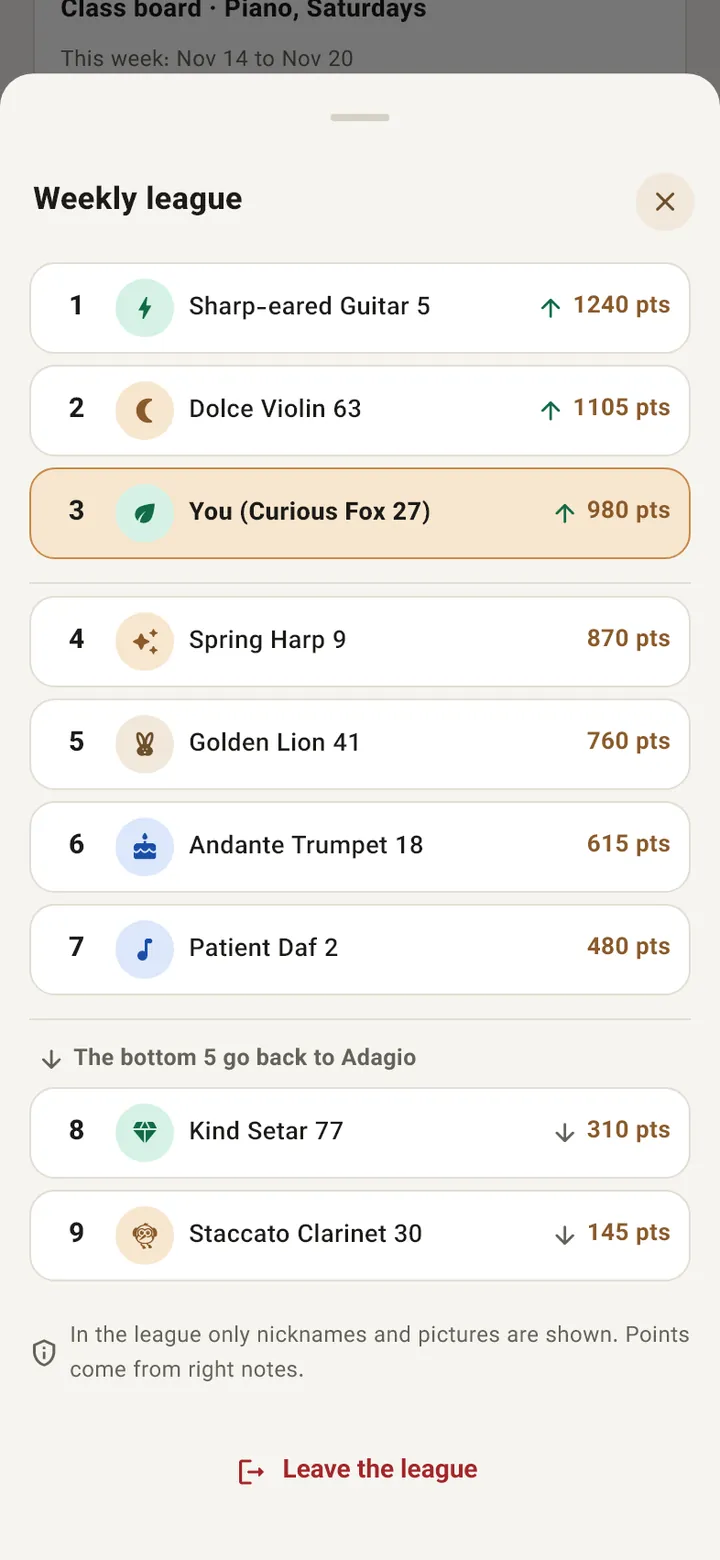 The weekly league (further down): last week and the rules
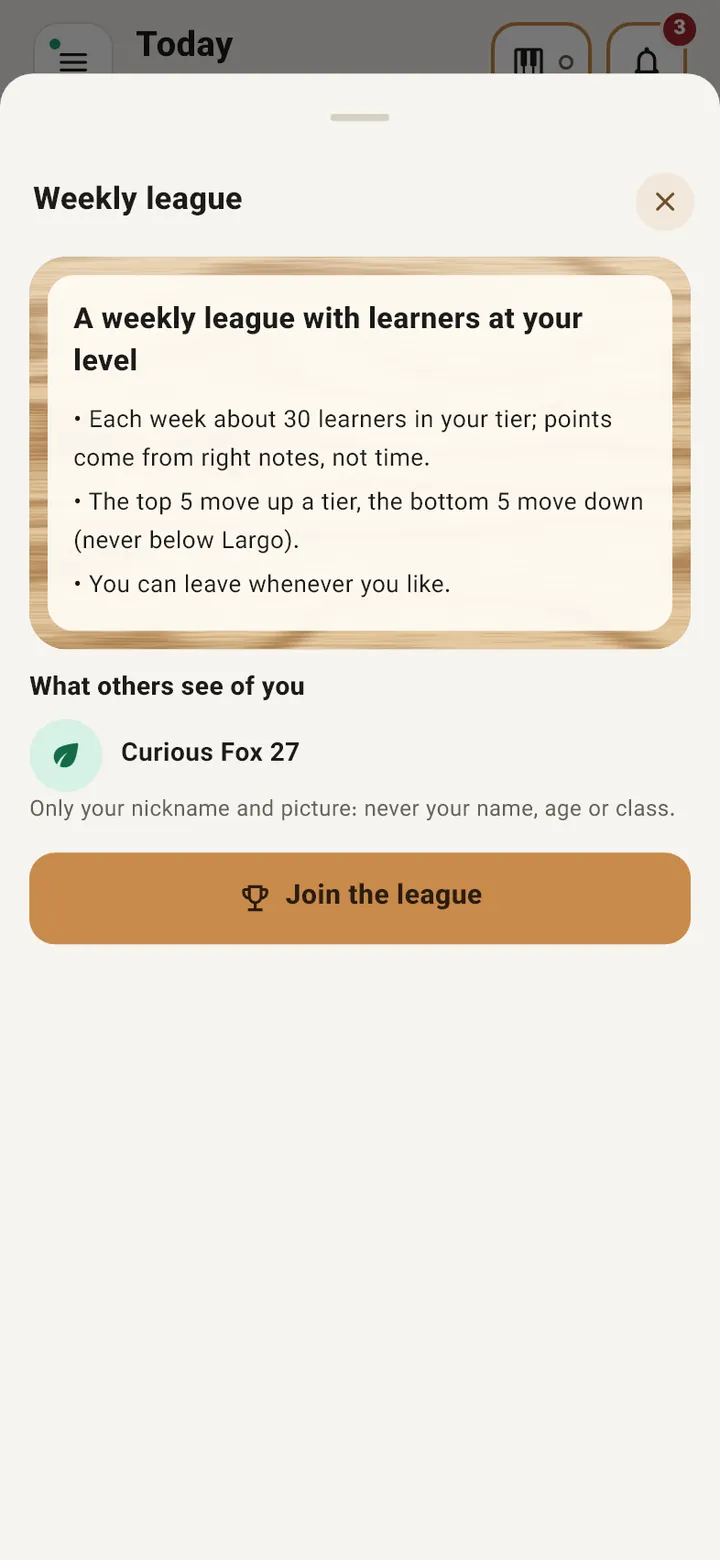 The weekly league: joining is a choice, with a nickname only
Menu, account and support 39
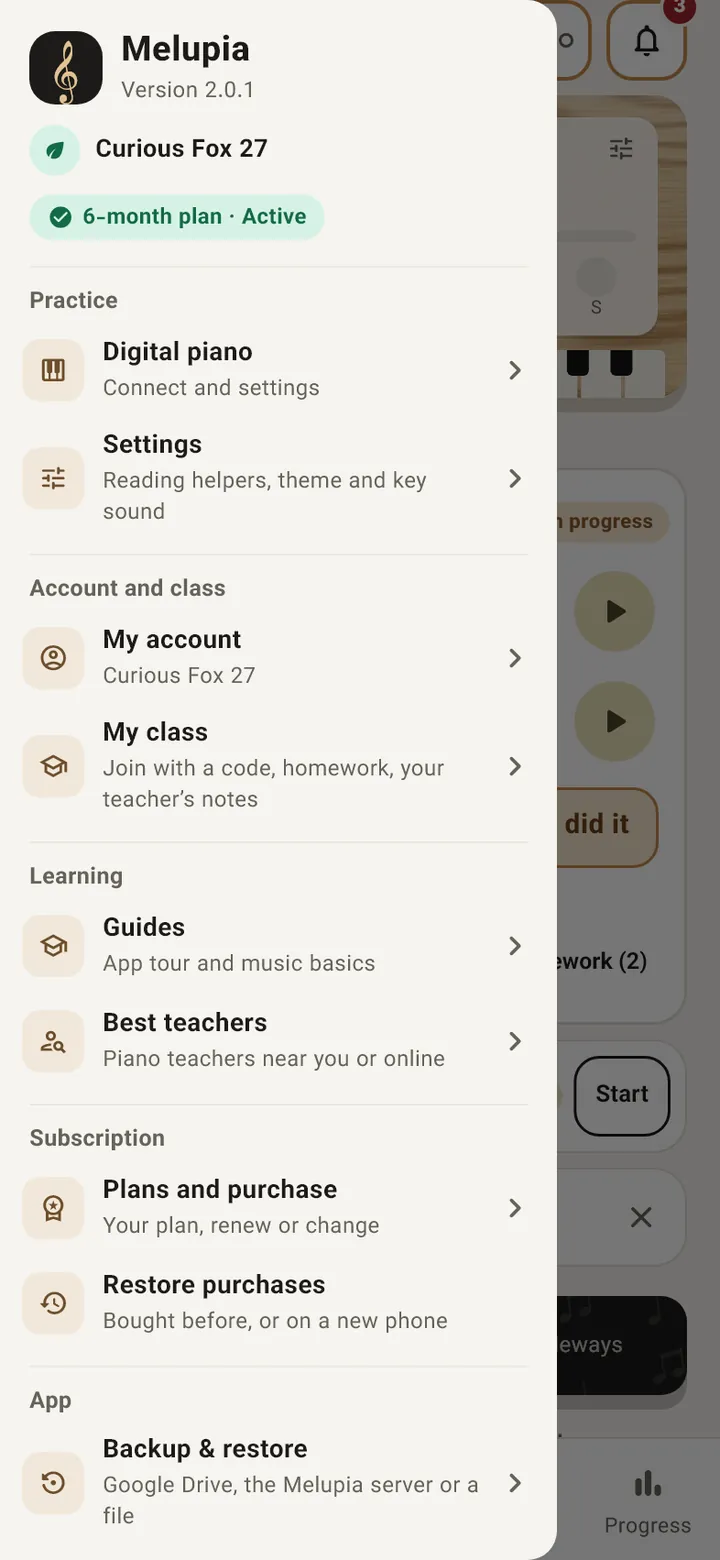 The menu: account, class, guides, best teachers, plan, backup
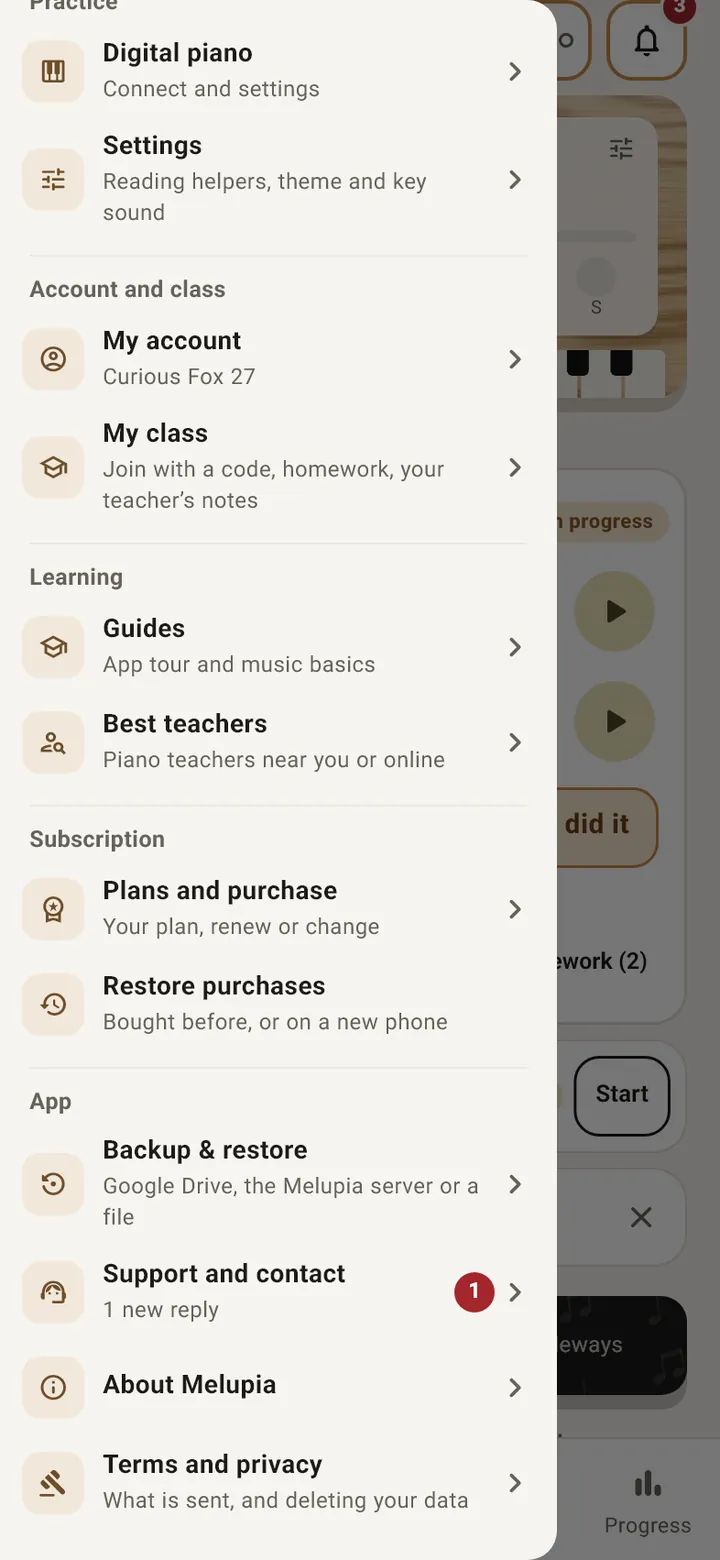 The menu (further down): support, about, terms
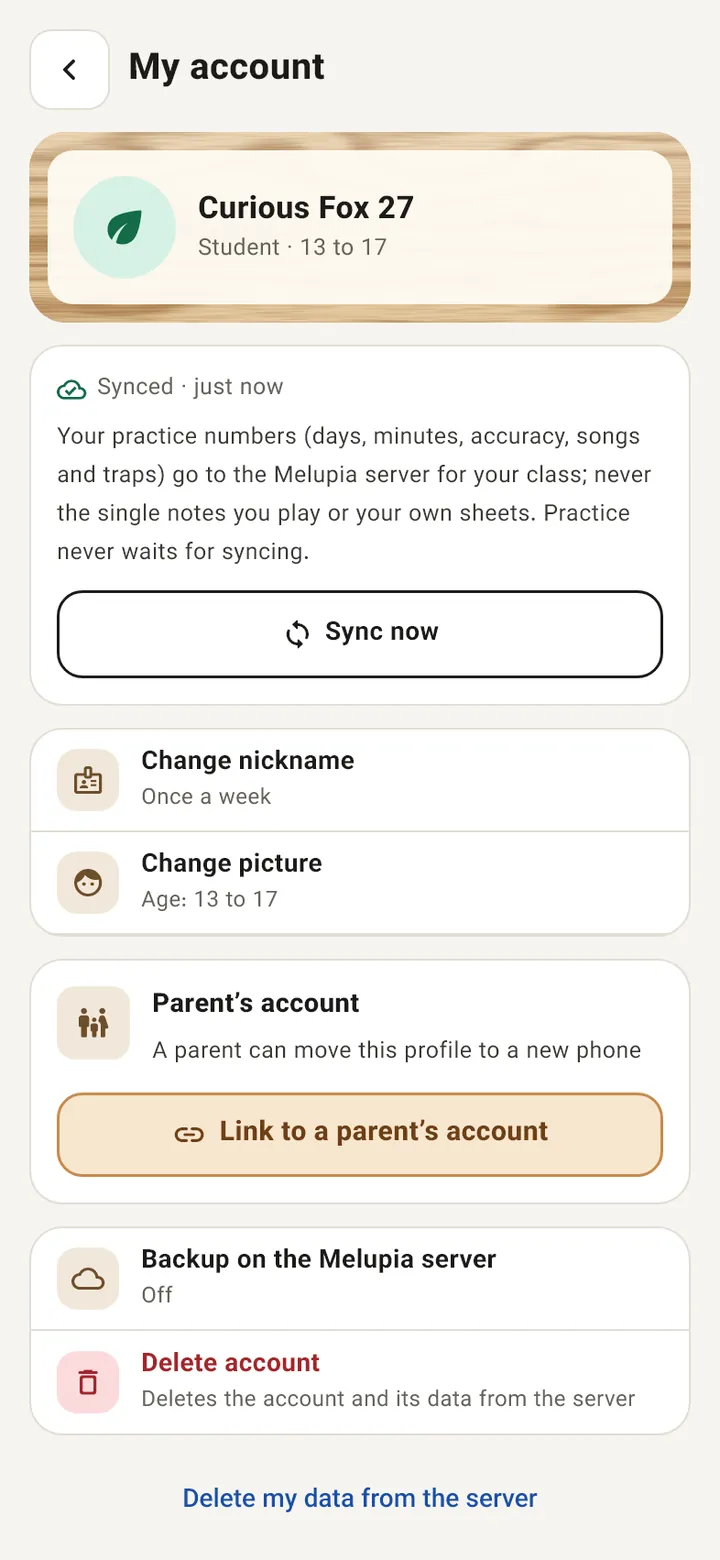 My account: the student profile and sync with the class
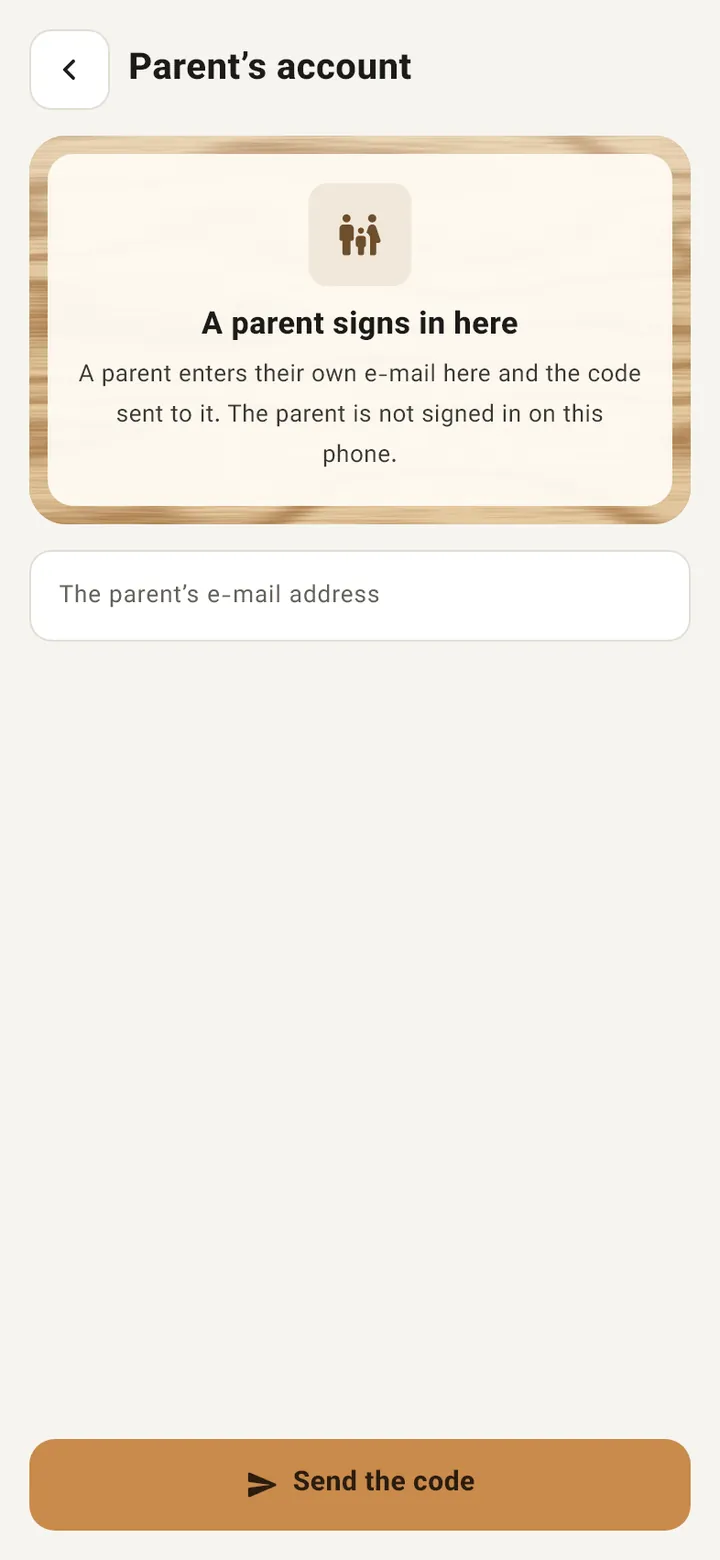 Linking to a parent’s account: the parent’s e-mail and a code
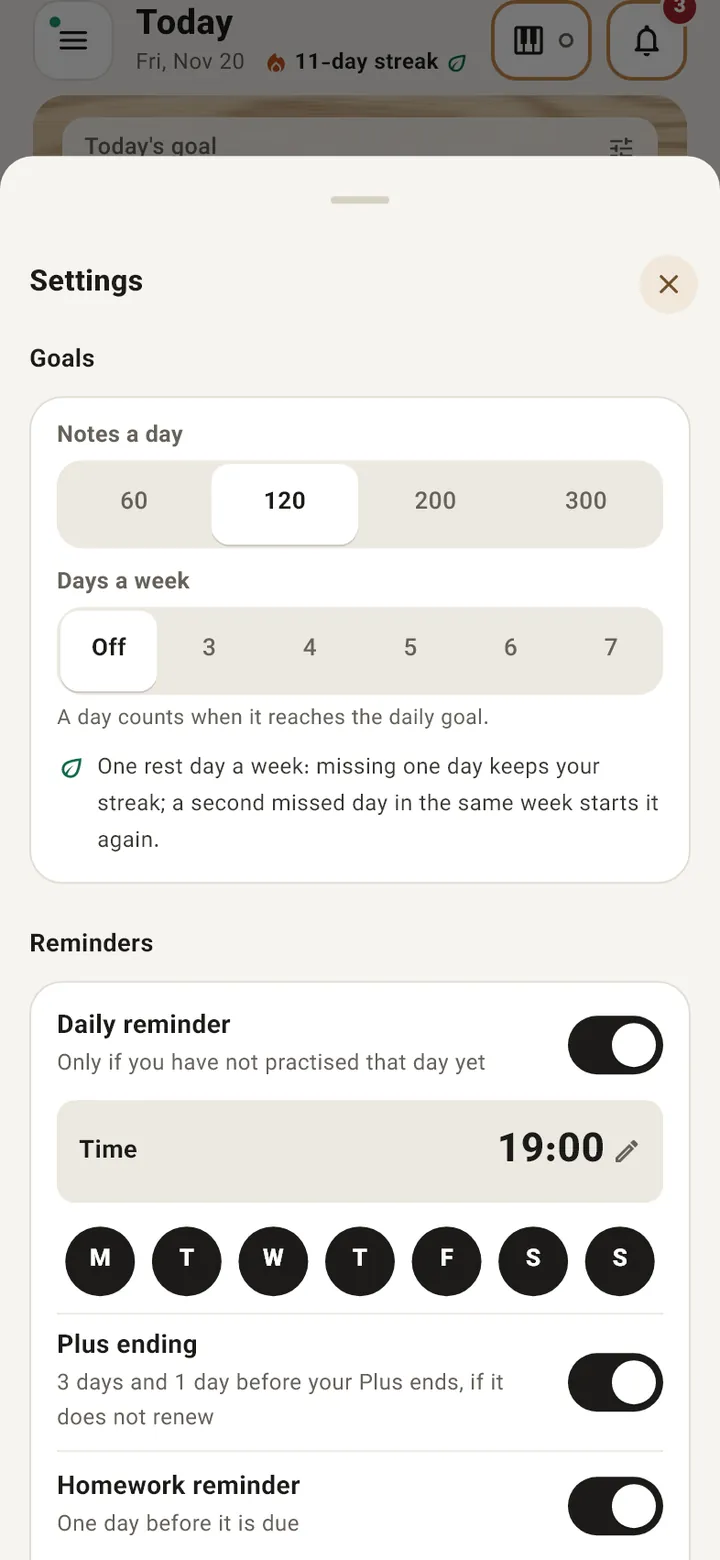 Settings: goals and practice reminders
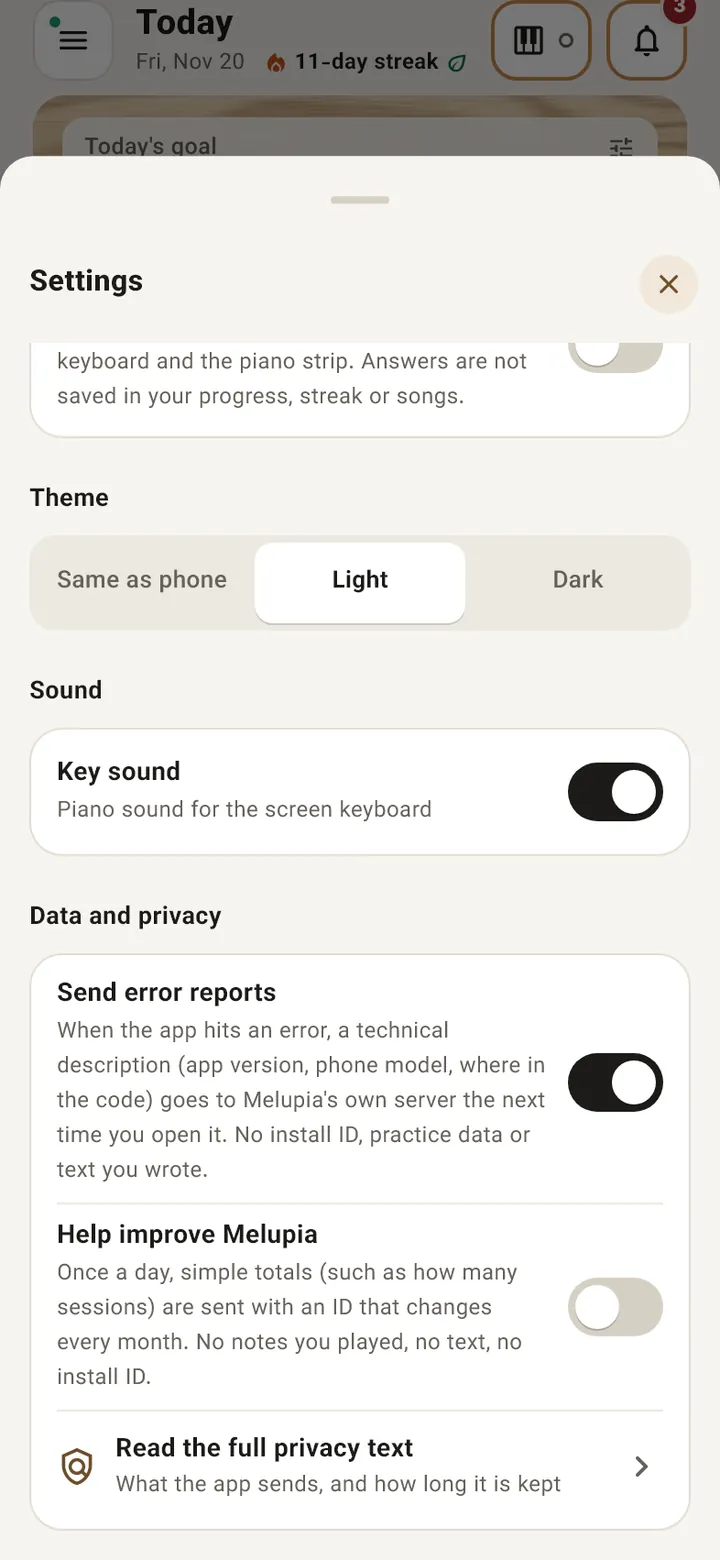 Settings: reading helps, theme, sound, data and privacy
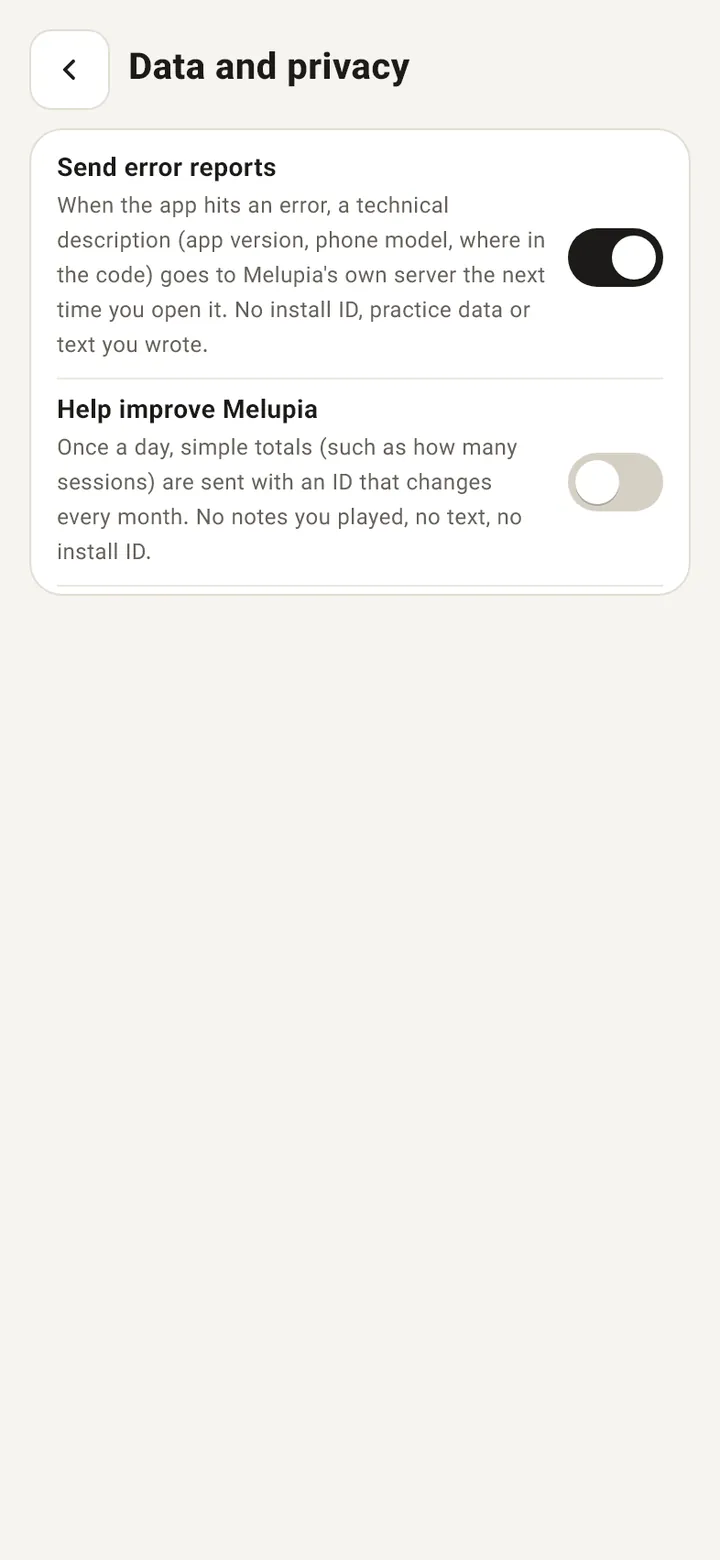 Data and privacy: what is kept where, and deleting it
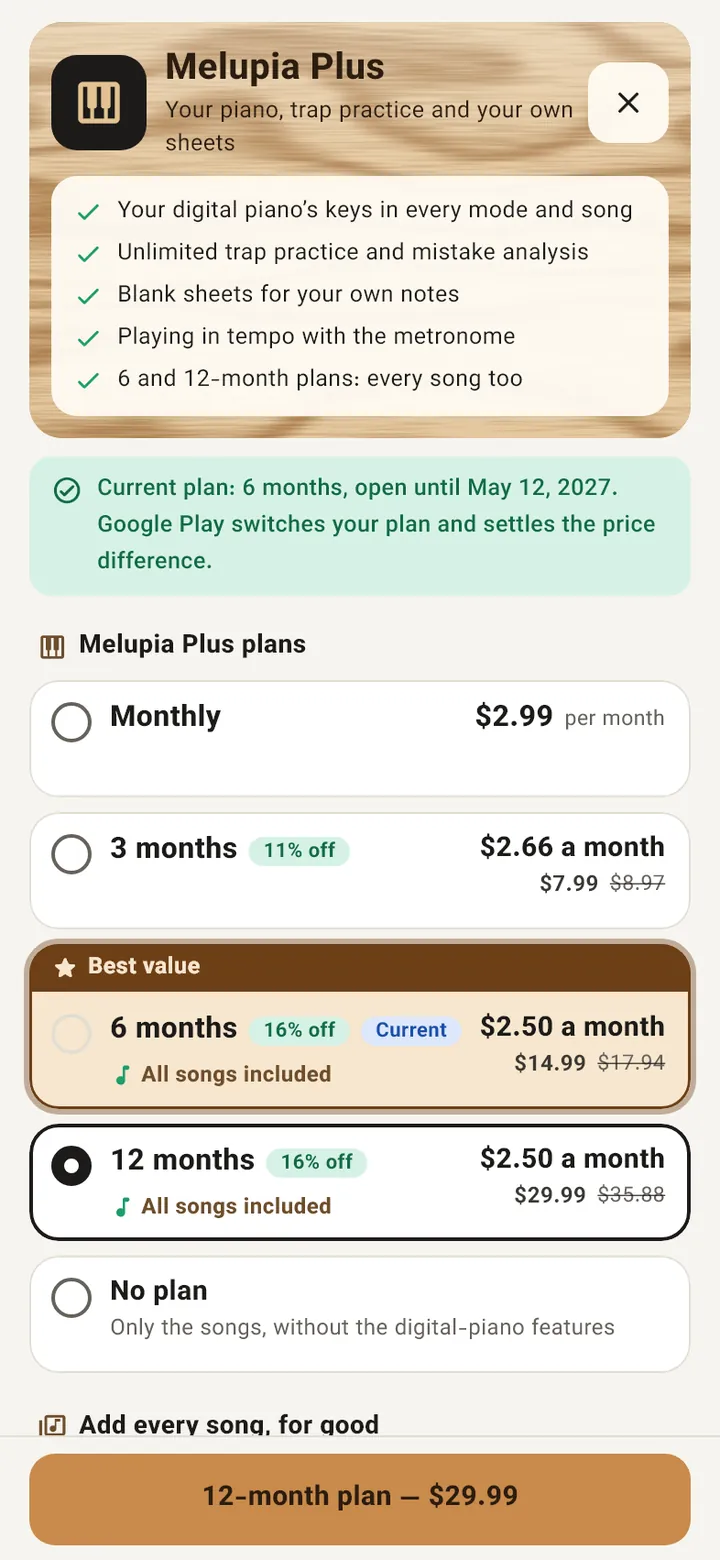 Plans and purchase: the learner’s Melupia Plus plan
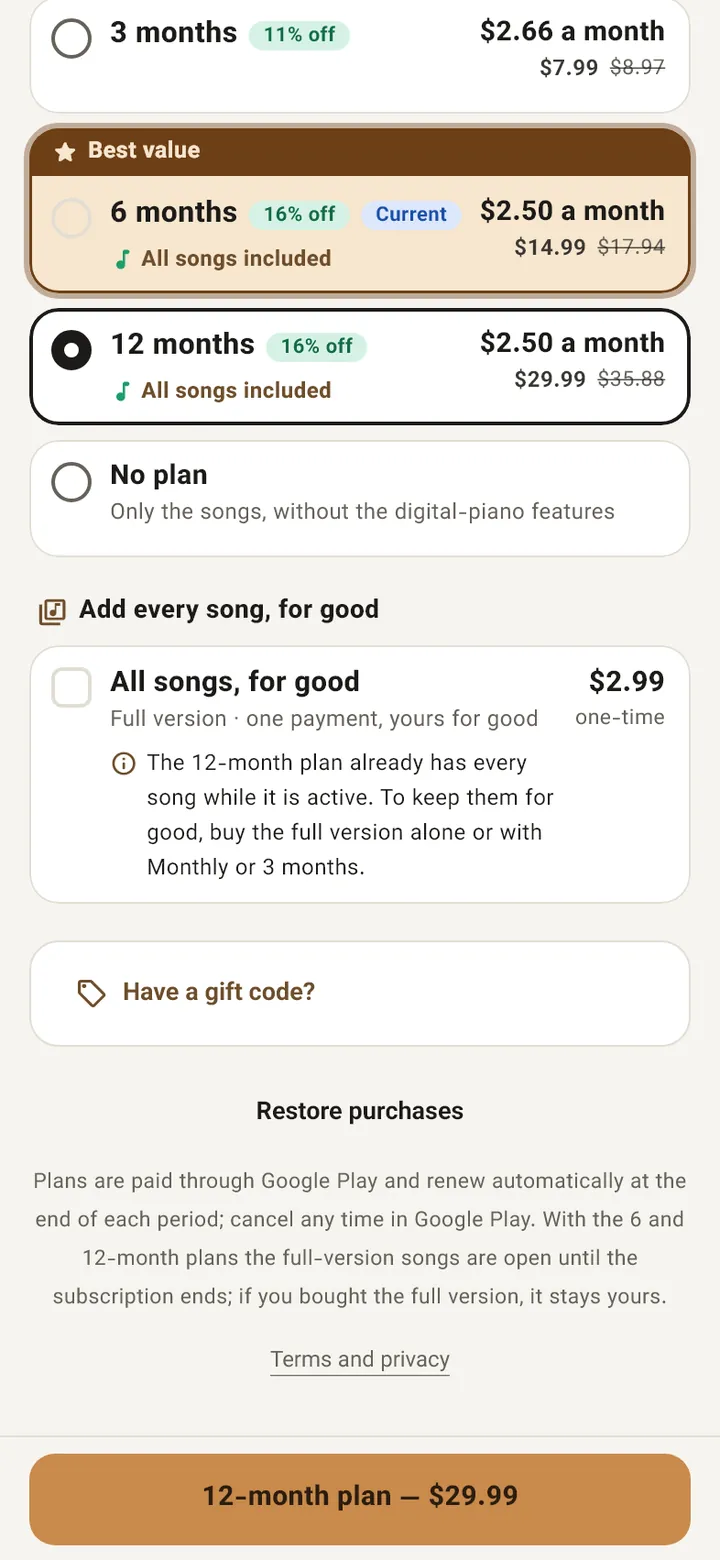 Plans and purchase: the learner’s Melupia Plus plan (further down)
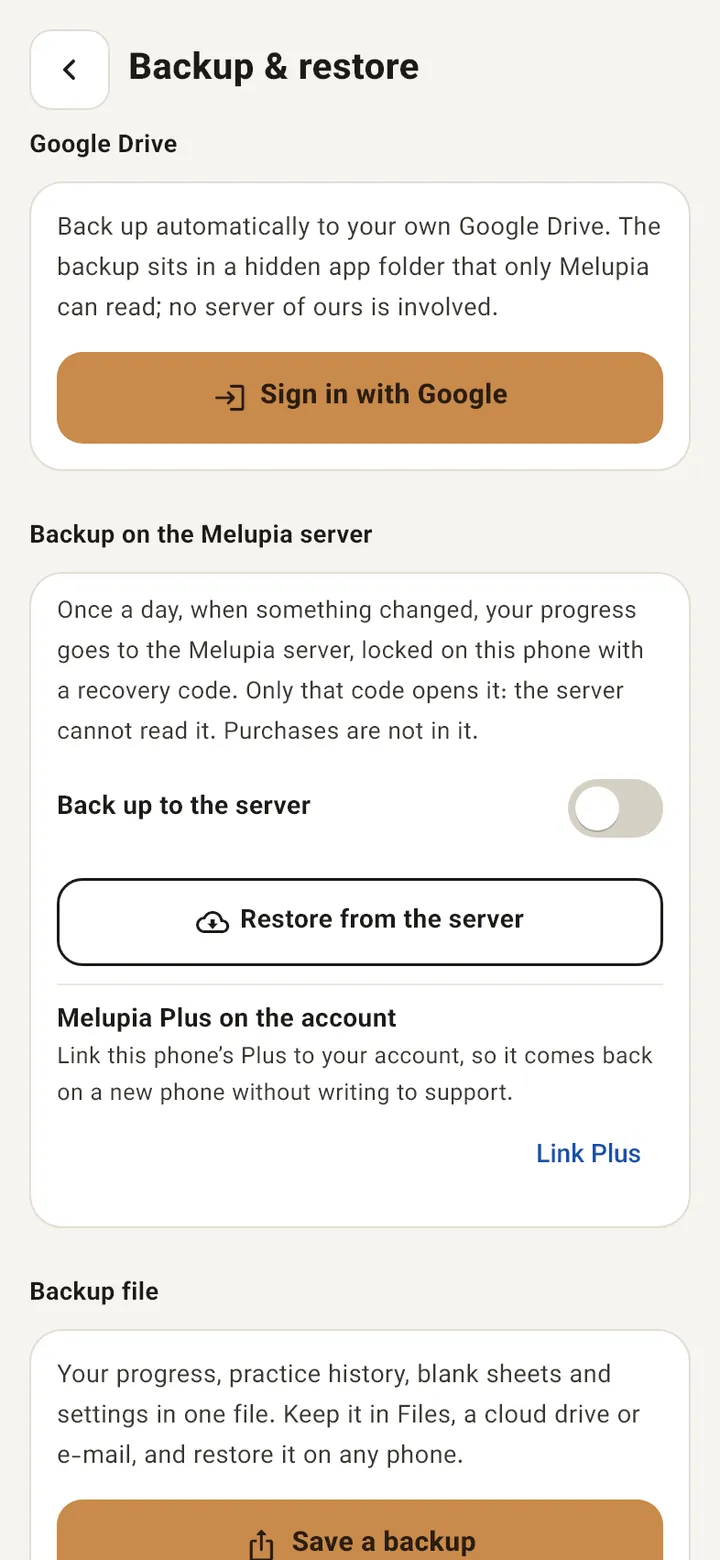 Backup: the Melupia server backup and a file
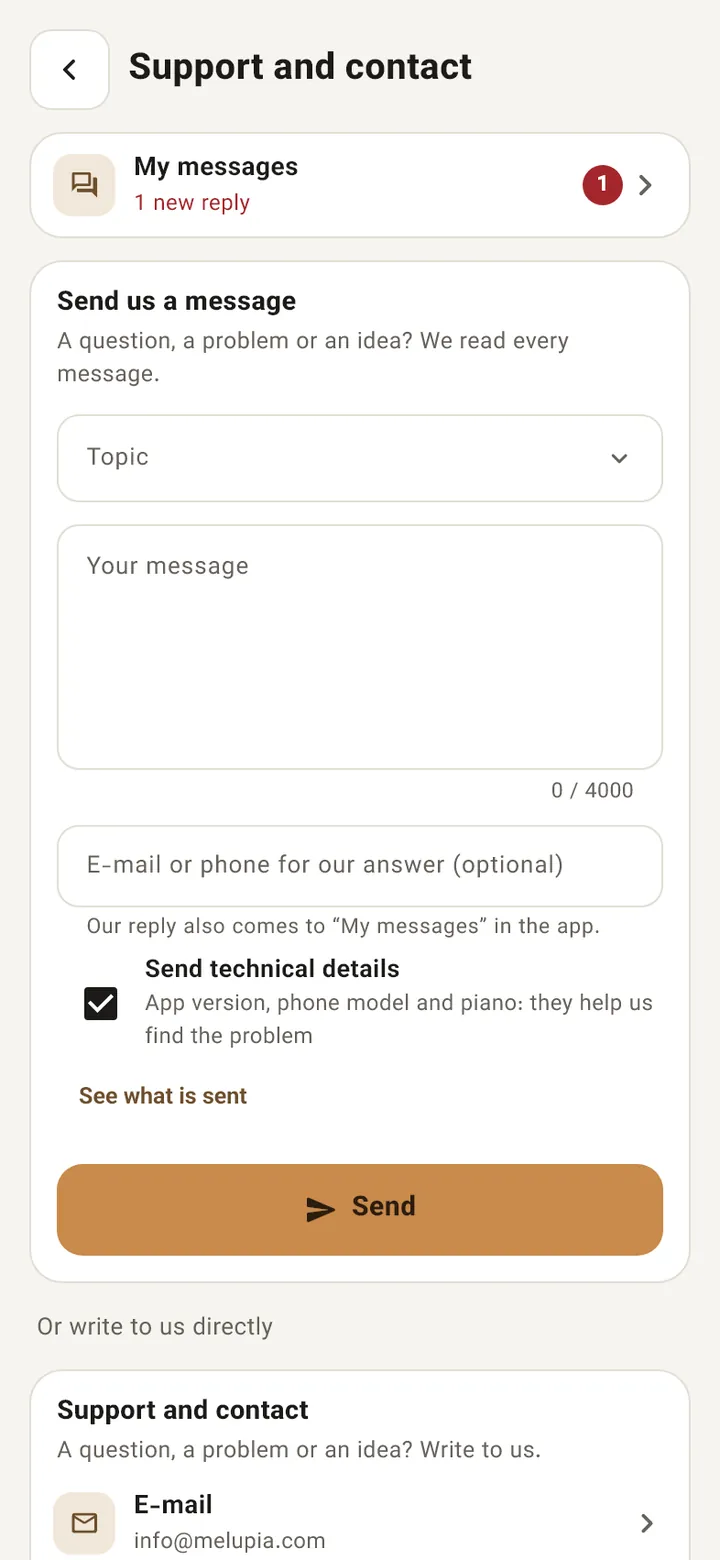 Support: send a message, with the phone’s details
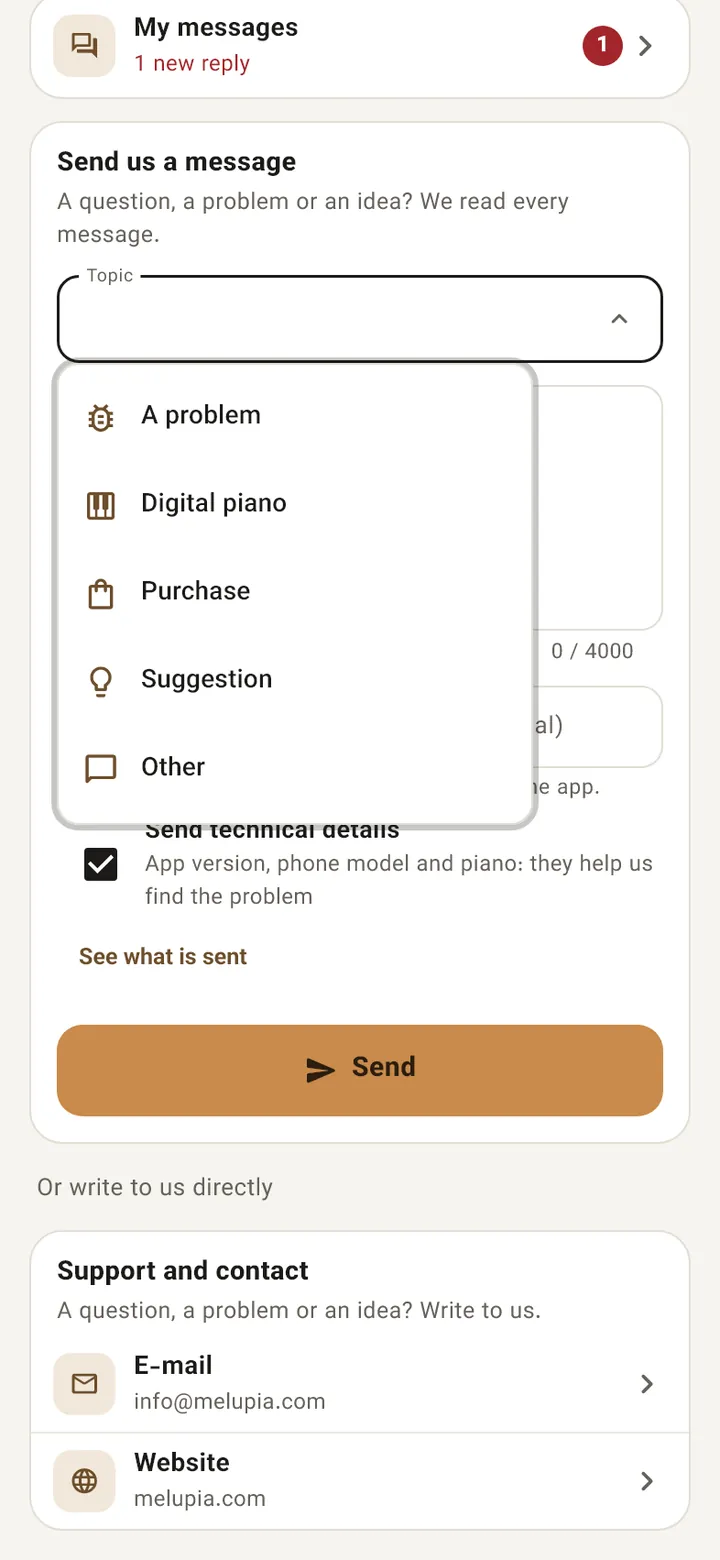 Support: the topic menu
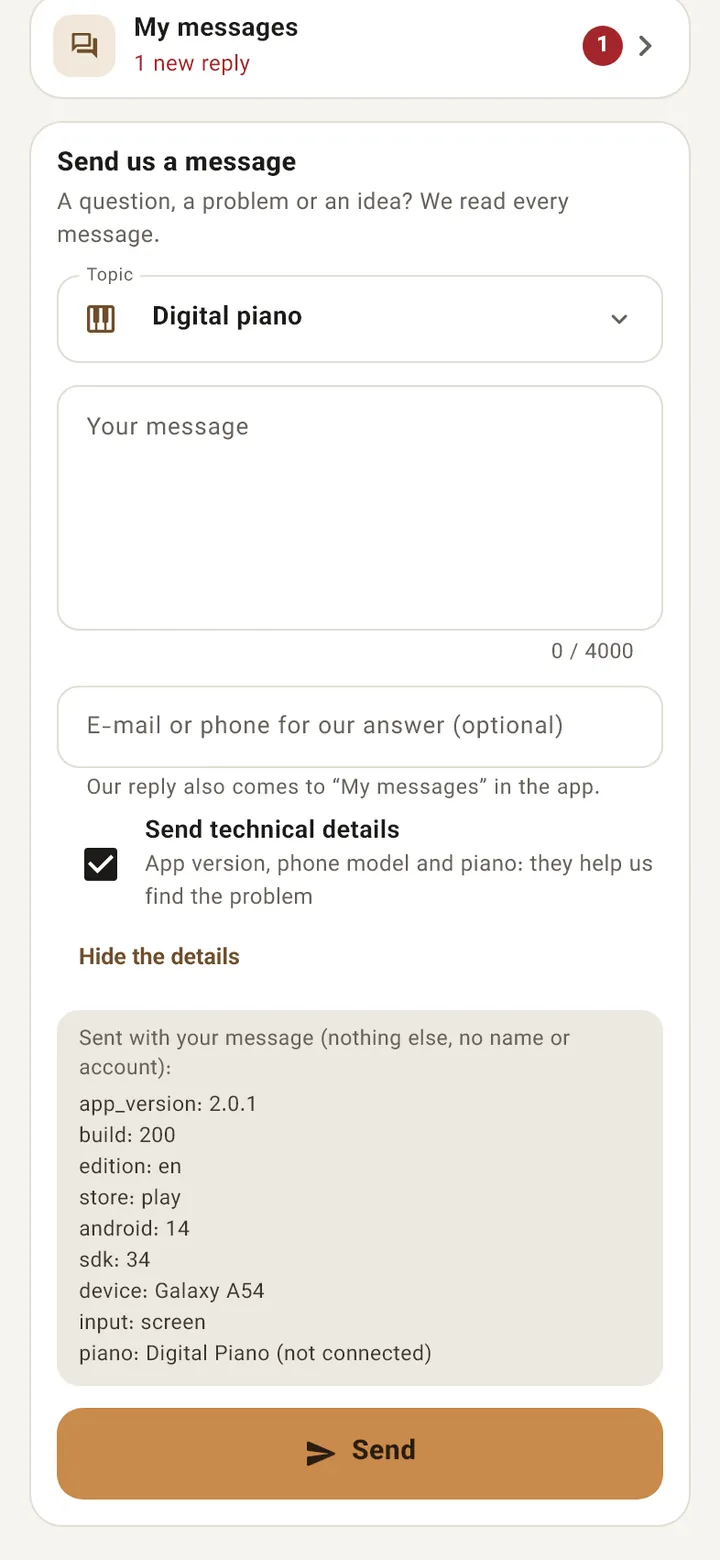 Support: a topic chosen, the technical details shown
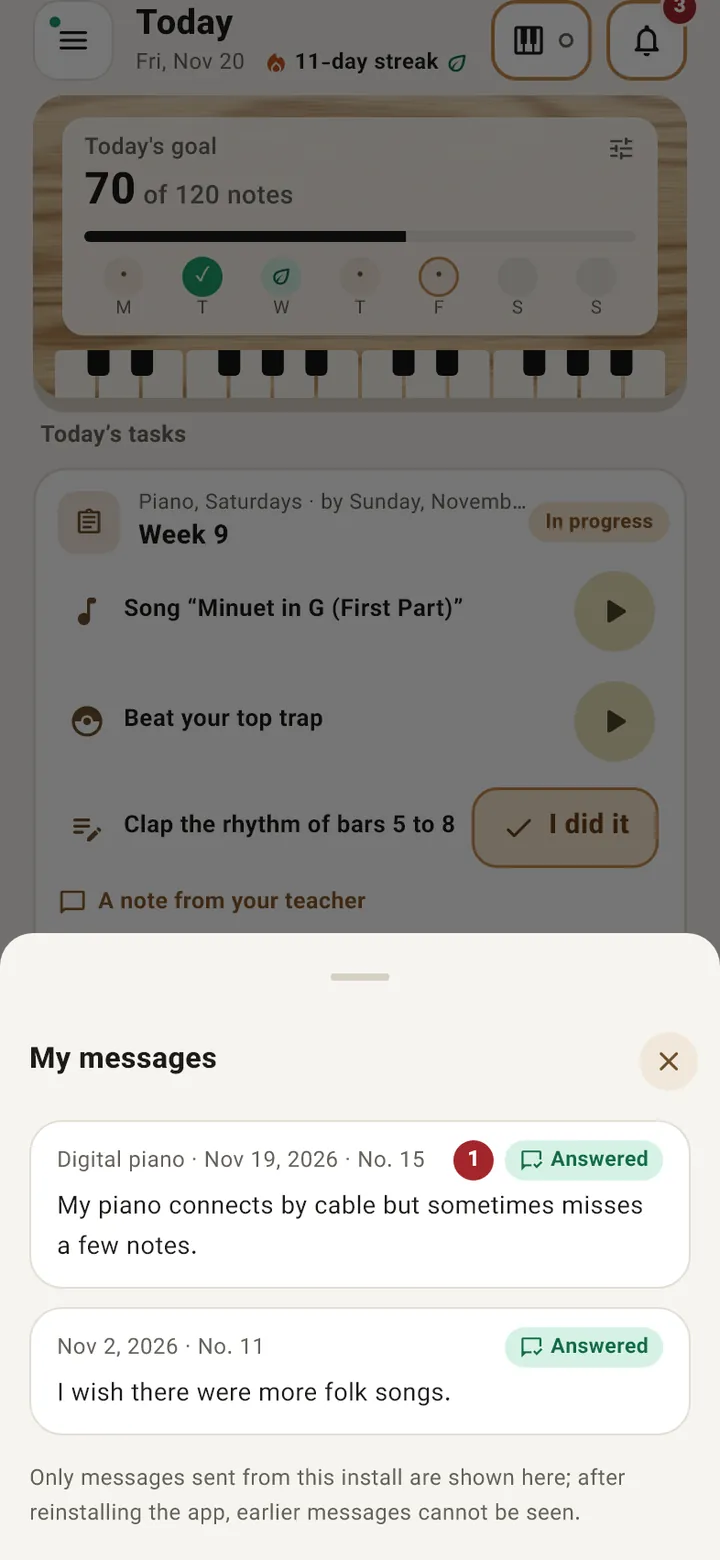 Support: my messages and their replies
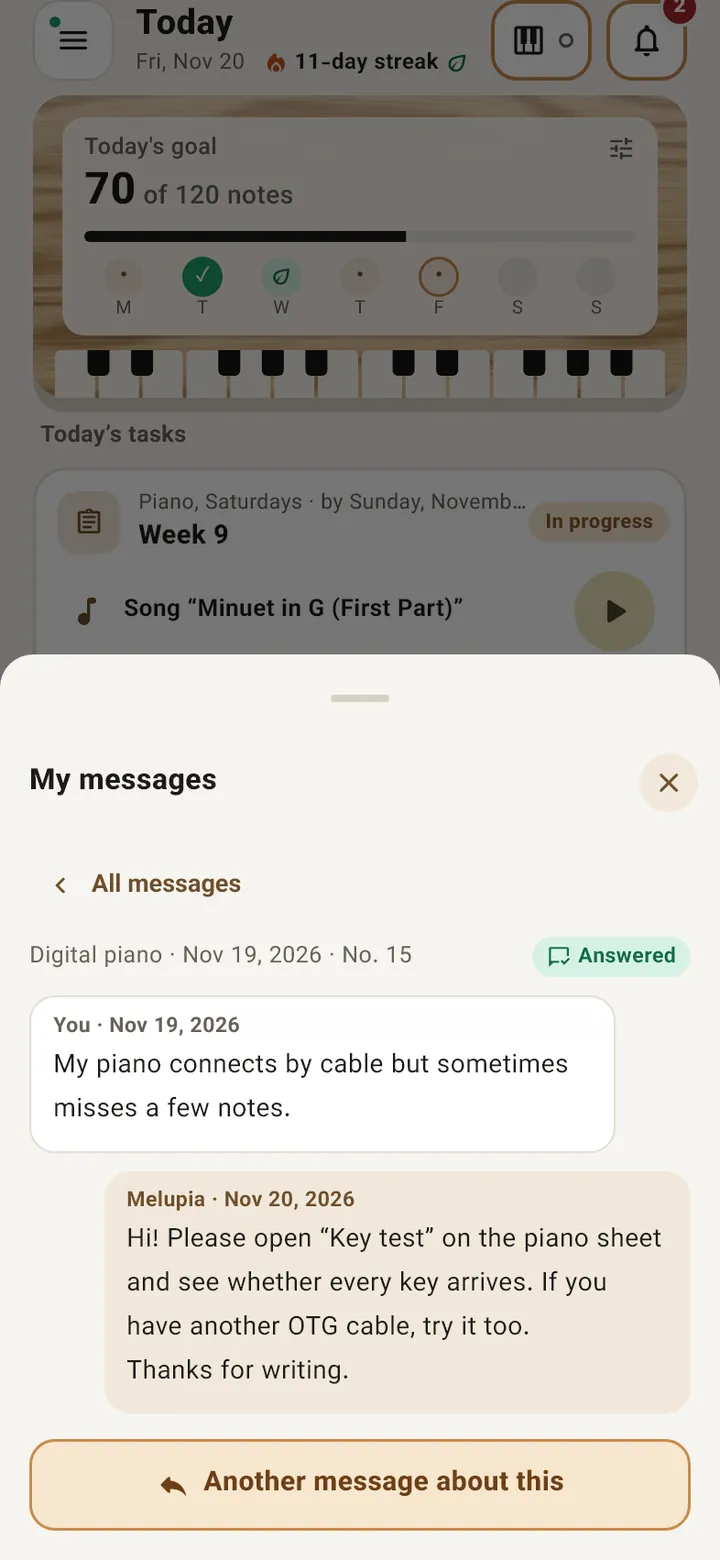 A support message and its reply
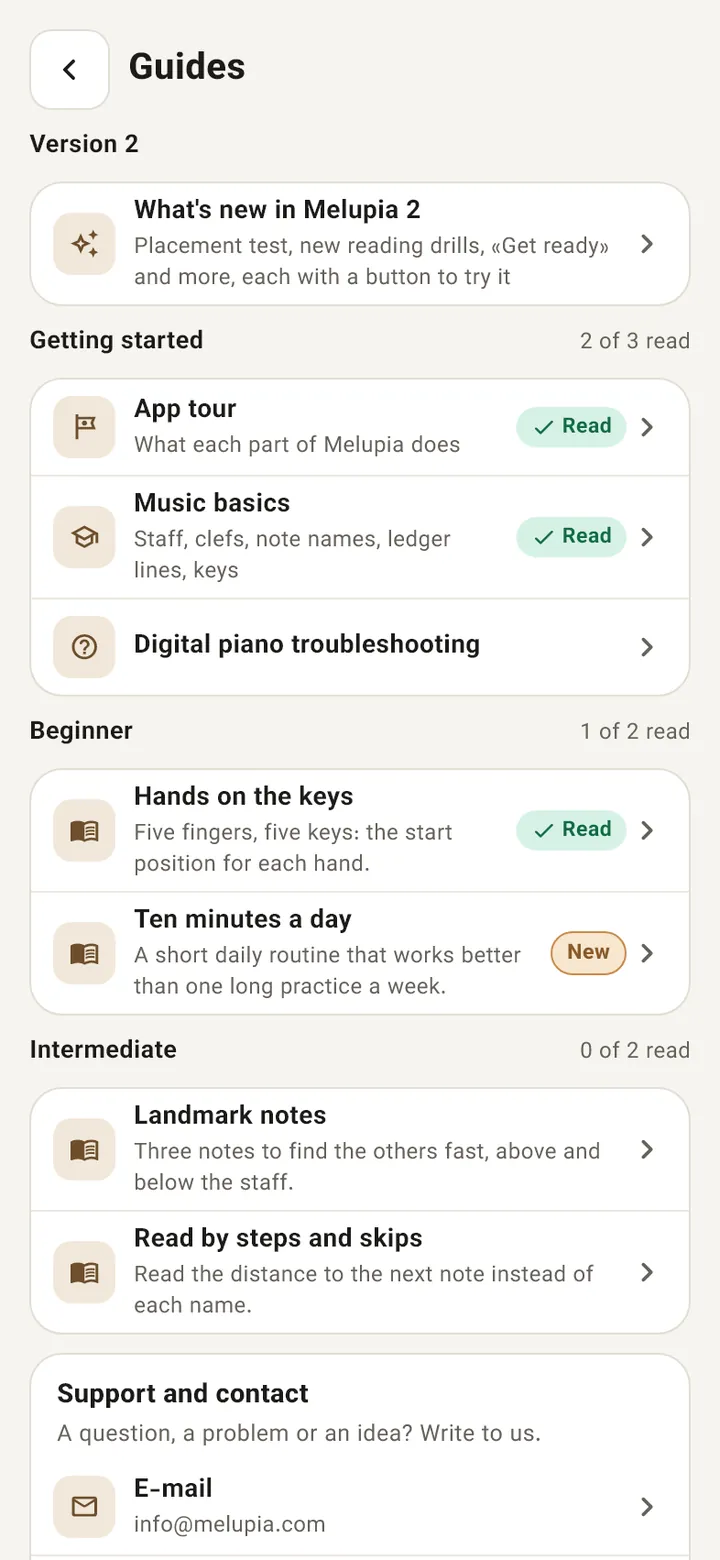 Guides: built-in guides and articles, new and read marks
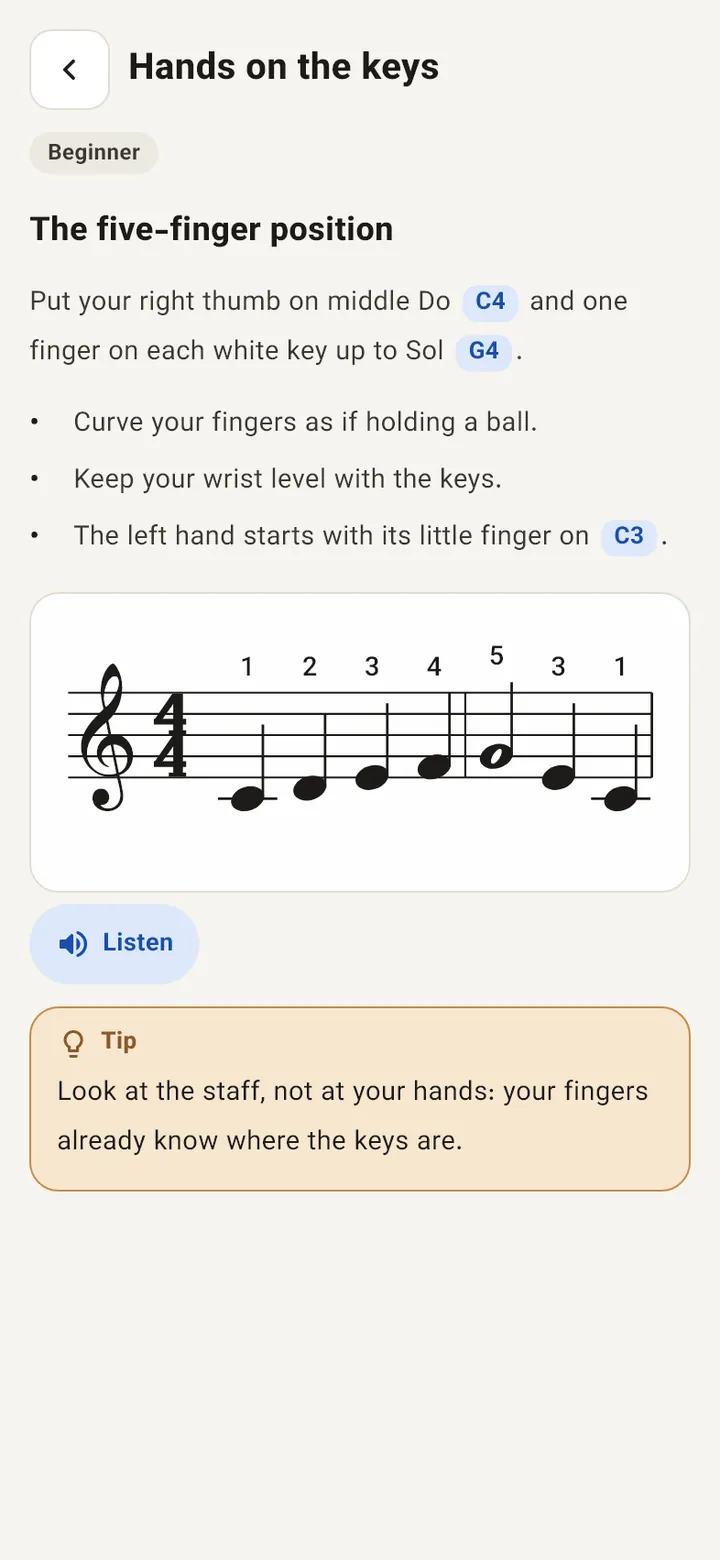 A guide article with a staff example
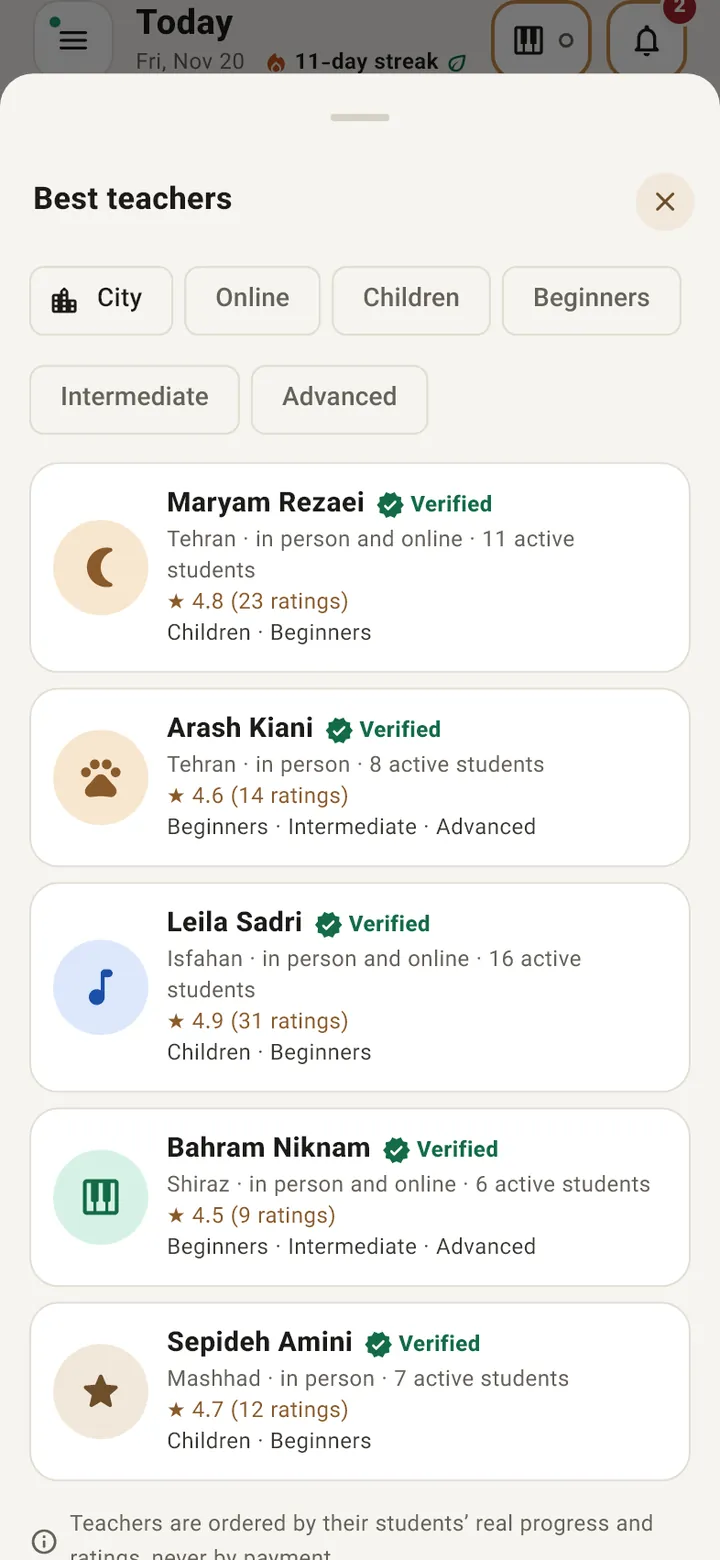 Best teachers: rated, verified teachers near you or online
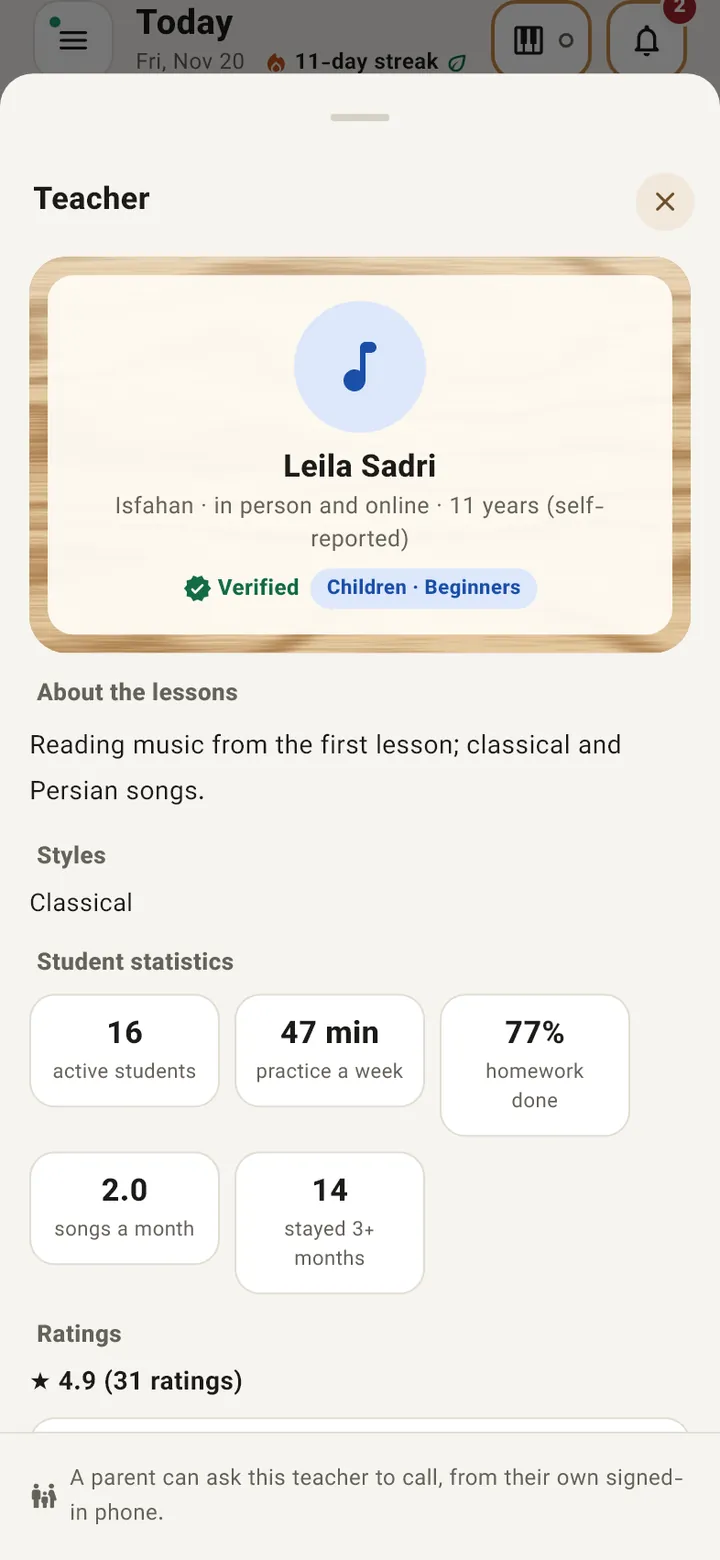 A teacher’s public profile: levels, numbers and reviews
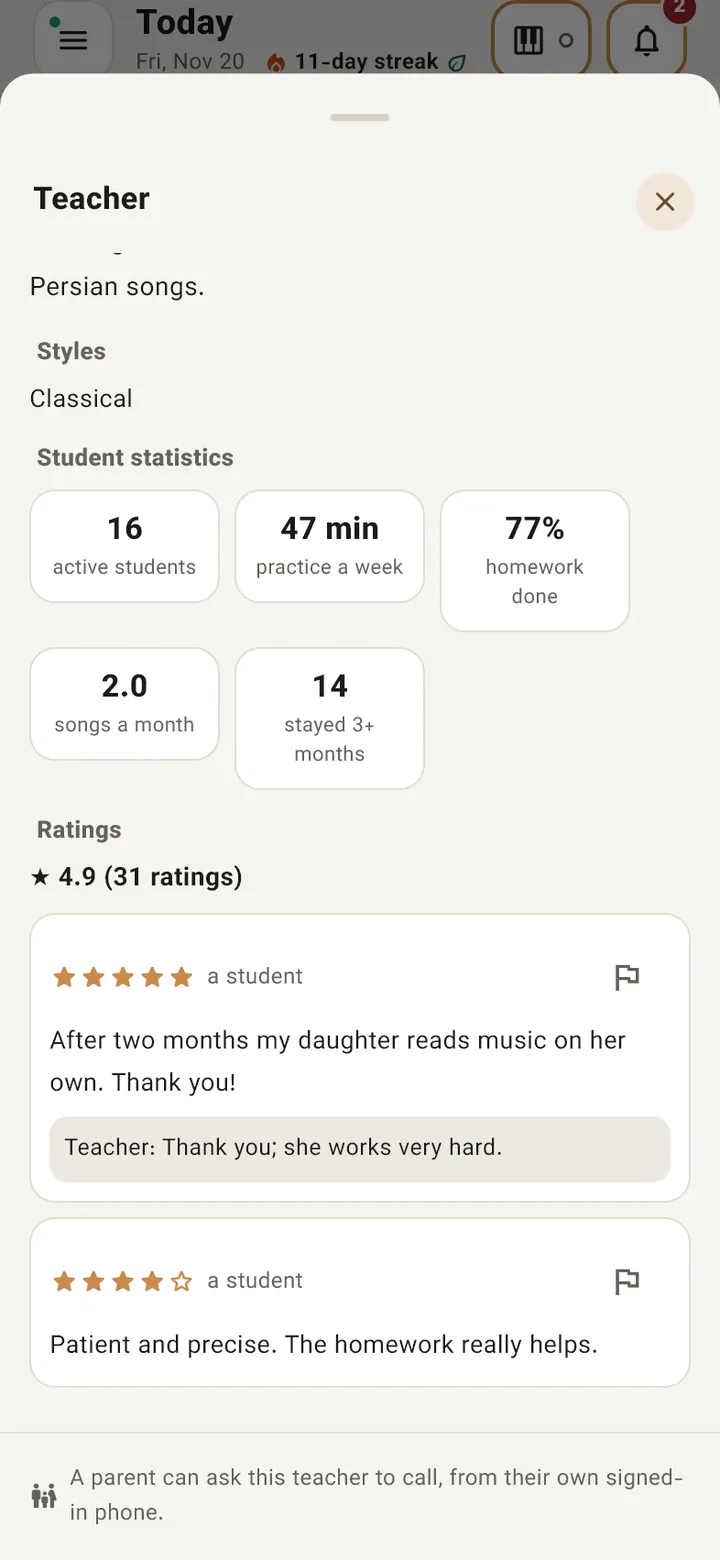 A teacher’s public profile: levels, numbers and reviews (further down)
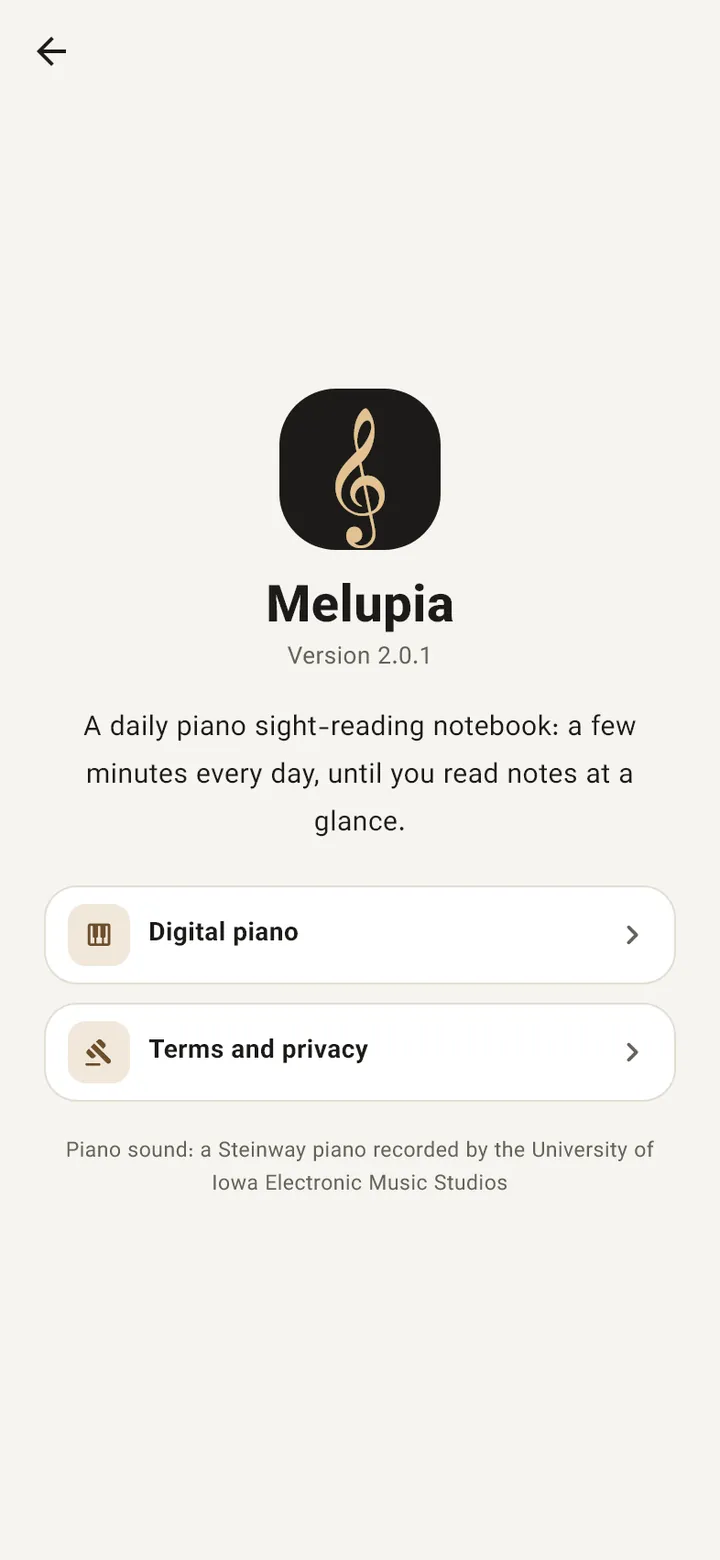 About Melupia
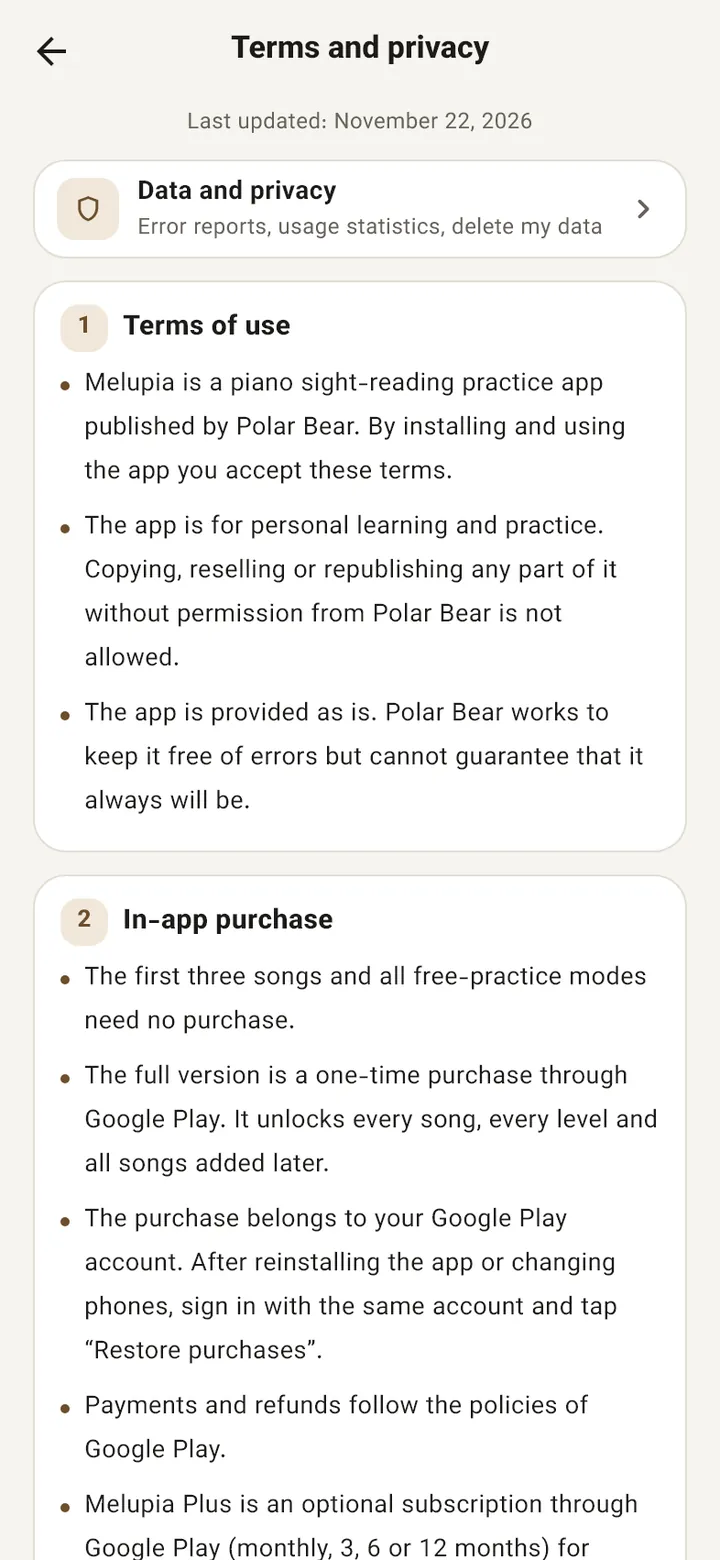 Terms and privacy
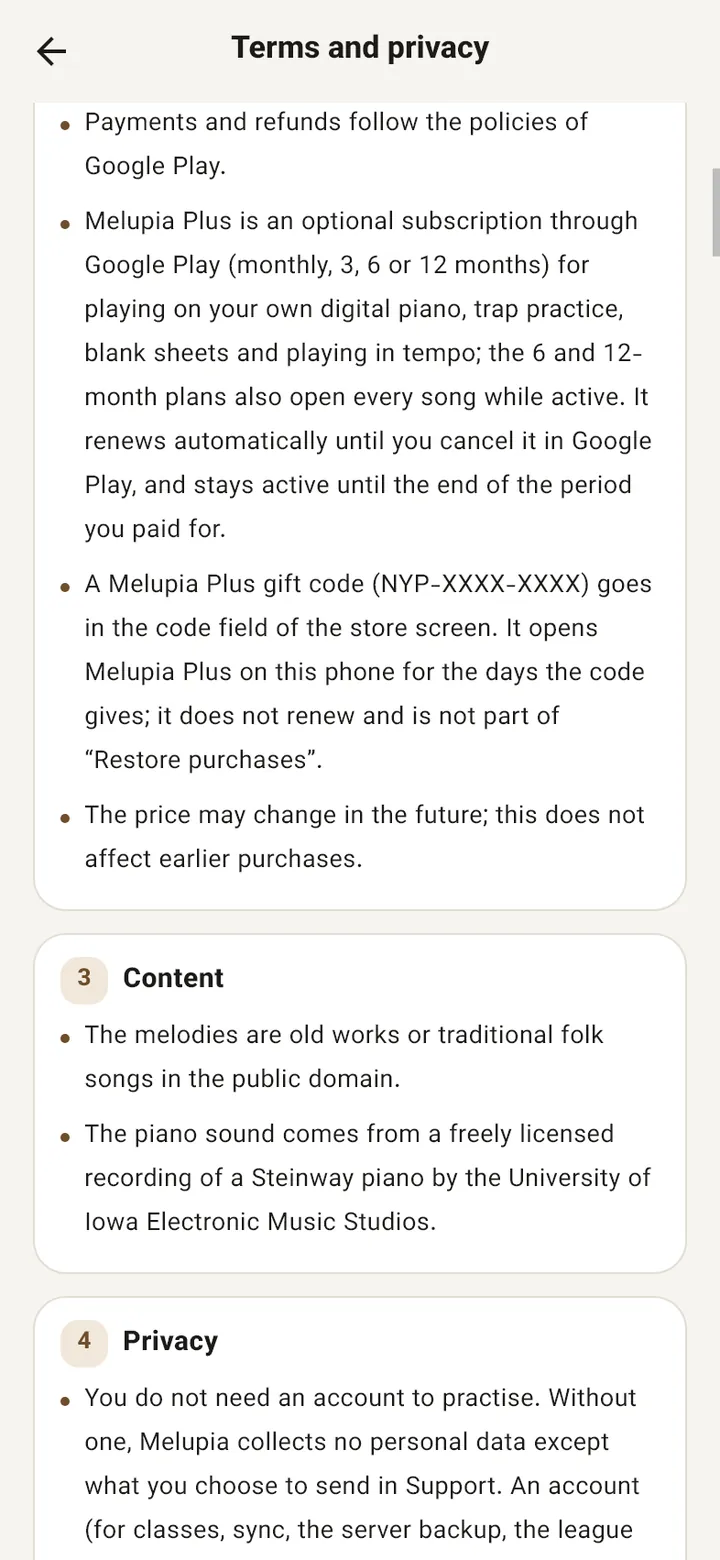 Terms and privacy (further down)
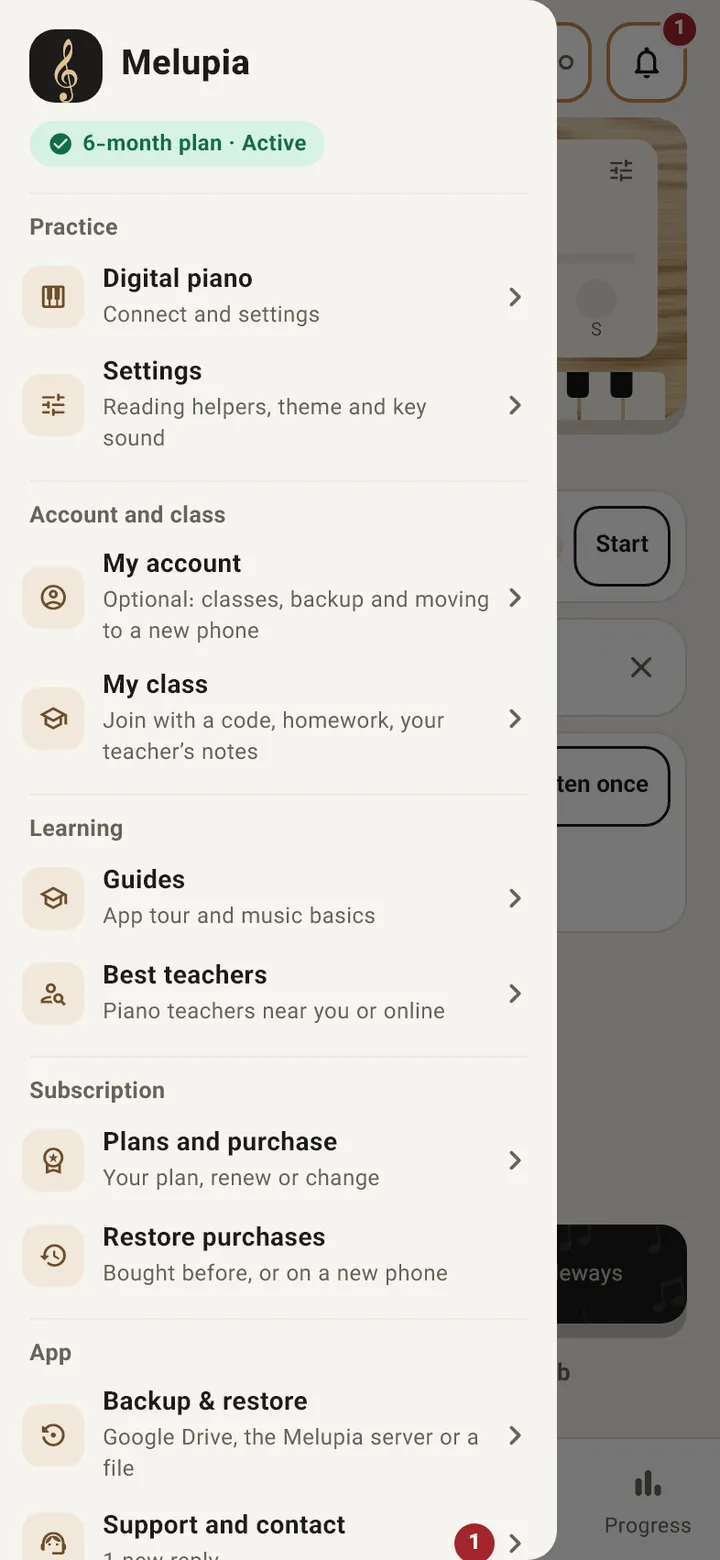 The menu without an account
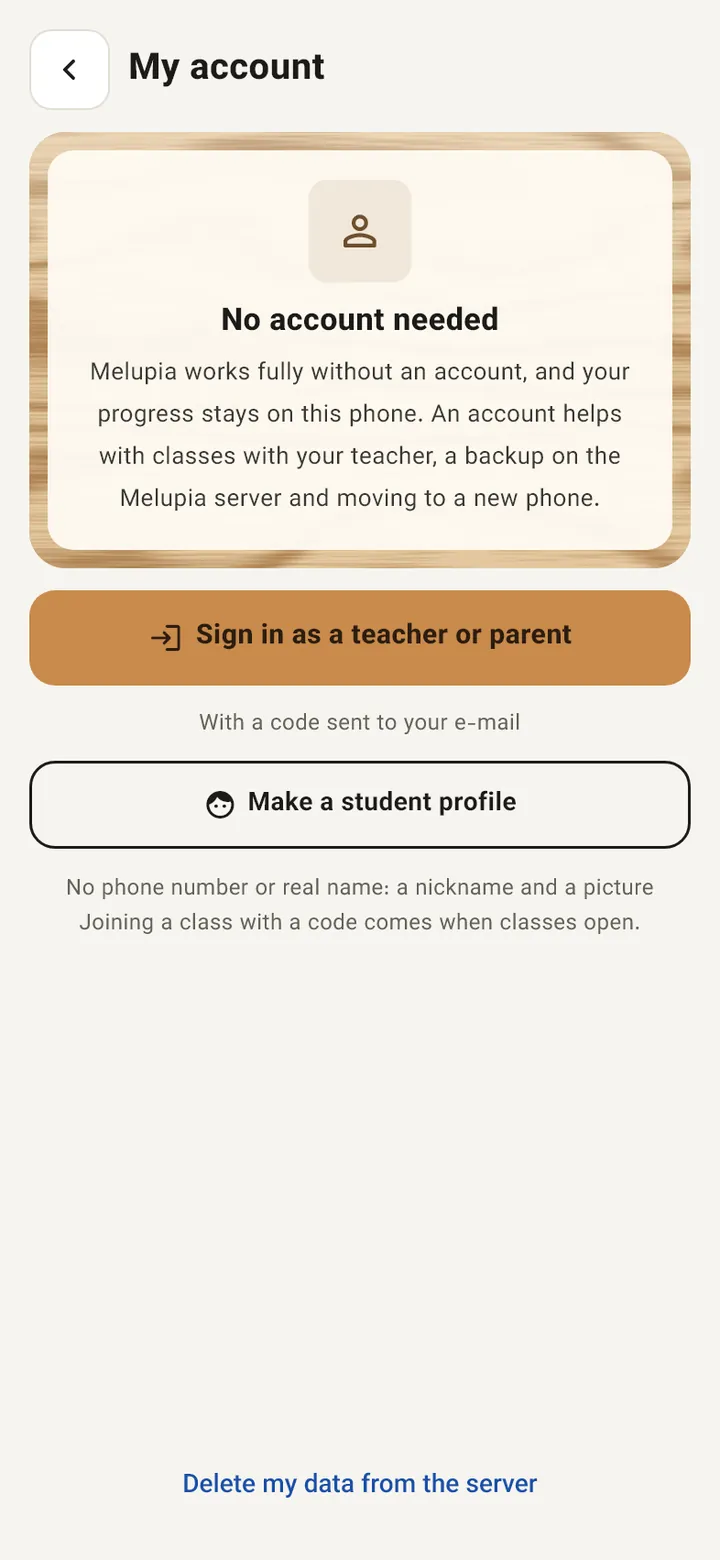 My account: optional; a student profile or a verified account
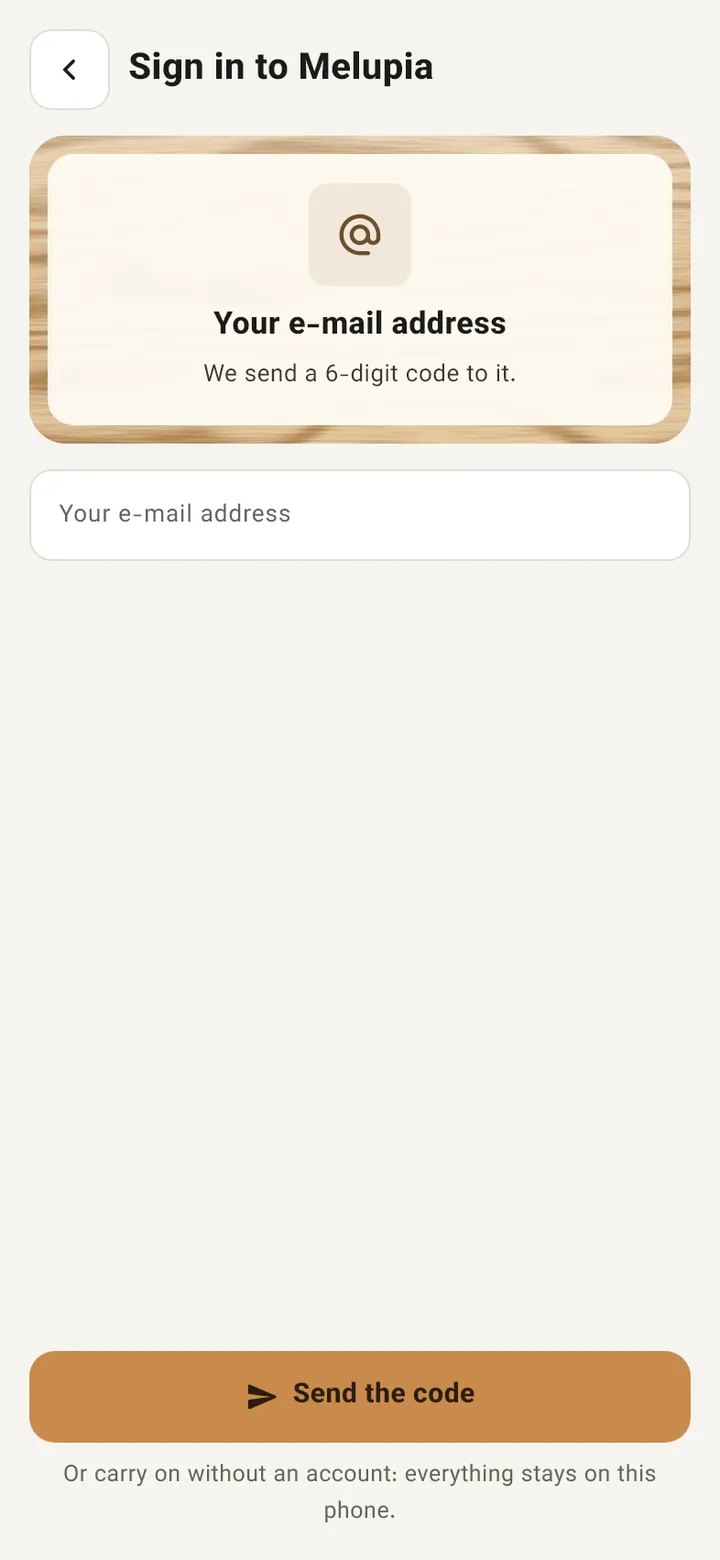 Sign in: an e-mail address and a one-time code
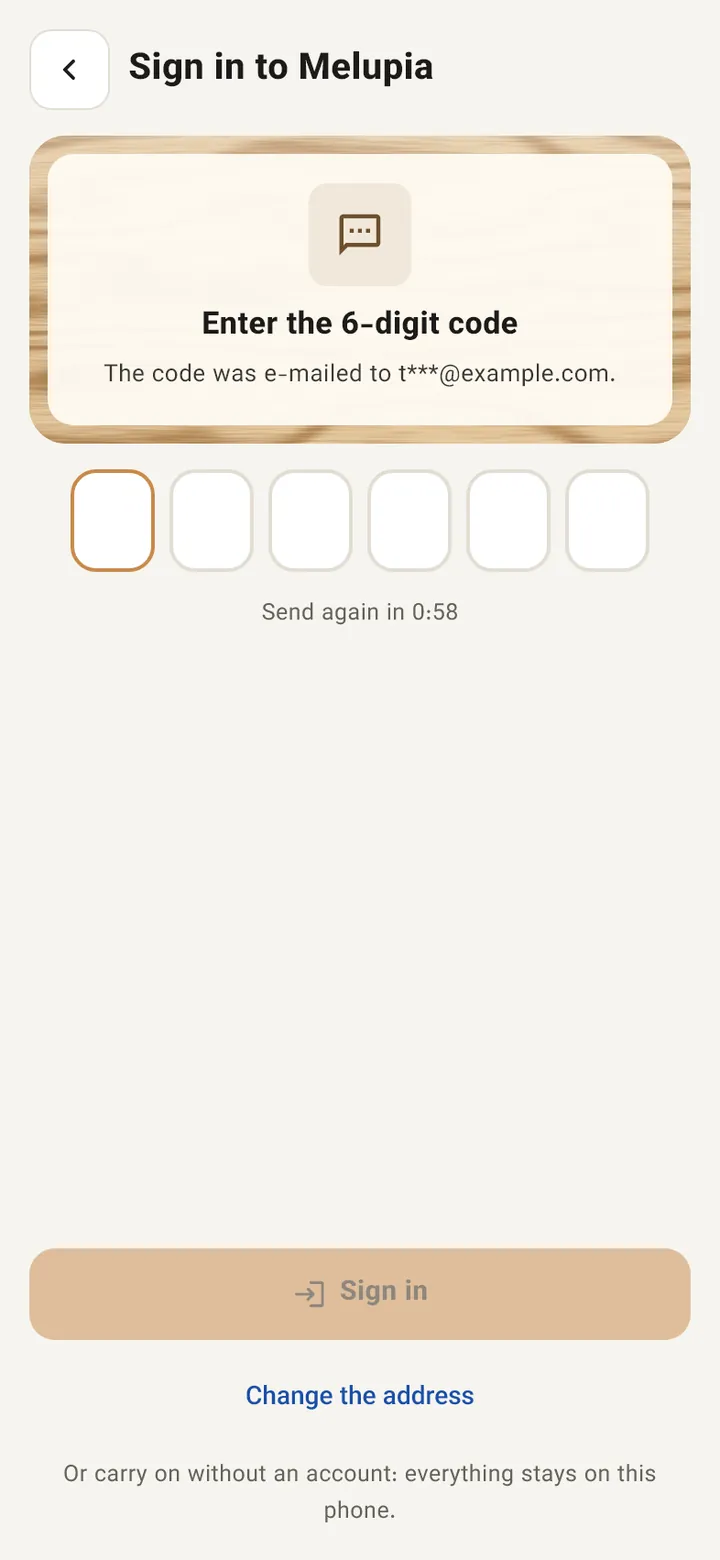 Sign in: the code sent by e-mail
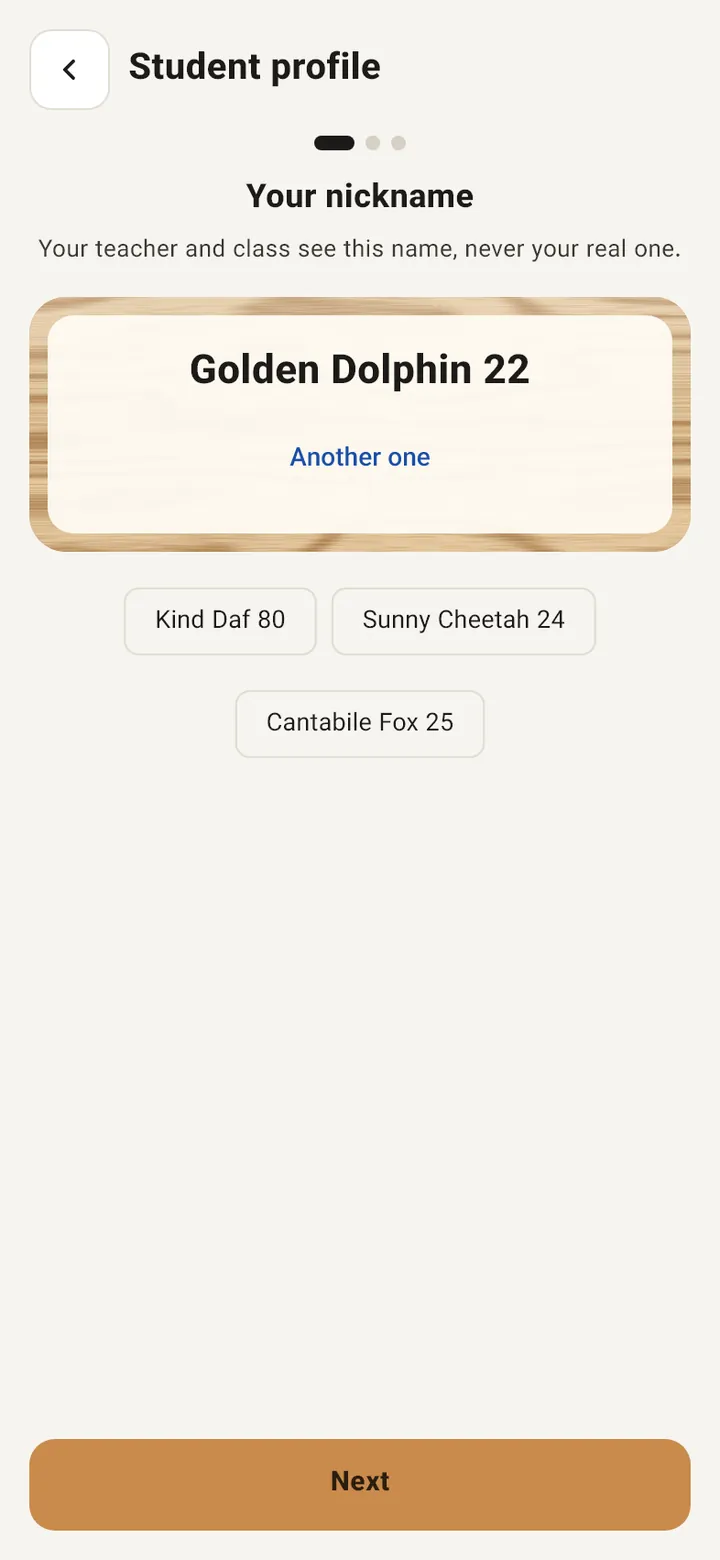 The student profile, step 1: a nickname
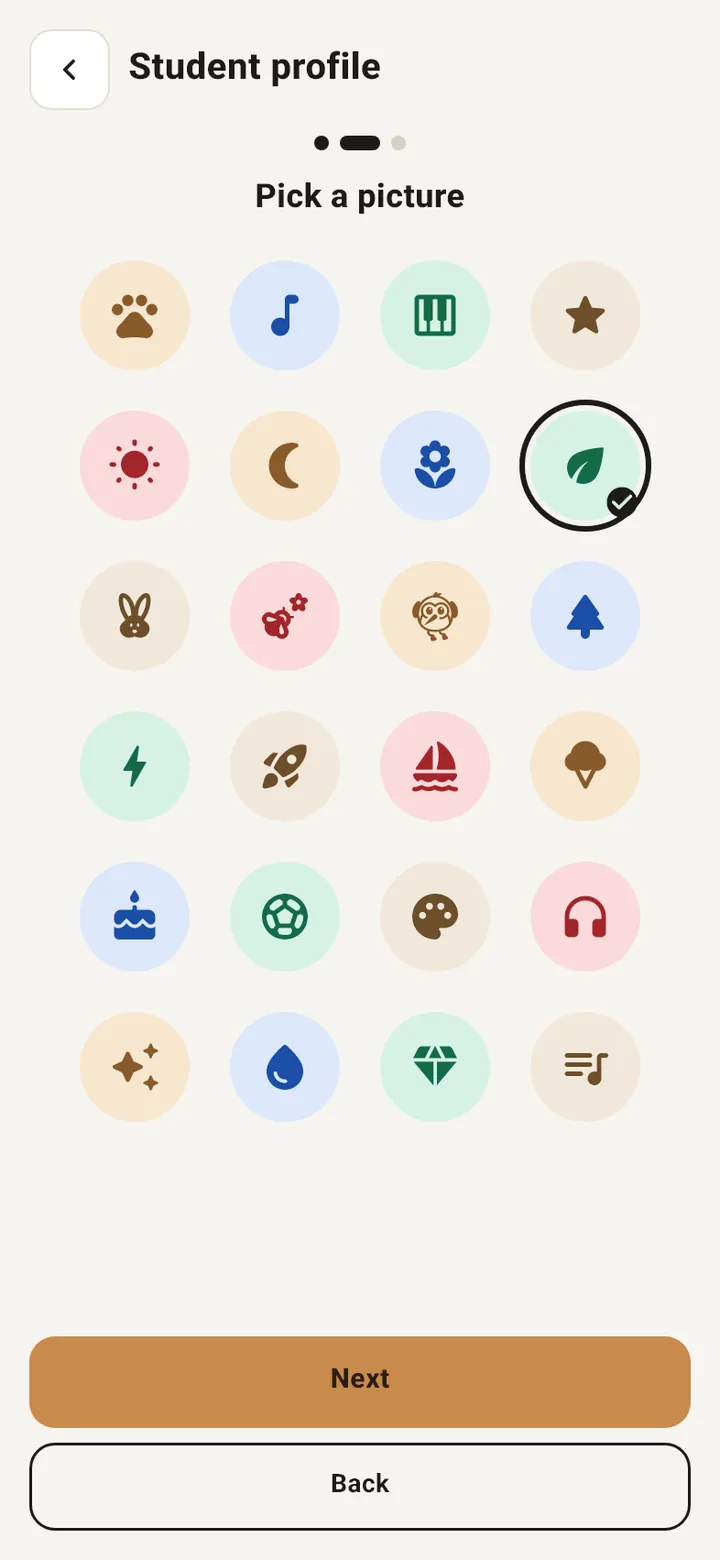 The student profile, step 2: a picture
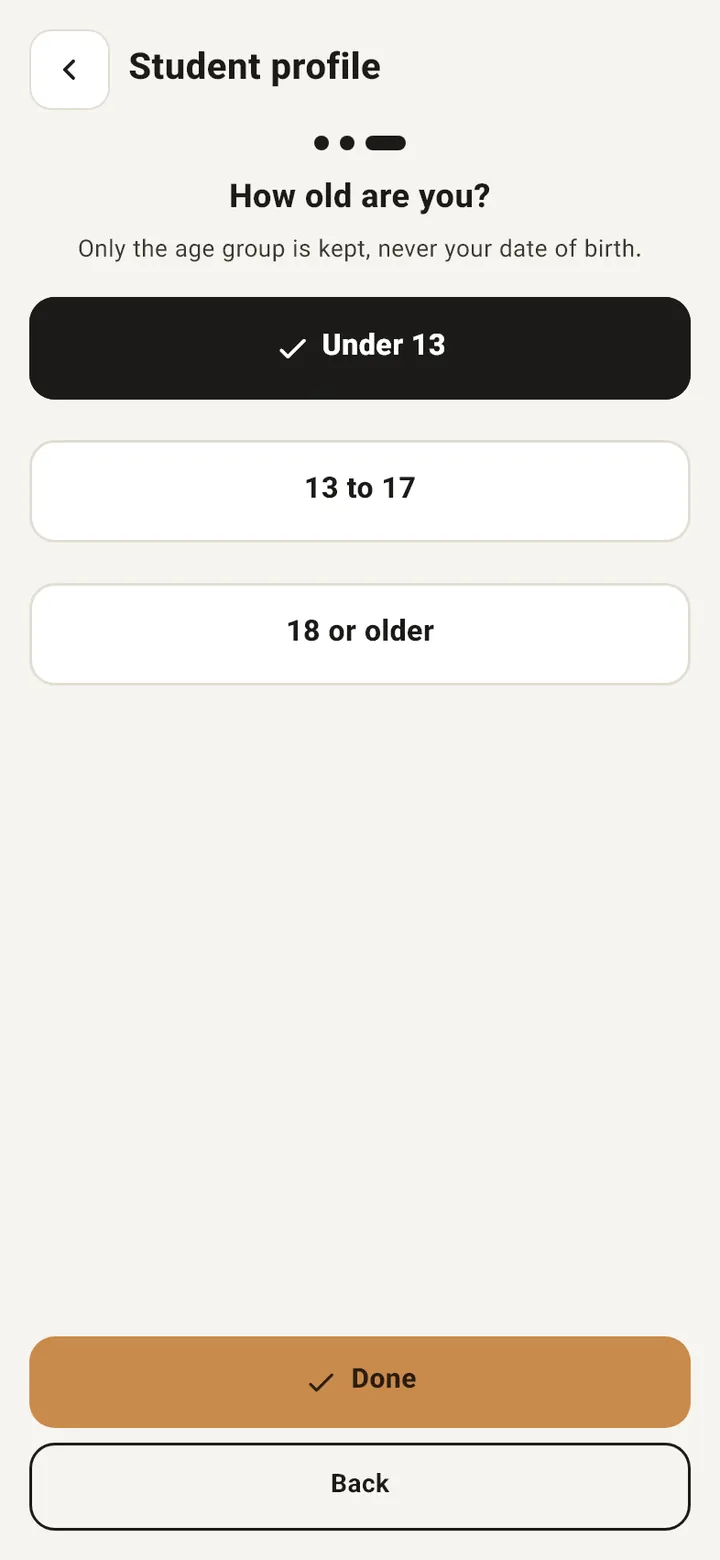 The student profile, step 3: the age
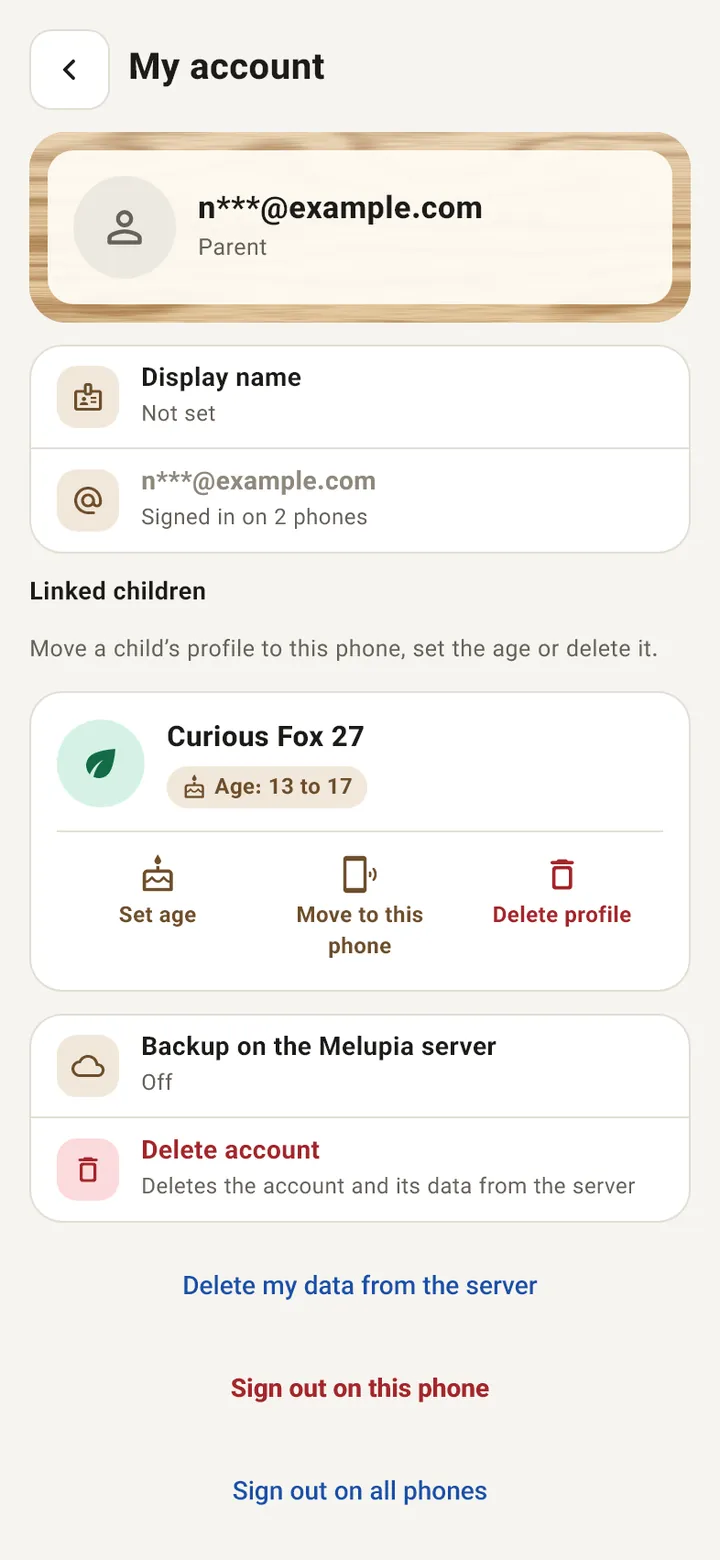 My account, verified: the phone number and a linked child
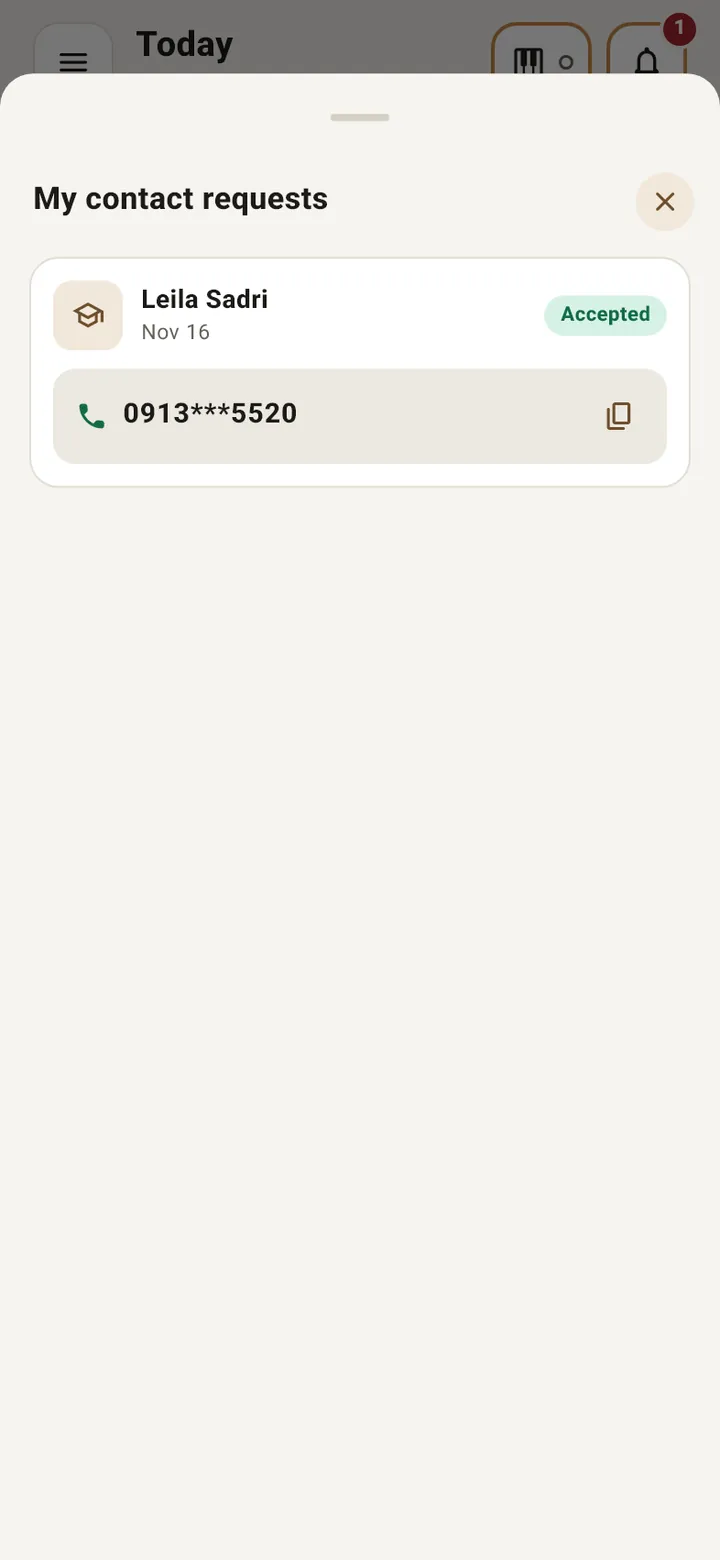 My contact requests to teachers
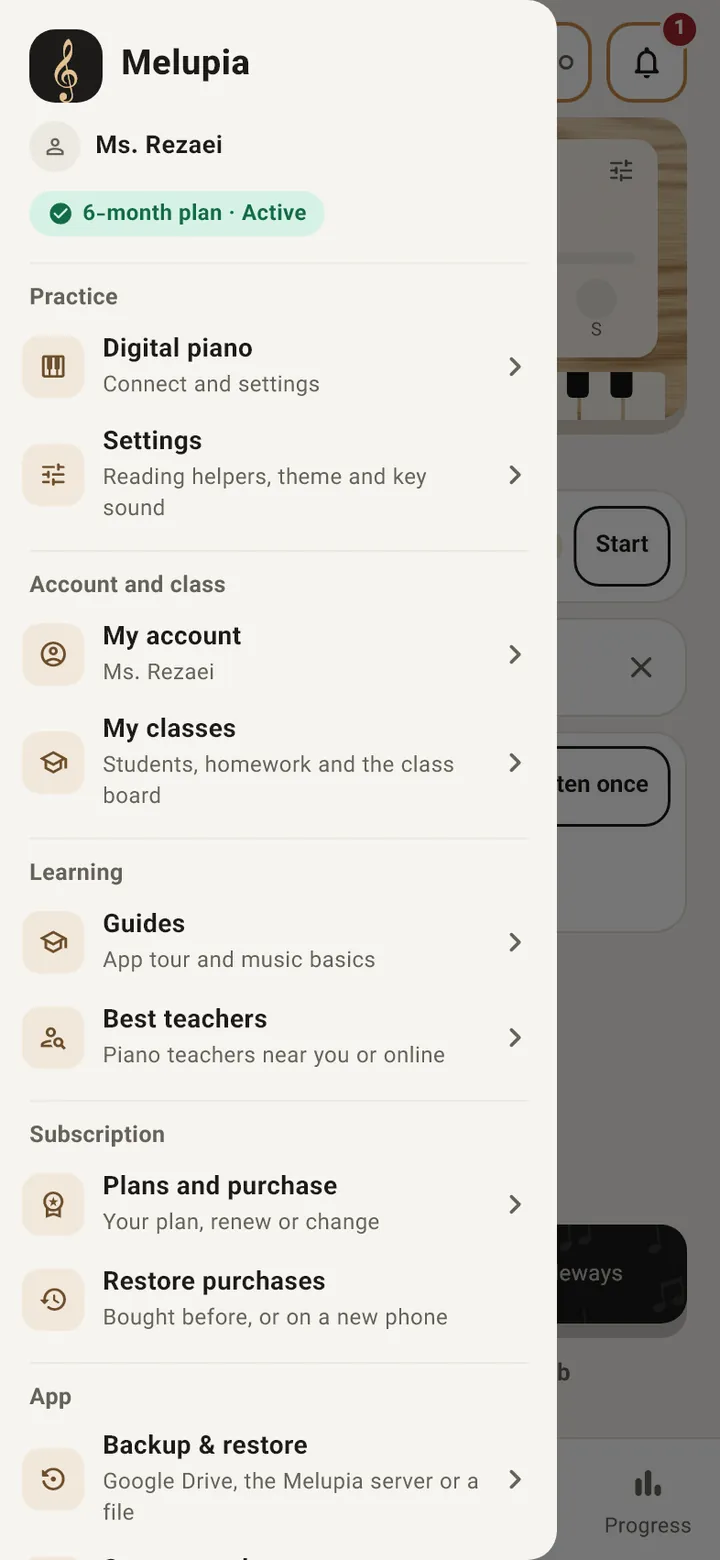 The menu of a teacher
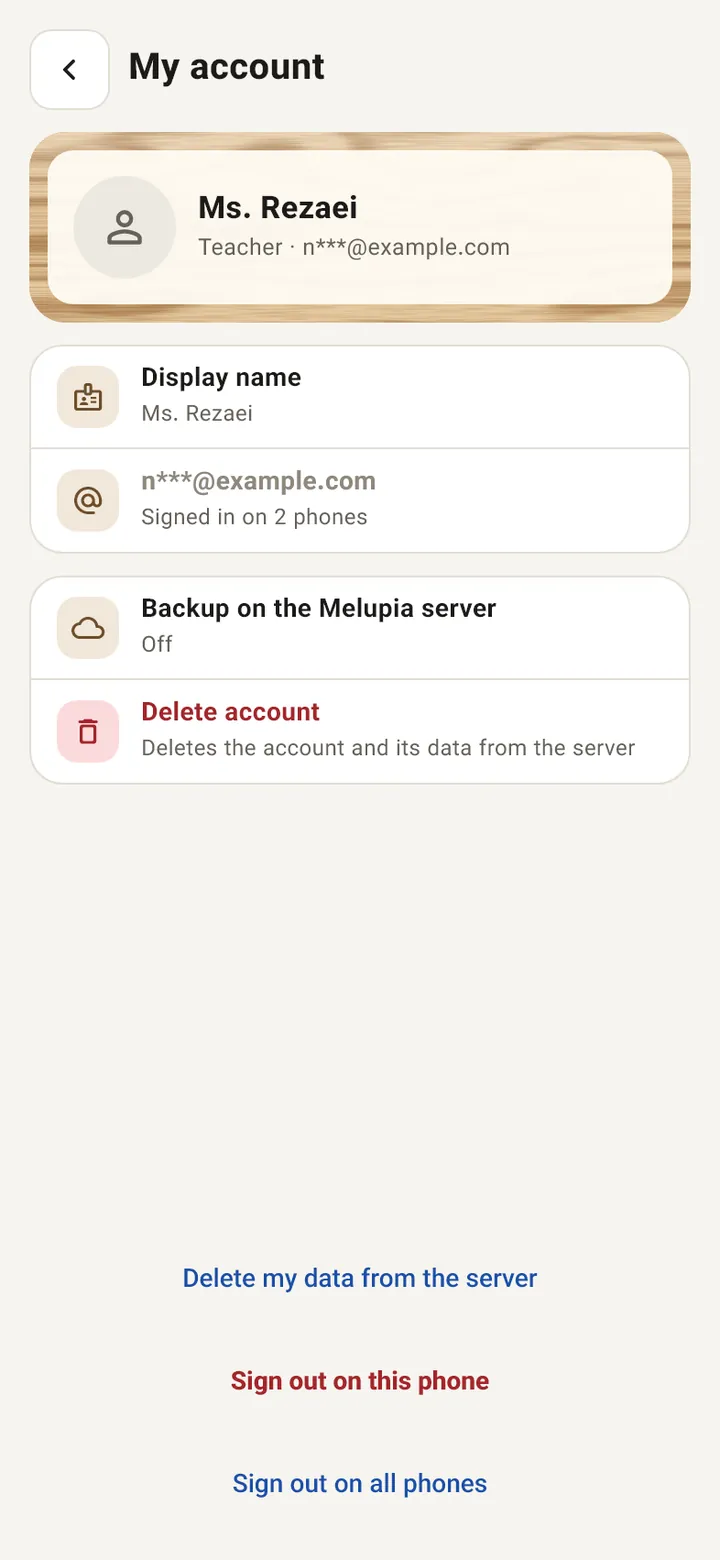 My account, teacher: the name students see
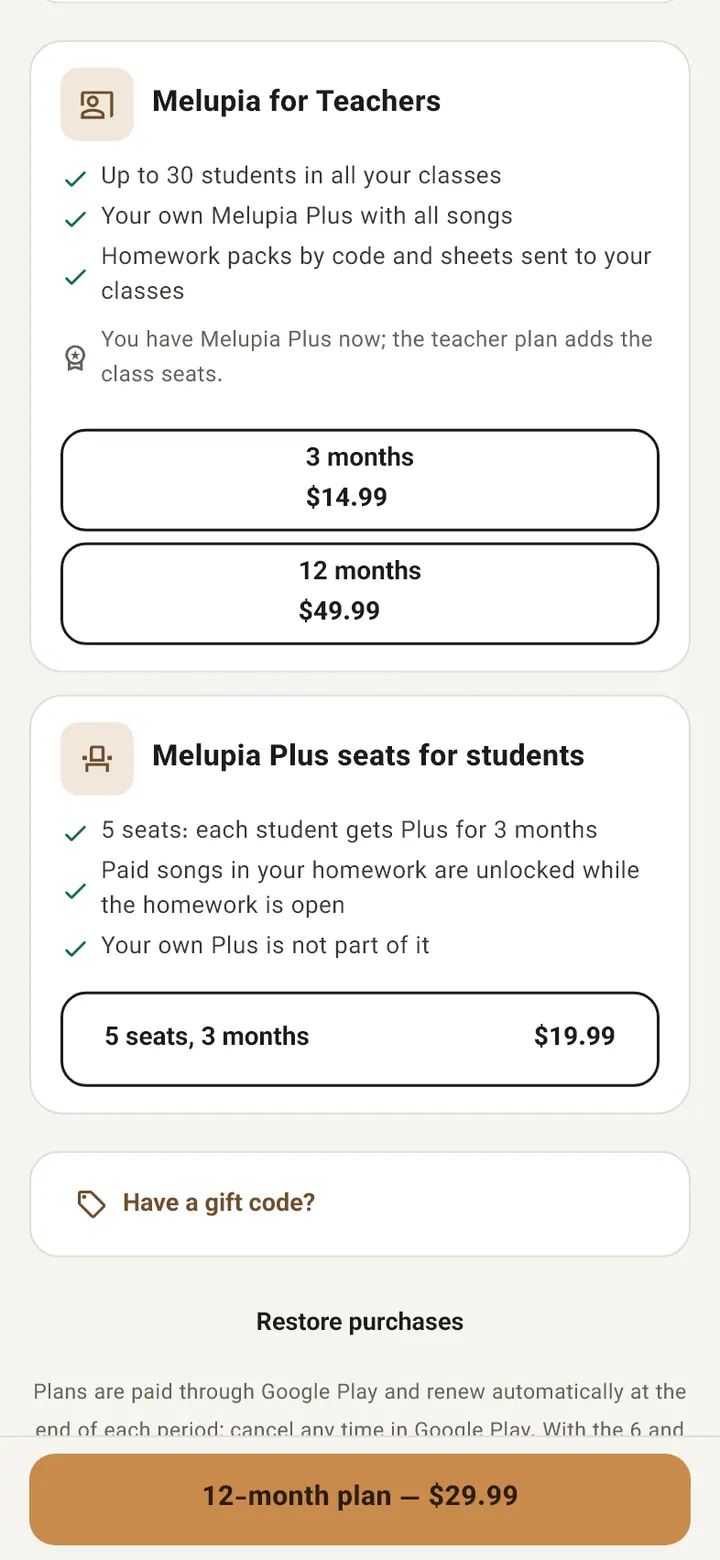 The teacher plan: 20 classes and 30 students
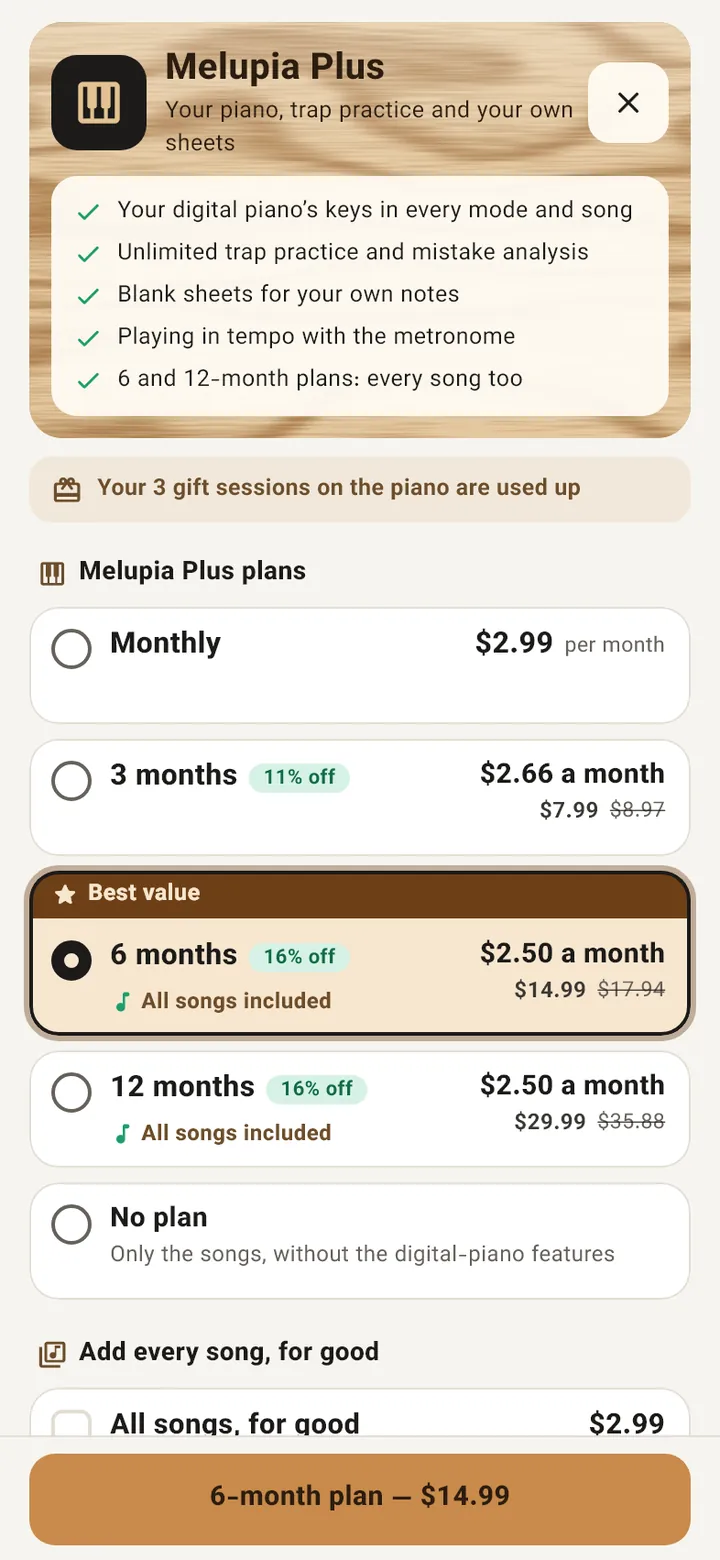 Plans and purchase: Melupia Plus plans and the full version
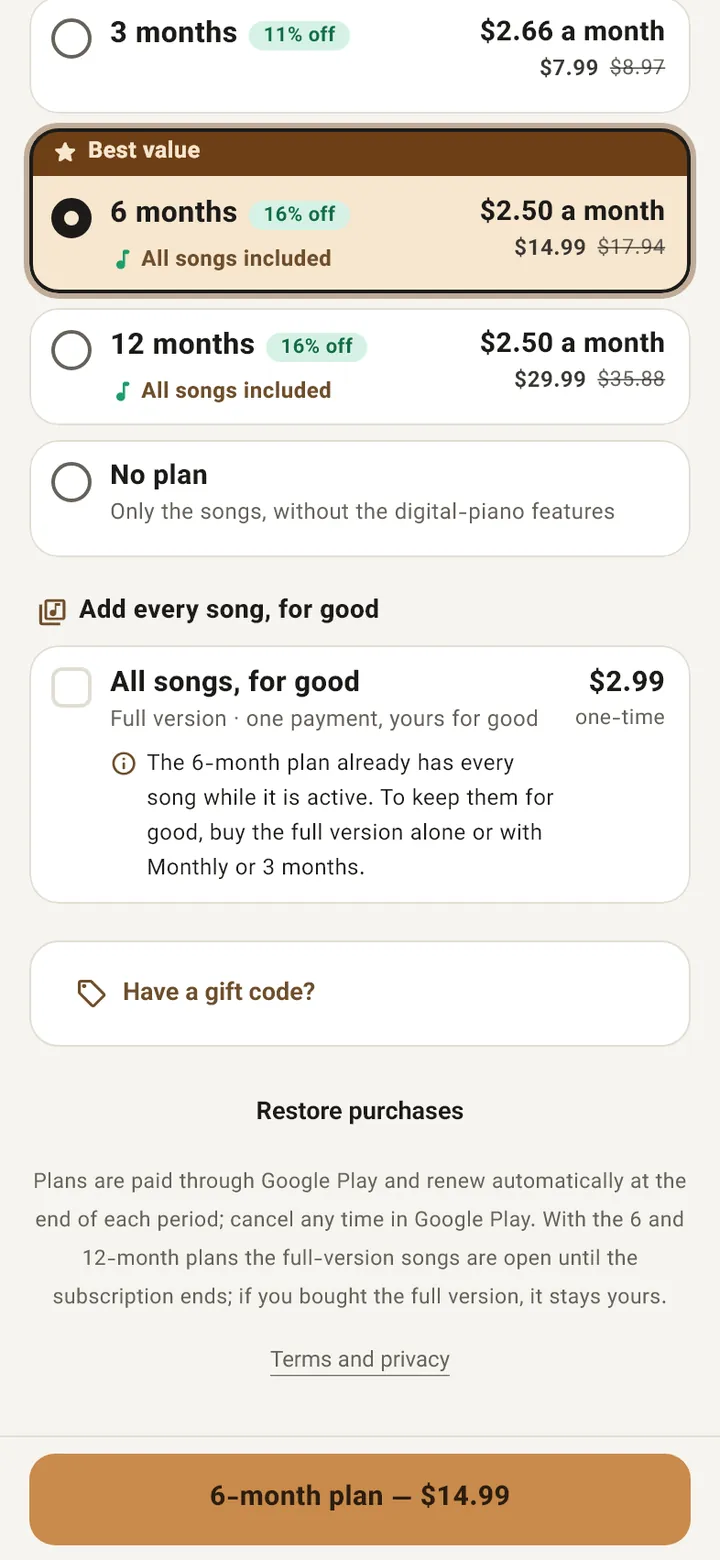 Plans and purchase (further down)
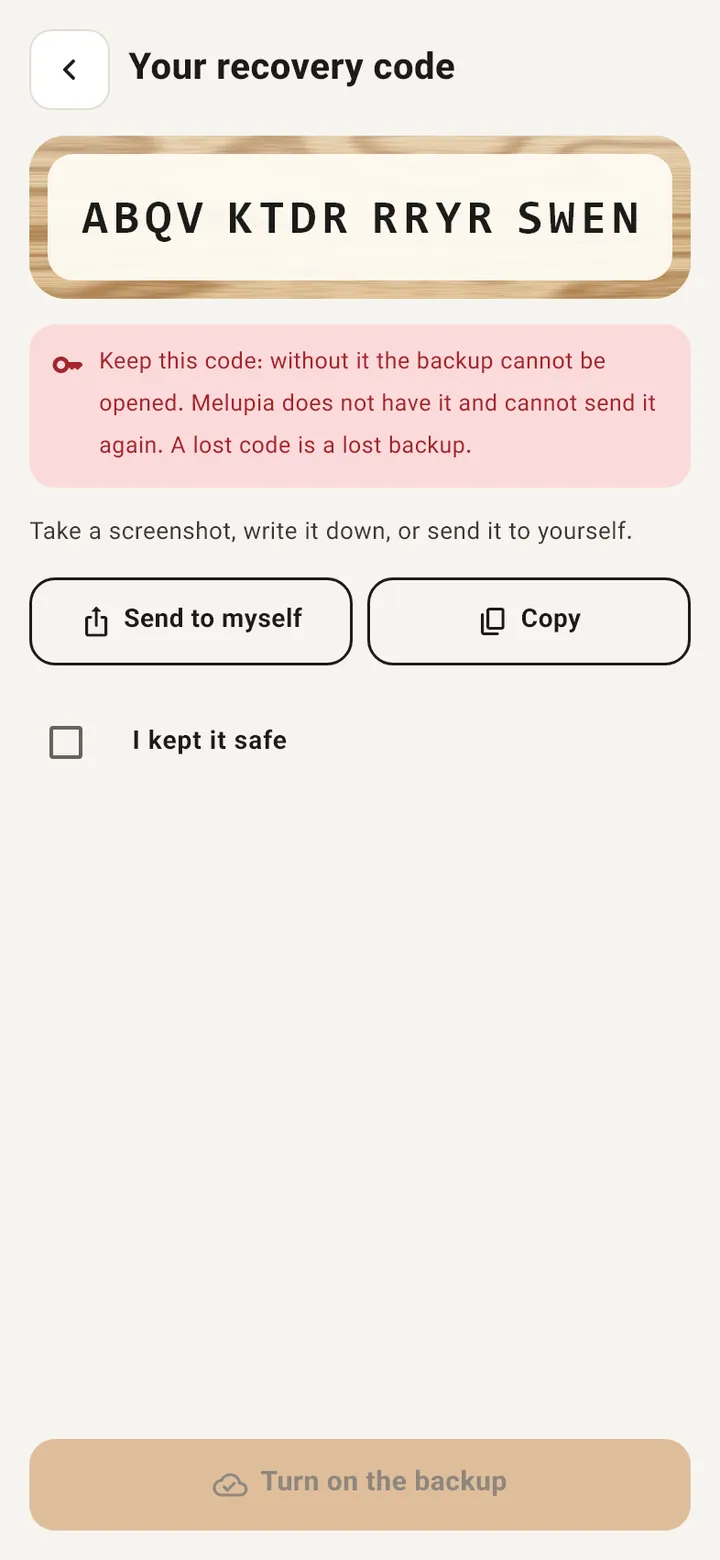 Server backup: the recovery code, kept by the learner only
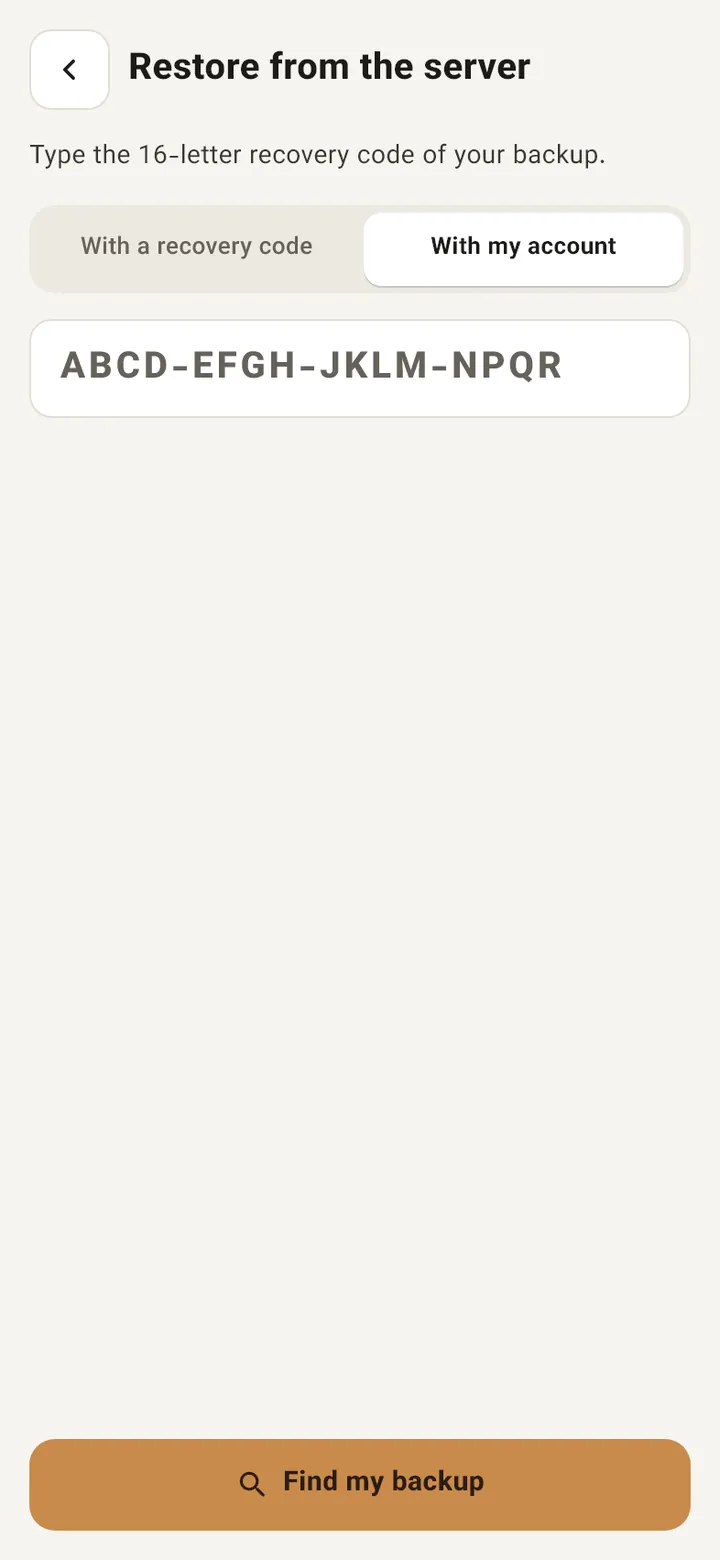 Restore from the server with the recovery code
The reading path 10
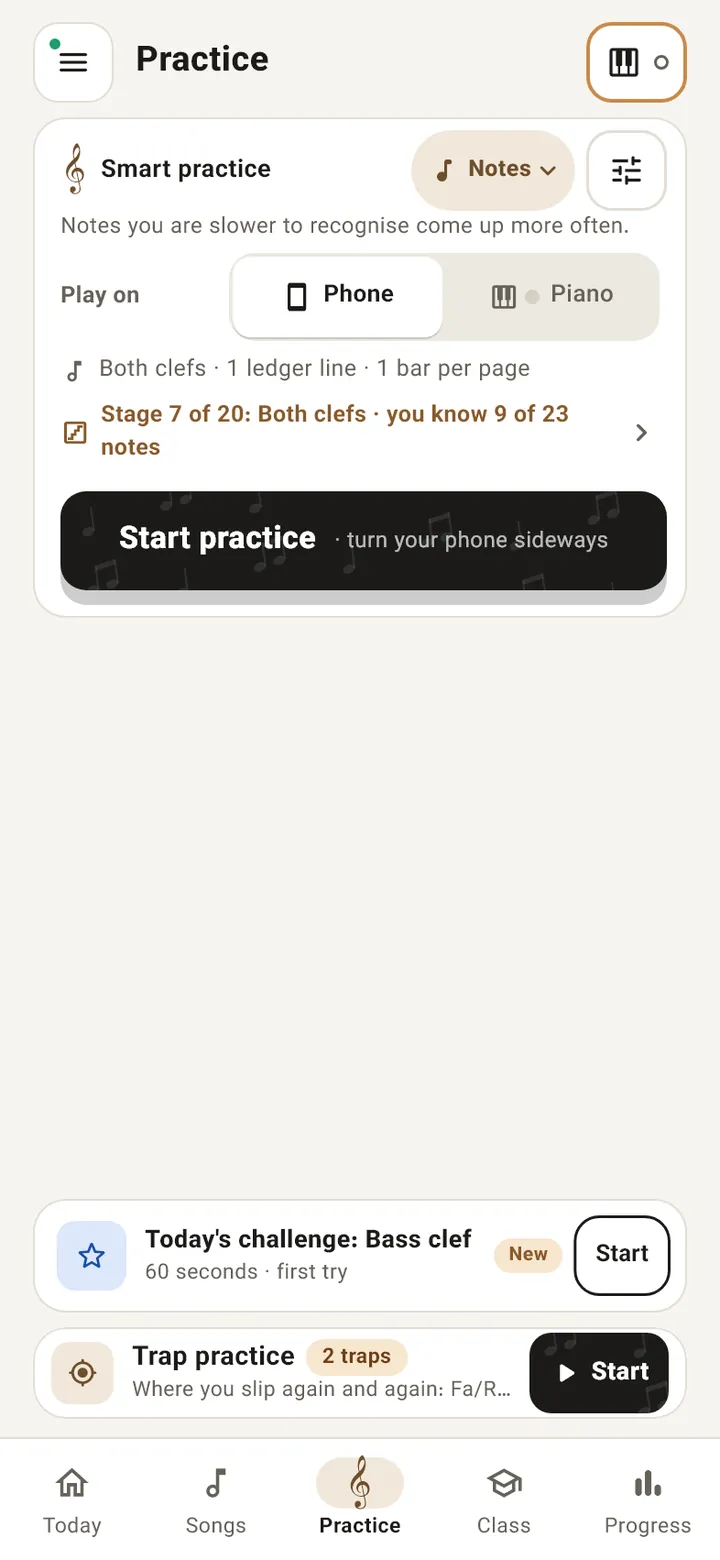 Practice card: the reading path line
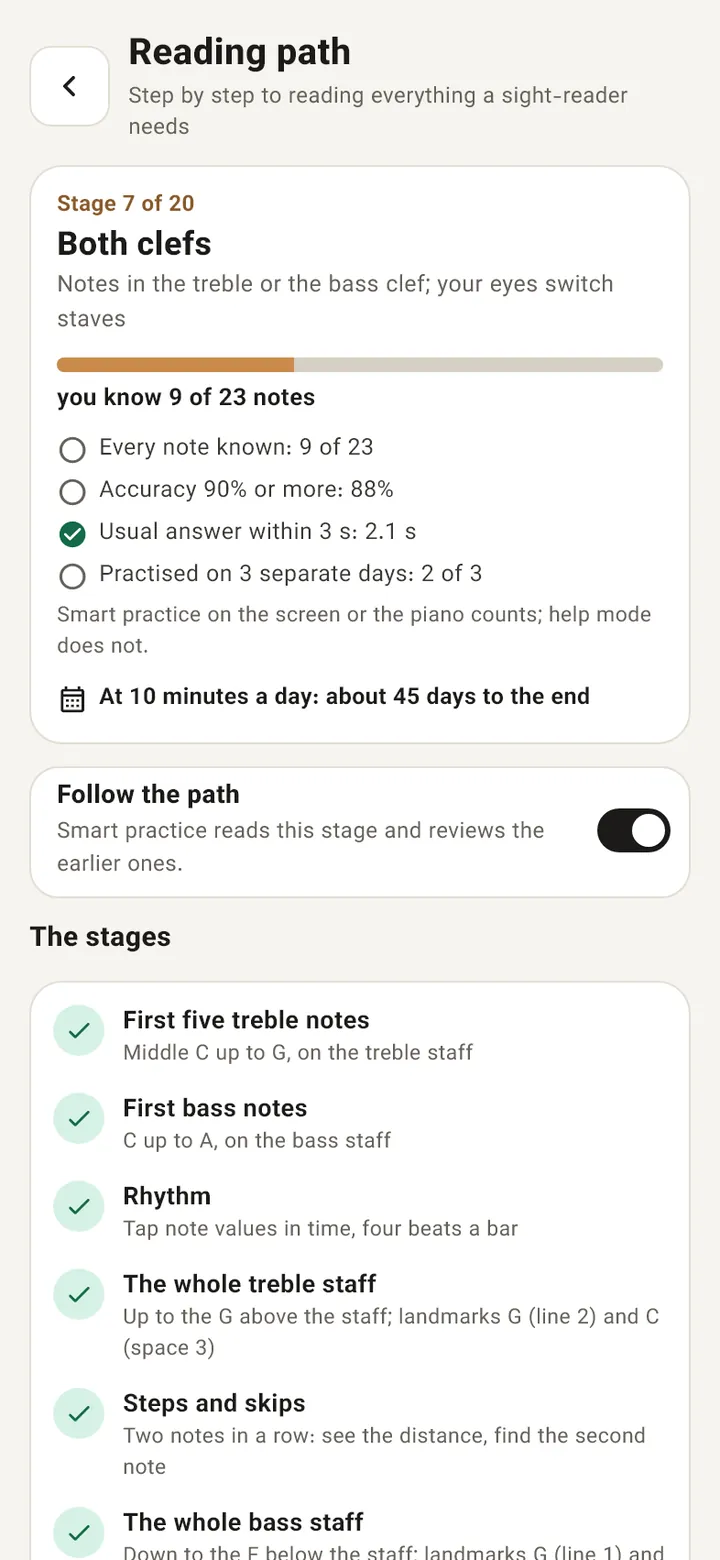 The reading path
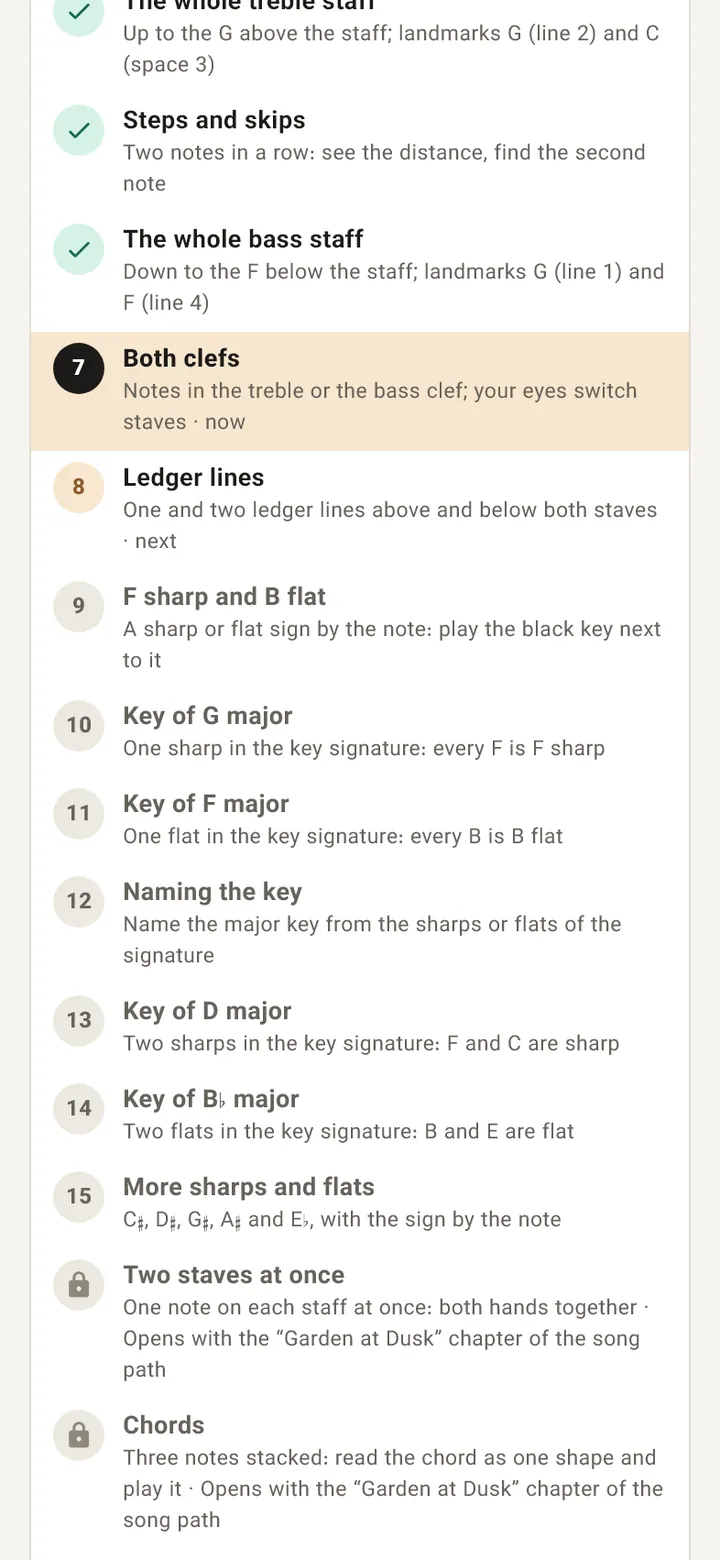 The reading path: the stages
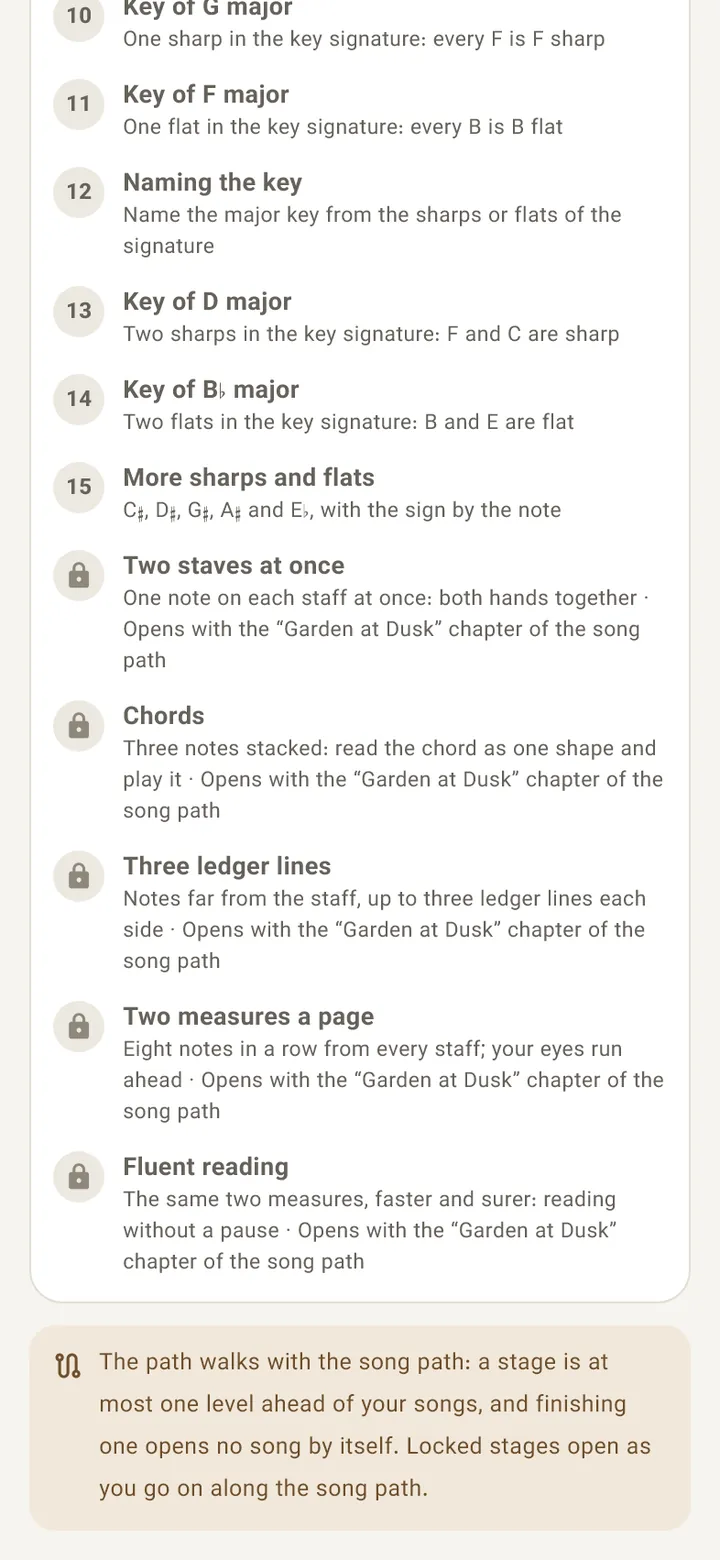 The reading path: the last stages
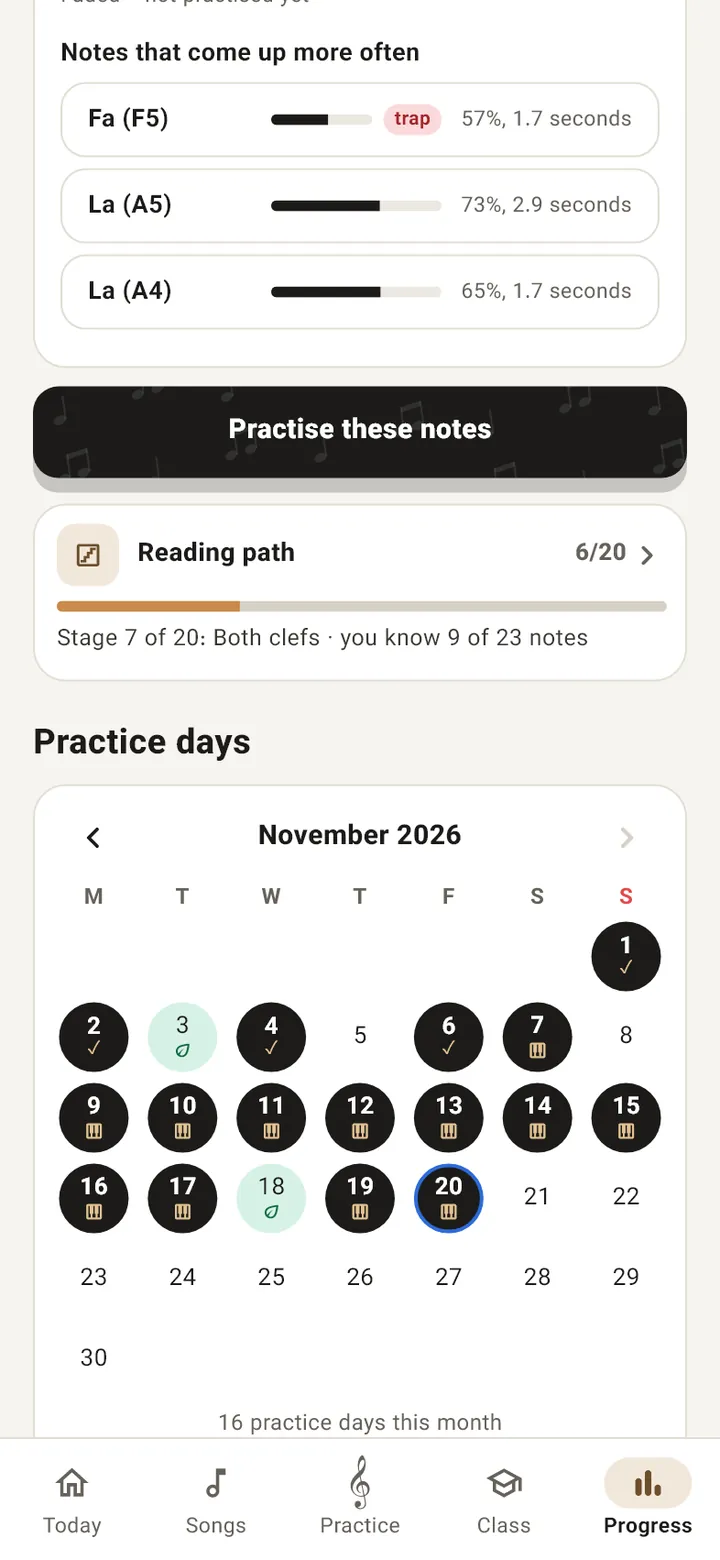 Progress: the reading path
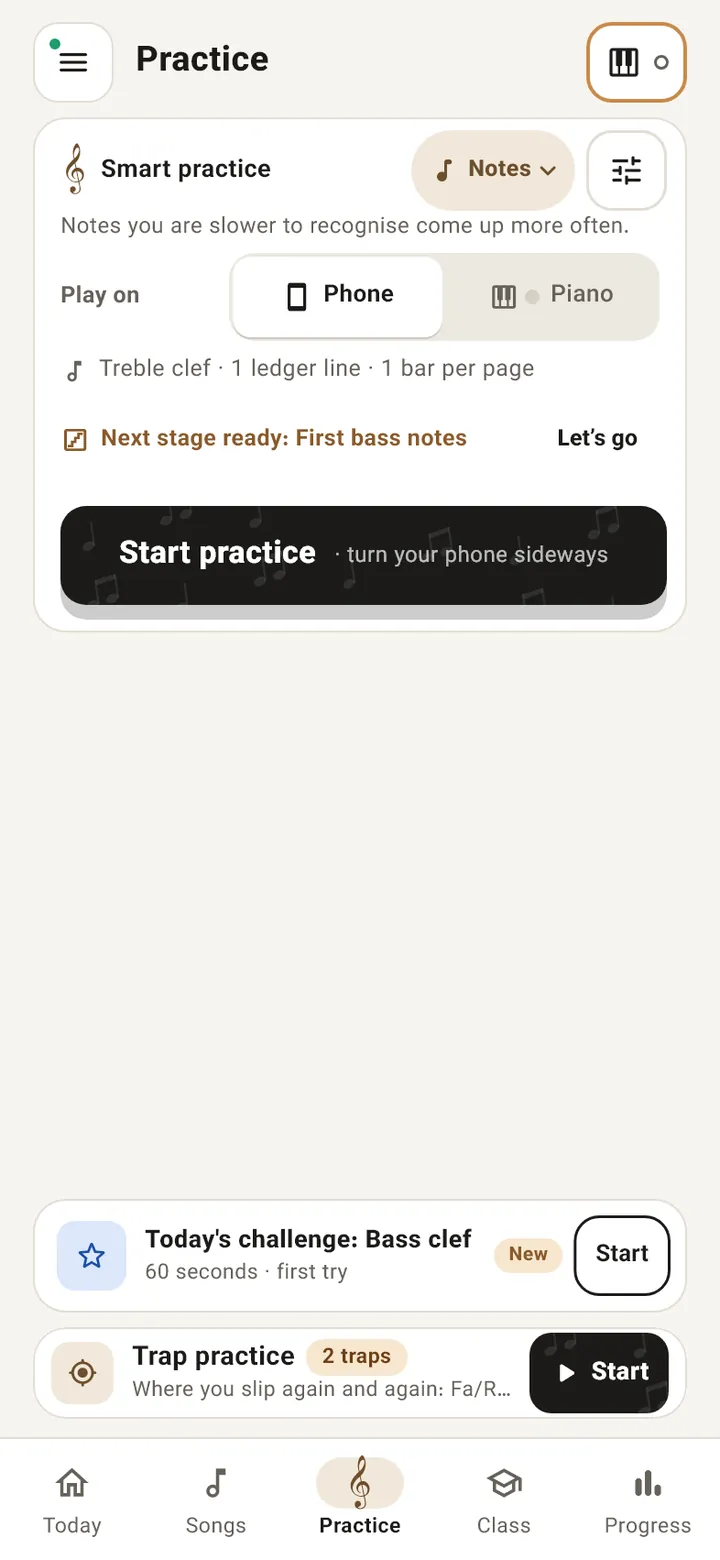 Practice card: the next stage is ready
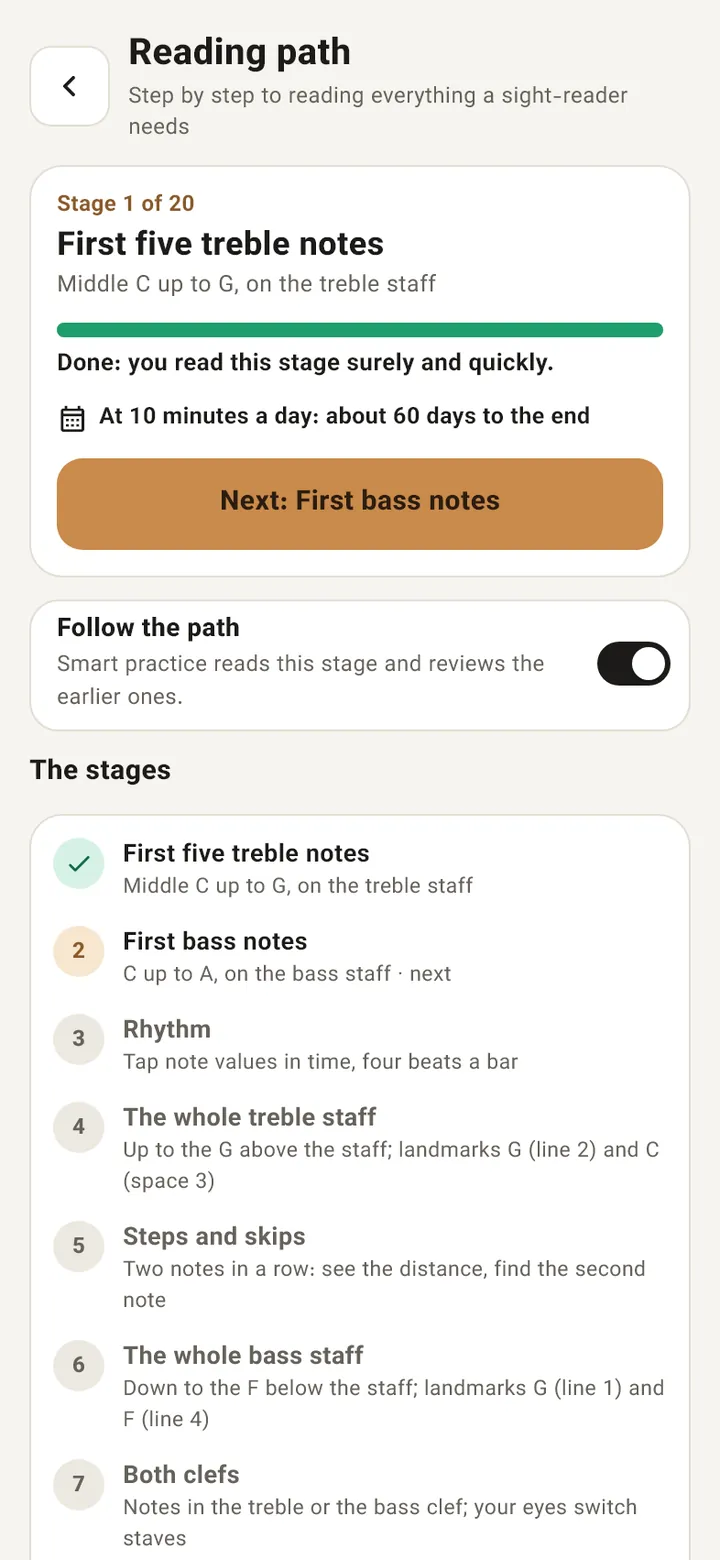 The reading path: a stage done
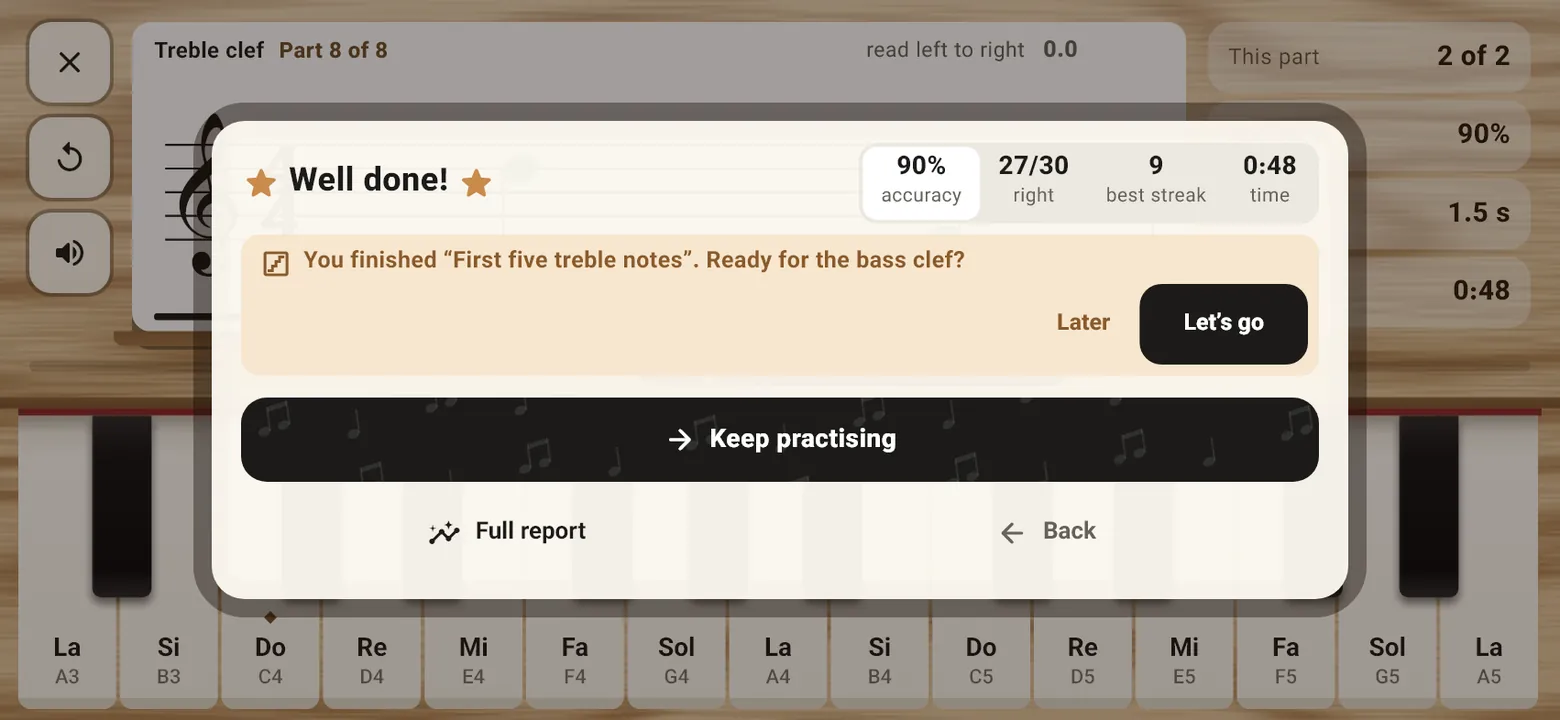 Round end: ready for the bass clef?
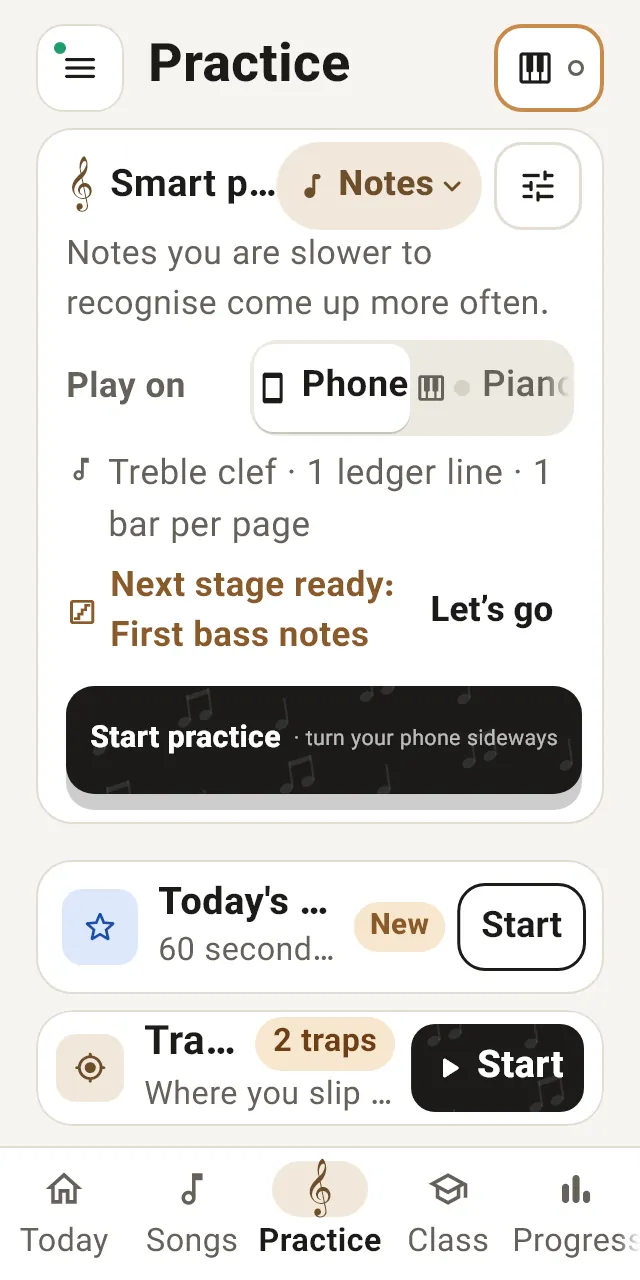 Small phone, large text: the practice card
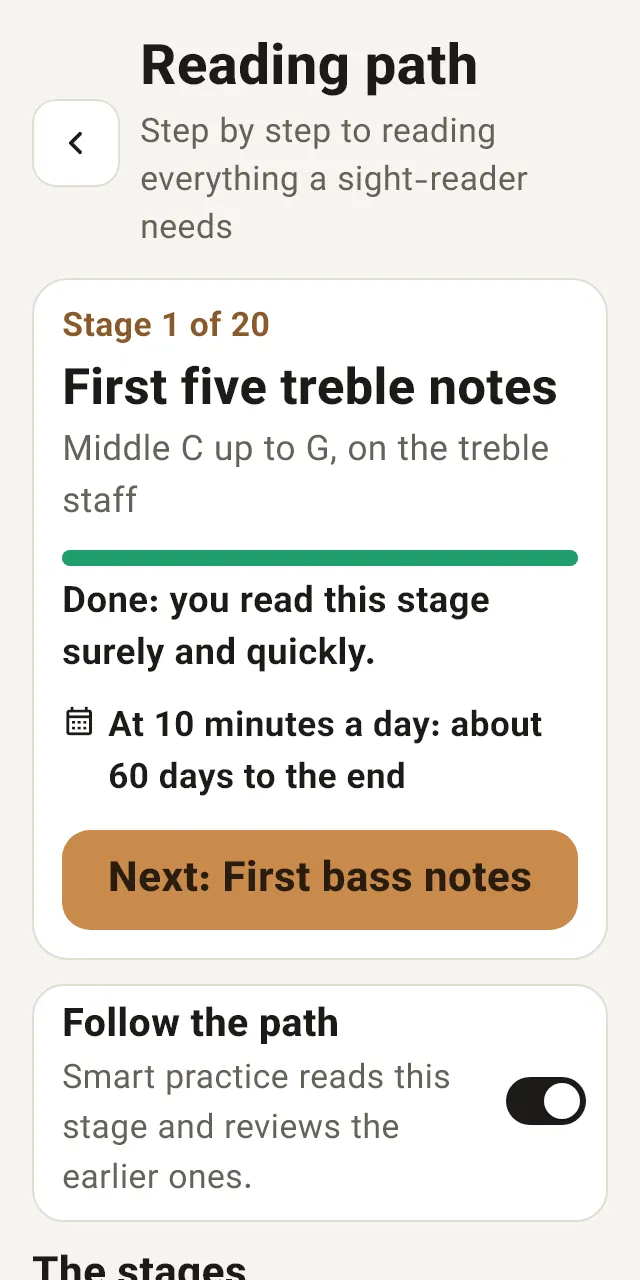 Small phone, large text: the reading path